
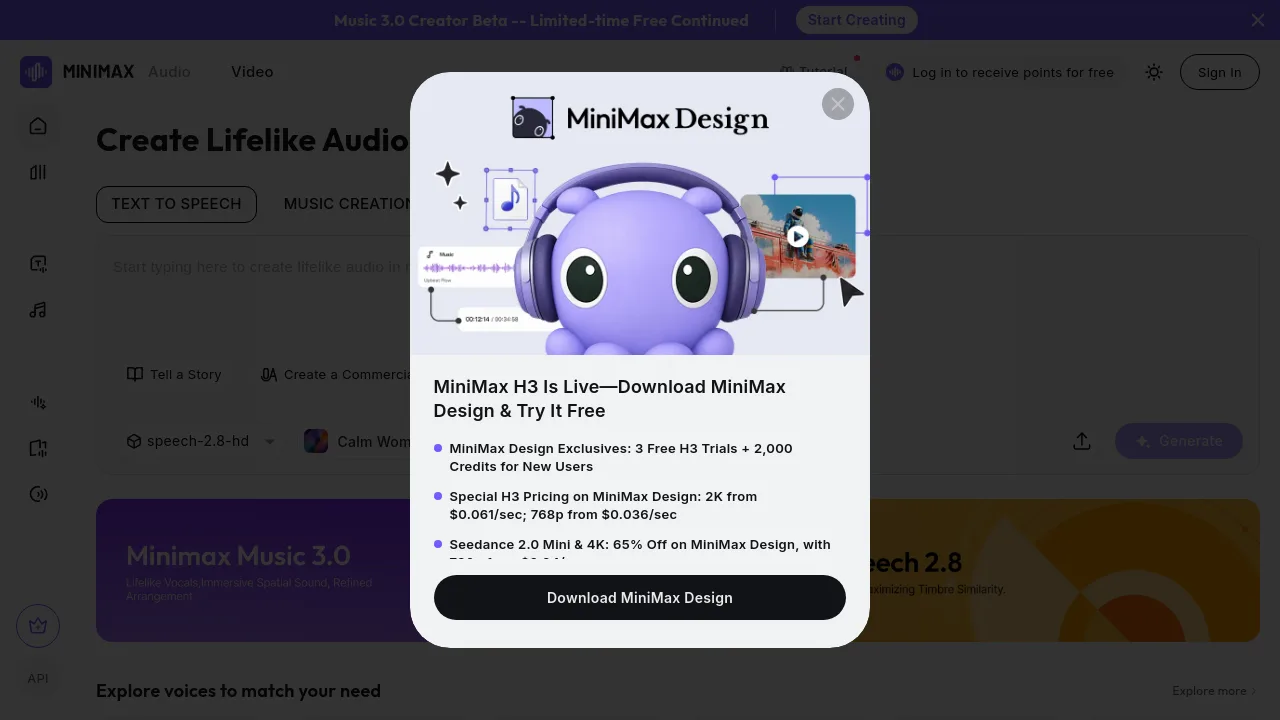
What is MiniMax Audio&Music?
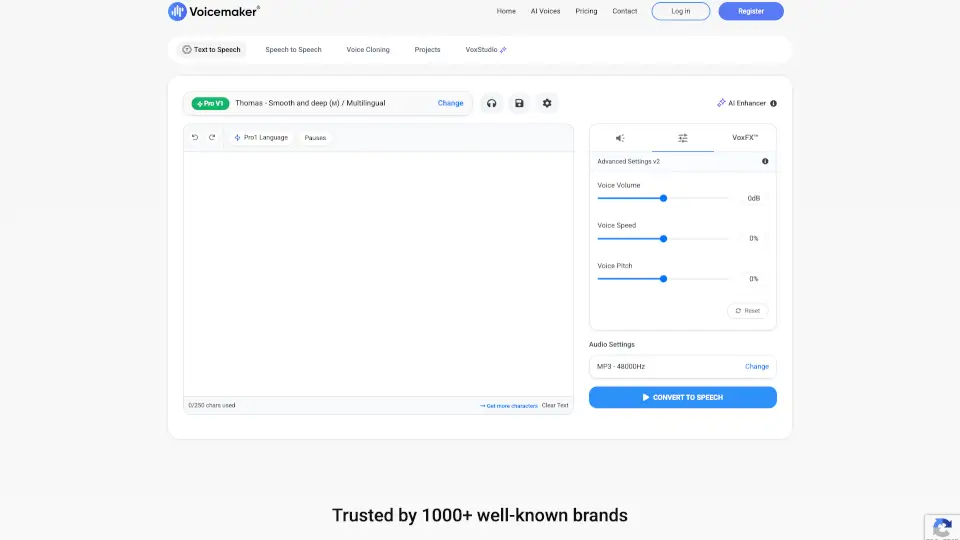
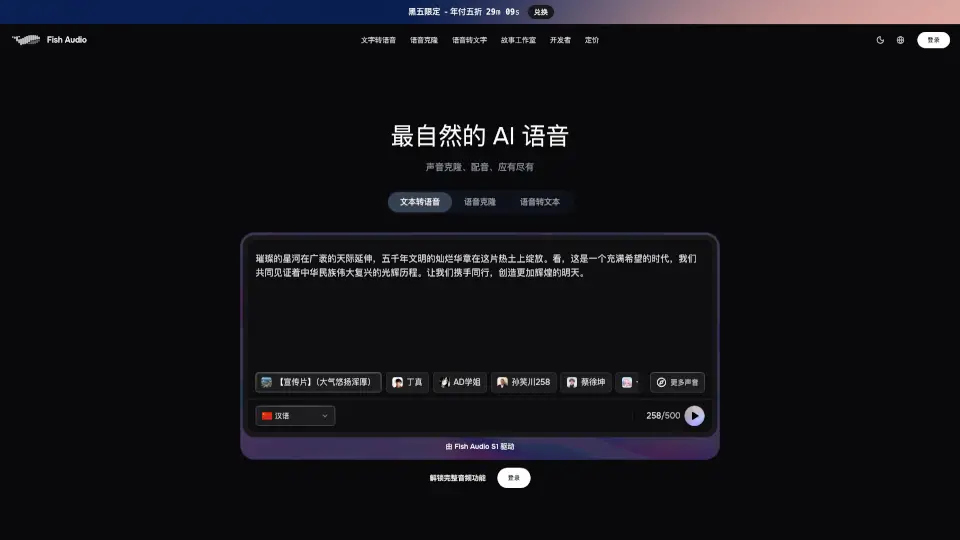
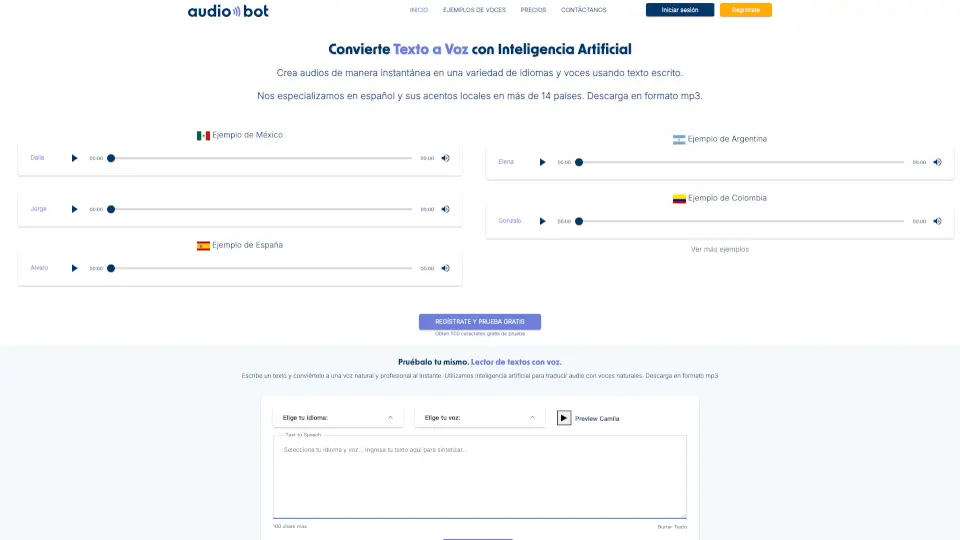
MiniMax Audio&Music is an AI-powered platform for text-to-speech and music creation aimed at content creators, storytellers, educators, and marketers. It includes a Text to Speech engine with multiple languages, voices, and emotions, a Music 3.0 Creator Beta for generating music across genres like Electronic, R&B, and Jazz, plus voice design, voice cloning, and voice isolator tools. Users can produce lifelike narration, custom voices, or original music from simple text inputs.
What are the features of MiniMax Audio&Music?
- Text to Speech: Generate lifelike audio in multiple languages with varied voices and emotions. Choose from presets like Calm Woman, Whisper, Terror, Education, Presentation, and Robot/Cyberpunk styles.
- Music Creation (3.0 Beta): Create original music across genres including Electronic, R&B, POP, Jazz, Country, and Blues. Currently free during limited-time beta.
- Voice Design: Build any voice you can imagine from a simple text description. No need for voice samples; just describe the voice you want.
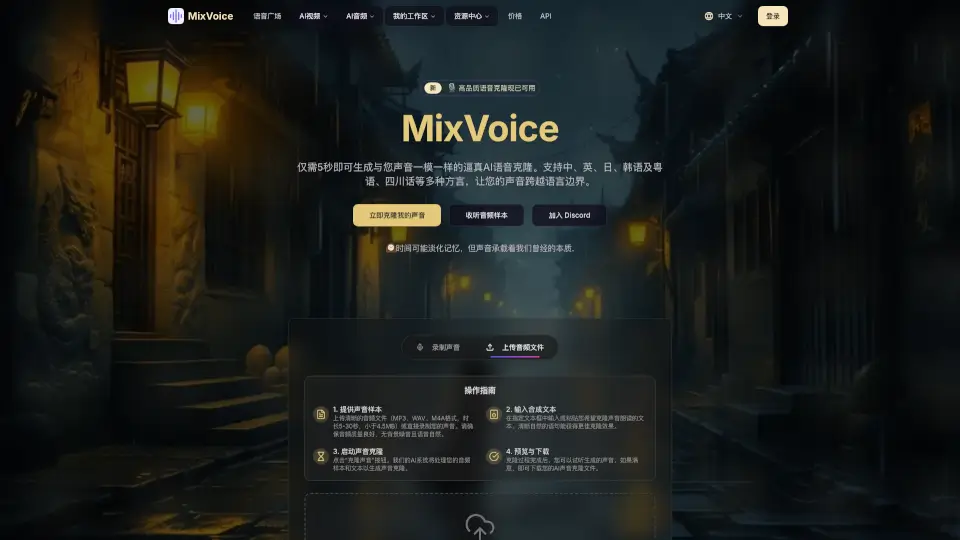
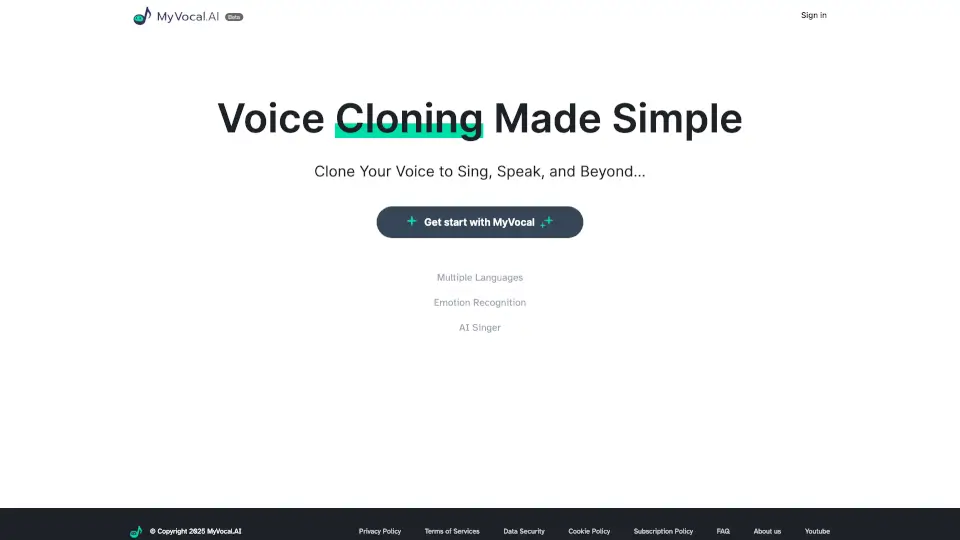
- Voice Clone: Replicate your own voice using only 10 seconds of audio input. Useful for consistent narration or personalized voiceovers.
- Voice Isolator: Separate vocals from background audio or isolate specific audio sources. Handy for cleaning up recordings or extracting dialogue.
What are the use cases of MiniMax Audio&Music?
- Storytellers can narrate audiobooks or tales with expressive voices, choosing from terror, whisper, or character styles.
- Marketers can produce commercial voiceovers with a persuasive presentation tone, pitch, or sci-fi robot voice.
- Educators can build AI tutors using lecture mode with a calm, educational voice in multiple languages.
- Content creators can generate custom music tracks for videos or podcasts using genres like Jazz, Blues, or Electronic.
- Developers can create unique voice characters for games or apps using voice design from text descriptions.
How to use MiniMax Audio&Music?
- Sign in to your MiniMax account to access the full suite of audio tools and receive free points.
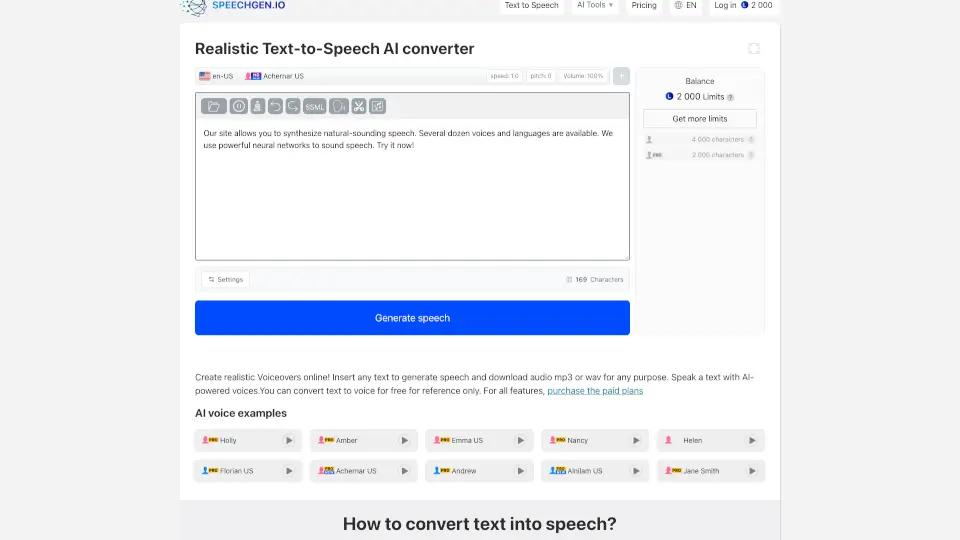
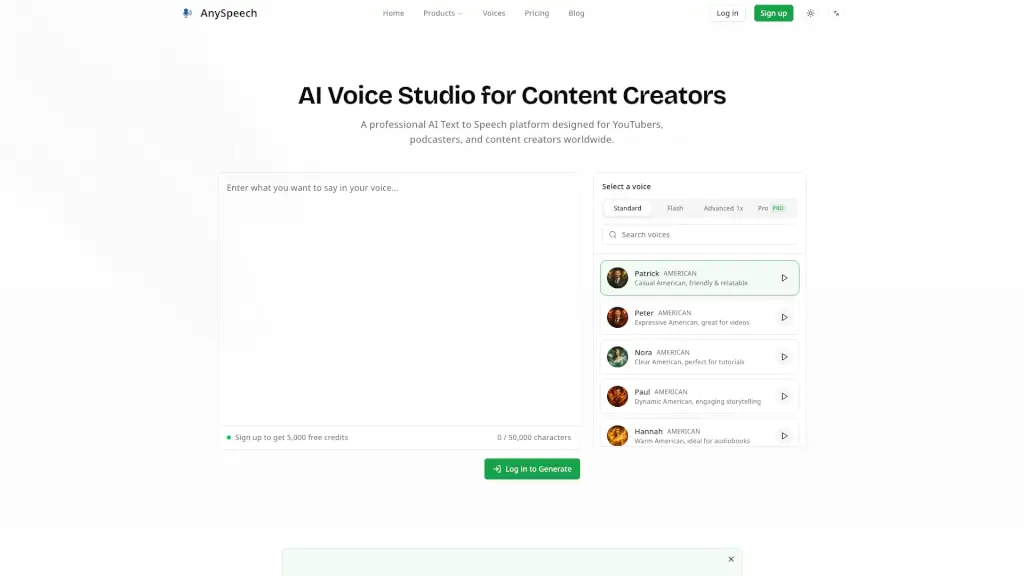
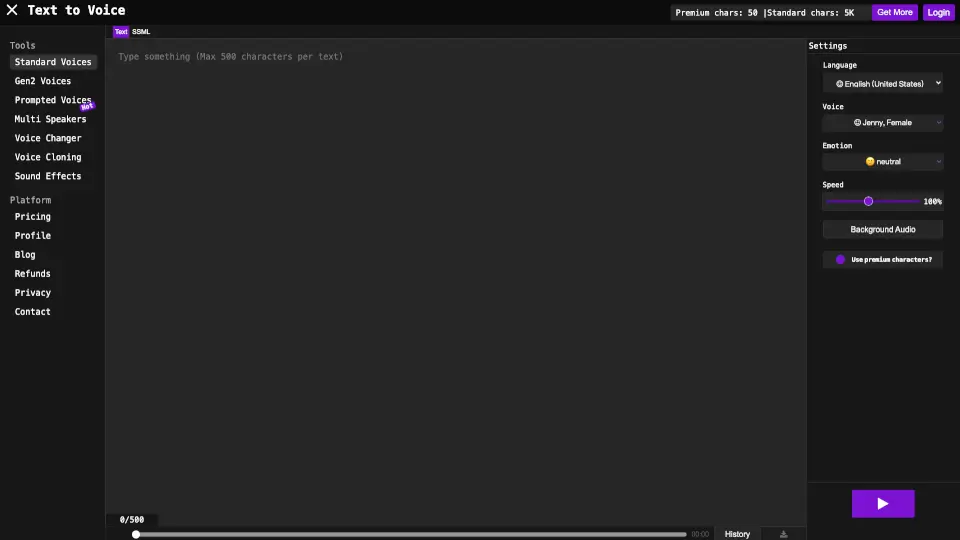
- For text-to-speech, type your script, select a language, voice (e.g., Calm Woman), and emotion, then click Generate.
- To clone a voice, upload a 10-second audio sample of the target voice, then apply it to new text.
- For music creation, choose a genre from Electronic, R&B, POP, etc., and generate a track.
- Use voice design by entering a text description of the desired voice to create a custom voice from scratch.