
What is Mindy?
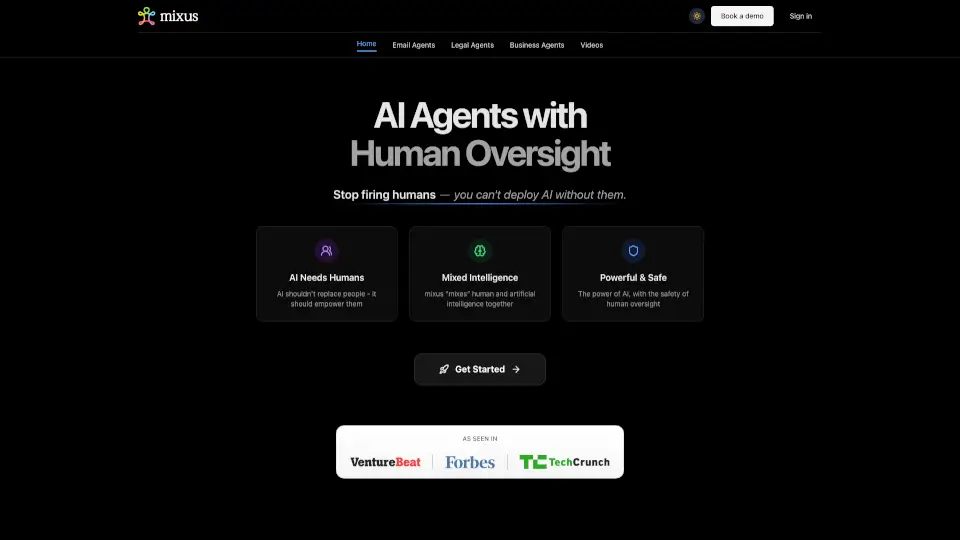
Mindy started in 2023 with a simple but powerful idea: AI should work for everyone, not just engineers or data scientists. Built as an email-first AI agent, Mindy helped people cut through complexity by turning everyday messages into clear next steps—making it easier to stay organized, manage context, and get real work done without the overwhelm.
Over time, Mindy evolved to support more than just email workflows. It began helping creators and brand teams streamline content creation, research, and collaboration—all through a smart, intuitive interface that felt like a helpful teammate rather than a clunky tool.
Now, Mindy’s team is joining WorkWhile, the leading AI-native platform focused on frontline workers. This move means Mindy’s vision—making AI truly useful and accessible—will expand to support 80 million hourly U.S. workers in retail, hospitality, logistics, and other essential industries.
What are the features of Mindy?
- Email-First AI Agent: Automatically reads your emails, extracts key tasks, and turns communication into actionable to-dos.
- Context Management: Keeps track of ongoing conversations and projects so you never lose important details.
- Workflow Simplification: Breaks down complex processes into manageable steps tailored to your role or team.
- Content Workflow Support: Helps creators and marketing teams draft, refine, and organize content faster.
- Intuitive Design: No coding or technical skills needed—just type or forward an email and let Mindy handle the rest.
What are the use cases of Mindy?
- A small business owner uses Mindy to turn client emails into scheduled follow-ups and task lists.
- A content creator automates research and outlines for blog posts directly from email briefs.
- A brand manager coordinates campaign feedback across teams without switching between apps.
- A remote worker stays on top of priorities by letting Mindy highlight urgent requests in a flooded inbox.
- A freelancer uses Mindy to track project scope changes communicated via email and update deliverables automatically.
How to use Mindy?
- Forward relevant work emails to Mindy to auto-generate summaries and action items.
- Ask Mindy questions like “What’s due this week?” or “Summarize my client’s latest request.”
- Review and adjust suggested tasks—Mindy learns from your preferences over time.
- Integrate Mindy into your daily routine by checking its digest each morning to plan your day.
- Use natural language prompts (no commands needed)—just write like you’re texting a colleague.