

What is MimicPC?
MimicPC is an open-source AI platform that puts powerful creative tools right in your browser—no expensive hardware or complex setup required. Whether you're generating stunning AI images, realistic videos, natural-sounding audio, or training custom LoRA models, MimicPC handles the heavy lifting with cloud-based GPU power. It’s built for creators who want flexibility without breaking the bank.
Designed to be both customizable and affordable, MimicPC comes pre-loaded with popular AI apps like Stable Diffusion, ComfyUI, FaceFusion, and RVC. You can jump in instantly, tweak workflows, add your own models, and scale performance based on your project’s needs—all while paying only for the time you use.
What are the features of MimicPC?
- Pre-installed AI Apps: Access 20+ ready-to-run tools like SD WebUI, Fooocus, and AudioCraft without installation.
- Custom Model Support: Upload your own models or train LoRA variants directly in the platform—no deployment headaches.
- Multi-Modal Creation: Generate AI images, videos, audio, and text using cutting-edge open-source models.
- Flexible GPU Plans: Choose from Medium to Ultra configurations (T4 to L40S) with hourly pricing starting at just $0.29/hour.
- No-Code Workflows: Use intuitive interfaces like ComfyUI and WebUI Forge to build and share custom generation pipelines.
- Commercial-Friendly Output: Create content you can legally use for personal or commercial projects.
What are the use cases of MimicPC?
- An indie game developer generates character art using FLUX or SD 3.5 without buying a high-end GPU.
- A YouTuber swaps faces realistically in videos using FaceFusion for parody content or storytelling.
- A podcaster uses RVC or OpenVoice to clone or modify voices for dynamic audio production.
- A digital artist trains a personalized LoRA model to replicate their unique illustration style.
- A marketer creates social media visuals and short promotional clips in minutes using pre-built templates.
- Students experiment with AI safely in-browser, learning model training and inference without local setup.
How to use MimicPC?
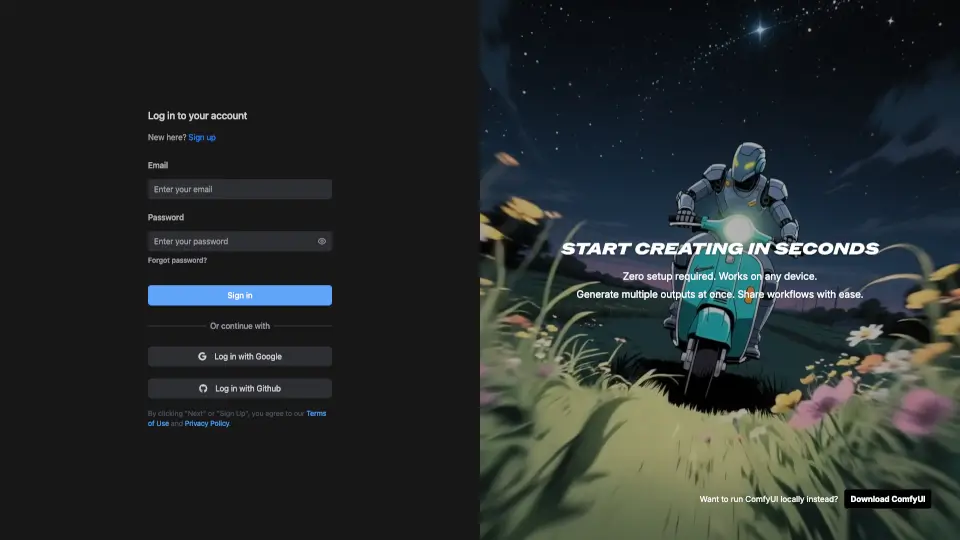
- Sign up for free—no credit card needed—and log in to access the dashboard.
- Choose a GPU configuration (Medium, Large, etc.) based on your task (e.g., Large for FLUX, Medium for simpler models).
- Launch any pre-installed app like ComfyUI or Fooocus with one click and start creating immediately.
- Upload your own models or datasets via the integrated file manager for custom training or inference.
- Save and share your workflows or generated assets directly from the platform.
- Monitor usage and costs in real time to stay within budget—switch plans anytime.