What is Fuser?
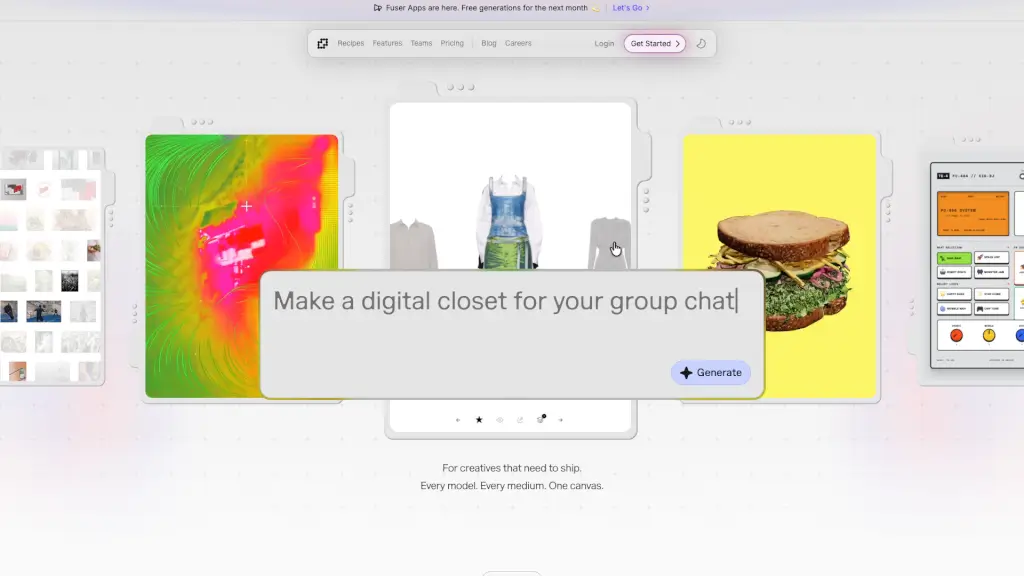
Fuser is a creative AI platform built for people who need to ship fast. It brings together over 1,000 AI models for image, video, audio, and 3D generation, plus 1,000+ LLMs—all in one node-based canvas. Instead of jumping between different tools, you design workflows visually, connect the best models for each job, and turn your ideas into real apps or projects. Whether you're making films, fashion concepts, games, or architecture visualizations, Fuser puts exploration and iteration at the center of your process. Co-founded by Dalena & Hirad, it's backed by a decade of pushing creative tools toward new possibilities.
What are the features of Fuser?
- Node-Based Canvas: Drag, connect, and configure AI models visually. No coding required—just build your workflow like a mind map.
- 1000+ AI Models & 1000+ LLMs: Access top models from OpenAI, Runway, Stability, Anthropic, Kling, Luma, and many more—all in one place.
- Fuser Apps: Turn any canvas workflow into a standalone app you can share. Prompt, edit, and make it unique with one click.
- Recipes: Pre-built project templates so you never start from scratch. Use them to jumpstart films, fashion, games, or architecture work.
- Flexible Credits That Never Expire: Credits roll over month to month. Pause your plan, switch tiers, or skip a month—your credits stay where they are.
- Collaboration & Sharing: Build with your team, share your canvas, and iterate together in real time.
- Powered by the Best Providers: Fuser’s research team tests every model so you get the latest and most reliable tools across all modalities.
What are the use cases of Fuser?
- Film & Video Production: Generate storyboard frames, animate characters, or create entire short films by chaining image, video, and audio models on a single canvas.
- Fashion Design: Use image generation and 3D modeling to prototype clothing lines, create mood boards, and generate product shots.
- Game Development: Build assets like characters, environments, and textures with AI, then connect LLMs for dialogue or quest generation.
- Architecture Visualization: Quickly generate concept art, interior renderings, and 3D models from text prompts or sketches.
- Marketing & Social Media: Create custom ads, product images, and video content at scale—then turn your workflow into a reusable app for your team.
- Personal Projects: Experiment with different AI models for fun—make AI art, music videos, or interactive stories without any technical setup.
How to use Fuser?
- Start with a Recipe: Browse pre-built templates to get a head start. Pick one that matches your project type (film, fashion, game, etc.) and customize it.
- Build Your Canvas: Drag nodes onto the canvas—each node represents a model or a step. Connect them in the order you want the workflow to run.
- Add Prompts and Parameters: Click on any node to tweak its settings. Write prompts, adjust model parameters, or set output formats.
- Test and Iterate: Run the workflow and see results instantly. Tweak nodes, swap models, or add new branches until you get what you want.
- Publish as an App: Once your workflow is ready, turn it into a Fuser App. Share the link so others can use your custom tool with their own prompts.
- Manage Credits: Keep an eye on your credit balance. Credits roll over, so you can pause your subscription without losing them.