
MimicPC logo

MimicPC

22
5.0
(0 Reviews)
United States14.32%

MimicPC is an affordable, open-source AI platform that lets anyone create images, videos, audio, and custom models in the cloud—no expensive hardware needed.

Verified by SeekTool
Social Media:

MimicPC Product Information

What is MimicPC?

MimicPC is an open-source AI platform that puts powerful creative tools right in your browser—no expensive hardware or complex setup required. Whether you're generating stunning AI images, realistic videos, natural-sounding audio, or training custom LoRA models, MimicPC handles the heavy lifting with cloud-based GPU power. It’s built for creators who want flexibility without breaking the bank.

Designed to be both customizable and affordable, MimicPC comes pre-loaded with popular AI apps like Stable Diffusion, ComfyUI, FaceFusion, and RVC. You can jump in instantly, tweak workflows, add your own models, and scale performance based on your project’s needs—all while paying only for the time you use.

What are the features of MimicPC?

  • Pre-installed AI Apps: Access 20+ ready-to-run tools like SD WebUI, Fooocus, and AudioCraft without installation.
  • Custom Model Support: Upload your own models or train LoRA variants directly in the platform—no deployment headaches.
  • Multi-Modal Creation: Generate AI images, videos, audio, and text using cutting-edge open-source models.
  • Flexible GPU Plans: Choose from Medium to Ultra configurations (T4 to L40S) with hourly pricing starting at just $0.29/hour.
  • No-Code Workflows: Use intuitive interfaces like ComfyUI and WebUI Forge to build and share custom generation pipelines.
  • Commercial-Friendly Output: Create content you can legally use for personal or commercial projects.

What are the use cases of MimicPC?

  • An indie game developer generates character art using FLUX or SD 3.5 without buying a high-end GPU.
  • A YouTuber swaps faces realistically in videos using FaceFusion for parody content or storytelling.
  • A podcaster uses RVC or OpenVoice to clone or modify voices for dynamic audio production.
  • A digital artist trains a personalized LoRA model to replicate their unique illustration style.
  • A marketer creates social media visuals and short promotional clips in minutes using pre-built templates.
  • Students experiment with AI safely in-browser, learning model training and inference without local setup.

How to use MimicPC?

  • Sign up for free—no credit card needed—and log in to access the dashboard.
  • Choose a GPU configuration (Medium, Large, etc.) based on your task (e.g., Large for FLUX, Medium for simpler models).
  • Launch any pre-installed app like ComfyUI or Fooocus with one click and start creating immediately.
  • Upload your own models or datasets via the integrated file manager for custom training or inference.
  • Save and share your workflows or generated assets directly from the platform.
  • Monitor usage and costs in real time to stay within budget—switch plans anytime.
Do you like this tool?

Upvote to help others discover it!

MimicPC Alternatives

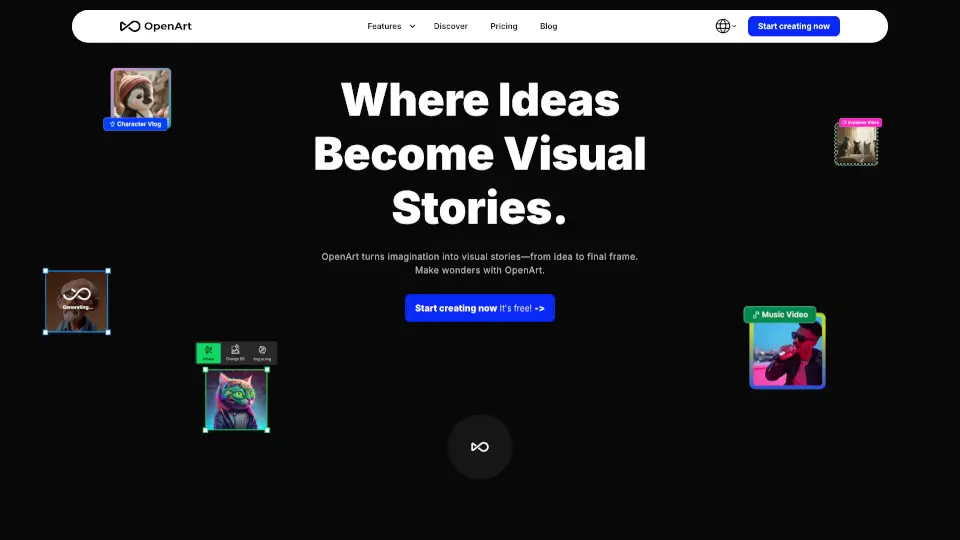
Openart

OpenArt is a free, all-in-one AI art generator for creating high-quality images, videos, audio, and 3D worlds with consistent characters and professional editing tools.

US
24.03%
|
9.3M
|
5.0
Comfy Cloud

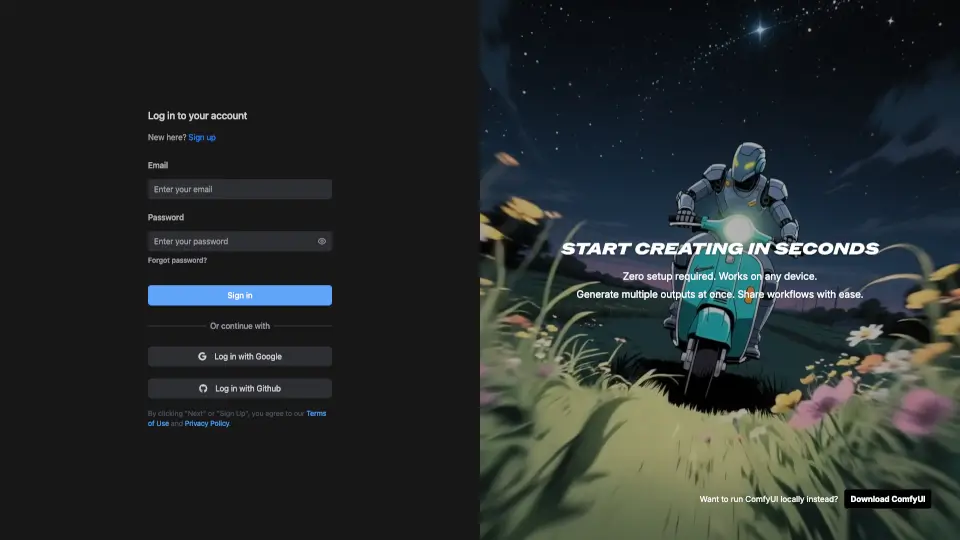
ComfyUI is a browser-based platform that allows you to create and run workflows to generate stunning images and videos using powerful GPUs, with no installation required.

CN
9.70%
|
580.7K
|
5.0
ModelsLab

ModelsLab is the ultimate API platform for AI and machine learning, offering fast, scalable, and easy-to-use tools for developers. From image generation to voice cloning, it’s your one-stop shop for AI innovation.

IN
13.88%
|
217.6K
|
5.0
Thinkdiffusion

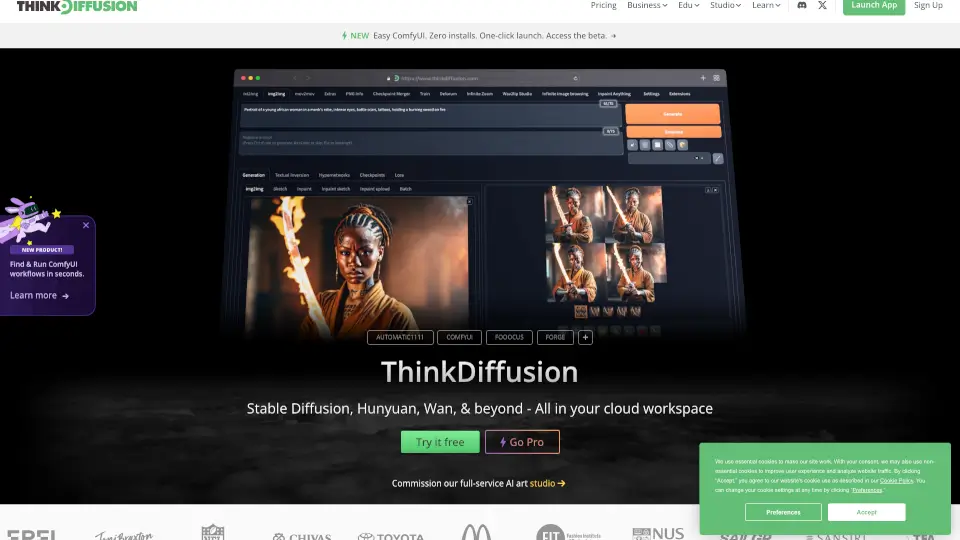
ThinkDiffusion is the ultimate cloud platform for Stable Diffusion, offering powerful tools, private workspaces, and seamless AI creativity for everyone.

US
27.84%
|
97.0K
|
5.0
Imagine

ImagineArt is the ultimate AI creative suite for generating images, videos, and voice from text—fast, easy, and powerful enough for pros but simple enough for anyone.

IN
14.90%
|
2.7M
|
5.0
LiblibAI·哩布哩布AI

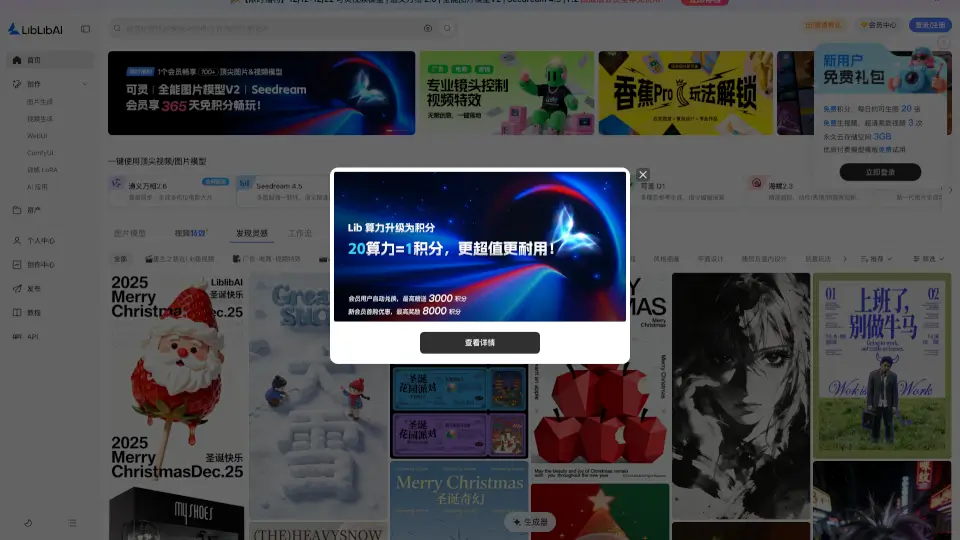
LiblibAI is a leading AI creation platform offering free model downloads, user-friendly interfaces, and powerful online tools for generating images, videos, and more, catering to both beginners and professionals.

CN
90.00%
|
1.8M
|
5.0
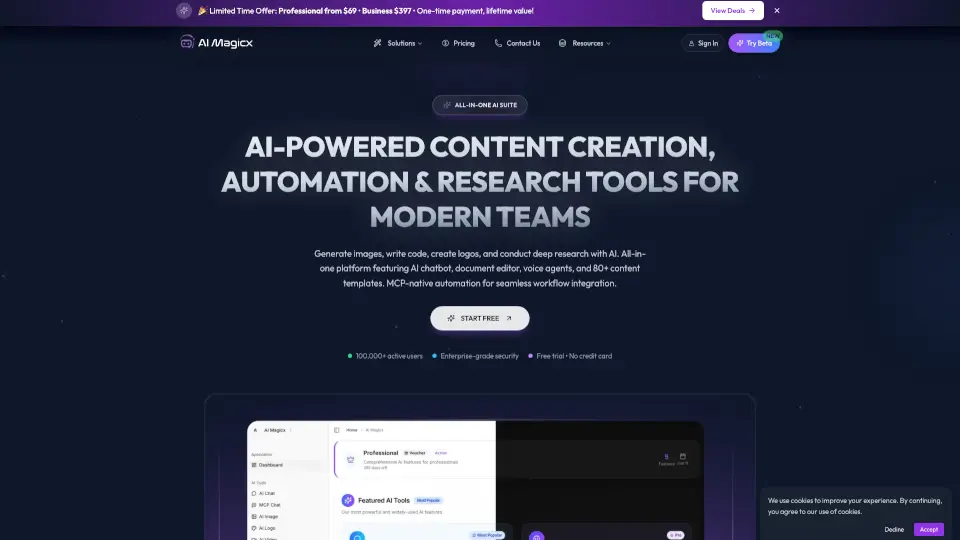
AI Magicx

AI Magicx is an all-in-one AI workspace that gives you access to 50+ top models for chat, image, video, voice, and music generation at a fraction of the cost of individual subscriptions.

US
12.07%
|
74.2K
|
5.0
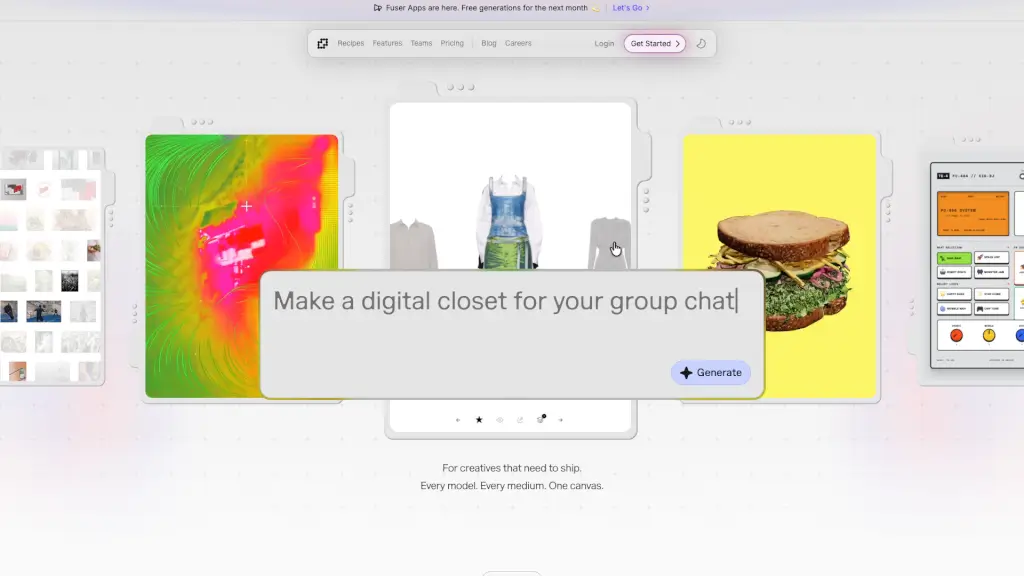
Fuser

Fuser is a node-based creative AI platform for building scalable workflows with over 1,000 models, letting you ship image, video, audio, 3D, and text projects from one canvas.

US
70.05%
|
67.8K
|
5.0

MimicPC Related Other Categories

MimicPC Traffic Analysis

💡 Insights

Medium Scale
100K-1M monthly visits. Growing tool with active development.
⚠️
Slight Decline
Traffic has slightly decreased recently.
👍
Good Experience
Bounce rate of 41%. Users are willing to explore features.
🌐
Global Reach
Balanced user distribution worldwide.
  • Monthly Visits

    247.20K

  • Bounce Rate

    41.10%

  • Pages Per Visit

    4.06

  • Visit Duration

    00:00:49

  • Global Rank

    146133

  • Country Rank

    25148

Visits Over Time

Traffic Sources

Direct43.93%
SearchOrganic39.59%
SocialOrganic7.26%
Referrals5.91%
SearchPaid1.86%
GenAi1.11%
Mail0.25%
DisplayAds0.09%
SocialPaid0.00%
Affiliate0.00%

Top Keywords

1
mimicpc
CPC$1.36
2.90KTraffic
2
undress ai
1.92KTraffic
3
ai undresser
CPC$1.46
1.59KTraffic
4
ai undress
1.38KTraffic
5
mimicpc ai
CPC$0.24
570Traffic

Top Regions

RegionPercentage
United States
United States
14.32%
Denmark
Denmark
5.55%
Spain
Spain
4.61%
Netherlands
Netherlands
3.40%
Vietnam
Vietnam
3.19%
Low
High

Powered by SimilarWeb

MimicPC FAQ

Is MimicPC suitable for beginners?

Absolutely! MimicPC is designed to be beginner-friendly with one-click app launches, tutorials, and no-install cloud access—yet powerful enough for experts.

What can I do with MimicPC?

You can create AI images, videos, and audio; train custom LoRA models; swap faces; run large language models; and use over 20 pre-installed open-source AI tools.

Can I try MimicPC for free?

Yes! You can start for free with no credit card required—just sign up and begin exploring the platform.

How does MimicPC charge for its services?

MimicPC charges by the hour based on your chosen GPU configuration, with rates starting at $0.29/hour during bargain access periods.

What are MimicPC's pricing plans?

Plans range from Medium (T4, 16GB VRAM) to Ultra (L40S, 48GB VRAM), with Instant and Bargain hourly rates depending on demand.

How can I use MimicPC at a lower cost?

Use “Bargain Access” hours when available—they offer up to 40% savings compared to standard rates.

Can I upload my own models or use custom nodes on MimicPC?

Yes! You can upload custom models and integrate them into supported apps like ComfyUI or Kohya_ss for training and generation.

Can I use an image I generated using MimicPC for commercial purposes?

Yes—content you generate is yours to use commercially, as long as it complies with the underlying model’s license (most open-source models allow this).

How can I get technical support?

Join the MimicPC Discord community for fast, responsive help from both the team and other users.

MimicPC Reviews

0

0

0 Reviews
Sign Into leave a review

Recent Reviews

No reviews yet

MimicPC Pricing

Pay as You Go

Perfect for users on an occasional basis with no subscription. Ideal for trial runs.
$0.5
  • Free Trial 50GB Private Storage
  • 20+ Pre-Installed AI Apps
  • All Ready-to-Go Workflows
  • All-Inclusive Ongoing Feature Upgrades
  • Custom Installation of Any Model and Extension

Month Plan Essential

Two flexible plans designed for users who prefer to pay on a monthly basis.
$6.98 (1st Sub 50% Off)
  • Get $12 credit per month
  • Additional 50GB private storage

Month Plan Advanced

Two flexible plans designed for users who prefer to pay on a monthly basis.
$13.48 (1st Sub 50% Off)
  • Get $25 credit per month
  • Additional 50GB private storage

Year Plan Essential

With a discounted annual rate, benefit with access to credits throughout the year.
$95.40 (1st Sub 50% Off)
  • Get $12 credit per month
  • Additional 100GB private storage

Year Plan Advanced

With a discounted annual rate, benefit with access to credits throughout the year.
$173.40 (1st Sub 50% Off)
  • Get $25 credit per month
  • Additional 100GB private storage

Hardware Configuration Medium T4

16GB VRAM, 16GB RAM
$0.49 / h (Instant Access), $0.25 / h (Bargain Access)

    Hardware Configuration Large A10

    24GB VRAM, 16GB RAM
    $0.99 / h (Instant Access), $0.49 / h (Bargain Access)

      Hardware Configuration Large-pro A10

      24GB VRAM, 32GB RAM
      $1.19 / h (Instant Access), $0.59 / h (Bargain Access)

        Hardware Configuration Ultra L40S

        48GB VRAM, 32GB RAM
        $1.99 / h (Instant Access), $0.99 / h (Bargain Access)

          MimicPC Embed

          Use website badges to drive community support for SeekTool.ai. They are easy to embed in your homepage or footer.

          Light
          Dark
          MimicPC - Featured on SeekTool.aiMimicPC - Featured on SeekTool.ai
          How to install?

          Looking for MimicPC Alternatives?

          Compare top AI tools similar to MimicPC. Find the best option for your needs.

          View Alternatives

          Reviews

          0.0

          Share your experience with this tool...

          Trending

          Featured

          Subscribe to our AI Newsletter

          Get the top AI stories delivered to your inbox weekly.