

What is Math AI?
Math AI is an AI-powered math solver designed for students, teachers, and professionals who need quick, accurate solutions to math problems. It accepts typed equations, uploaded images, or photos of handwritten problems and returns step-by-step explanations across a wide range of topics—from basic arithmetic to advanced calculus, linear algebra, and statistics. The tool is optimized for mobile and desktop use and offers a free tier for limited usage, with premium plans available for unlimited problem-solving.
What are the features of Math AI?
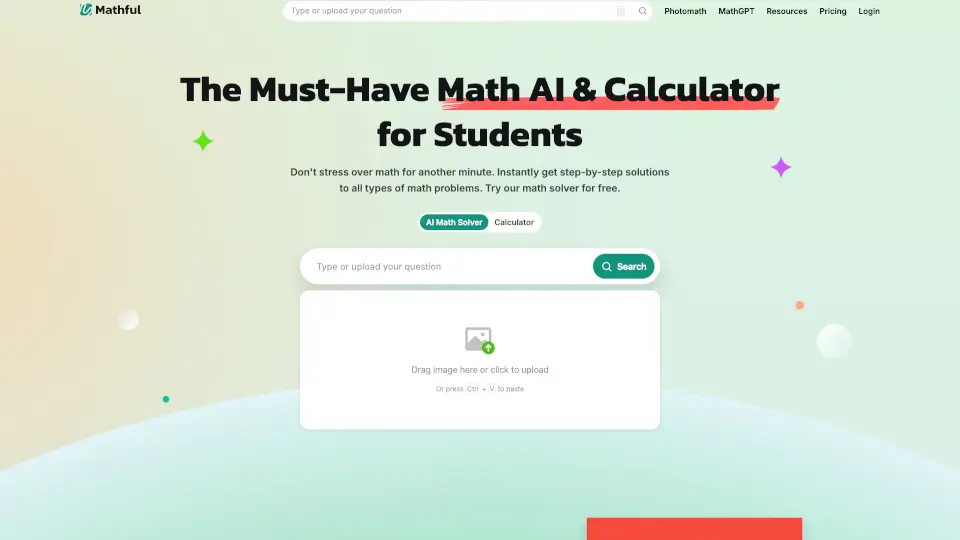
- Photo Math Solver: Snap a photo of any math problem (handwritten or printed) and get instant step-by-step solutions. Supports JPG, PNG, WEBP, and PDF uploads.
- Step-by-Step Explanations: Every solution includes detailed reasoning, alternative solution methods, and related concept links to help users understand the process, not just the answer.
- Advanced Calculator & Topic Coverage: Handles everything from fractions and basic geometry to derivatives, integrals, systems of equations, differential equations, and discrete mathematics.
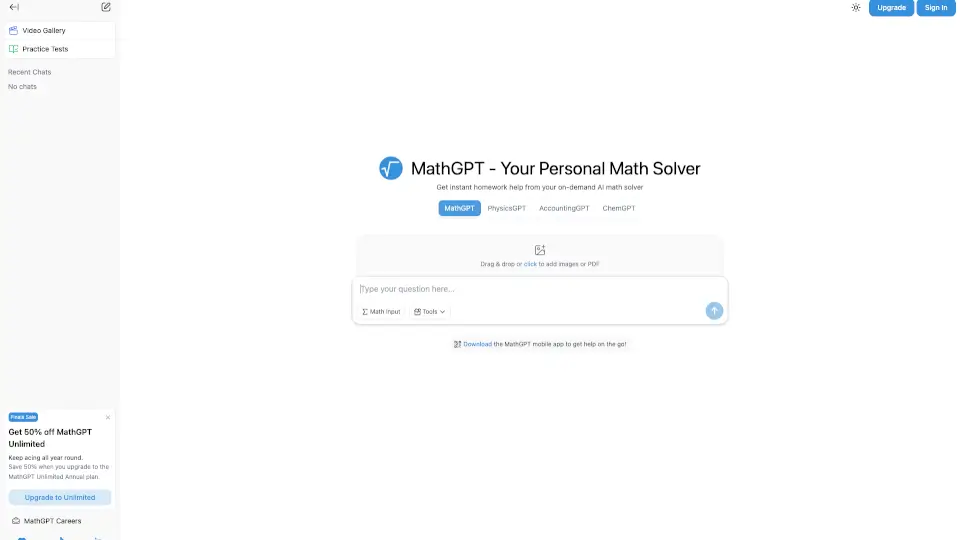
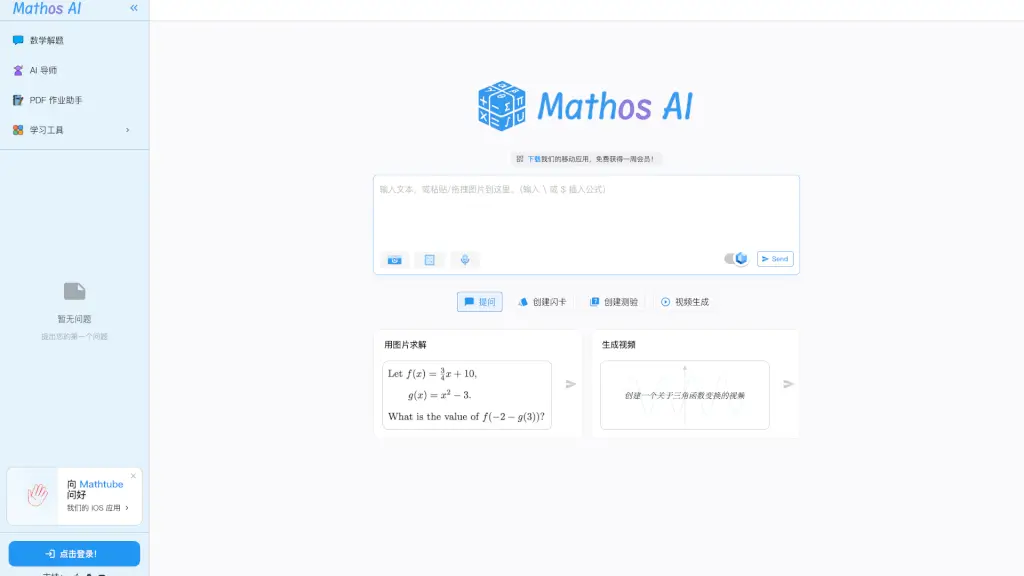
- Homework Helper Integration: Designed for immediate homework support—users can paste text, upload a PDF of a homework sheet, or type complex equations using a built-in math keyboard.
- 24/7 Availability: No waiting time; the AI processes problems instantly and is accessible anytime, anywhere via web browser on any device.
What are the use cases of Math AI?
- High school students checking calculus homework and understanding integration steps with fully worked-out solutions.
- College engineering students solving systems of equations or vector calculus problems for assignments and labs.
- Math teachers preparing lesson examples or offering personalized practice problems with alternative solution methods.
- Parents helping children with algebra and geometry homework by taking a quick photo of the problem.
- Graduate students verifying complex linear algebra or statistics proofs and comparing different solution approaches.
How to use Math AI?
- Click the upload area or drag and drop an image (JPG, PNG, WEBP, PDF) of the math problem.
- Alternatively, type or paste the equation directly using the on-screen math keyboard (includes symbols like √, ∑, ∫, π, and function keys).
- After submission, wait a few seconds for the AI to process and generate a step-by-step solution.
- Review the detailed explanation, and click any related concept or alternative method link to deepen understanding.
- For follow-up problems, use the “New Conversation” button to reset the solver and start fresh.