
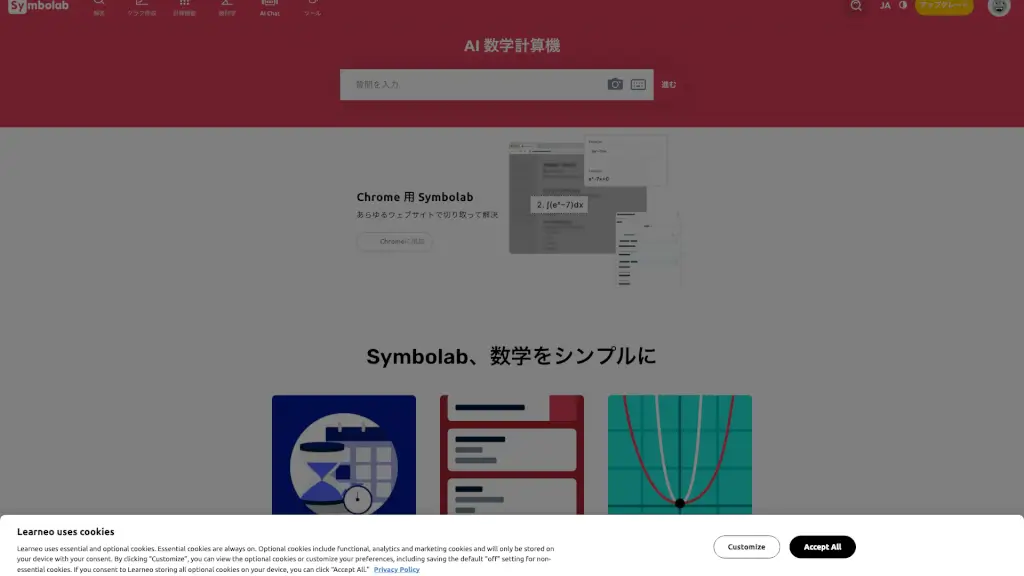
What is Symbolab?
Symbolab is a powerful AI-powered math solver that helps students, teachers, and professionals tackle everything from basic algebra to advanced calculus. Whether you're stuck on homework, prepping for an exam, or just brushing up on STEM concepts, Symbolab breaks down complex problems into clear, step-by-step solutions—so you understand not just the answer, but how to get there.
More than just a calculator, Symbolab combines smart tools like graphing, geometry solvers, and practice worksheets with an intuitive interface designed for real learning. It’s like having a personal math tutor available 24/7, right in your browser or on your phone.
What are the features of Symbolab?
- Step-by-Step Math Solver: Get detailed explanations for algebra, trigonometry, calculus, matrices, and more.
- Interactive Graphing Calculator: Visualize functions with support for lines, quadratics, exponentials, and trigonometric graphs.
- AI-Powered Practice & Quizzes: Personalized exercises adapt to your skill level to reinforce learning.
- Geometry Tools: Solve proofs, calculate areas, and analyze shapes like triangles and circles.
- Specialized Calculators: Includes BMI, compound interest, percentage, and physics-based calculators for real-world applications.
- Worksheet Generator: Create custom practice sheets by topic for classroom or self-study use.
- Solution Verification: Double-check your own work by comparing it with Symbolab’s verified answers.
- Chrome Extension: Highlight and solve math problems directly on any webpage.
What are the use cases of Symbolab?
- A high school student solving quadratic equations and checking their work before a test.
- A college freshman working through calculus integrals with guided steps and visual graphs.
- A teacher creating customized worksheets for classroom review on trigonometric identities.
- Someone calculating loan interest or BMI using practical finance and health calculators.
- An engineering student verifying matrix operations or Laplace transforms for homework.
- A parent helping their child with geometry proofs using interactive shape tools.
- Self-learners practicing derivatives daily with adaptive quizzes and progress tracking.
How to use Symbolab?
- Type or paste your math problem into the main input bar using the on-screen keypad for symbols.
- Click “Go” or press Enter to get an instant solution with optional step-by-step breakdowns.
- Use the Graph tab to plot functions and explore key features like intercepts and asymptotes.
- Tap “Practice” to access personalized problem sets based on your recent topics or weaknesses.
- Install the Chrome extension to solve equations directly from PDFs, textbooks, or websites.
- Upgrade to Pro to unlock unlimited step-by-step solutions, ad-free experience, and full worksheet access.