
What is MakeFun Free and Uncensored AI Videos?
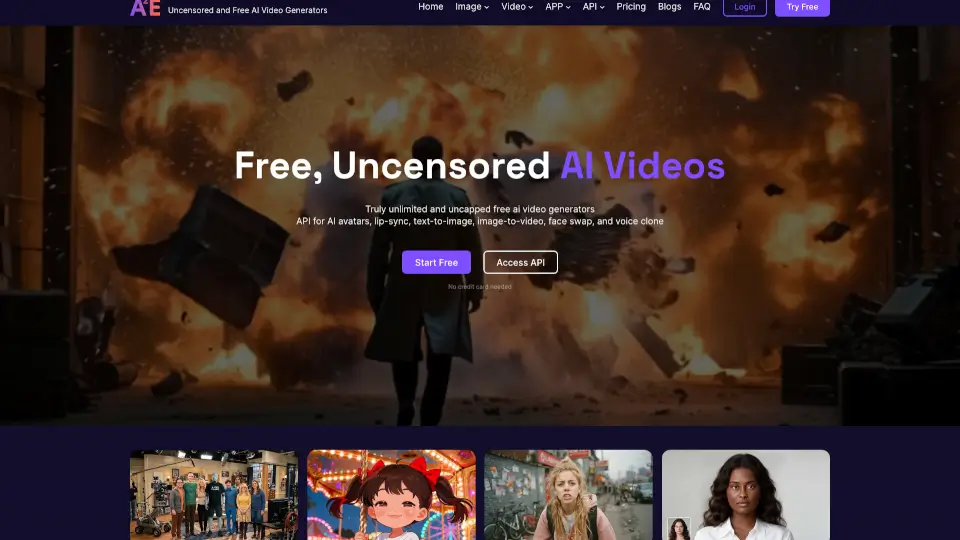
Makefun.ai is a powerful and user-friendly platform that lets you create personalized AI videos, from text to image and even digital avatars. Whether you're looking to make engaging content for social media, educational materials, or just for fun, Makefun.ai has everything you need. With its intuitive tools, you can bring your ideas to life in no time, making it perfect for both beginners and experienced creators.
What are the features of MakeFun Free and Uncensored AI Videos?
- AI-Generated AvatarsCreate lifelike digital avatars that can lip-sync and express emotions.
- Text-to-Video ConversionTransform your written scripts into dynamic, visually appealing videos.
- Image-to-VideoTurn static images into animated videos with just a few clicks.
- Voice StudioCustomize the voice of your avatars with a variety of natural-sounding options.
- Avatar EditingPersonalize your avatars with different appearances, outfits, and backgrounds.
- Advanced Video ToolsAccess a suite of editing tools to enhance and refine your videos.
- Free TrialTry out all the features without any cost to see if it's right for you.
What are the use cases of MakeFun Free and Uncensored AI Videos?
- Social Media ContentCreate engaging and shareable videos for platforms like Instagram, TikTok, and YouTube.
- Educational MaterialsProduce interactive and informative videos for online courses and tutorials.
- Business PresentationsGenerate professional-looking presentations with dynamic visuals and realistic avatars.
- Personal ProjectsBring your creative ideas to life with custom avatars and animations.
- Marketing CampaignsDevelop eye-catching promotional videos for products and services.
- Virtual AssistantsCreate virtual assistants with natural voices and expressions for customer support.
How to use MakeFun Free and Uncensored AI Videos?
- Sign Up/Log InStart by creating an account or logging in if you already have one.
- Choose a TemplateSelect a template that best fits your project, or start from scratch.
- Customize Your AvatarUse the avatar editor to personalize the appearance and voice.
- Add Text and ImagesInput your script and upload any images you want to include.
- Preview and EditPreview your video and use the advanced tools to make any necessary adjustments.
- Export and ShareOnce you're satisfied, export your video and share it on your preferred platform.