
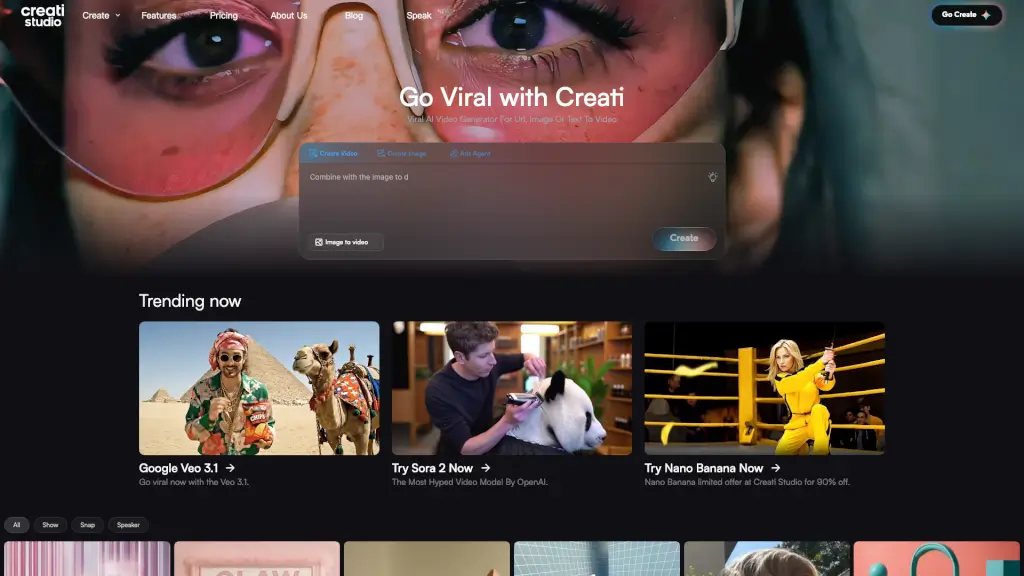
What is Creati Studio?
Welcome to Creati Studio, the ultimate tool for creating viral video ads in minutes. Whether you're a content creator, e-commerce owner, or part of a marketing team, this AI-powered platform is designed to help you generate high-impact, scroll-stopping videos from any product link or image. With over 1000 lifelike AI talking avatars and a range of features like UGC-style videos, Creati Studio makes it easy to create engaging and professional-looking content that can boost your brand's visibility and engagement.
What are the features of Creati Studio?
- Viral AI Video Generator: Turn URLs, images, or text into eye-catching videos in seconds.
- UGC-Style Videos: Create realistic user-generated content (UGC) style videos with lifelike AI avatars.
- Sync Mode: Drop your product URL to instantly generate a high-impact video.
- Snap Mode: Transform any image into a captivating video with just one click.
- Swap Feature: Instantly remix backgrounds, models, or products with infinite assets and zero hassle.
- Trending Models: Access the latest and most popular AI models like Sora 2 and Nano Banana.
- Customization Options: Choose from a variety of styles, avatars, and templates to match your brand.
What are the use cases of Creati Studio?
- E-commerce Marketing: Create product showcase videos to drive sales and increase conversions.
- Social Media Ads: Generate UGC-style videos that look authentic and engage your audience.
- Content Creation: Produce high-quality, engaging videos for YouTube, Instagram, and other platforms.
- Brand Promotion: Elevate your brand’s image with professional, studio-quality videos.
- Product Launches: Build excitement and anticipation with dynamic, visually appealing launch videos.
- Influencer Campaigns: Craft realistic influencer-style videos without the need for expensive shoots.
How to use Creati Studio?
- Upload Your Content: Start by uploading a product URL, image, or text.
- Choose a Template: Select from a variety of templates and styles to fit your needs.
- Customize Your Video: Add or swap elements like backgrounds, models, and products.
- Generate and Preview: Click to generate your video and preview it to ensure it meets your expectations.
- Download and Share: Once satisfied, download your video and share it across your preferred platforms.