
Video Magic logo

Video Magic

36
3.0
(0 Reviews)
United States38.93%

Videomagic uses AI to turn any URL or document into a clear, narrated video in under 5 minutes—no editing required.

Verified by SeekTool
Social Media:
Video Magic

Video Magic Product Information

What is Video Magic?

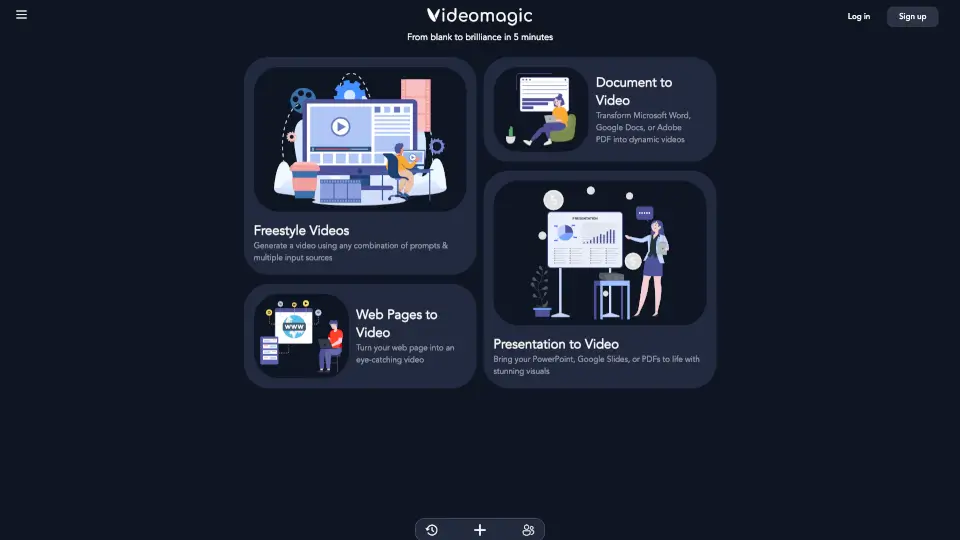
Tired of sifting through walls of text just to understand a report, article, or webpage? Videomagic is your shortcut. This smart AI video generator turns any URL—whether it’s a blog post, PDF, or internal document—into a clear, narrated short-form video in under 5 minutes. No editing skills, formatting, or resizing needed.

What makes Videomagic different? It doesn’t just read content aloud—it transforms dense information into structured, visual understanding. Think of it as a friendly explainer that highlights key points, dives into details, and even lets you ask “why?” while staying grounded in the original source. Perfect for students, professionals, or anyone who values clarity over clutter.

What are the features of Video Magic?

  • URL-to-Video Conversion: Paste any webpage link and instantly generate a polished, narrated video—no manual work required.
  • Visual Clarity Engine: Replaces overwhelming text with clean visuals, voiceovers, and smart segmentation (Intro, Key Points, Deep Dive, Summary).
  • Ask Why Functionality: Interact with your content by asking follow-up questions; answers are pulled directly from source material with page references.
  • Source Transparency: Every claim in the video links back to its original document or webpage, so you always know where info comes from.
  • Zero Formatting Needed: Automatically adapts content from websites, PDFs, slides, or enterprise threads—no cleanup or resizing on your end.
  • Fast Generation: Create high-quality explanatory videos in less than 5 minutes, start to finish.

What are the use cases of Video Magic?

  • Turn a quarterly earnings report (like Q4_Report_2024.pdf) into a quick team briefing video.
  • Convert a complex news article or research paper into an easy-to-digest study aid.
  • Share product documentation with customers as a clear, engaging walkthrough video.
  • Summarize internal Slack threads or Notion pages for remote team alignment.
  • Create social media explainers from blog posts without filming or editing.
  • Help non-technical stakeholders understand data-heavy updates through visual storytelling.

How to use Video Magic?

  • Go to the Videomagic platform and sign in (or start free if you’re new).
  • Choose your input: paste a webpage URL, upload a file (like a PDF), or paste raw text.
  • Click “Create Video”—the AI processes your content and structures it automatically.
  • Review your generated video with labeled sections (Intro, Key Points, etc.).
  • Use the “Ask Why” feature to explore deeper insights tied to specific parts of the source.
  • Download, share, or embed your video directly from the platform.
Do you like this tool?

Upvote to help others discover it!

Video Magic Alternatives

Medeo

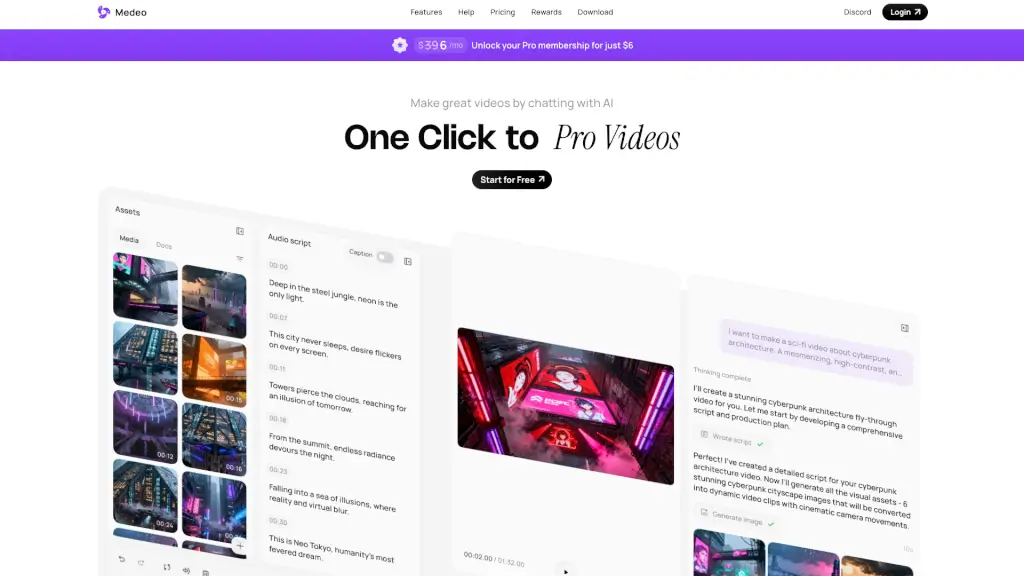
Medeo is an AI video generator that turns your ideas into professional videos with just a few chats, making video creation easy and accessible for everyone.

IN
15.90%
|
313.7K
|
5.0
vidBoard.ai

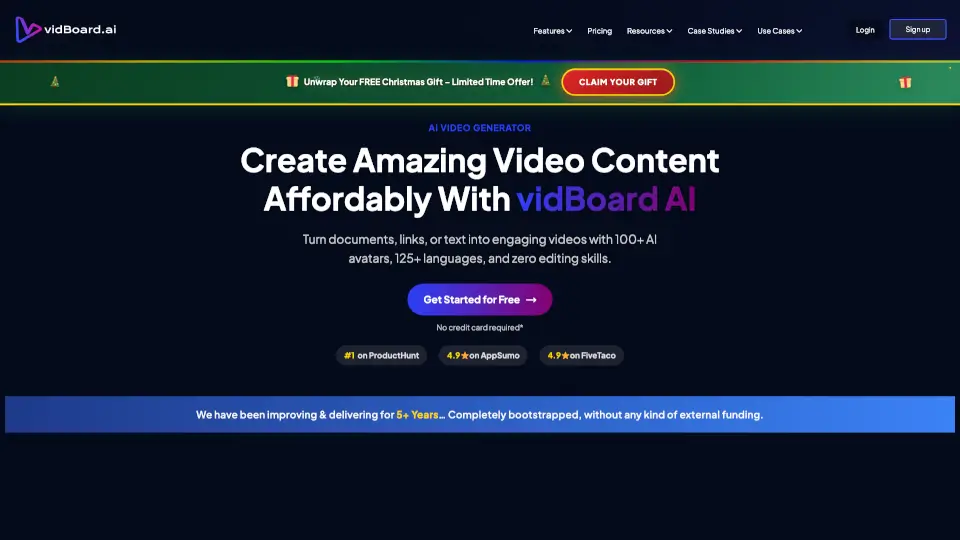
vidBoard.ai makes video creation effortless with AI avatars, doc-to-video, and multilingual support—perfect for pros and beginners alike.

ZA
23.14%
|
18.7K
|
4.0
MagicLight

MagicLight AI is a free, user-friendly AI video generator that turns text into professional videos with features like long video creation, character consistency, and multilingual voiceovers.

IN
17.08%
|
845.7K
|
5.0
Videotok

Videotok is the ultimate AI video tool for creators and businesses. From faceless content to high-conversion ads, it’s fast, affordable, and packed with features.

US
9.79%
|
95.9K
|
5.0
Makefilm

Makefilm is your go-to AI video tool for fast, professional content. Edit, summarize, and create videos with ease—no skills required.

MX
20.40%
|
199.7K
|
5.0
Vidful.ai

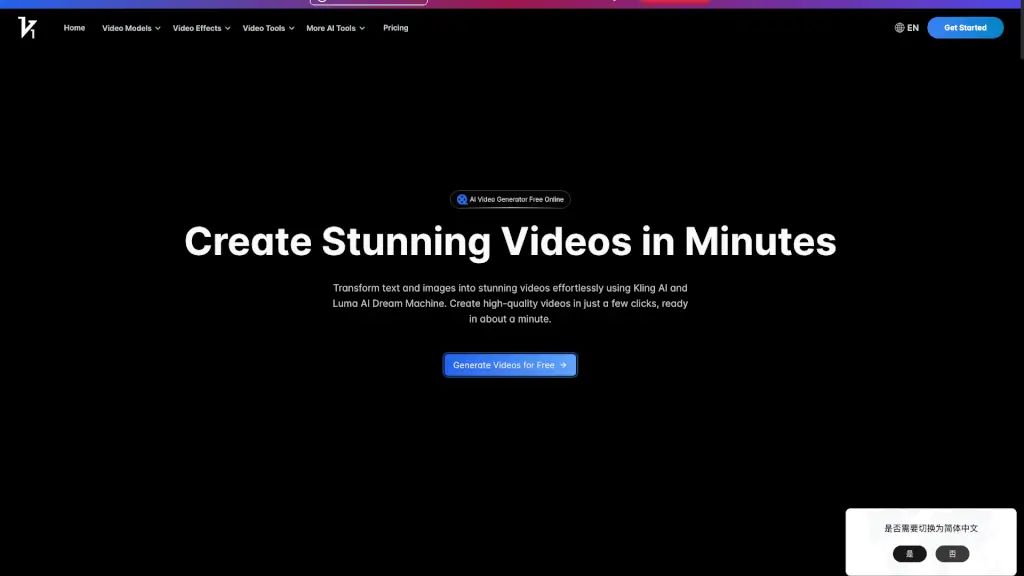
Create stunning, professional videos effortlessly with Vidful.ai’s AI video generator, powered by cutting-edge technologies like Kuaishou Kling AI and Luma AI Dream Machine.

AR
13.59%
|
284.8K
|
5.0
VideoGen

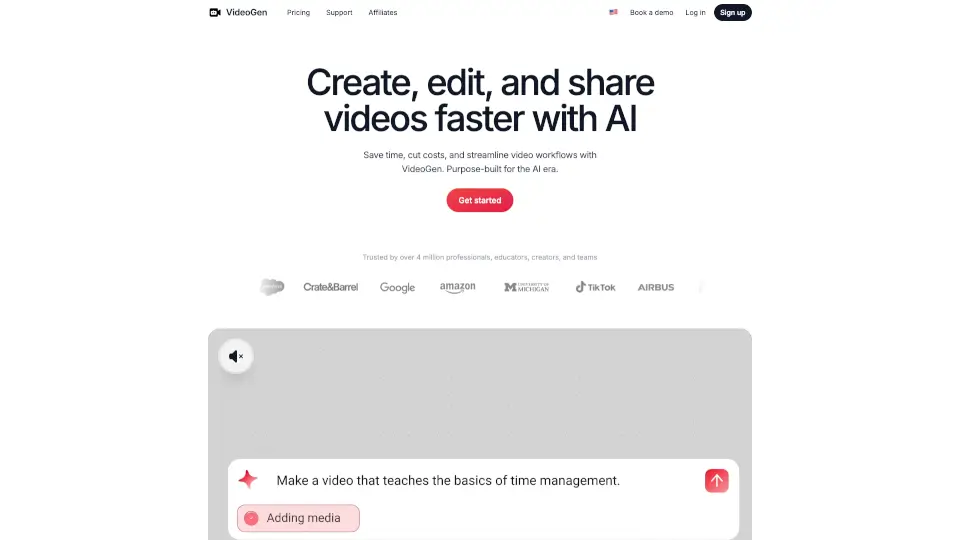
VideoGen is the ultimate tool for creating professional videos in seconds, offering a seamless experience with advanced AI features.

VN
14.83%
|
285.9K
|
5.0
Visla

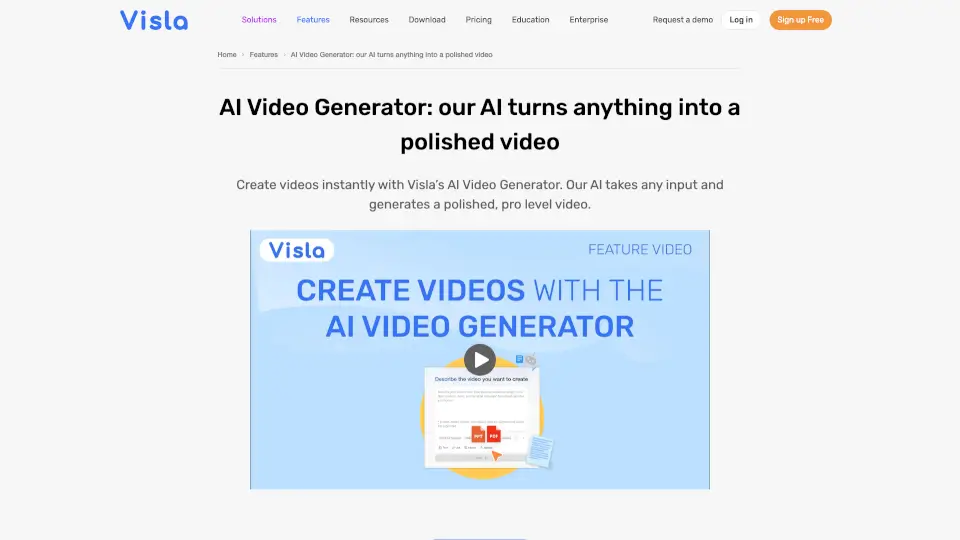
Visla’s AI Video Generator transforms scripts, PDFs, audio, and ideas into polished, branded videos with voiceover, stock footage, and AI avatars—no filming or editing required.

BR
17.16%
|
177.4K
|
5.0

Video Magic Related Other Categories

Video Magic Traffic Analysis

💡 Insights

🔍
Niche Tool
Lower traffic volume. Likely new or highly specialized. Good for early adopters.
📉
Traffic Decline
Significant traffic drop recently. Check for alternatives.
👍
Good Experience
Bounce rate of 39%. Users are willing to explore features.
  • Monthly Visits

    4.92K

  • Bounce Rate

    38.79%

  • Pages Per Visit

    1.41

  • Visit Duration

    00:00:06

  • Global Rank

    4037999

  • Country Rank

    3075194

Visits Over Time

Traffic Sources

GenAi0.00%
DisplayAds0.00%
SocialOrganic0.00%
Mail0.00%
SearchPaid0.00%
SocialPaid0.00%
Referrals0.00%
Affiliate0.00%
SearchOrganic0.00%
Direct0.00%

Top Keywords

1
videomagic ai
1.03KTraffic
2
videomagic
170Traffic
3
videos generation
150Traffic
4
video magic ai
140Traffic
5
when i search in word add-ins for videomagic the only result is videomagic chat
90Traffic

Top Regions

RegionPercentage
United States
United States
38.93%
India
India
35.93%
Pakistan
Pakistan
7.08%
Saudi Arabia
Saudi Arabia
6.55%
Egypt
Egypt
5.84%
Low
High

Powered by SimilarWeb

Video Magic FAQ

How fast can I generate a video with Videomagic?

You can create a high-quality video in less than 5 minutes—just paste a URL or upload a file and let the AI do the rest.

Do I need to format or resize my content before uploading?

No! Videomagic handles all formatting automatically, whether you’re using a webpage, PDF, slide deck, or plain text.

Can I ask questions about the content in my video?

Yes! The “Ask Why” feature lets you pose follow-up questions, and answers are pulled directly from the original source—with page or section references for full transparency.

What types of content can I turn into videos?

You can convert web pages, PDFs, Google Slides, internal documents, AI outputs, and even enterprise communication threads into structured video explanations.

Is there a free way to try Videomagic?

Yes—Videomagic offers a free start so you can test the platform before committing.

How does Videomagic ensure accuracy?

Every explanation and answer is grounded in your original source material, and the platform shows exactly where each piece of information comes from.

Video Magic Reviews

0

0

0 Reviews
Sign Into leave a review

Recent Reviews

No reviews yet

Video Magic Pricing

Free

No credit card required
$0/month
  • 250 credits
  • Additional Credits: $10/100 credits
  • Videomagic Watermark

Growth

Monthly plan
$49/month
  • 1000 Credits per month
  • Additional Credits: $5/100 credits
  • Premium template access
  • No watermark

Pro

Monthly plan
$99/month
  • 2500 Credits per month
  • Additional Credits: $4/100 credits
  • Premium template access
  • No watermark

Growth

Yearly plan
$39/month
  • 1000 Credits per month
  • Additional Credits: $4/100 credits
  • Premium template access
  • No watermark

Pro

Yearly plan
$79/month
  • 2500 Credits per month
  • Additional Credits: $3/100 credits
  • Premium template access
  • No watermark

Video Magic Embed

Use website badges to drive community support for SeekTool.ai. They are easy to embed in your homepage or footer.

Light
Dark
Video Magic - Featured on SeekTool.aiVideo Magic - Featured on SeekTool.ai
How to install?

Looking for Video Magic Alternatives?

Compare top AI tools similar to Video Magic. Find the best option for your needs.

View Alternatives

Reviews

0.0

Share your experience with this tool...

Trending

Featured

Subscribe to our AI Newsletter

Get the top AI stories delivered to your inbox weekly.