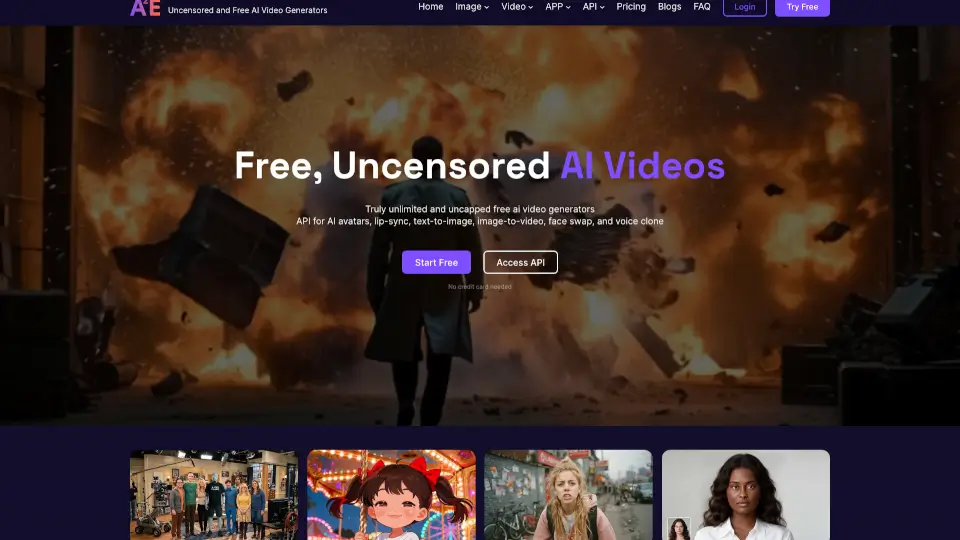


Was ist MakeFun Free and Uncensored AI Videos?
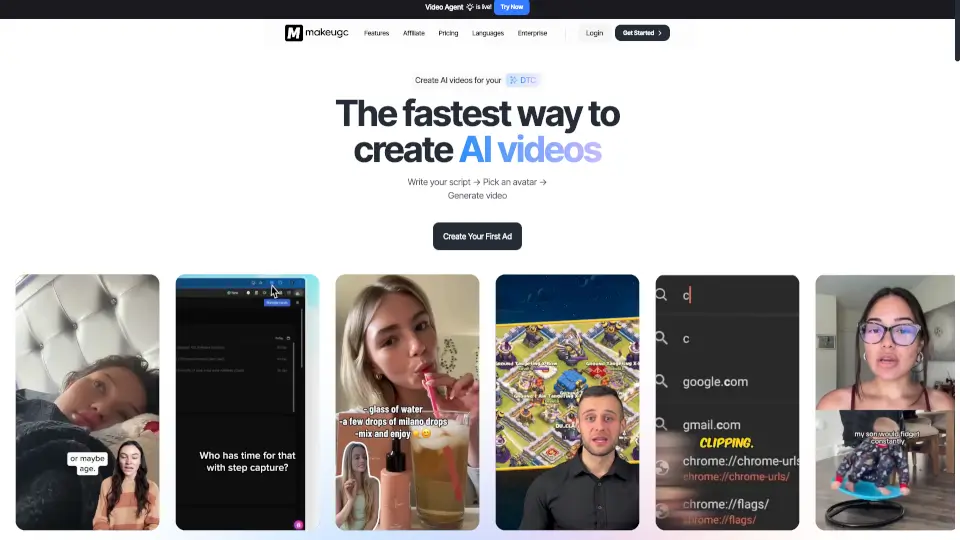
Makefun.ai ist eine innovative Plattform, die es dir ermöglicht, personalisierte AI-Videos zu erstellen. Ob du ein kreativer Influencer bist, der nach einem neuen Weg sucht, seine Inhalte zu präsentieren, oder ein Unternehmen, das seine Marketingstrategien aufpeppen möchte – Makefun.ai bietet dir die Werkzeuge, um deine Ideen zum Leben zu erwecken. Mit Funktionen wie Text-zu-Bild-Generierung, digitalen Avataren und lebensnahen Lippenbewegungen kannst du beeindruckende Videos ohne technisches Wissen erstellen.
Was sind die Merkmale von MakeFun Free and Uncensored AI Videos?
- Text-zu-Bild-Generierung: Erstelle visuelle Inhalte aus einfachem Text.
- AI-generierte Avatares: Designe und personalisiere digitale Charaktere, die deine Nachrichten übermitteln.
- Lippenbewegungssynchronisation: Lass deine digitalen Avatare realistisch sprechen, indem ihre Lippenbewegungen perfekt mit deiner Stimme synchronisiert werden.
- Sprachstudio: Nutze fortschrittliche Sprachgenerierungstechnologien, um natürliche Stimmen für deine Videos zu erstellen.
- Videotoolbox: Bearbeite, schnitte und optimiere deine Videos direkt in der Plattform.
- Erweiterte Funktionen: Greife auf fortgeschrittene Tools zu, um die Qualität deiner Inhalte weiter zu verbessern.
Was sind die Anwendungsfälle von MakeFun Free and Uncensored AI Videos?
- Influencer-Marketing: Erstelle einzigartige und fesselnde Inhalte, um deine Follower zu engagieren.
- Unternehmenspräsentationen: Erstelle professionelle Präsentationsvideos, um deine Produkte oder Dienstleistungen vorzustellen.
- Online-Kurse: Erstelle interaktive und unterhaltsame Lernvideos, um den Lernerfolg deiner Schüler zu steigern.
- Soziale Medien: Teile kreative und ansprechende Inhalte, um deine Reichweite und Engagementrate zu erhöhen.
- Personal Branding: Baue deine persönliche Marke auf, indem du einzigartige und authentische Inhalte erstellst.
Wie benutzt man MakeFun Free and Uncensored AI Videos?
- Melden dich auf der Website von Makefun.ai an und erstelle ein kostenloses Konto.
- Wähle den Avatar, den du verwenden möchtest, oder erstelle einen eigenen.
- Verwende die Text-zu-Bild-Generierung, um visuelle Inhalte zu erstellen.
- Lade deine Audiodatei hoch oder nutze das Sprachstudio, um eine natürliche Stimme zu generieren.
- Synchronisiere die Lippenbewegungen des Avatars mit deinem Audio.
- Bearbeite und optimiere dein Video in der Videotoolbox.
- Publiziere dein fertiges Video auf deinen bevorzugten Kanälen.