
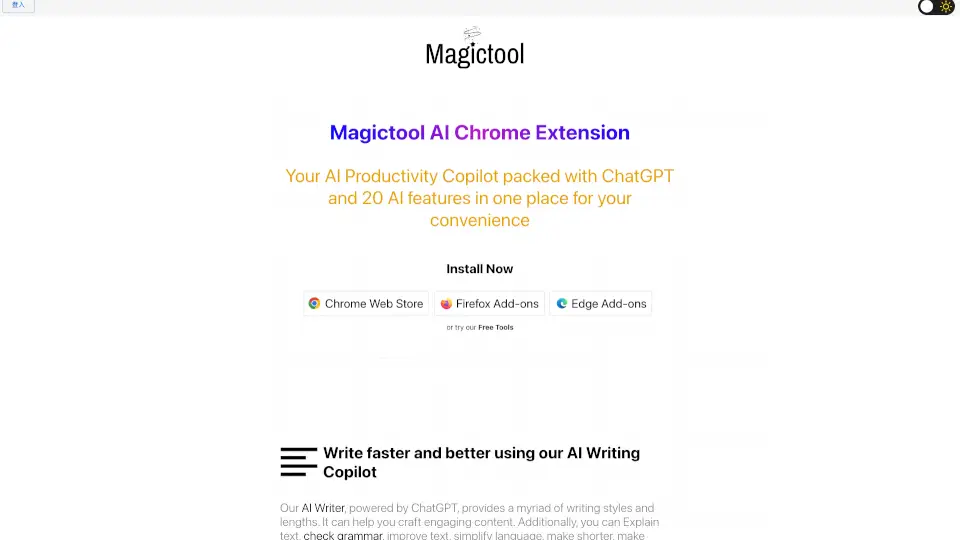
What is Magic Tool AI?
Meet Magic Tool AI, your all-in-one productivity hub powered by ChatGPT. This browser extension packs over 20 AI features—from writing and summarizing to image generation and data scraping—into one convenient tool. Whether you're a student, professional, or creator, it's designed to help you work smarter, not harder, all without leaving your browser.
What are the features of Magic Tool AI?
- AI Writing Copilot: Write, rewrite, summarize, paraphrase, translate, or check grammar on any text field. Choose from various styles and lengths to craft engaging content.
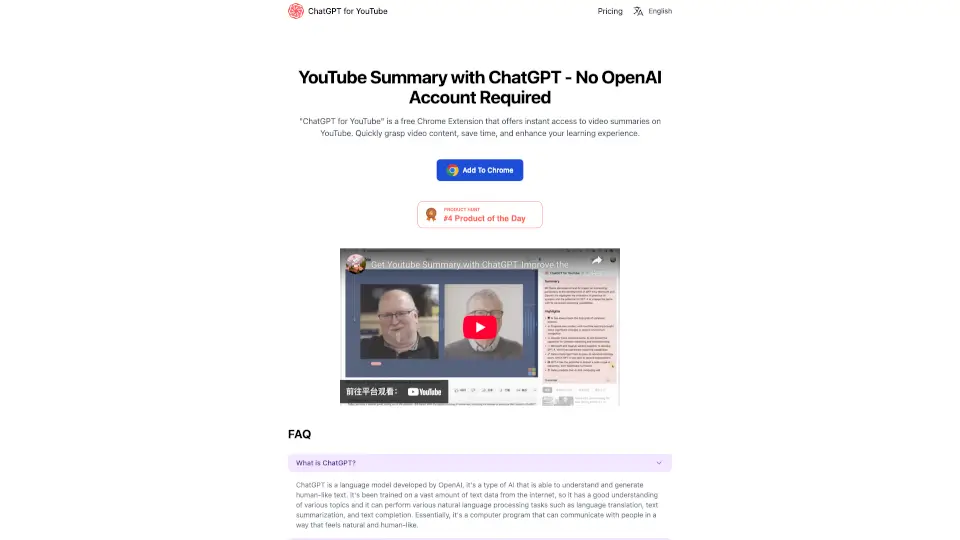
- YouTube Video Summarizer & AI Dubbing: Get quick summaries of transcripts and comments from any YouTube video. Plus, watch videos dubbed in over 50 languages (Pro+ feature).
- ChatGPT & GPT-4 Integration: Ask questions, get accurate answers, or summarize entire articles or webpages with a single click. GPT-4 access is a paid upgrade.
- AI Image Generation: Turn your text descriptions into images using Stable Diffusion's latest models.
- Chat with PDFs & Summarize: Upload any PDF, ask questions about its content, or get a clean summary instantly. Great for homework or research.
- Data Scraping & Extraction: Manually select data from any webpage, or let AI automatically extract the information you need for analysis.
- Magic Editor & Magic Shortcut: An AI-powered notepad and a shortcut that lets you invoke ChatGPT from any text field in your browser.
- Reader Mode: Remove ads, sidebars, and pop-ups for a clean, focused reading experience. Customize font size and color scheme.
What are the use cases of Magic Tool AI?
- Student Research: Paste a long article into the AI Writer and get a one-paragraph summary. Then chat with a complex PDF textbook to find specific answers fast.
- Content Creation: Use the AI Writing Copilot to draft blog posts, social media captions, or emails. Paraphrase or change the tone with a click.
- YouTube Learning: Watch educational videos on 2x speed, then use the YouTube Summarizer to get the key points without re-watching.
- Professional Data Analysis: Scrape competitor pricing from a website, then use the Data Analytics feature (with ChatGPT) to analyze a CSV export.
- Distraction-Free Reading: Turn on Reader Mode for any cluttered news site or long-form article to focus only on the content.
- Multilingual Work: Translate any text on a webpage instantly, or watch a foreign language YouTube video with AI dubbing in your preferred language.
How to use Magic Tool AI?
- Install the Extension: Add Magic Tool AI to your browser from the Chrome Web Store, Firefox Add-ons, or Edge Add-ons. It's free to start.
- Upgrade for Advanced Features: For features like GPT-4, AI Video Dubbing, or auto data extraction, upgrade to a Pro+ plan through your account settings.
- Use the Writing Tools: Highlight any text on a webpage, click the Magic Tool AI icon, and select "Summarize," "Improve text," "Translate," or other options.
- Summarize a YouTube Video: Simply navigate to any YouTube video, click the Magic Tool AI icon, and choose "Summarize Video Transcripts and Comments" to get instant insights without watching the whole thing.
- **Chat with a PDF Document **: Open the Magic Tool AI sidebar from the extension icon Select “PDF Tools” -> , “Chat with PDF,” upload your file Start typing natural-language questions about the PDF content to quickly locate answers or summaries. *Preserve context between questions; the extension remembers the PDF's structure andyourprevious queries for deeper analysis without needing to re-upload.