
What is Lindy AI?
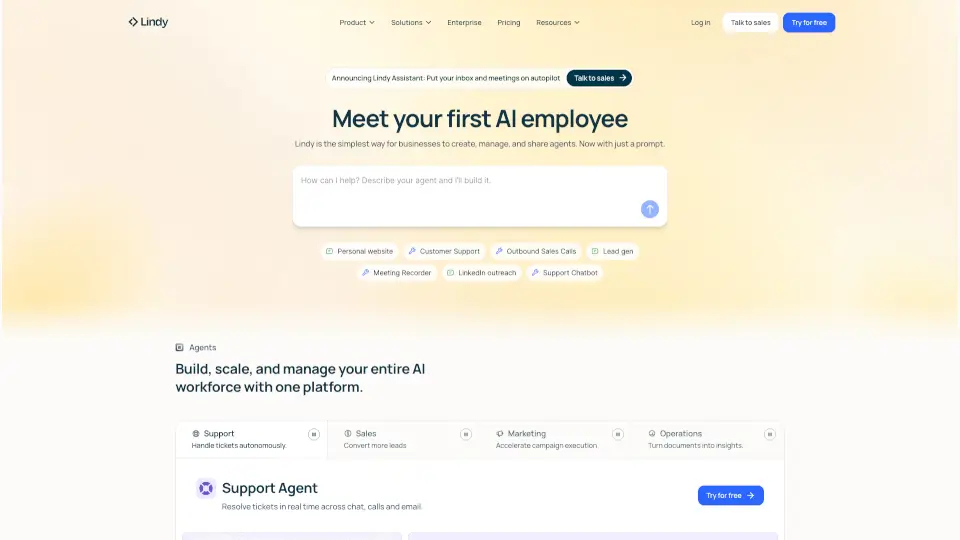
Tired of drowning in emails, calendar chaos, and endless admin tasks? Meet Lindy, your AI executive assistant that actually works for you—not the other way around. Lindy proactively manages your inbox, schedules meetings, preps for calls, and even drafts replies in your voice, so you can focus on the work that truly matters.
Unlike clunky tools that just add more steps, Lindy integrates seamlessly with your existing apps like Gmail, Outlook, Slack, and your calendar. It learns your style over time and handles routine tasks before you even wake up—giving you back 2 hours every single day. Think of it as your 24/7 personal assistant, minus the coffee breaks or judgmental looks.
What are the features of Lindy AI?
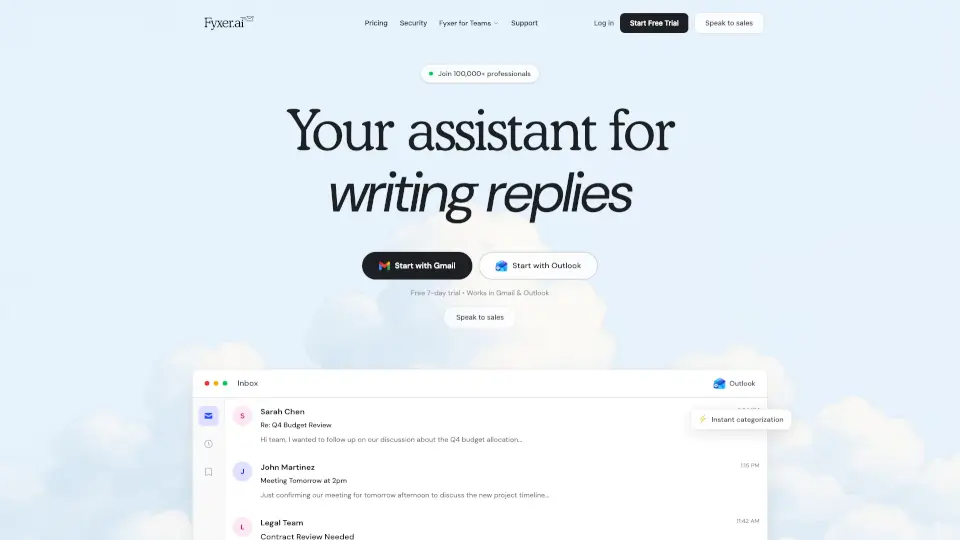
- Smart Email Triage & DraftingAutomatically organizes your inbox, labels messages, and drafts replies in your tone—just review and send.
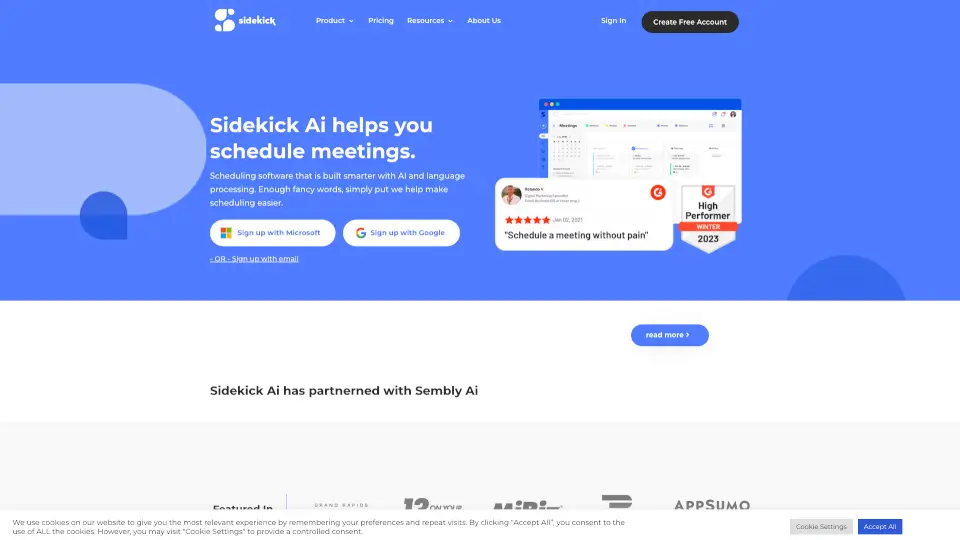
- Meeting Scheduling & ManagementFinds optimal times, sends invites, and reschedules when plans change—no more email ping-pong.
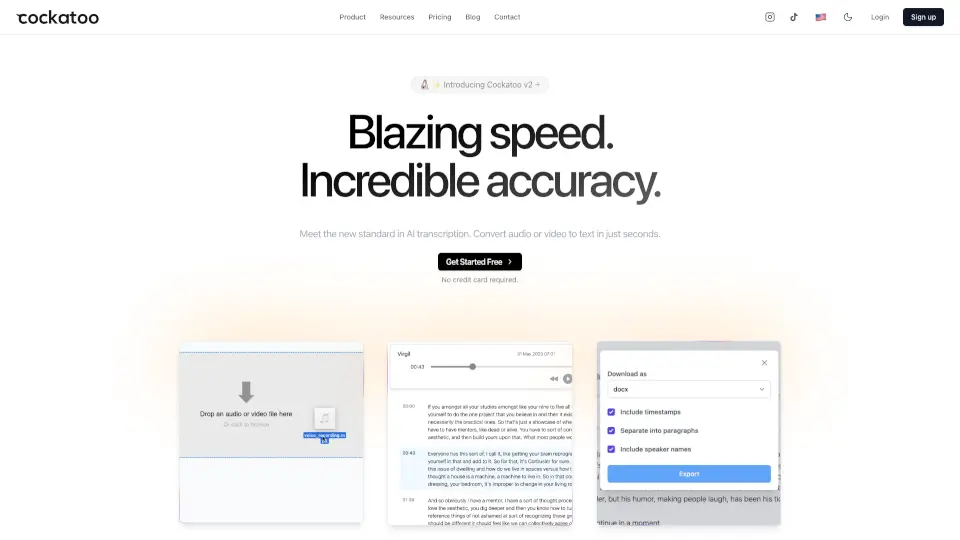
- Meeting Prep & RecordingBriefs you before calls, takes live notes, and sends recaps with clear action items afterward.
- Task & Follow-Up TrackingPulls to-dos from emails and meetings, reminds you of deadlines, and ensures nothing slips through the cracks.
- iMessage/SMS AccessChat with Lindy directly via text—just like messaging a real assistant.
- 100+ App IntegrationsWorks with Gmail, Outlook, Slack, Zoom, and more to act across your entire digital workspace.
- Enterprise-Grade SecurityPrivacy-first design with encryption, data ownership, and compliance (HIPAA, SOC 2, GDPR).
What are the use cases of Lindy AI?
- A sales leader uses Lindy to auto-draft follow-ups after demos and schedule next steps without manual coordination.
- An executive clears their overflowing inbox each morning while Lindy flags urgent messages and drafts responses.
- A recruiter automates interview scheduling across multiple time zones and sends personalized candidate updates.
- A founder gets meeting summaries and action items delivered right after calls, so they never lose track of decisions.
- A remote worker blocks daily focus time automatically and delegates calendar cleanup to Lindy overnight.
- A support manager uses Lindy to triage customer emails and draft empathetic, on-brand replies in seconds.
How to use Lindy AI?
- Connect your Gmail or Outlook account—Lindy starts organizing your inbox in under 60 seconds.
- Start texting commands like “Clear my inbox” or “Prep for my 2pm meeting” via iMessage or SMS.
- Review and tweak Lindy’s drafted replies to train it on your preferred tone and style.
- Enable integrations (like Slack or Zoom) so Lindy can access context across your tools.
- Set preferences for focus time, meeting buffers, and priority contacts to personalize automation.
- Check your daily summary each morning to see what Lindy handled while you slept.