insMind AI Image Enhancer logo

insMind AI Image Enhancer

insMind’s Free AI Photo Enhancer quickly improves image quality, sharpens details, and upscales photos to 8K—all online and free. Perfect for anyone wanting better-looking pictures.

insMind AI Image Enhancer

insMind AI Image Enhancer Product Information

What is insMind AI Image Enhancer?

Looking for a quick way to make your photos look sharper, clearer, and more vibrant? insMind’s Free AI Photo Enhancer is your go-to online tool for boosting image quality in just one click. Whether your pictures are blurry, pixelated, or just need a little extra pop, this tool uses smart technology to fix them up fast. You can even upscale your photos to 8K resolution for free—no editing skills required.

What are the features of insMind AI Image Enhancer?

  • Remove Blur & Sharpen Edges
    Instantly clear up blurry photos and sharpen details for a professional look.
  • Upscale to 2K/4K/8K
    Make your images bigger and better without losing quality.
  • Batch Photo Enhancing
    Enhance up to 30 images at once—perfect for saving time.
  • Reduce Noise & Unpixelate
    Get rid of grainy textures and pixelation for smooth, crisp visuals.
  • Enhance Color Vibrancy
    Boost colors and contrast so every photo stands out.
  • Multi-Format Support
    Works with JPG, JPEG, PNG, and WebP files.
  • Mobile Friendly
    Use it on your phone’s browser or download the app for editing on the go.

What are the use cases of insMind AI Image Enhancer?

  • Photographers
    Speed up post-editing and deliver high-quality shots.
  • E-commerce Sellers
    Make product photos look professional to attract more buyers.
  • Real Estate Agents
    Enhance property images for eye-catching listings.
  • Social Media Users
    Upgrade your selfies and posts for more likes and comments.
  • Designers & Developers
    Improve graphics for websites and apps.
  • Print Professionals
    Get studio-grade prints from regular photos.

How to use insMind AI Image Enhancer?

  • Step 1
    Click “Upload a photo” and choose your image (JPG, JPEG, PNG, WebP).
  • Step 2
    Select “General” or “Portrait” mode, pick your upscale level (2x, 4x, 8x), and hit “Generate.”
  • Step 3
    Preview the enhanced image and download it for sharing or printing.
  • Batch Upload
    To enhance multiple photos, use the bulk upload feature for up to 30 images at once.
insMind AI Image Enhancer Contact Email:

support@insmind.com

Do you like this tool?

Upvote to help others discover it!

insMind AI Image Enhancer Alternatives

HitPaw FotorPea

HitPaw FotorPea

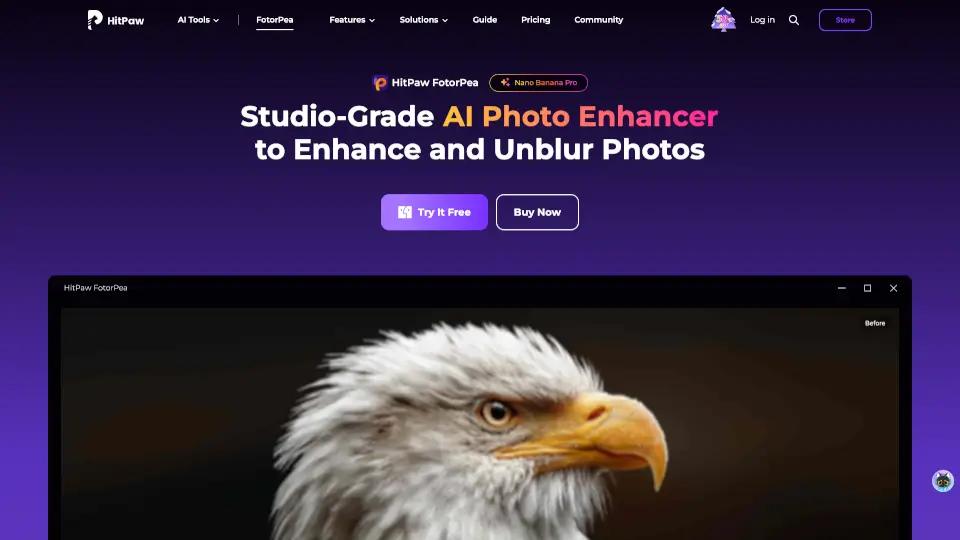
HitPaw FotorPea is your go-to AI photo enhancer for sharpening, upscaling, and restoring images effortlessly. Perfect for pros and beginners alike!

US
19.94%
762.8K
0
Imgupscaler AI

Imgupscaler AI

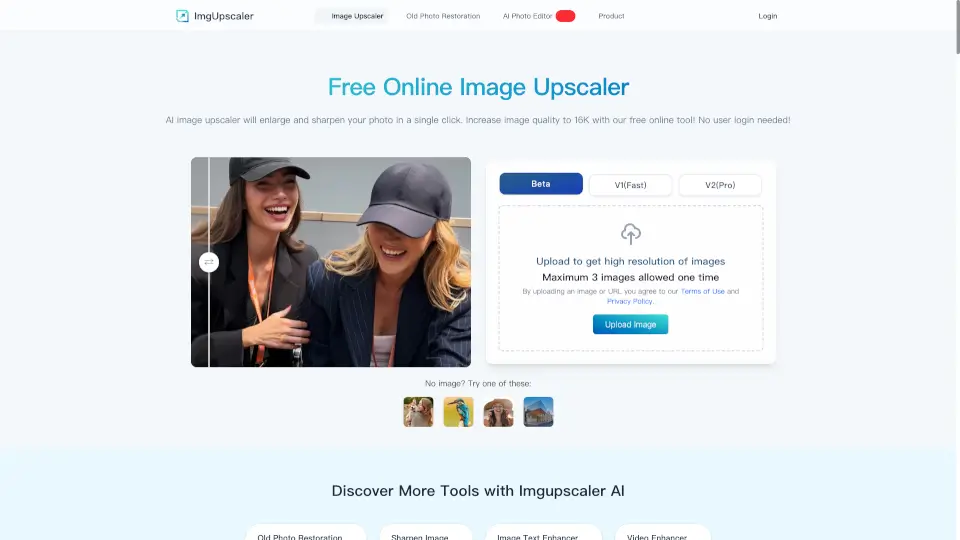
Imgupscaler.ai is the easiest way to upscale, sharpen, and enhance images for free. Perfect for photos, designs, and social media—no skills required!

RU
10.27%
1.9M
0
Image Enhancer

Image Enhancer

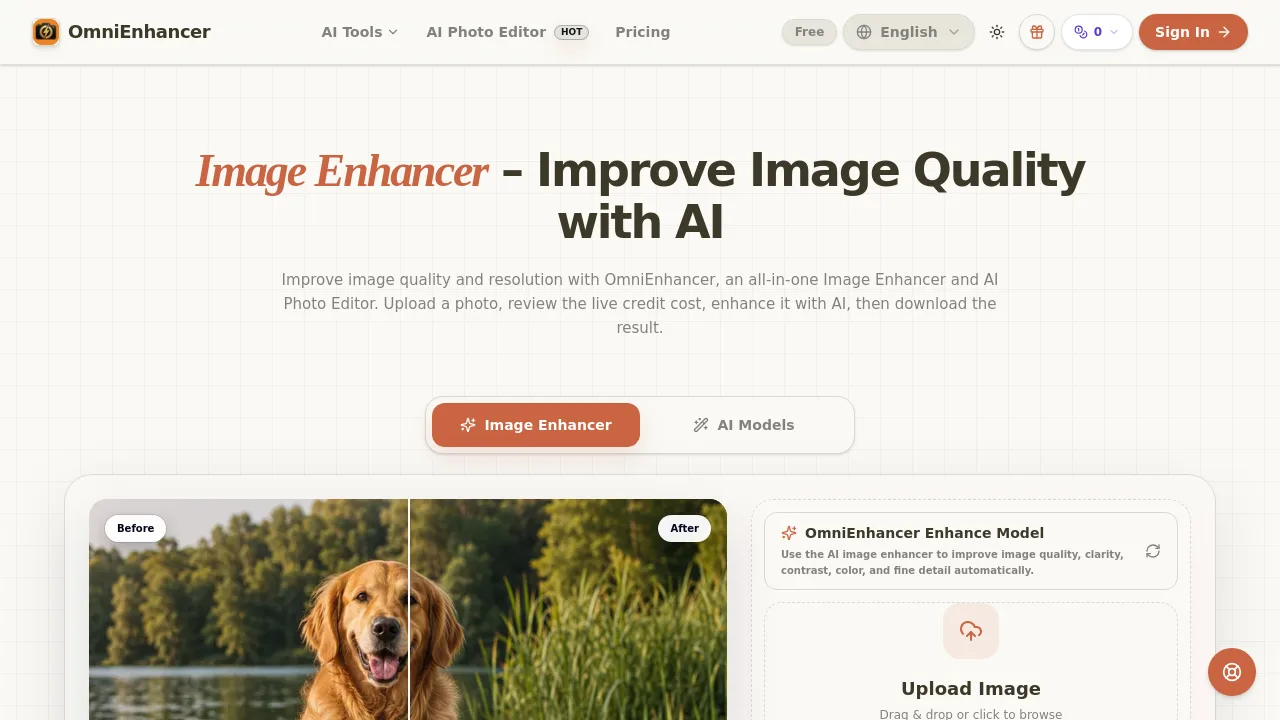
OmniEnhancer's Image Enhancer is an AI-powered online tool for sharpening, upscaling, and restoring photos, designed for creators, sellers, and archivists who need clearer images without software installation.

0
AI Image Enlarger

AI Image Enlarger

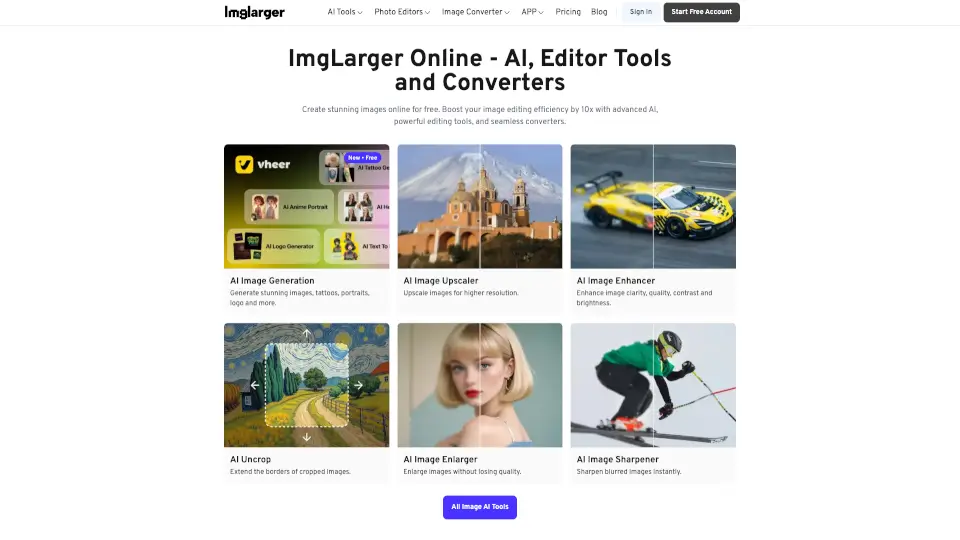
ImgLarger is a free, browser-based AI image enhancer that upscales, restores, edits, and converts photos without losing quality.

IN
15.20%
377.6K
0
Image Upscaler

Image Upscaler

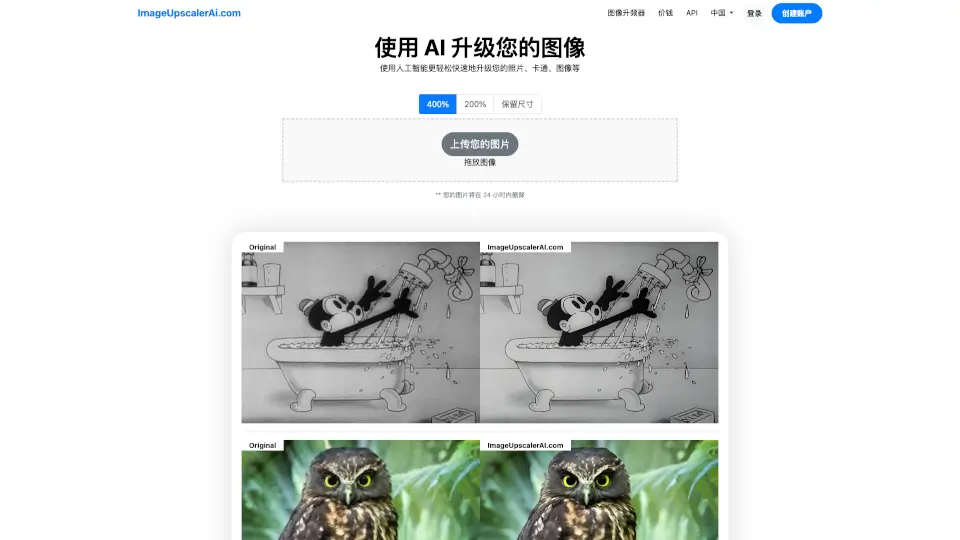
ImageUpscalerAI.com is a free, AI-powered image upscaler that enhances photo quality up to 400% quickly, easily, and with strong privacy protections.

IT
28.98%
4.7K
0
Unblurimage AI

Unblurimage AI

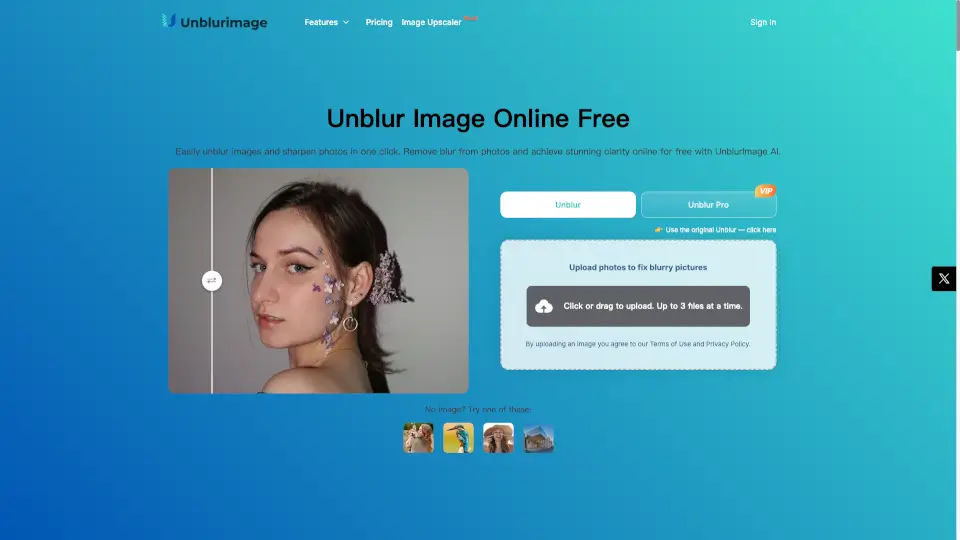
UnblurImage AI makes blurry photos sharp and clear—free, fast, and no sign-up. Perfect for social media, shopping, or printing!

US
21.00%
464.3K
0
Let's Enhance

Let's Enhance

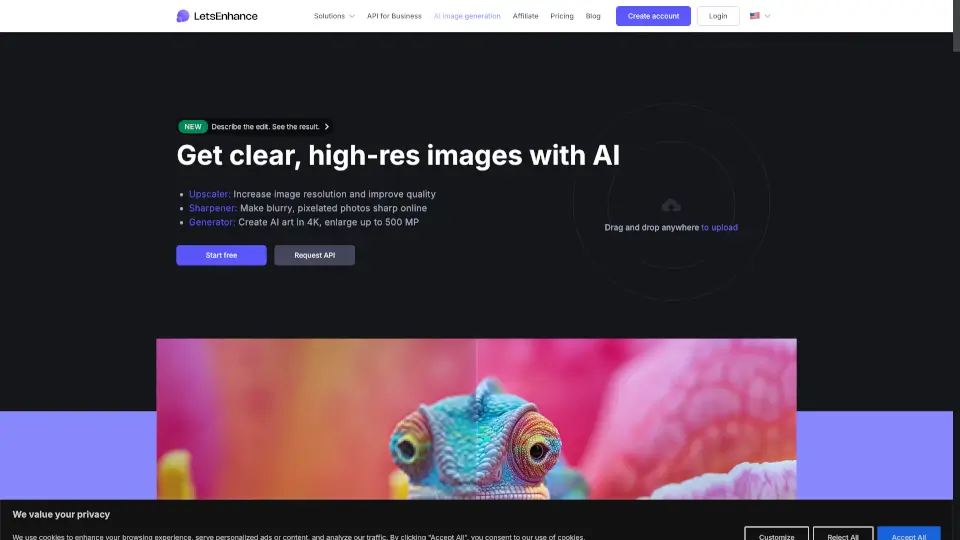
Let’s Enhance uses advanced AI to upscale, sharpen, and restore images naturally—delivering print-ready, high-resolution results without the artificial look.

US
13.13%
837.9K
0
Face26

Face26

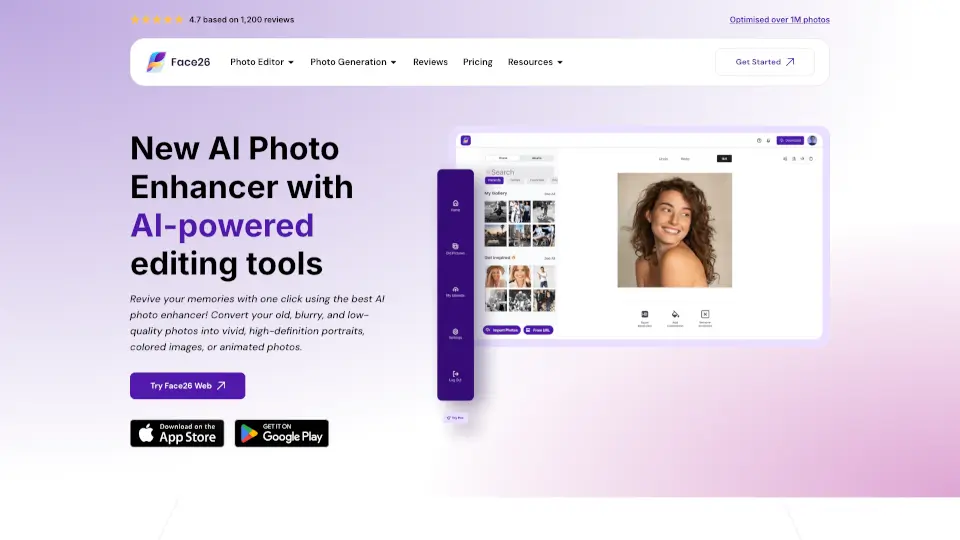
Face26 is a free, easy-to-use AI photo enhancer that restores, sharpens, and upscales images with professional-quality results in seconds.

US
13.80%
40.2K
0

insMind AI Image Enhancer Related Other Categories

insMind AI Image Enhancer Traffic Analysis

These figures cover the whole website insmind.com. Multiple listings share this website; only one representative is included in traffic rankings.

  • Monthly Visits

    640.11K

  • Bounce Rate

    41.48%

  • Pages Per Visit

    2.66

  • Visit Duration

    00:01:36

  • Global Rank

    80057

  • Country Rank

    21123

Visits Over Time

Traffic Sources

Search Organic50.72%
Direct34.54%
Social Organic6.41%
Referrals5.04%
Display Ads1.16%
Gen Ai0.97%
Search Paid0.84%
Mail0.17%
Social Paid0.15%
Affiliate0.00%

Top Keywords

1
webp to jpg
CPC$0.30
11.10KTraffic
2
insmind
CPC$0.44
5.75KTraffic
3
hd foto
CPC$0.37
5.65KTraffic
4
pixverse
CPC$0.31
3.48KTraffic
5
webp para jpg
CPC$0.43
2.98KTraffic

Top Regions

RegionPercentage
Russia
Russia
17.27%
Brazil
Brazil
7.17%
Belgium
Belgium
6.69%
United States
United States
6.00%
India
India
3.85%
Low
High

Powered by SimilarWeb

insMind AI Image Enhancer FAQ

What is an AI image enhancer?

It’s a tool that uses smart technology to improve photo quality by fixing blur, sharpening details, and boosting colors.

Why use a photo quality enhancer?

It saves time, fixes blurry or noisy images, and upscales resolution without manual editing.

How can I improve image quality?

Just upload your photo to insMind and let the tool automatically enhance it for you.

Can I increase image resolution to 4K or 8K?

Yes, you can upscale images to 2x, 4x, or 8x for higher resolution.

How can I fix low-resolution images?

Upload your image and the AI will restore lost details and increase resolution.

What makes insMind AI image enhancer standout?

It’s fast, supports batch processing, works with multiple formats, and saves you money.

Can I enhance multiple photos at once?

Yes, you can batch enhance up to 30 images in one go.

Can I use the AI enhancer on mobile phones?

Absolutely! Use it in your mobile browser or download the app for instant editing.

insMind AI Image Enhancer Reviews

0
0 Reviews
Sign Into leave a review

Recent Reviews

No reviews yet

insMind AI Image Enhancer Embed

Use website badges to drive community support for SeekTool.ai. They are easy to embed in your homepage or footer.

Light
Dark
insMind AI Image Enhancer - Featured on SeekTool.aiinsMind AI Image Enhancer - Featured on SeekTool.ai
How to install?