
What is Inner AI?
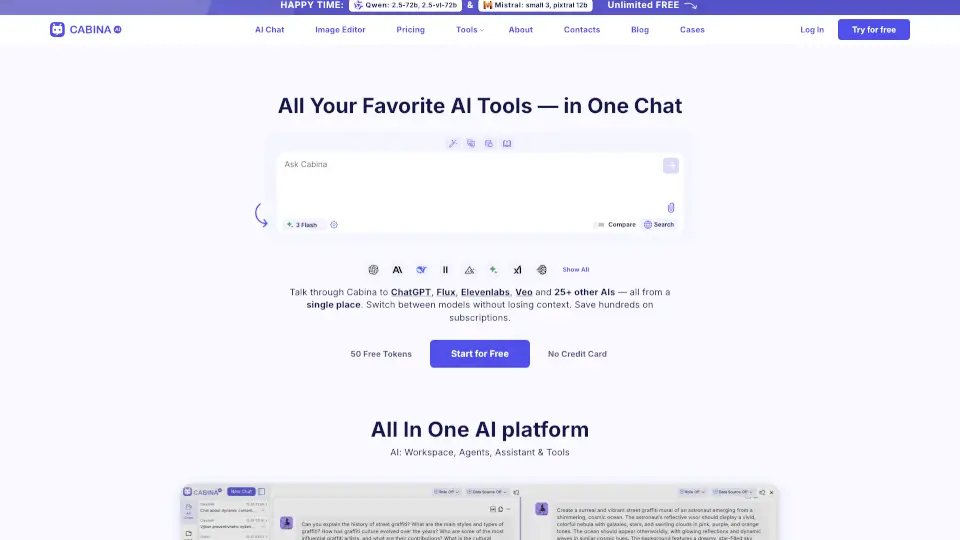
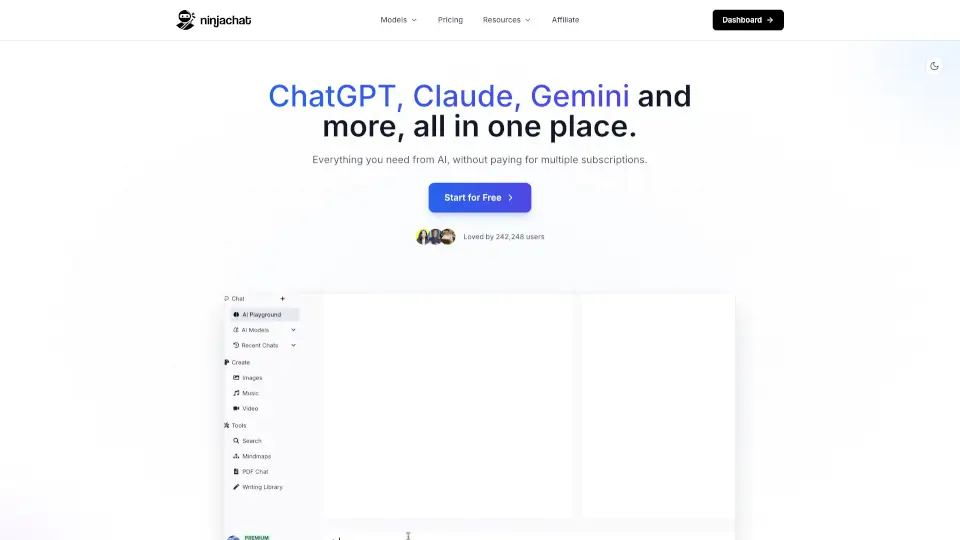
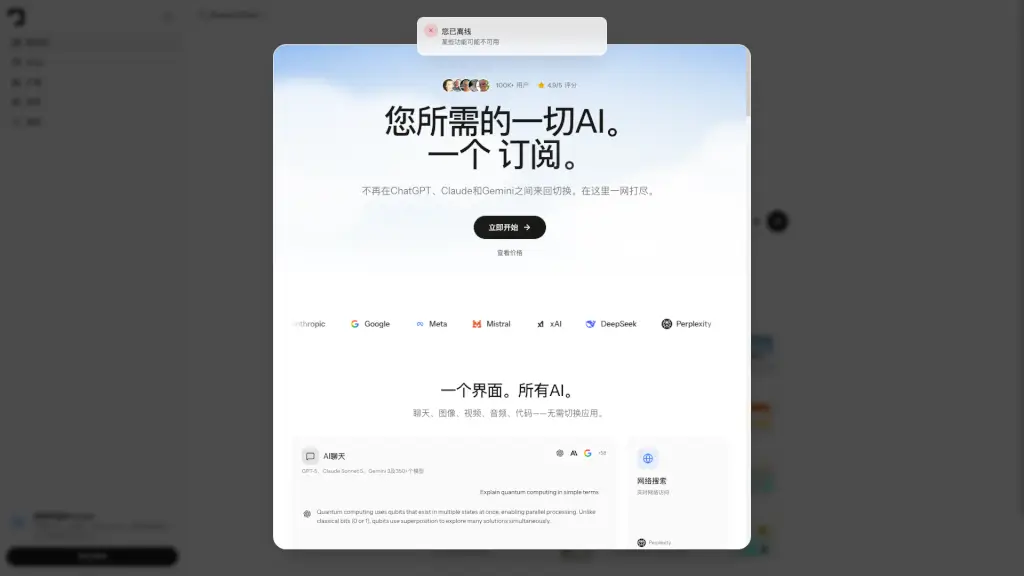
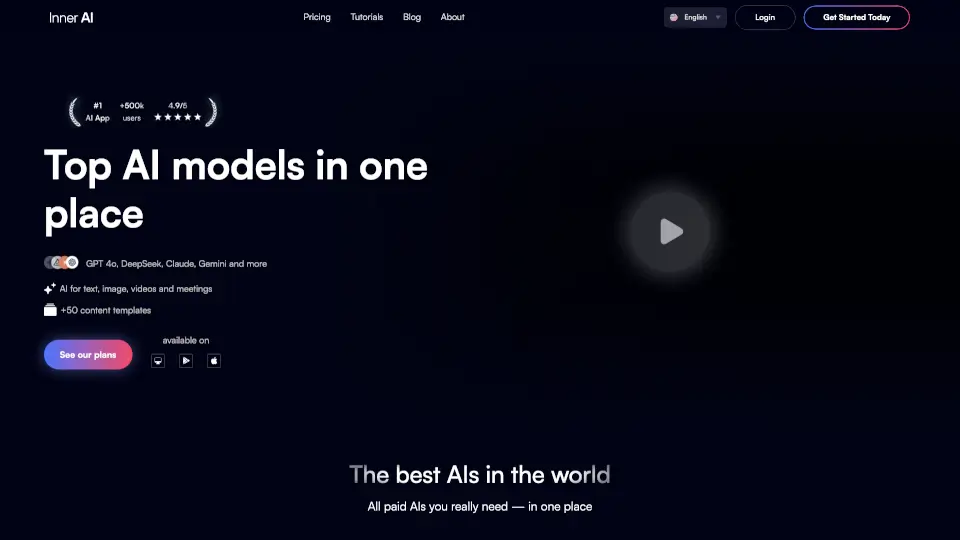
Inner AI is your all-in-one AI workspace designed to help you organize thoughts, boost creativity, and get tasks done faster—without juggling a dozen different tools. Whether you're writing, researching, editing videos, or managing team projects, Inner brings the world’s top AI models like GPT-4o, Claude, Gemini, and DeepSeek into a single, intuitive platform.
Built for both individuals and teams, Inner AI cuts through the clutter of multiple subscriptions by offering 50+ content templates, smart document interaction, AI-powered web search, and media tools like transcription and dubbing—all in one place. With strong privacy practices and enterprise-grade security, it’s safe, fast, and surprisingly affordable.
What are the features of Inner AI?
- Top AI Models in One PlaceAccess GPT-4o, Claude, Gemini, DeepSeek, Llama, Mistral, and more without switching apps.
- Document & PDF InteractionSummarize, search, translate, and extract insights from files using AI.
- AI Web SearchGet fast, accurate answers on trends, competitors, news, and research topics.
- Prompt Enhancer & LibraryImprove your prompts instantly or use expert-crafted templates across Marketing, Legal, Finance, Sales, and more.
- Video & Audio ToolsCreate fast transcriptions, subtitles, and natural-sounding AI dubbing.
- Team Collaboration FeaturesBuild training courses, generate SCORM-compatible content, and streamline HR workflows.
- Cross-Device SyncUse Inner seamlessly on web, iOS, or Android with synced chats, assistants, and libraries.
- Enterprise-Grade SecuritySOC 2 compliant, end-to-end encryption, and zero data used for model training.
What are the use cases of Inner AI?
- Turn internal documents into interactive employee training courses with auto-generated quizzes.
- Research competitors or market trends using AI-powered web search and summarize findings in seconds.
- Localize video content quickly with accurate AI subtitling and natural voice dubbing.
- Draft marketing copy, legal briefs, or sales emails using vetted prompt templates.
- Analyze long PDF reports by asking AI questions directly about the content.
- Reduce tool sprawl by replacing separate apps for chat, research, video editing, and file analysis.
How to use Inner AI?
- Sign up at app.innerai.com and choose a plan that fits your needs.
- Upload a document or PDF to ask questions, get summaries, or translate its content.
- Use the Prompt Library to find templates by category (e.g., “Marketing” or “HR”) and customize them.
- Enable AI web search when you need real-time info beyond your files.
- Try the video tools: upload a clip to auto-generate subtitles or dub it into another language.
- Install the iOS or Android app to access your workspace anywhere—with full sync across devices.