
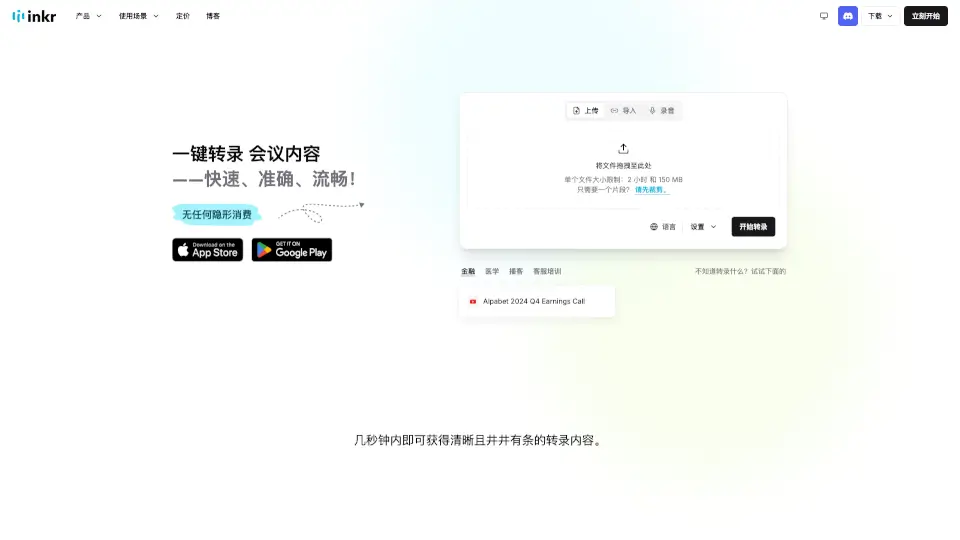
What is Inkr?
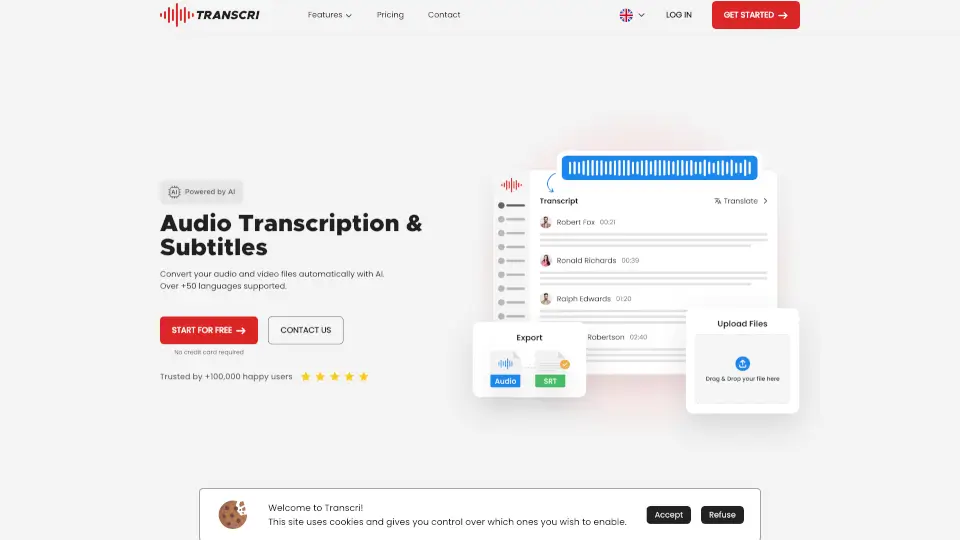
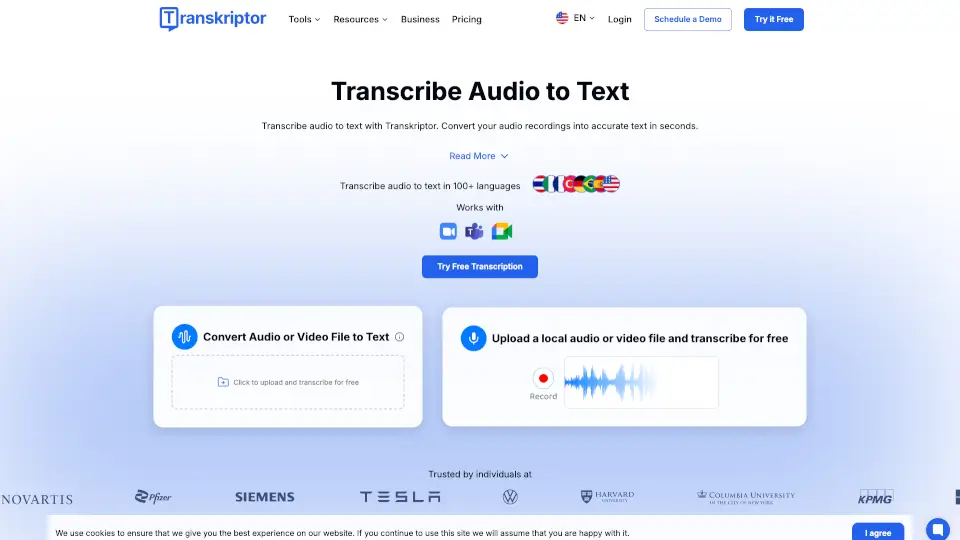
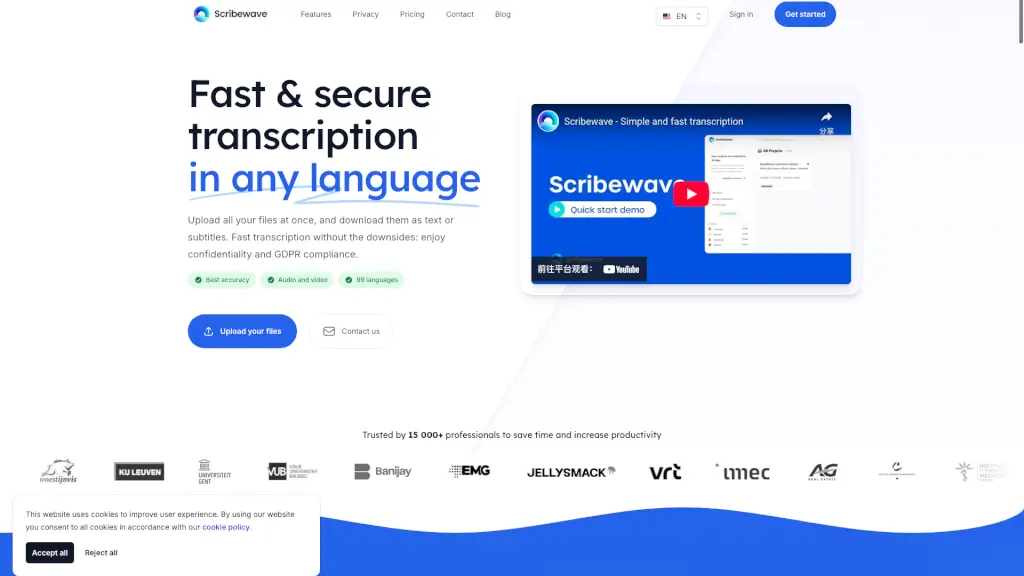
SoundEngrave is your go-to tool for fast, accurate, and searchable transcription of audio and video files. Whether you're a student, professional, or content creator, SoundEngrave makes it easy to convert speech to text in minutes. With support for multiple formats, batch uploads, and watermark-free downloads, it’s designed to save you time and effort.
What are the features of Inkr?
- Super-Fast Transcription: Get transcriptions in seconds—8x faster than other tools.
- Multi-Language Support: Break language barriers with support for over 100 languages.
- Speaker Identification: Automatically detect and label different speakers.
- Advanced Editing: Easily edit transcripts word by word for precision.
- Noise Cancellation: Clear transcription even in noisy environments.
- Batch Uploads: Process multiple files at once for maximum efficiency.
- No Watermark Downloads: Get clean, professional transcripts every time.
What are the use cases of Inkr?
- Students: Convert lectures and interviews to text for easy study.
- Professionals: Transcribe meetings, calls, and presentations.
- Content Creators: Turn podcasts, videos, and interviews into searchable text.
- Journalists & Writers: Quickly transcribe interviews and research materials.
- Customer Support: Accurately log and analyze client calls.
How to use Inkr?
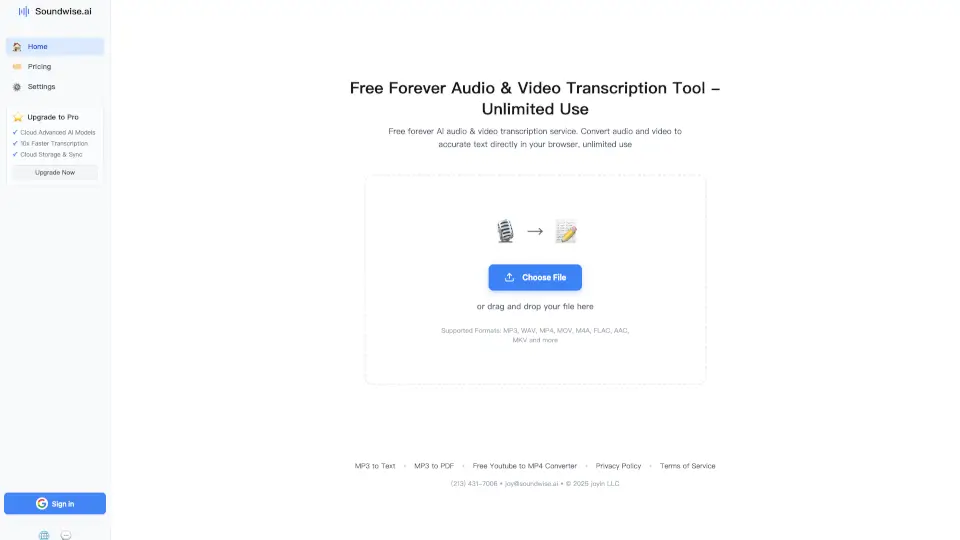
- Upload Files: Drag and drop audio or video files (up to 2 hours or 150 MB for free users).
- Start Transcription: Click “Start” and wait a few minutes for your text.
- Edit & Export: Review, edit, and download your transcript in multiple formats.
- Use AI Tools: Access features like note-taking, question-answering, and translation.