
What is Image to Text Converter?
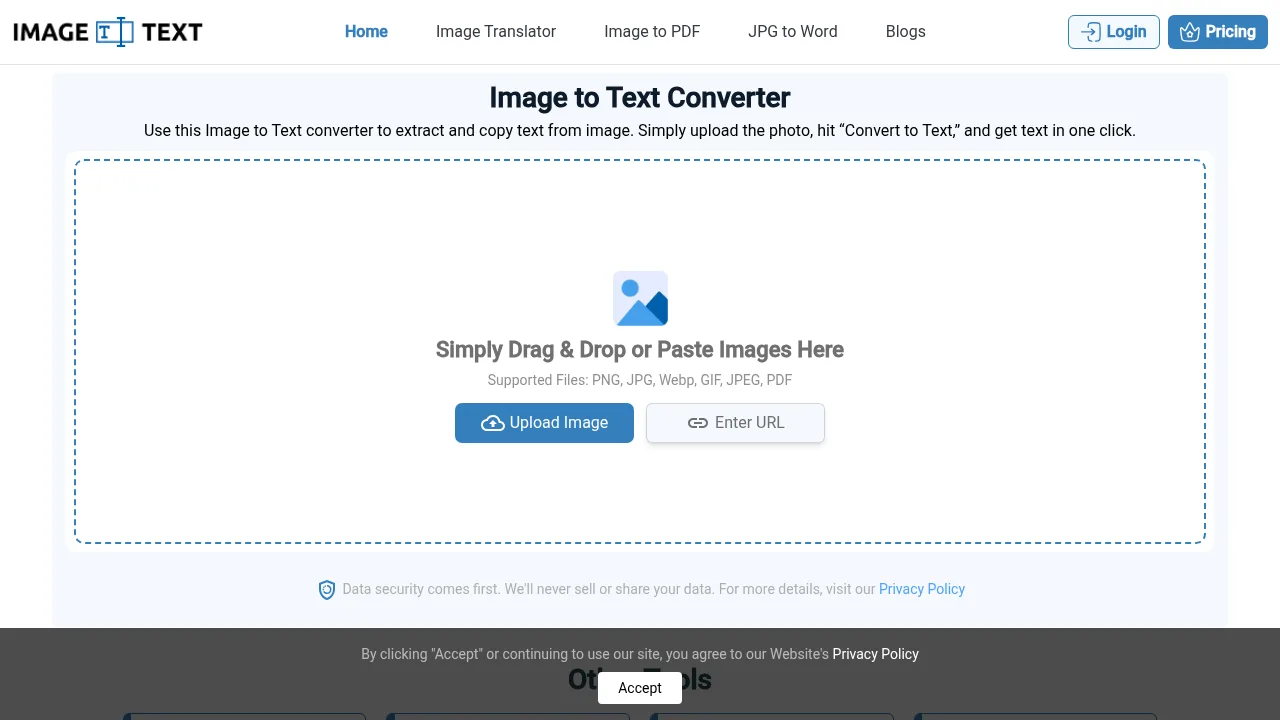
Image to Text Converter is a web-based OCR tool that extracts editable text from images, PDFs, and screenshots. It accepts uploads, pasted images, or URLs without requiring an account for basic use. Free users can process up to 5 images per session with no daily limit on sessions.
What are the features of Image to Text Converter?
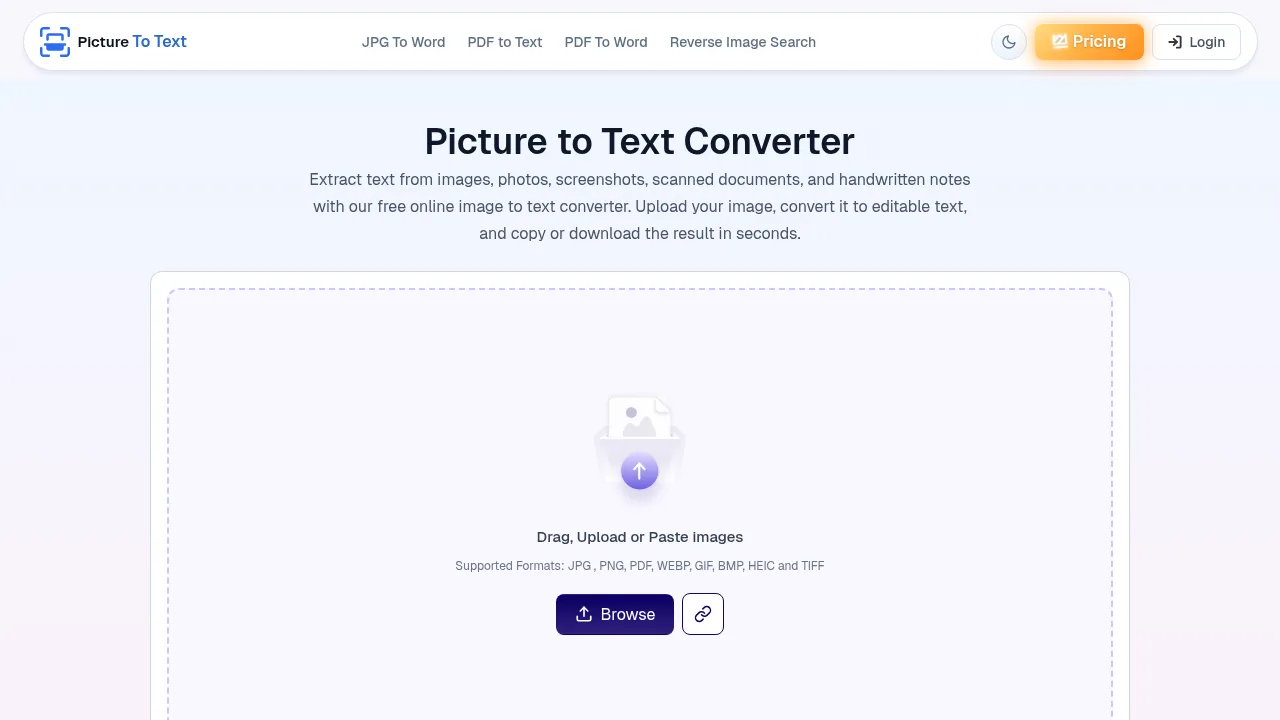
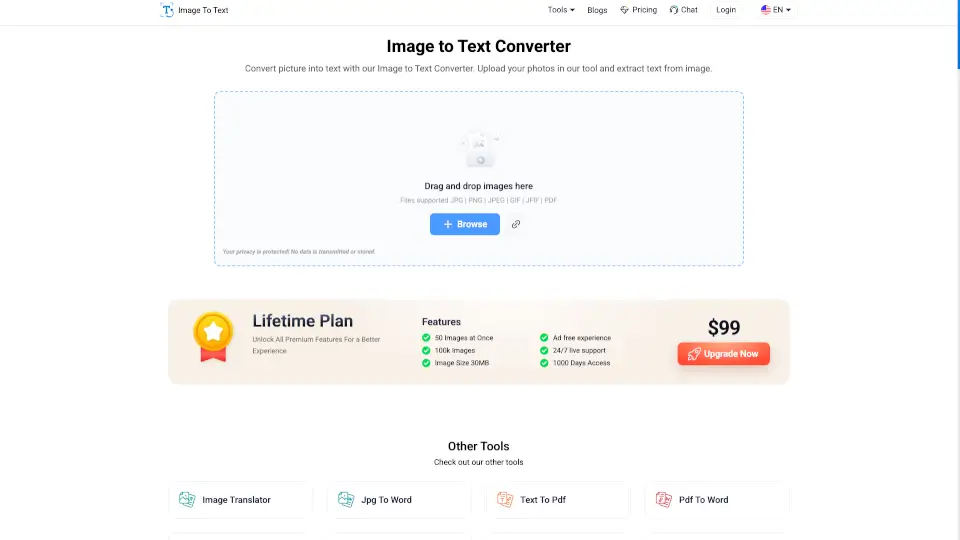
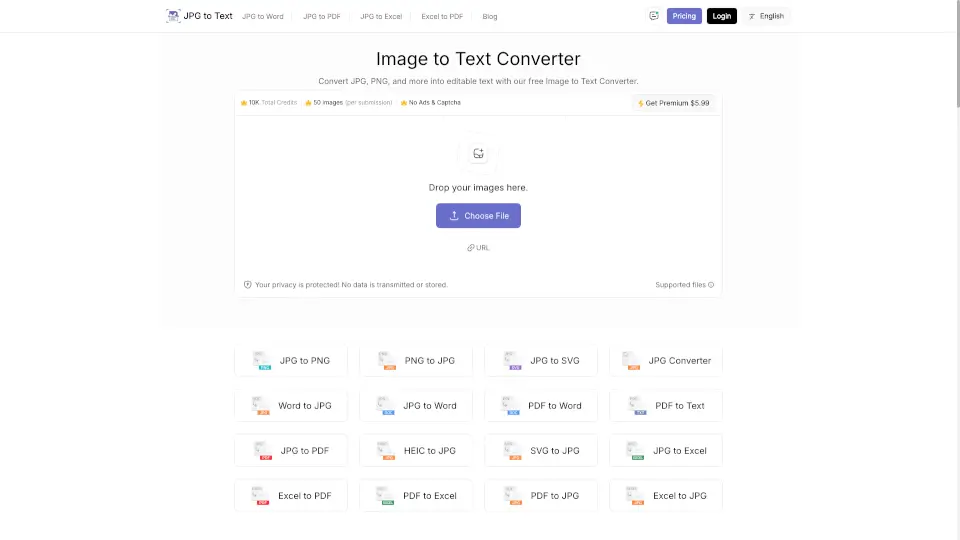
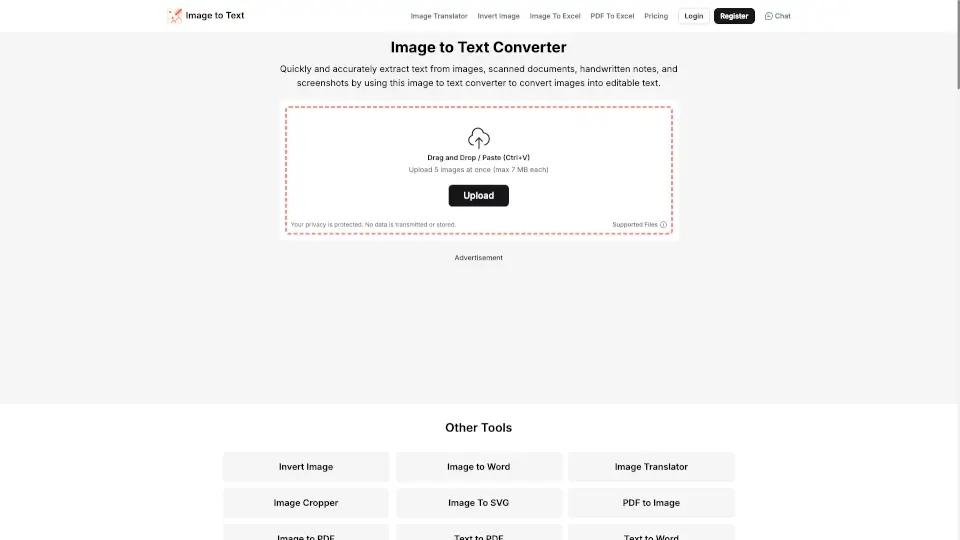
- Supported input formatsAccepts PNG, JPG, WebP, GIF, JPEG, and PDF files via upload, paste, drag-and-drop, or URL.
- Bulk processingConverts multiple images simultaneously, limited by the user's plan tier.
- Image adjustmentAllows cropping unwanted areas or rotating images before running conversion.
- Math equation extractionDetects and extracts mathematical equations contained within submitted images.
- Export optionsDownloads extracted text as TXT, DOCX, or PDF files without watermarks.
- Blur handlingThe vendor states the tool processes mildly blurry or lower-resolution images.
What are the use cases of Image to Text Converter?
- Data entryExtracts text from physical documents, receipts, or printed forms to transfer into spreadsheets or databases without manual typing.
- Academic digitizationConverts handwritten notes or rare printed learning materials into searchable digital copies for students or teachers.
- Social media archivingCopies text from image-based quotes or post screenshots for reference or reuse where permitted.
How to use Image to Text Converter?
- Provide an imageUpload a file, paste an image, drag and drop, or enter an image URL into the web tool.
- Adjust the imageOptionally crop or rotate the picture before processing.
- Run conversionClick the convert button to initiate OCR extraction.
- Retrieve outputView, copy, or download the extracted text as a TXT, DOCX, or PDF file.
Image to Text Converter Pricing Information:
- Free accessNo registration required; converts up to 5 images per session with no limit on the number of sessions.
- Paid subscriptionStated price not provided; allows converting up to 150 images at once.