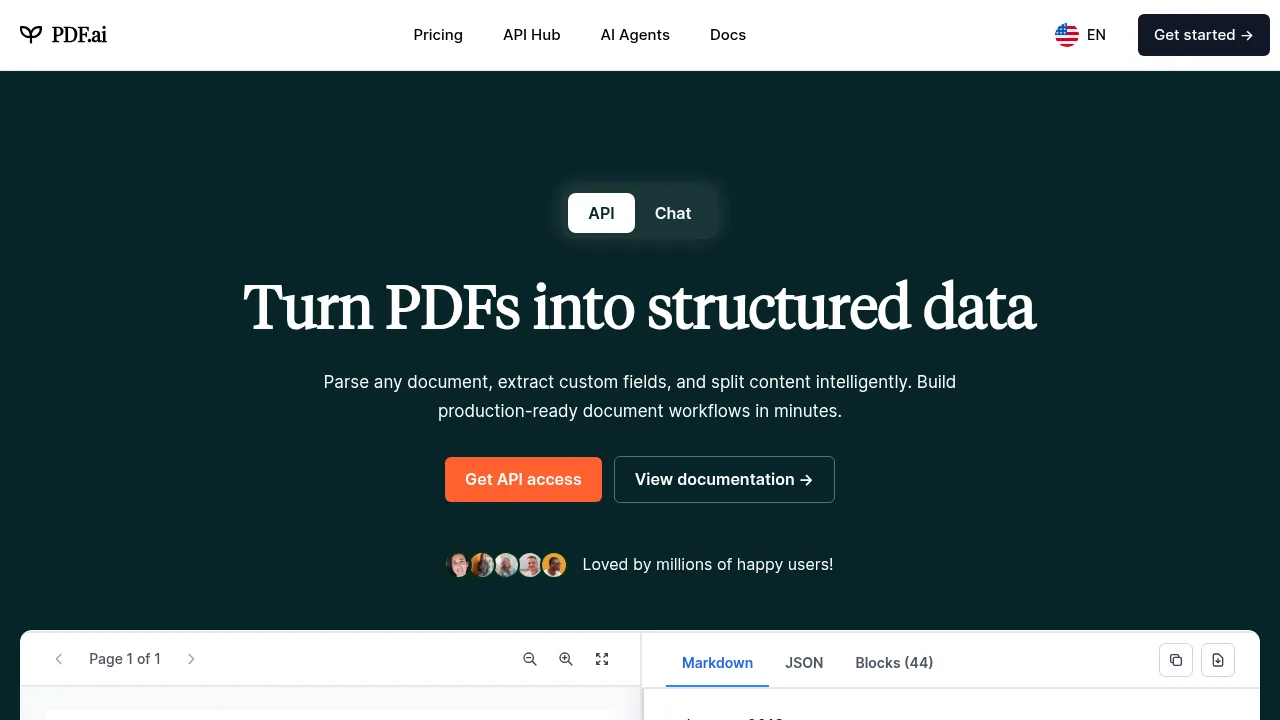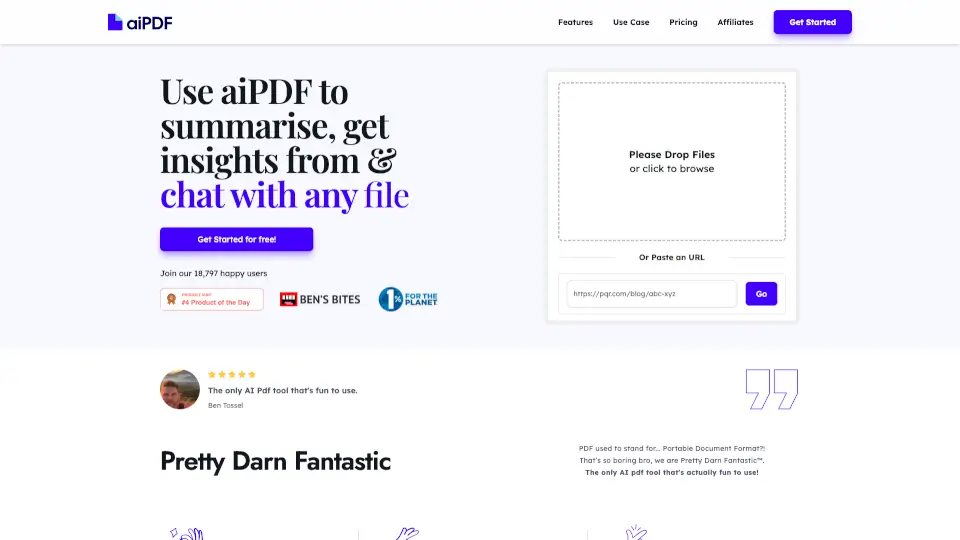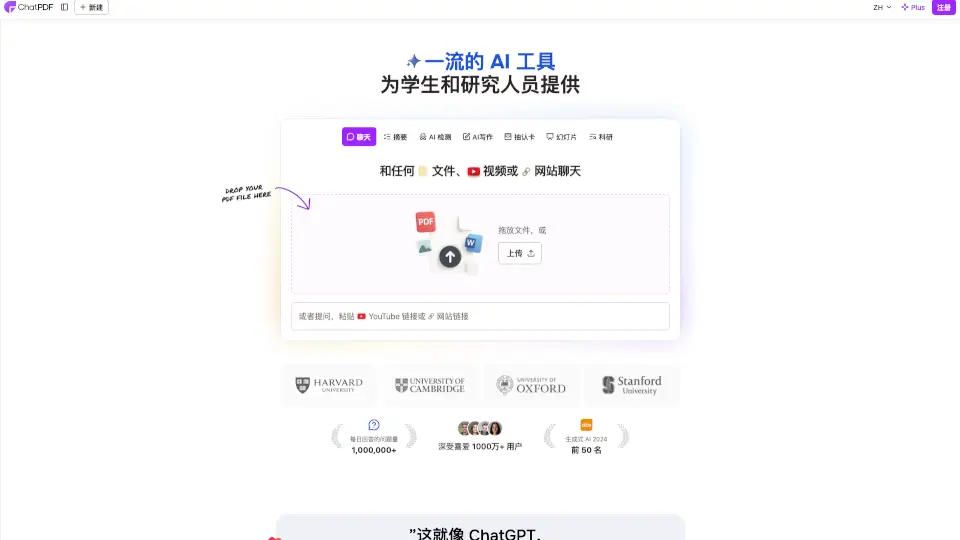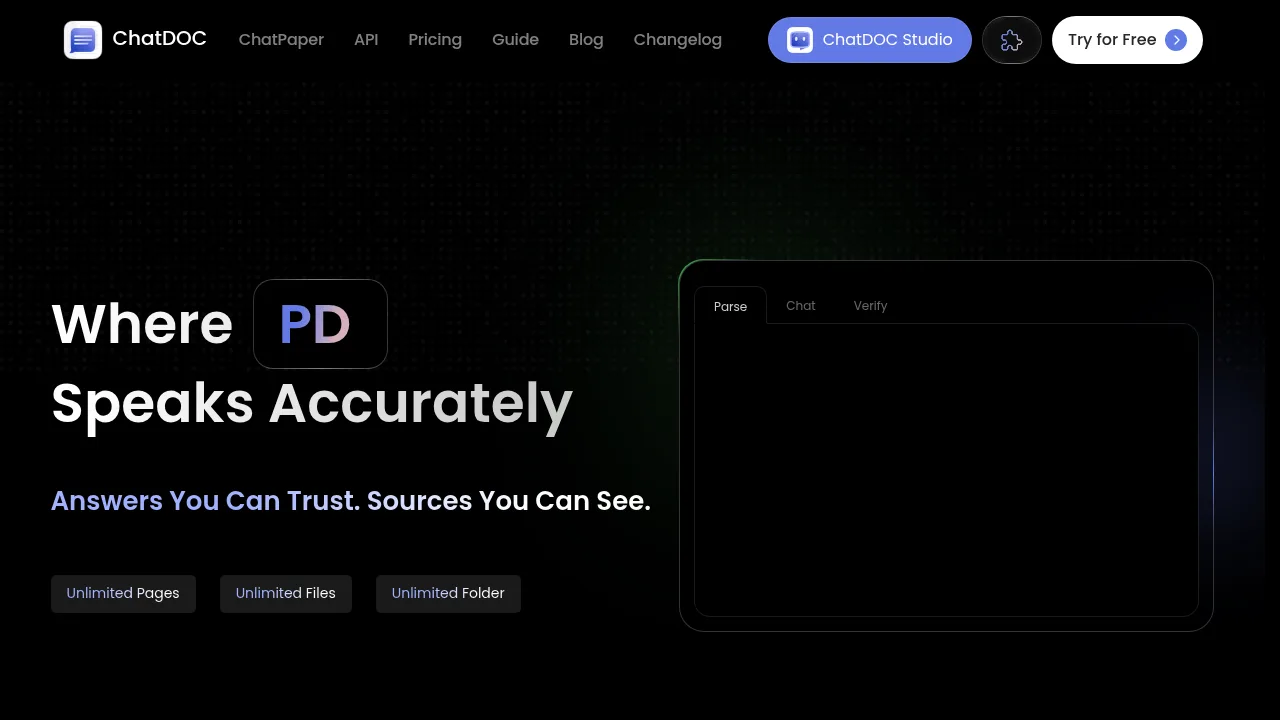

What is GoPDF?
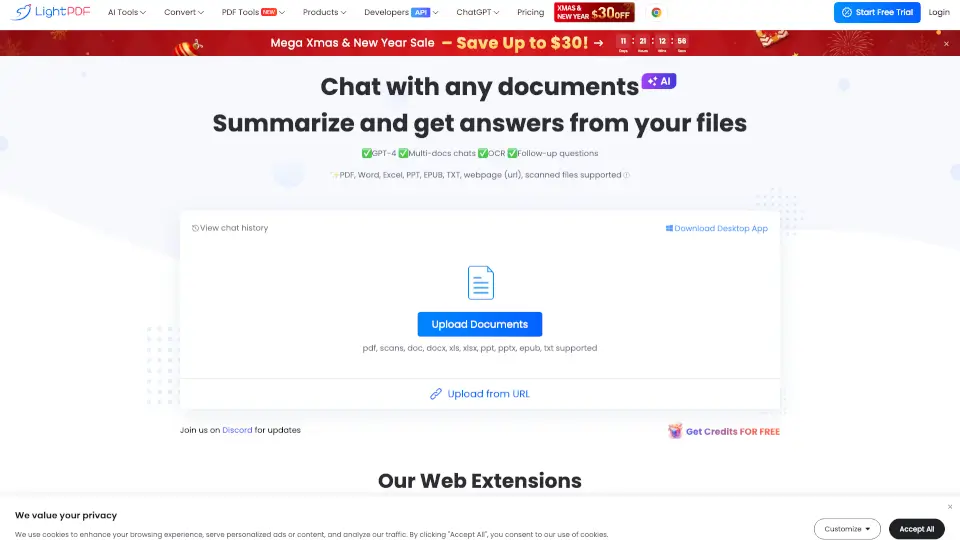
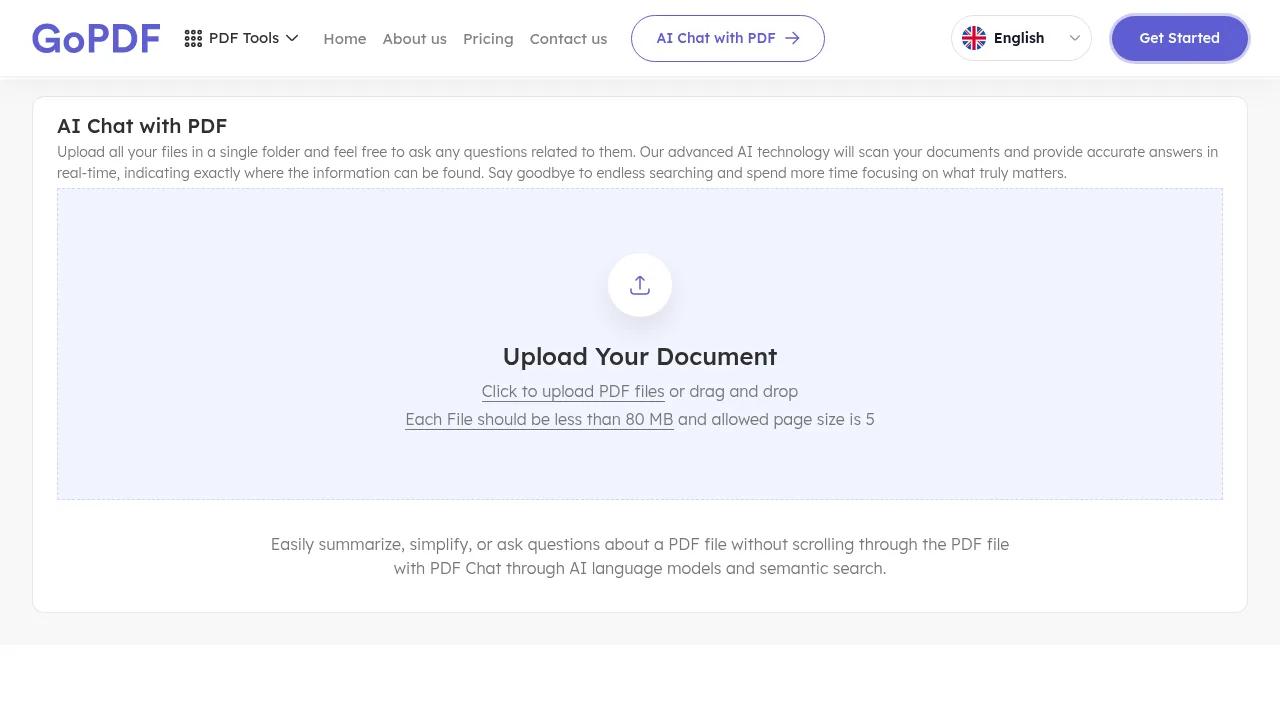
GoPDF is a web-based tool for asking questions about uploaded PDF documents using AI-driven semantic search. It supports single and multiple files, including scanned documents processed with OCR. Individual uploads are limited to 80 MB and a maximum of 5 pages per file.
What are the features of GoPDF?
- Multi-document chatUpload multiple PDFs into a single folder and ask questions that retrieve answers across all uploaded files simultaneously.
- Page citationsEach generated answer includes exact references such as page numbers or highlighted sections so users can verify the source within the document.
- OCR for scanned filesExtracts text from image-based or scanned PDFs to make their content available for questioning.
- AI summariesGenerates summaries of entire documents or specific selected sections on request.
- Semantic searchInterprets the meaning behind user questions rather than relying solely on keyword matching to locate relevant information.
What are the use cases of GoPDF?
- Comparing reportsUpload multiple related PDFs to a single workspace and ask questions that draw comparisons across all documents at once.
- Reviewing scanned recordsProcess image-based PDFs through OCR to extract text and then query the resulting content without manual transcription.
How to use GoPDF?
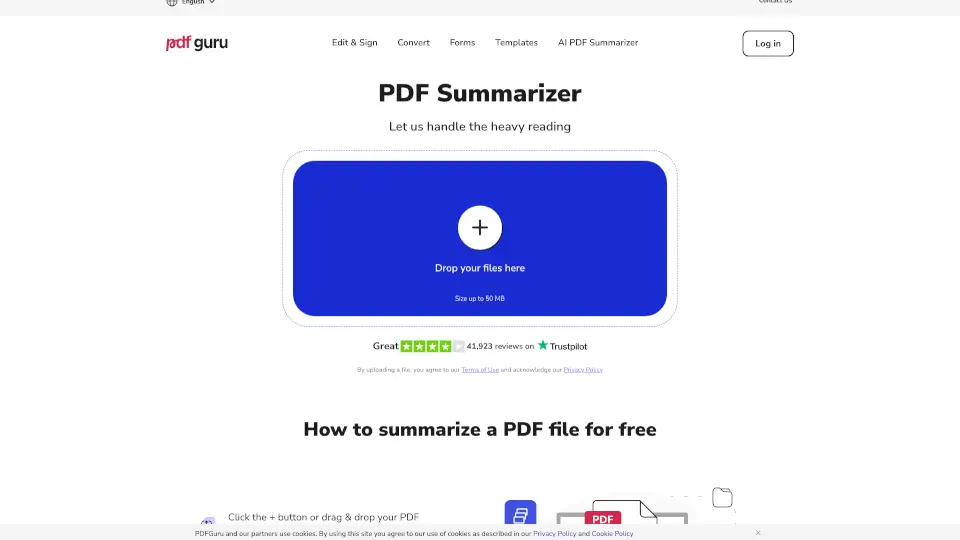
- Upload filesClick to upload PDF files or drag and drop them into the interface, ensuring each file is under 80 MB and no more than 5 pages.
- Ask questionsType questions about the content of the uploaded documents.
- Review answersRead the AI-generated responses, which include direct answers extracted from the files along with page number citations.
GoPDF Pricing Information:
- Free versionAllows chatting with PDFs; specific usage limits beyond the 80 MB and 5-page-per-file constraints are not stated.
- Premium plansOptional paid tiers offering higher limits and advanced features; prices and billing periods are not specified in the source.