myGPTReader logo

myGPTReader

5.0
(0 Reviews)
United States19.35%

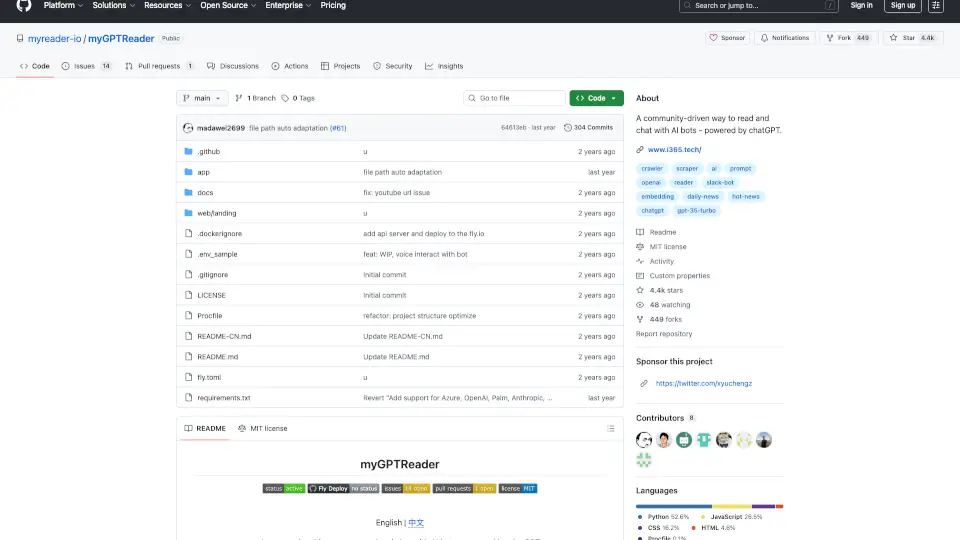
myGPTReader is a community-driven Slack bot that reads, summarizes, and chats with you about any website, document, or YouTube video using chatGPT.

Verified by SeekTool
Social Media:

myGPTReader Product Information

What is myGPTReader?

myGPTReader is a community-driven Slack bot that uses chatGPT to help you read, summarize, and chat about any content—from websites and documents to YouTube videos. It’s like having a smart reading companion that can explain complex topics, answer your questions, and even talk back to you in multiple languages. Whether you’re a student trying to digest a long PDF, a professional skimming a news article, or a language learner practicing pronunciation, myGPTReader makes the process faster, easier, and more interactive.

What are the features of myGPTReader?

  • Website Conversation: Paste any URL (including YouTube videos with subtitles) and chat with the AI about the content—no need to read everything yourself.
  • Document Summarization: Upload PDFs, e-books, DOCX, TXT, or Markdown files, and get instant summaries or specific answers from the document.
  • Voice Chat with AI: Speak naturally in Chinese, English, German, or Japanese, and myGPTReader responds as your personal tutor or conversation partner.
  • Built‑in Prompt Templates: Access dozens of ready‑made prompt templates to get better, more focused conversations with chatGPT.
  • Daily Hot News Digest: Every day, myGPTReader pulls the latest hot news and generates a concise summary, so you can stay informed in minutes.
  • Community‑Driven: Over 5,000 active Slack members share tips, feature requests, and contribute to the open‑source project.

What are the use cases of myGPTReader?

  • Student Research: Upload a 300‑page PDF textbook and ask the bot to explain a chapter or find specific data.
  • Busy Professional: Drop a link to a long industry report and get a three‑bullet summary delivered in seconds.
  • Language Learner: Practice German pronunciation by speaking to the bot and getting instant feedback.
  • Content Curator: Scan through daily hot news summaries to decide what to read in depth.
  • Developer Testing: Use prompt templates to quickly prototype ideas or debug code via chat (notable: the project itself was built with chatGPT pairing).
  • Remote Team Work: Share a YouTube tutorial in a Slack channel, then ask the bot “What’s the key takeaway?” for everyone to learn together.

How to use myGPTReader?

  1. Join the Slack workspace: Access the invite link (see “Getting Started” in the README) to the community Slack with 5,000+ members.
  2. Add the bot: Once in Slack, invite myGPTReader to any channel or DM it directly.
  3. Send content: Paste a URL, upload a file (PDF, doc, etc.), or type a question using natural language.
  4. Voice mode: If you have a microphone, click the voice button (supported languages: Chinese, English, German, Japanese) and start speaking.
  5. Use prompt templates: Type /prompt in Slack to browse available templates for specific tasks like “explain like I’m 5” or “summarize this”.
  6. Check daily news: Look for the bot’s scheduled message in the #news channel every morning.
Do you like this tool?

Upvote to help others discover it!

myGPTReader Alternatives

Myreader AI

Myreader AI

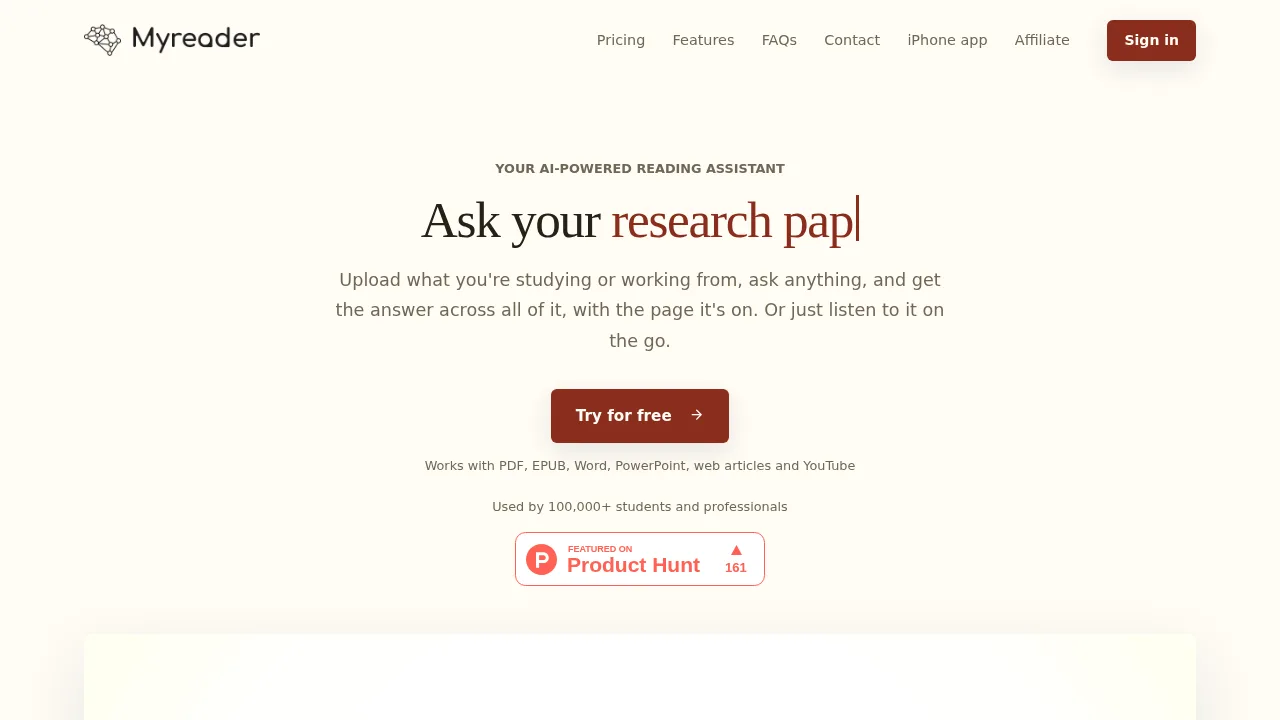
Myreader is an AI-powered reading assistant that helps you read, research, and learn faster. Upload any document, get instant answers, summaries, and even convert them into audiobooks. Perfect for students, researchers, and professionals.

US
19.27%
40.3K
4.0
aiPDF - Your AI-Powered PDF Companion

aiPDF - Your AI-Powered PDF Companion

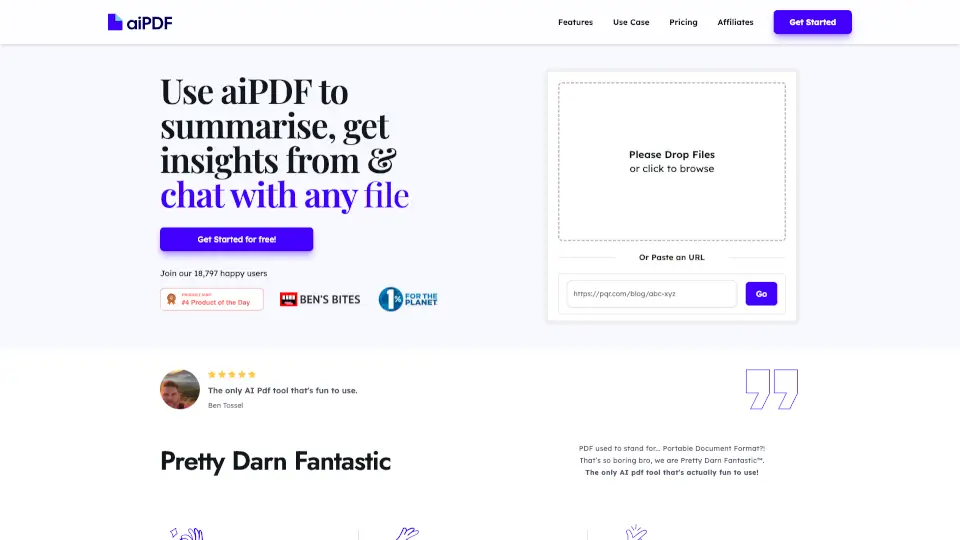
Turn PDFs, videos, and articles into AI chats with fast summaries, cited answers, and strict privacy for students and professionals.

VN
40.47%
4.3K
3.0
ReadPartner

ReadPartner

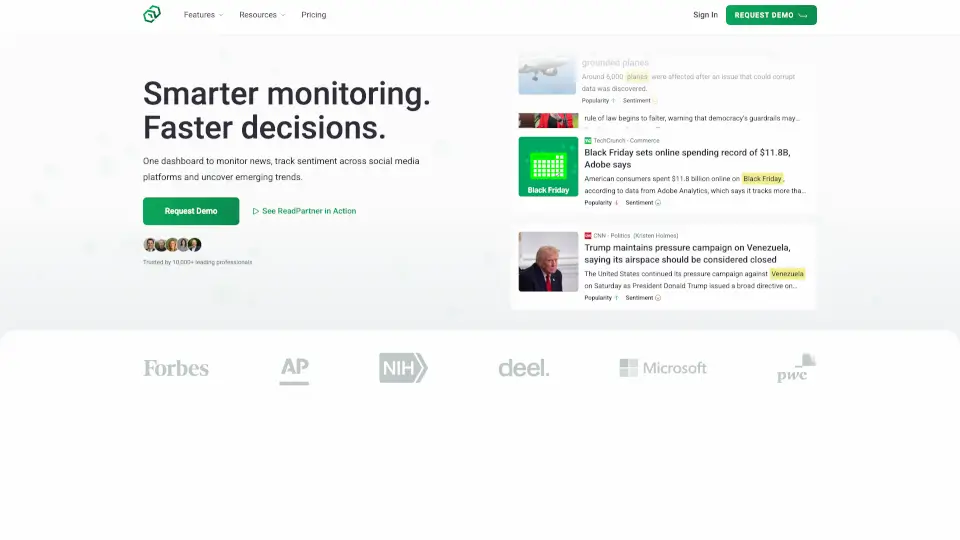
ReadPartner is an AI-powered tool that saves you time by summarizing content and automating news digests. Perfect for students, professionals, and casual users.

US
53.23%
5.8K
3.0
Slidespeak

Slidespeak

SlideSpeak is an AI-powered tool that simplifies presentation creation and document summarization, making it ideal for students, consultants, and businesses.

IN
16.18%
640.7K
5.0
Spoke.ai

Spoke.ai

Spoke.ai is a privacy-first AI tool that helps you summarize Slack discussions, save time, and stay focused. Perfect for busy professionals and teams.

US
50.86%
2.6K
3.0
Documind

Documind

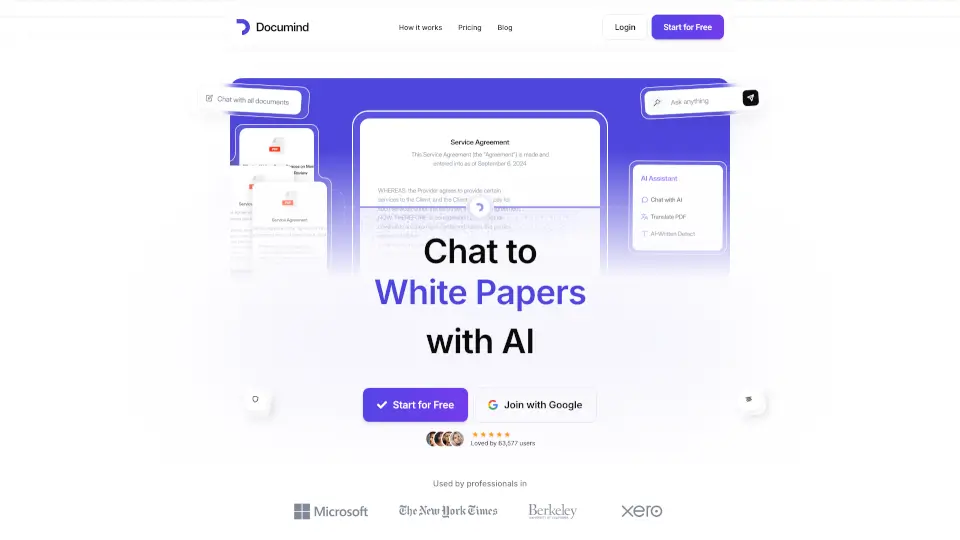
Chat with PDFs and summarize documents easily with Documind's AI.

US
20.52%
23.8K
4.0
Read Something

Read Something

Read Something is a versatile Chrome extension that enhances your reading experience with AI-powered tools like summarization, translation, and Markdown conversion.

US
21.55%
203.0M
5.0
PDF.ai

PDF.ai

PDF.ai is the ultimate tool for chatting with PDFs, offering instant answers, summaries, and source-backed responses. Perfect for students, professionals, and anyone who works with documents.

BR
11.31%
573.0K
5.0

myGPTReader Related Other Categories

myGPTReader Traffic Analysis

💡 Insights

🚀
Super High Traffic
Over 10M monthly visits. A market leader with extremely high user trust.
⚠️
Slight Decline
Traffic has slightly decreased recently.
💎
High Stickiness
Low bounce rate (36%) and deep engagement (5.9 pages/visit). Excellent user experience.
🎯
Strong Brand
52% direct traffic. High user loyalty.
  • Monthly Visits

    615.24M

  • Bounce Rate

    36.34%

  • Pages Per Visit

    5.87

  • Visit Duration

    00:06:23

  • Global Rank

    47

  • Country Rank

    76

Visits Over Time

Traffic Sources

Direct52.09%
SearchOrganic25.33%
Referrals9.88%
SocialOrganic9.10%
GenAi1.99%
Mail1.16%
DisplayAds0.27%
SocialPaid0.14%
SearchPaid0.02%
Affiliate0.00%

Top Keywords

1
github
CPC$1.54
10.53MTraffic
2
zapret
CPC$0.86
651.04KTraffic
3
github copilot
CPC$1.60
648.32KTraffic
4
hermes agent
CPC$2.41
560.36KTraffic
5
запрет дискорд ютуб
515.87KTraffic

Top Regions

RegionPercentage
United States
United States
19.35%
China
China
11.29%
India
India
10.20%
Russia
Russia
8.43%
Germany
Germany
4.06%
Low
High

Powered by SimilarWeb

myGPTReader FAQ

How do I start using myGPTReader?

You’ll need a Slack account. Join the community Slack workspace (link in the README), then invite the bot to any channel or direct message it.

Can myGPTReader read YouTube videos?

Yes, as long as the video has subtitles (closed captions). Just paste the YouTube link and ask the bot to summarize or answer questions.

What file formats are supported for upload?

PDF, DOCX, TXT, Markdown, and e‑book formats (like EPUB and MOBI). The bot automatically extracts text and lets you discuss it.

Is myGPTReader free to use?

The community Slack workspace is free to join, and basic features are available at no cost. Advanced or high‑volume usage may require your own API key or self‑hosting deployment.

How does voice chat work with myGPTReader?

Click the voice button in Slack, speak in Chinese, English, German, or Japanese, and the bot will transcribe/translate your speech, then reply in text or voice. It’s great for language practice.

Can I deploy myGPTReader on my own server?

Yes! The project is open‑source (MIT license). Installation steps are still “work in progress” (WIP) in the README, but developer documentation is available for self‑hosted setups.

What makes myGPTReader different from using chatGPT directly?

It’s tailored for reading productivity: you can feed it URLs and documents, get structured summaries, use voice interaction, and receive daily news—all within Slack’s team‑friendly environment.

Who maintains this project?

The project is created and maintained by madawei2699, and also linked to MyInvestPilot. The community on Slack actively contributes and tests new features.

myGPTReader Reviews

0

0

0 Reviews
Sign Into leave a review

Recent Reviews

No reviews yet

myGPTReader Embed

Use website badges to drive community support for SeekTool.ai. They are easy to embed in your homepage or footer.

Light
Dark
myGPTReader - Featured on SeekTool.aimyGPTReader - Featured on SeekTool.ai
How to install?