What is myGPTReader?
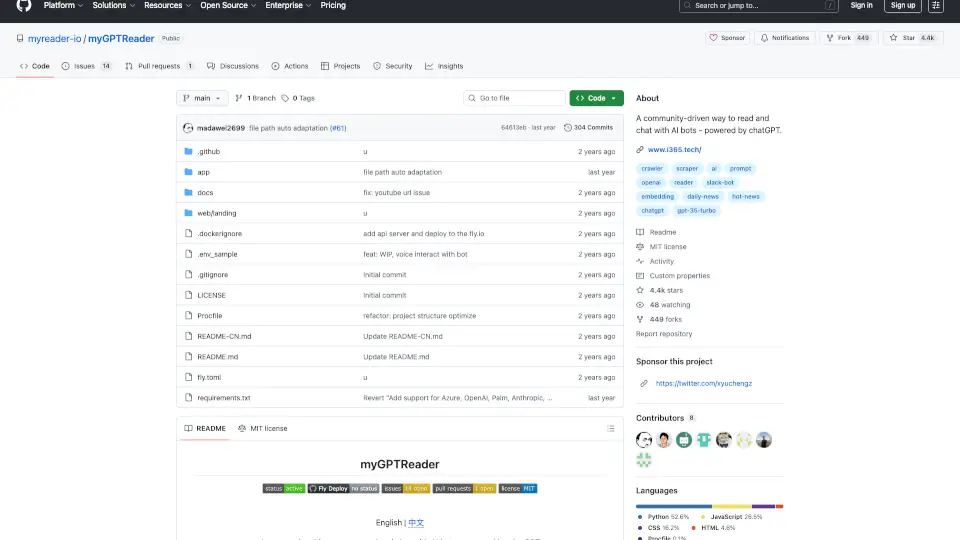
myGPTReader is a community-driven Slack bot that uses chatGPT to help you read, summarize, and chat about any content—from websites and documents to YouTube videos. It’s like having a smart reading companion that can explain complex topics, answer your questions, and even talk back to you in multiple languages. Whether you’re a student trying to digest a long PDF, a professional skimming a news article, or a language learner practicing pronunciation, myGPTReader makes the process faster, easier, and more interactive.
What are the features of myGPTReader?
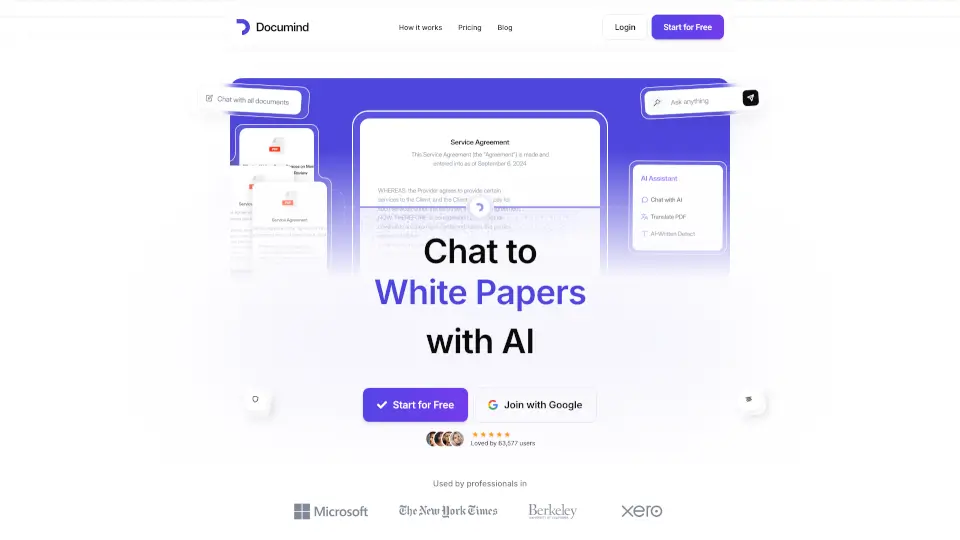
- Website ConversationPaste any URL (including YouTube videos with subtitles) and chat with the AI about the content—no need to read everything yourself.
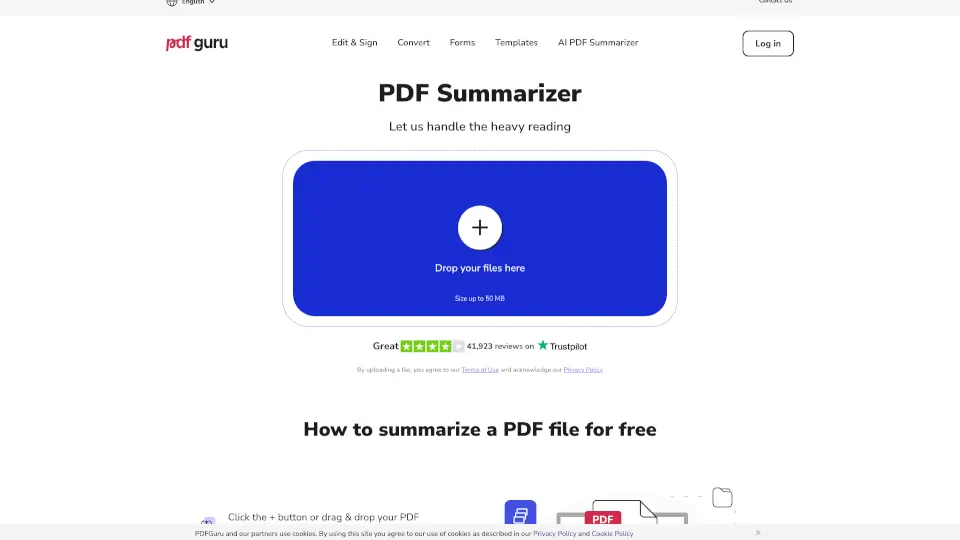
- Document SummarizationUpload PDFs, e-books, DOCX, TXT, or Markdown files, and get instant summaries or specific answers from the document.
- Voice Chat with AISpeak naturally in Chinese, English, German, or Japanese, and myGPTReader responds as your personal tutor or conversation partner.
- Built‑in Prompt TemplatesAccess dozens of ready‑made prompt templates to get better, more focused conversations with chatGPT.
- Daily Hot News DigestEvery day, myGPTReader pulls the latest hot news and generates a concise summary, so you can stay informed in minutes.
- Community‑DrivenOver 5,000 active Slack members share tips, feature requests, and contribute to the open‑source project.
What are the use cases of myGPTReader?
- Student ResearchUpload a 300‑page PDF textbook and ask the bot to explain a chapter or find specific data.
- Busy ProfessionalDrop a link to a long industry report and get a three‑bullet summary delivered in seconds.
- Language LearnerPractice German pronunciation by speaking to the bot and getting instant feedback.
- Content CuratorScan through daily hot news summaries to decide what to read in depth.
- Developer TestingUse prompt templates to quickly prototype ideas or debug code via chat (notable: the project itself was built with chatGPT pairing).
- Remote Team WorkShare a YouTube tutorial in a Slack channel, then ask the bot “What’s the key takeaway?” for everyone to learn together.
How to use myGPTReader?
- Join the Slack workspaceAccess the invite link (see “Getting Started” in the README) to the community Slack with 5,000+ members.
- Add the botOnce in Slack, invite myGPTReader to any channel or DM it directly.
- Send contentPaste a URL, upload a file (PDF, doc, etc.), or type a question using natural language.
- Voice modeIf you have a microphone, click the voice button (supported languages: Chinese, English, German, Japanese) and start speaking.
- Use prompt templatesType
/promptin Slack to browse available templates for specific tasks like “explain like I’m 5” or “summarize this”. - Check daily newsLook for the bot’s scheduled message in the #news channel every morning.