
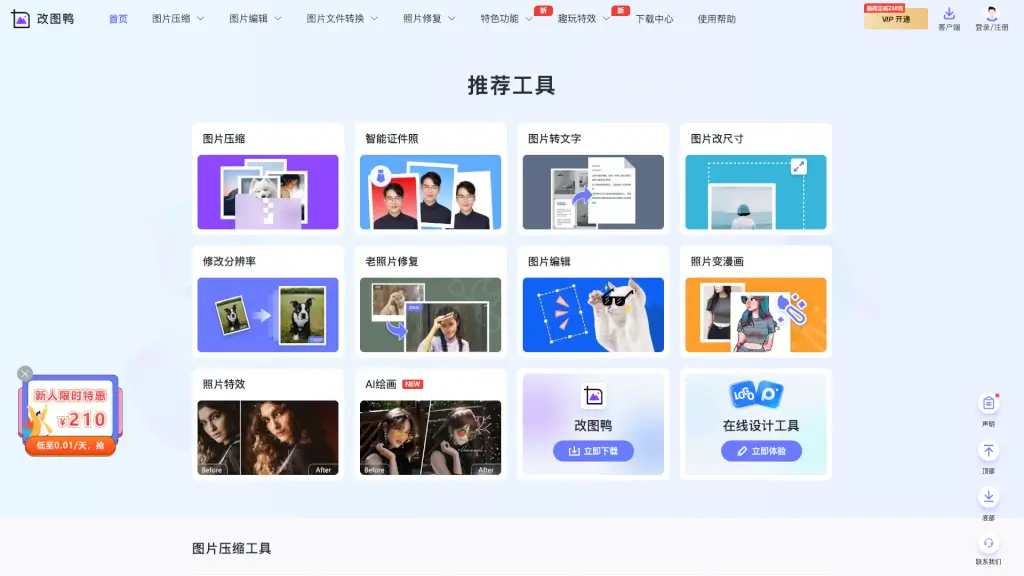
What is 改图鸭?
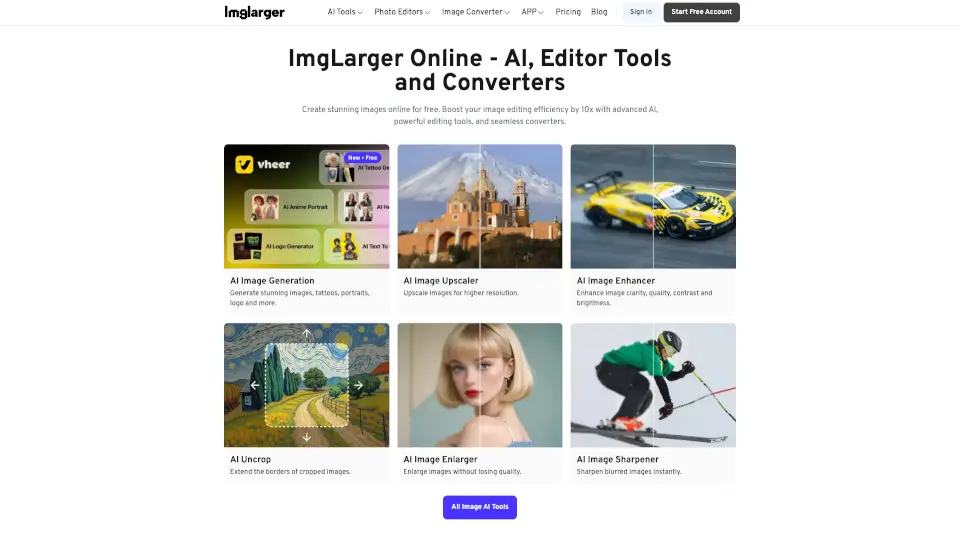
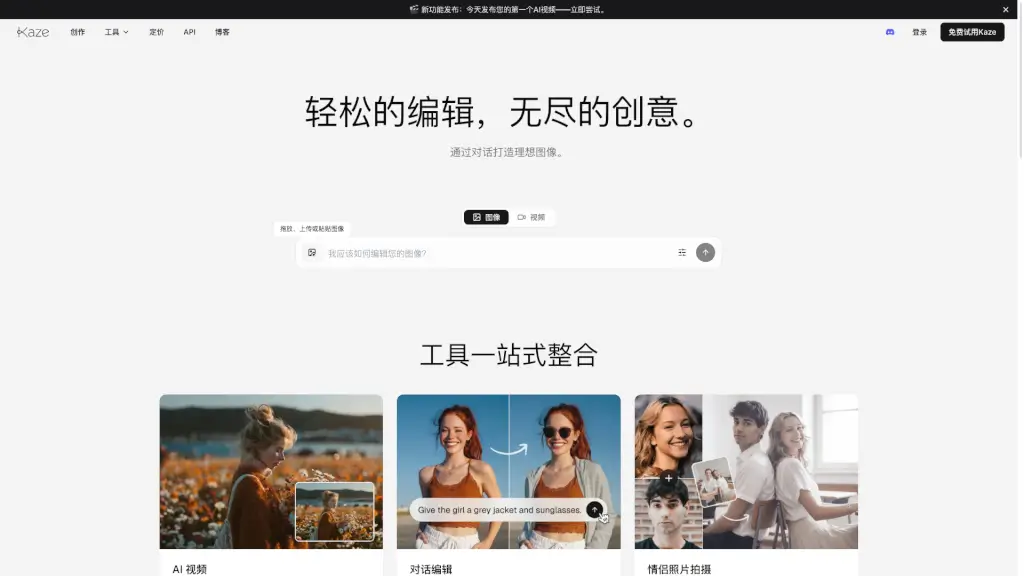
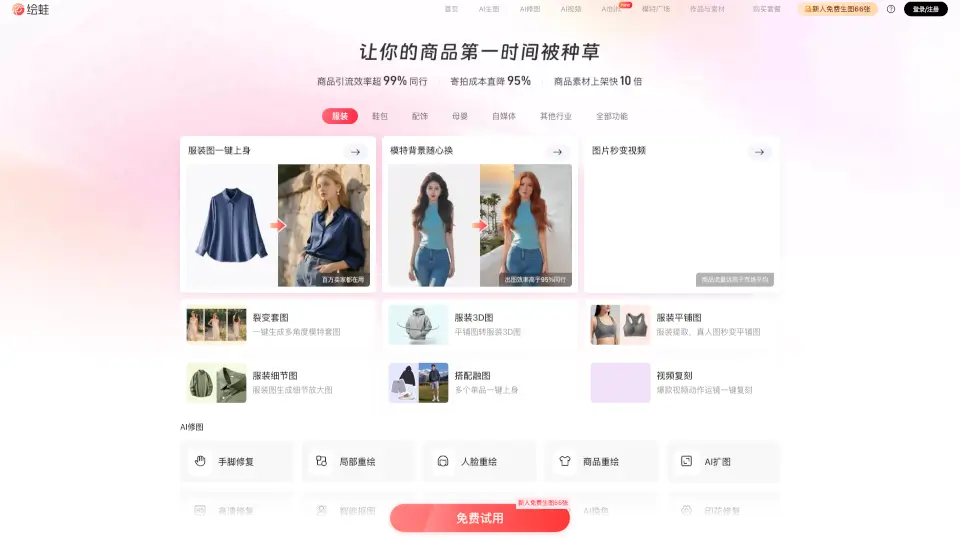
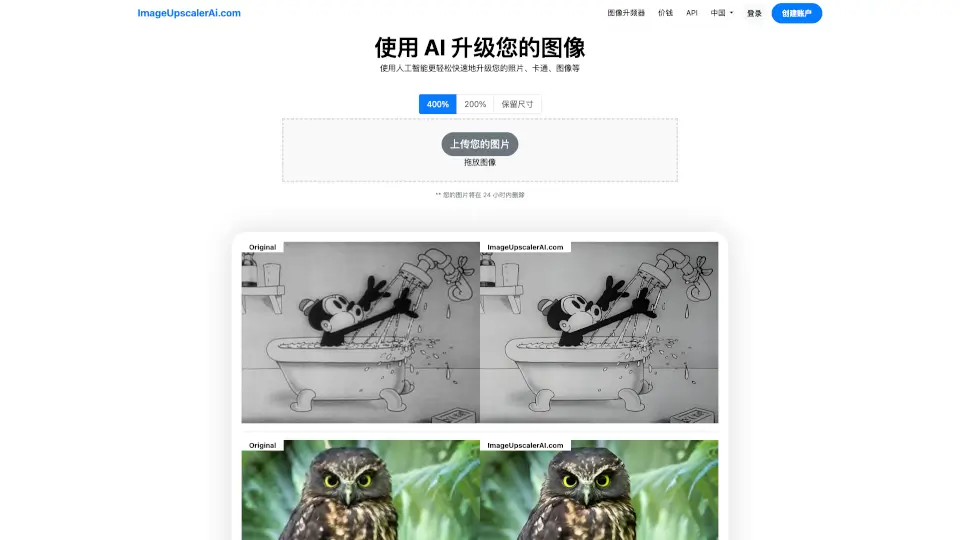
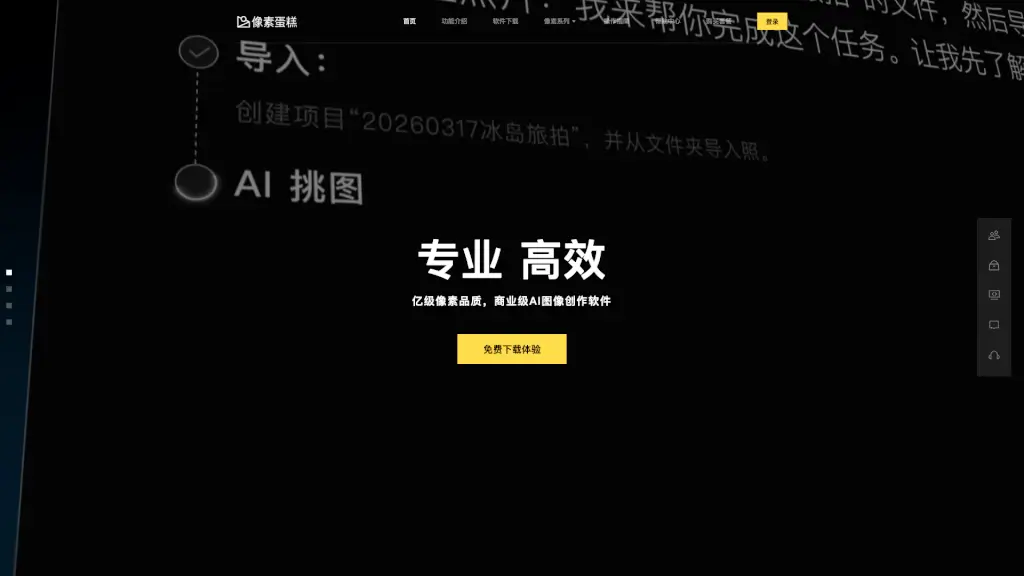
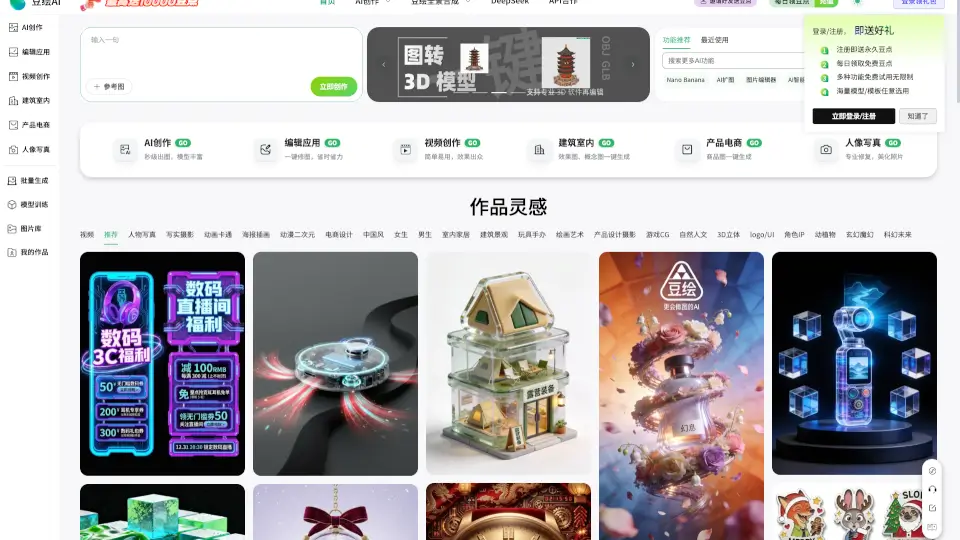
Welcome to Gaituya, your go-to online tool for all things image-related! Whether you need to compress, edit, or convert images, Gaituya has got you covered. With a user-friendly interface and a wide range of features, this platform makes it easy to handle your images without the need to download any software. Just upload your photos, and you're ready to start editing, compressing, or converting them in no time. It's perfect for anyone looking to enhance their images quickly and efficiently.
What are the features of 改图鸭?
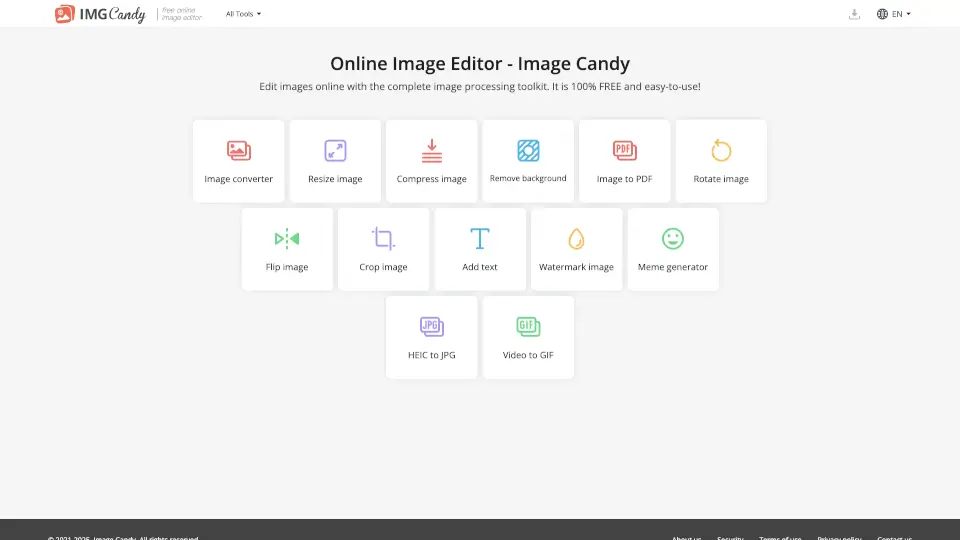
- Image Compression: Compress your images to reduce file size without losing quality. Supports formats like JPG, PNG, BMP, GIF, and JPEG.
- Image Editing: Edit your images with tools for resizing, cropping, adding watermarks, rotating, and adjusting resolution.
- Image Format Conversion: Convert your images between various formats, including HEIC to JPG, PNG, BMP, WEBP, GIF, ICON, and more.
- Photo Restoration: Restore old and blurry photos, add color to black and white images, and remove noise and fog.
- AI Features: Transform your photos into art with AI painting, turn photos into comics, and create unique photo effects.
- Batch Processing: Process multiple images at once, saving you time and effort.
- Smart ID Photos: Create professional-looking ID photos with ease.
- Text Extraction: Convert images to text, making it simple to extract information from scanned documents.
What are the use cases of 改图鸭?
- Quick Image Compression: Need to send large images via email? Use Gaituya to compress them and make them easier to share.
- Professional Photo Editing: Perfect for photographers and designers who need to edit and enhance their images on the go.
- Format Conversion for Web: Easily convert images to web-friendly formats like WEBP to optimize your website’s loading speed.
- Restoring Old Photos: Bring back memories by restoring and enhancing old, damaged, or blurry family photos.
- Creating Social Media Content: Add watermarks, crop, and resize images to fit social media platforms, ensuring your content looks great.
- Document Management: Convert scanned documents and images to PDF or text, making them easier to manage and search.
How to use 改图鸭?
- Upload Your Image: Go to the Gaituya website and click on the "Upload" button to select the image you want to work with.
- Choose the Tool: Select the tool you need, such as "Image Compression," "Image Editing," or "Format Conversion."
- Apply Settings: Adjust the settings according to your needs, such as compression level, new dimensions, or desired format.
- Process the Image: Click the "Process" or "Convert" button to apply the changes.
- Download the Result: Once the processing is complete, download the edited or converted image directly to your device.
- Batch Processing: For multiple images, use the batch processing feature to save time and effort.