
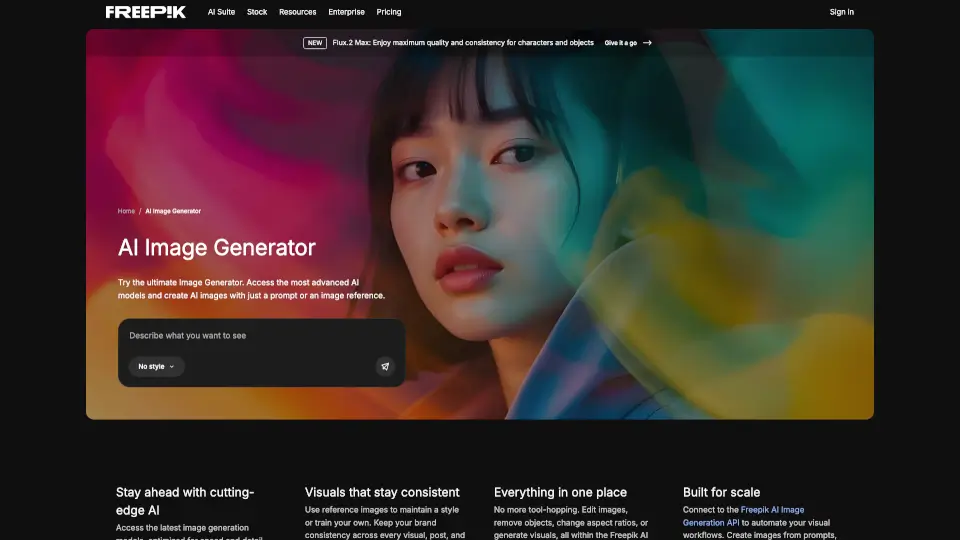
What is Freepik AI Image Generator?
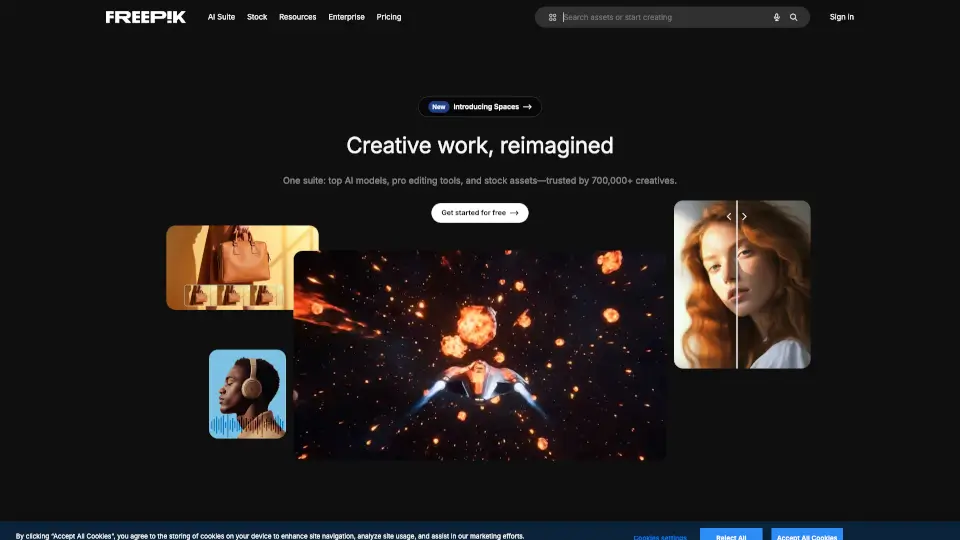
Magnific (formerly Freepik) is an all-in-one AI image generator that turns your words—or even reference images—into stunning visuals in seconds. Whether you're a marketer, designer, content creator, or just exploring ideas, Magnific gives you access to the world’s top AI models like Google Nano Banana, Flux, Ideogram, and Seedream—all in one place. No more juggling between tools: generate, edit, upscale, and refine everything inside the Magnific Creative Suite.
What sets Magnific apart is its focus on professional creative control without the complexity. You get full command over style, composition, lighting, and even character consistency across multiple images—perfect for branding, social media, or product mockups. Plus, with features like natural language editing and multi-reference guidance, it’s powerful enough for pros but simple enough for beginners.
What are the features of Freepik AI Image Generator?
- Multiple Top-Tier AI Models: Choose from Google Nano Banana, Flux, Ideogram, GPT, Seedream, Recraft, Grok, Qwen, Mystic, and more—each optimized for different needs like photorealism, typography, or speed.
- Reference Image Support: Upload photos to guide style, composition, or character consistency across generations and edits.
- Natural Language Editing: Change backgrounds, swap objects, adjust lighting, or apply styles using simple text commands—no masking or design skills needed.
- High-Resolution Output: Generate crisp images up to 4K resolution with accurate textures, lighting, and multilingual text rendering.
- All-in-One Creative Suite: Create, edit, upscale, extend, and enhance images without leaving the platform.
- Commercial Licensing: All generated images are cleared for personal and commercial use on paid plans.
What are the use cases of Freepik AI Image Generator?
- Creating on-brand social media posts with consistent characters and color schemes
- Generating realistic product mockups for e-commerce or advertising campaigns
- Designing eye-catching YouTube thumbnails with bold text and dynamic compositions
- Building AI influencers or avatars that look lifelike and stay consistent across content
- Producing infographics and posters with accurate, legible multilingual text (including Chinese and other non-Latin scripts)
- Rapidly prototyping concept art or mood boards for client presentations
How to use Freepik AI Image Generator?
- Start by selecting your preferred AI model based on your goal—e.g., Ideogram for text-heavy designs, Nano Banana for photorealism.
- Write a clear, descriptive text prompt (even just a few words works!) and choose your desired aspect ratio.
- Optionally upload a reference image to lock in style, pose, or layout.
- Use natural language commands to refine your result—like “change background to sunset” or “make the logo bigger.”
- Download your final image as PNG or JPEG for immediate use online or in print.