What is FreeMusicDemixer?
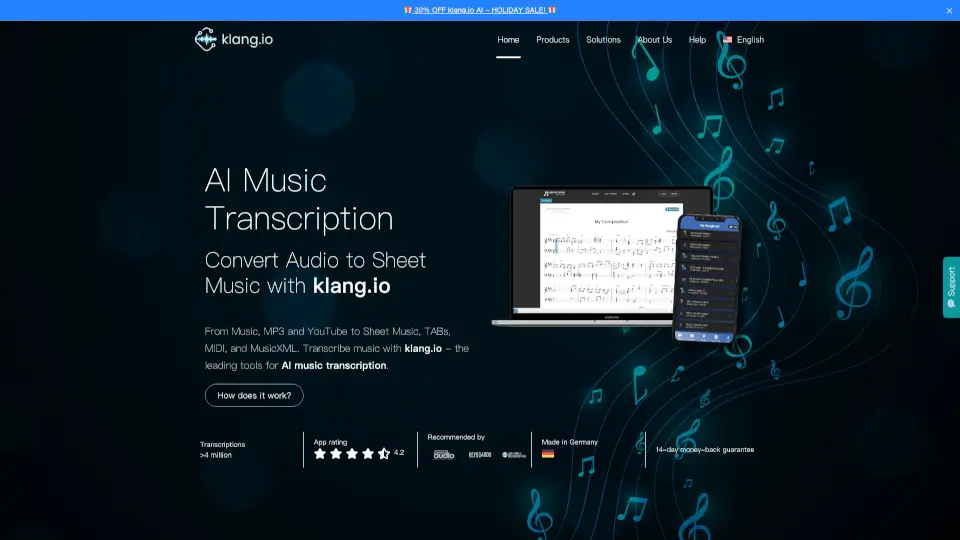
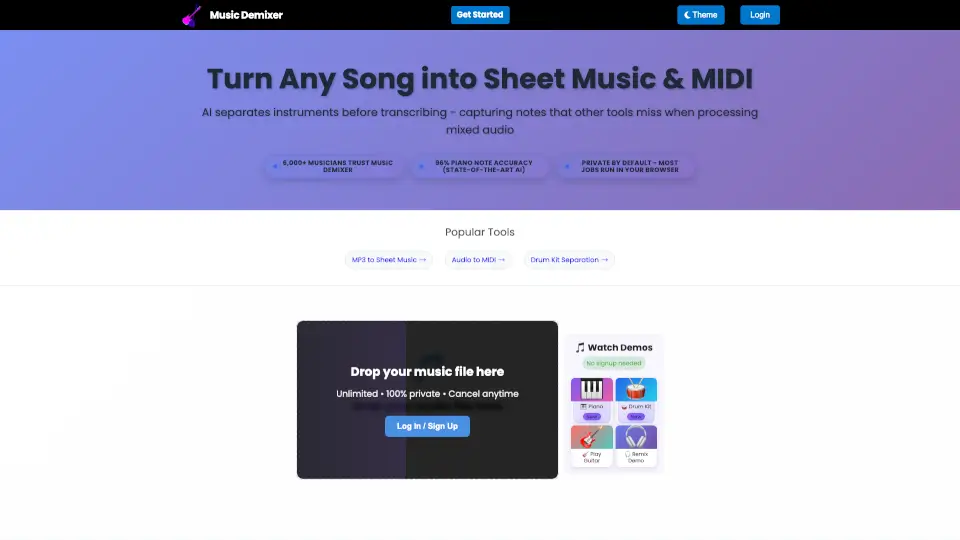
Welcome to the future of music transcription with Audio to Sheet Music & MIDI Converter | Music Demixer! This innovative tool uses AI to convert any song into sheet music and MIDI files, making it a game-changer for musicians, educators, and producers. Whether you're learning a new piece on the piano, creating custom arrangements, or producing your next hit, our technology ensures you get accurate and high-quality transcriptions right in your browser.
What are the features of FreeMusicDemixer?
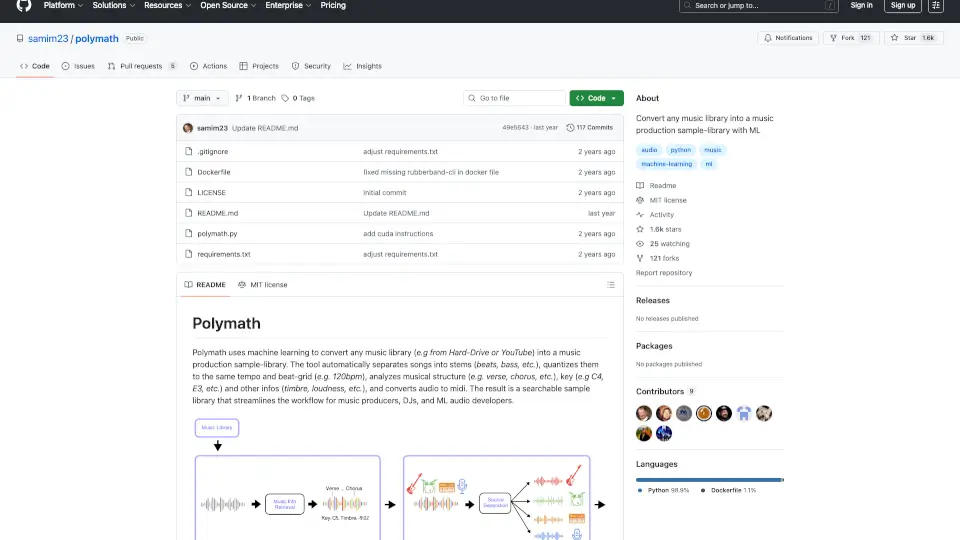
- Instrument Separation: Our AI first separates each instrument from the mix, ensuring that every note is captured accurately.
- Piano Transcription: Achieve 96% note accuracy with our state-of-the-art piano transcription, including pedal movements and dynamics.
- Drum Kit Breakdown: Isolate and transcribe individual drum kit pieces like kick, snare, and cymbals into MIDI and notation.
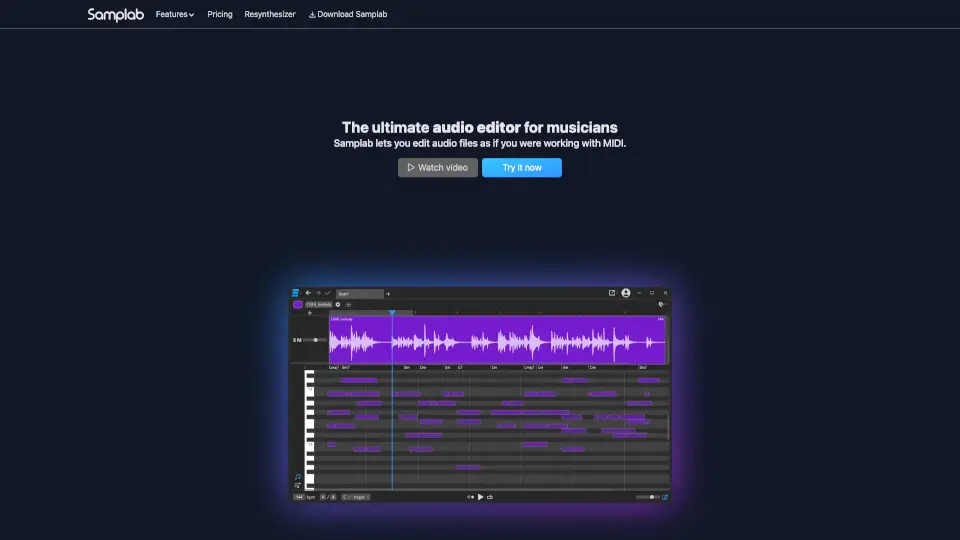
- MIDI Export: Convert audio into editable MIDI files, allowing you to change instruments, tempo, and arrangements.
- Sheet Music Generation: Get professional-grade sheet music that you can print or edit in popular notation software like MuseScore, Finale, and Sibelius.
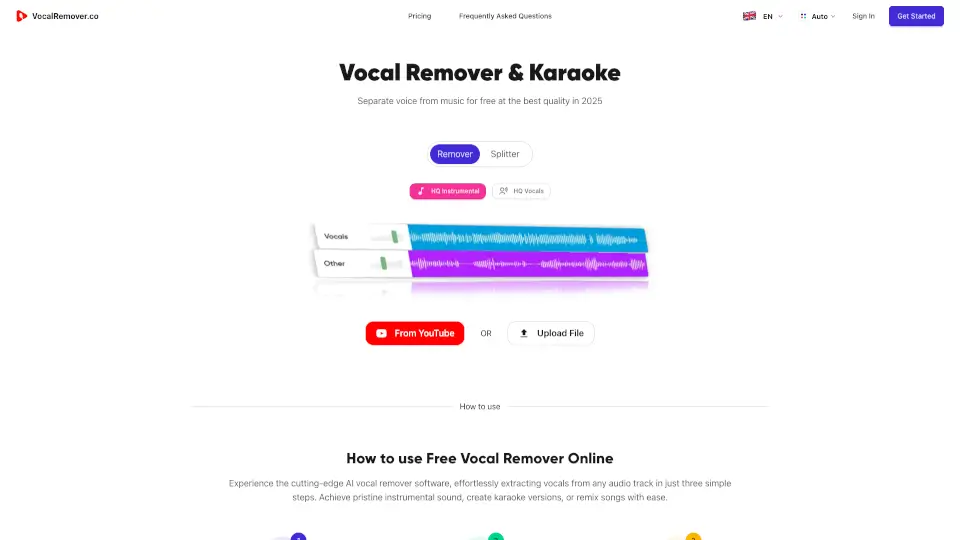
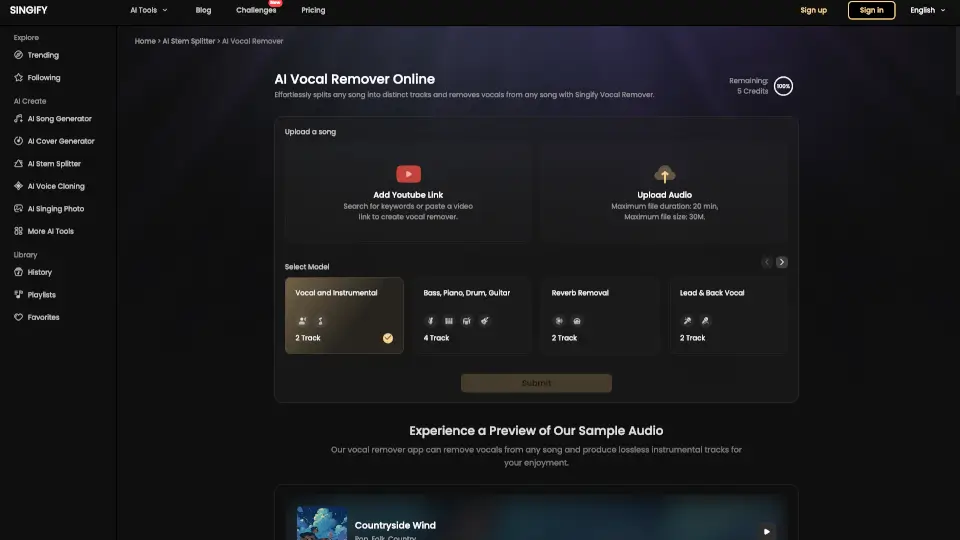
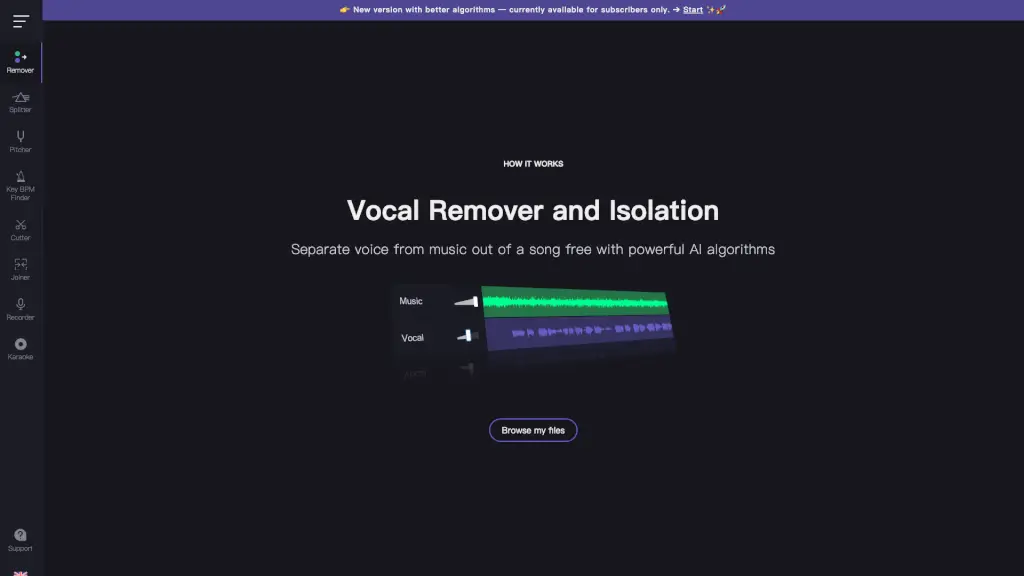
- Vocal Removal: Instantly create instrumental or karaoke versions of any song by removing vocals.
- Browser-Based Processing: Most tasks run privately in your browser, offering unlimited processing without file size limits or monthly quotas.
What are the use cases of FreeMusicDemixer?
- Piano Students & Teachers: Learn songs by ear faster with accurate sheet music showing exact fingerings and pedal markings.
- Composers & Arrangers: Document your ideas instantly and create professional notation from any recording.
- Music Producers: Extract MIDI from any audio source to sample melodies, recreate basslines, or analyze chord progressions.
- Educators: Create custom practice materials and teaching resources with isolated instrument tracks.
- Drummers: Practice every fill with individual stems for kick, snare, toms, and cymbals.
- Content Creators: Produce high-quality instrumental and backing tracks for your projects.
How to use FreeMusicDemixer?
- Upload Your Audio: Drag and drop your audio file or browse to select it.
- Choose Your Instrument: Select the instrument you want to transcribe or separate.
- Select Quality Settings: Choose between fast, better, or best quality for your transcription.
- Start Processing: Click "Start Processing" and let the AI do its magic.
- Download Your Files: Once done, download your sheet music, MIDI, and separated tracks.
- Customize and Edit: Open your files in your preferred software to make any necessary adjustments.