
What is Vocal Remover?
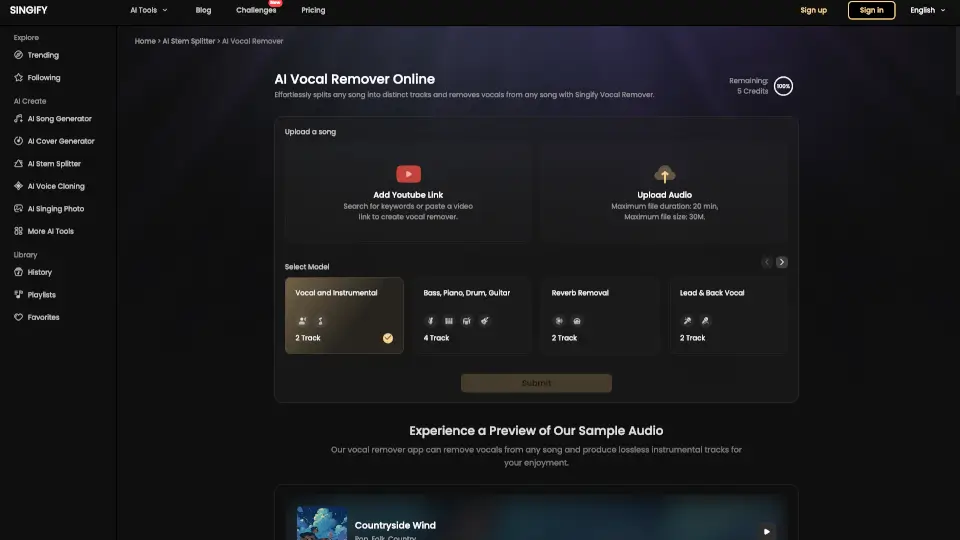
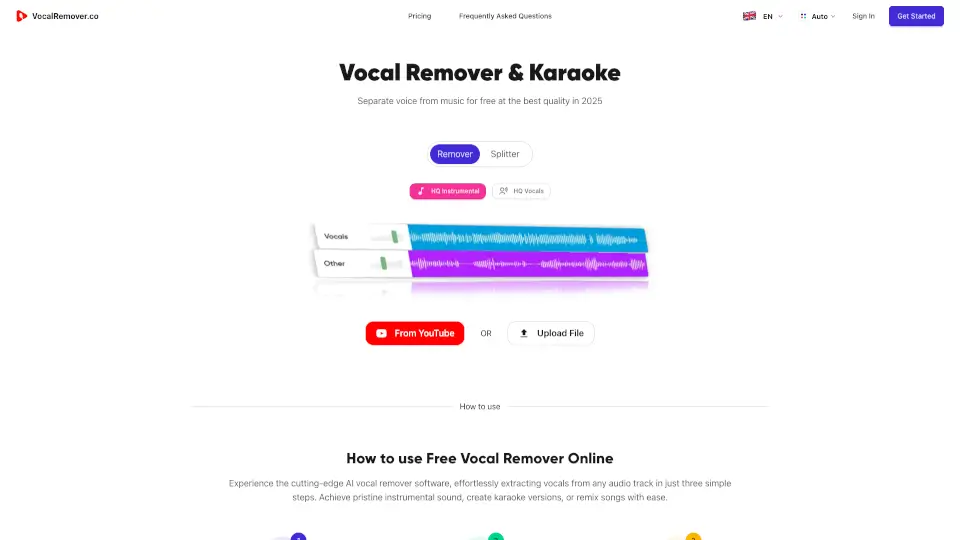
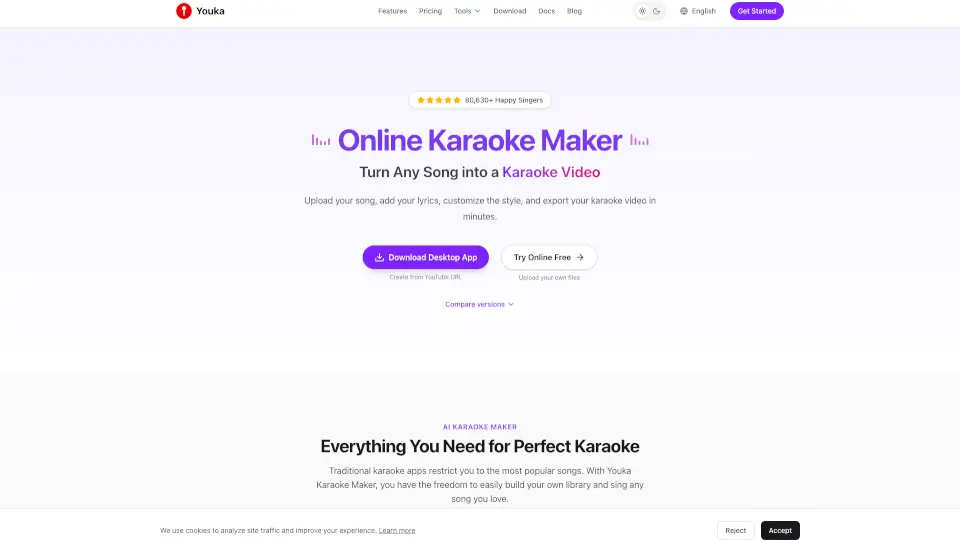
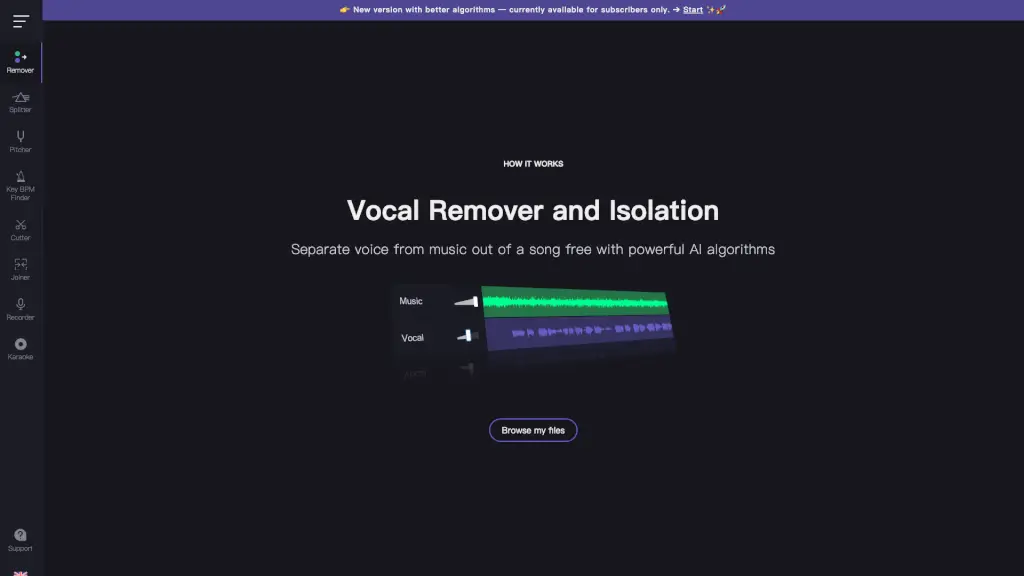
Want to create your own karaoke track or isolate vocals for a remix? Vocal Remover and Isolation [AI] uses cutting-edge artificial intelligence to split any song into clean, separate vocal and instrumental tracks—fast and free. Whether you're a content creator, musician, or just love singing along, this tool gives you professional-quality results without needing expensive software or technical skills.
The magic happens in seconds: upload your favorite song, and the AI instantly analyzes the audio layers to extract pure vocals (acapella) and a full backing track (karaoke version). Best of all? It’s completely free to use, with no hidden fees or watermarks—making it one of the most accessible vocal separation tools online today.
What are the features of Vocal Remover?
- AI-Powered Vocal Separation: Uses advanced machine learning to accurately isolate vocals from instrumentals with minimal artifacts.
- Free Online Access: No downloads, subscriptions, or payments required for basic use—just open your browser and go.
- Dual Output Tracks: Get both a clean karaoke version (instrumental only) and an acapella version (vocals only) from one upload.
- Fast Processing: Most songs are processed in about 10 seconds, so you’re not left waiting.
- User-Friendly Interface: Simple drag-and-drop or file-browse design makes it easy for beginners and pros alike.
- No Installation Needed: Runs entirely in your web browser—works on Windows, Mac, Chromebook, and mobile devices.
What are the use cases of Vocal Remover?
- Create custom karaoke backing tracks for home parties or live performances.
- Extract acapella vocals for remixes, mashups, or music production projects.
- Practice singing by muting or isolating vocal parts to study pitch and phrasing.
- Generate instrumental tracks for dance routines, podcasts, or video content.
- Learn songs by ear using isolated vocals or backing instruments.
- Restore or repurpose old recordings where vocals and music are mixed together.
How to use Vocal Remover?
- Click “Browse my files” or drag and drop your audio file (MP3, WAV, etc.) into the upload area.
- Wait about 10 seconds while the AI processes and separates the track.
- Download both the instrumental (karaoke) and vocal-only (acapella) versions once ready.
- Use the tracks for personal projects—just remember to respect copyright laws!
- For best results, use high-quality audio files (320kbps MP3 or lossless formats).
- Note: Some advanced features may be limited to subscribers in newer versions.