
What is Flyte?
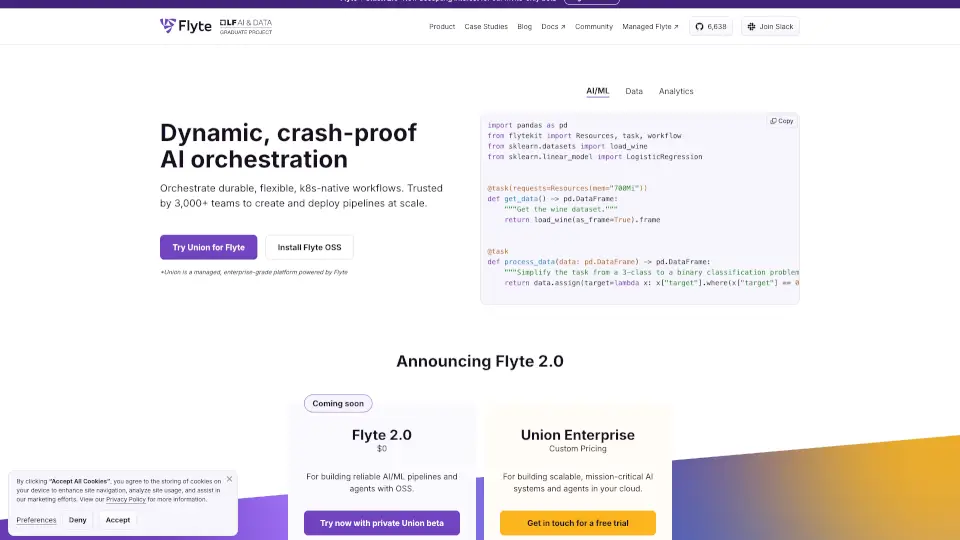
Meet Flyte, the open-source platform that handles all your AI orchestration needs in one place. Whether you're running AI agents, generating images with Stable Diffusion, or processing data pipelines, Flyte lets you write everything in pure Python without learning a complicated DSL. Trusted by leading AI labs and Fortune 500 companies with over 80 million downloads, it's designed to make your workflows durable, self-healing, and scalable from your laptop to production.
What are the features of Flyte?
- Pure Python Authoring: Write workflows in actual Python code, no new language or DSL required. Test locally, deploy at scale.
- Durable by Default: Workflows automatically retry on failure and pick up exactly where they left off, making crashes no big deal.
- Dynamic Workflow Execution: Make real-time decisions during runtime based on conditions, logic, and live data. Build truly agentic workflows.
- Infra-Aware Orchestration: Provision and scale CPU, memory, and GPU resources automatically based on your workflow needs.
- Local Devbox Testing: Run and debug tasks in your local environment using the same Python SDK that runs on Kubernetes in production.
- Built-in Caching & Versioning: Skip re-running unchanged tasks and easily reproduce past runs for faster iteration.
- Visual Reports: Render plots, images, and HTML reports directly inside your workflow outputs for better observability.
- Massive Enterprise Scale: Flyte 2 handles 50k+ actions per run with sub-second latency for real-time inference and training.
What are the use cases of Flyte?
- Run durable AI agents that use external tools (like weather APIs) with full observability and automatic failure recovery
- Generate images at scale with Stable Diffusion or other generative AI models using GPU-accelerated tasks
- Build ETL data pipelines using DuckDB, Pandas, or Spark to process and transform large datasets
- Train and serve ML models with distributed training support for PyTorch, Ray, and other frameworks
- Build long-horizon agentic workflows that maintain state and adapt to changing conditions at runtime
How to use Flyte?
- Start locally with Flyte 2 Devbox by running the browser demo or installing the Python SDK on your machine
- Annotate your Python functions with
@env.taskto turn them into Flyte workflow tasks - Set up task environments with specific images, resources (CPU/GPU/memory), and secrets for API keys
- Chain tasks together by calling them with
awaitinside a parent task to create a pipeline - Test and debug tasks locally first, then deploy to a Flyte cluster for production-scale execution
- Use the
flyte runcommand to execute workflows directly from your terminal with custom arguments