
Was ist Run?
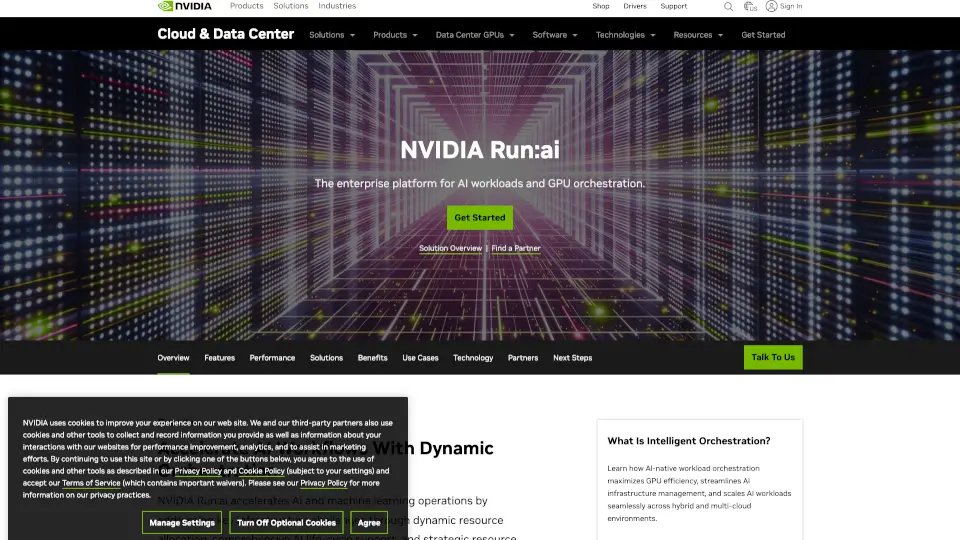
Run:ai ist eine intelligente Plattform für KI-Workload-Orchestrierung, die speziell darauf ausgelegt ist, den Betrieb von KI- und maschinellen Lernmodellen zu beschleunigen. Statt dass Data Scientists stundenlang auf freie Rechenressourcen warten müssen, verteilt Run:ai automatisch GPUs und andere Ressourcen – fair, effizient und in Echtzeit. Das spart nicht nur Zeit, sondern auch Kosten, besonders in großen Unternehmen mit vielen parallelen KI-Projekten.
Die Plattform integriert sich nahtlos in bestehende Cloud- oder On-Premises-Umgebungen (wie AWS, Azure oder eigene Server) und funktioniert mit gängigen Frameworks wie TensorFlow, PyTorch oder Jupyter. Ob du gerade ein kleines Experiment startest oder ein ganzes Team mit hunderten Trainingsjobs koordinierst – Run:ai sorgt dafür, dass deine Hardware optimal genutzt wird, ohne dass du selbst zum IT-Experten werden musst.
Was sind die Merkmale von Run?
- Automatische GPU-Orchestrierung: Verteilt Rechenressourcen intelligent basierend auf Priorität, Projekt und Auslastung – ohne manuelles Eingreifen.
- Elastische Workloads: Skaliert Jobs automatisch hoch oder runter, je nach Verfügbarkeit und Bedarf, um Wartezeiten zu minimieren.
- Multi-Tenant-Unterstützung: Ermöglicht mehreren Teams oder Abteilungen die sichere, isolierte Nutzung derselben Infrastruktur.
- Echtzeit-Monitoring: Bietet klare Einblicke in Ressourcennutzung, Kosten und Job-Status über ein übersichtliches Dashboard.
- Nahtlose Integration: Funktioniert mit Kubernetes, gängigen ML-Frameworks und Cloud-Anbietern ohne komplexe Anpassungen.
- Kostenoptimierung: Reduziert Cloud-Ausgaben durch bessere Auslastung und vermeidet unnötige „idle“ GPUs.
Was sind die Anwendungsfälle von Run?
- Ein Forschungsteam trainiert gleichzeitig 50 verschiedene KI-Modelle und benötigt dynamische Ressourcenverteilung ohne Engpässe.
- Ein Unternehmen migriert seine ML-Workflows in die Cloud und will GPU-Kosten um bis zu 40 % senken.
- Data Scientists arbeiten an zeitkritischen Projekten und brauchen sofortigen Zugriff auf Rechenpower – ohne Warteschlange.
- IT-Abteilungen möchten Governance und Quoten pro Team einführen, ohne die Produktivität der Entwickler zu bremsen.
- Start-ups skalieren ihre KI-Infrastruktur schnell hoch, ohne tief in DevOps investieren zu müssen.
Wie benutzt man Run?
- Melde dich im Run:ai-Dashboard an (nach Installation in deiner Kubernetes-Umgebung).
- Definiere Projekte und weise Teams oder Nutzern entsprechende Ressourcenquoten zu.
- Starte deine ML-Jobs wie gewohnt – Run:ai übernimmt automatisch die Platzierung auf verfügbaren GPUs.
- Nutze das Dashboard, um laufende Jobs zu überwachen, Prioritäten anzupassen oder Ressourcen neu zuzuweisen.
- Integriere Run:ai in deine CI/CD-Pipeline für kontinuierliches Modelltraining.
- Analysiere monatliche Berichte zur Kostenkontrolle und Optimierung der Infrastrukturauslastung.