What is Effie?
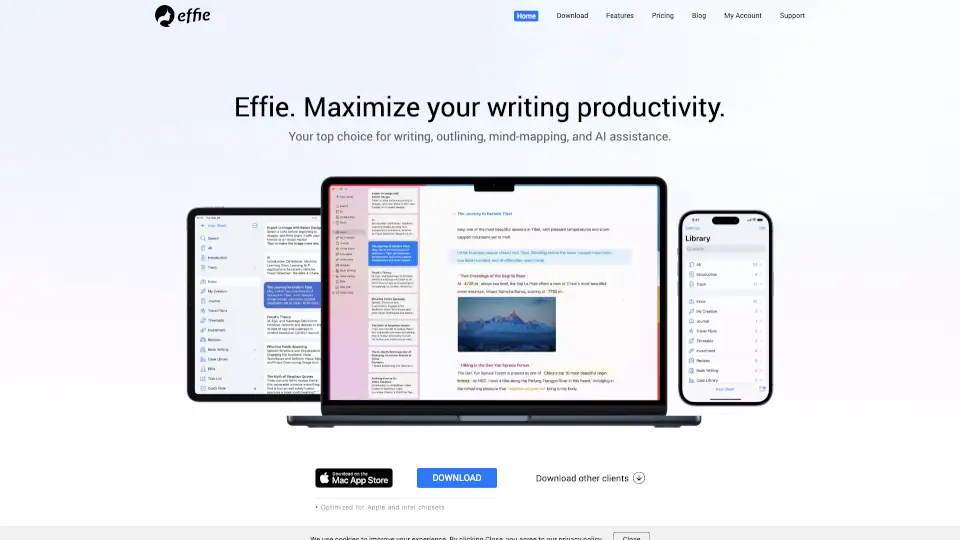
Effie is a minimalist workspace designed to help you take notes, create lists, and build mind maps with ease. Whether you're a student, a professional, or just someone who loves to organize their thoughts, Effie offers a distraction-free environment that maximizes your writing productivity. With its intuitive design and powerful features, Effie makes it simple to capture and structure your ideas, no matter where you are.
What are the features of Effie?
- AI Note-taking: Effie’s AI assistant helps generate summaries, outlines, and even expands or shortens text, making your writing more efficient and accurate.
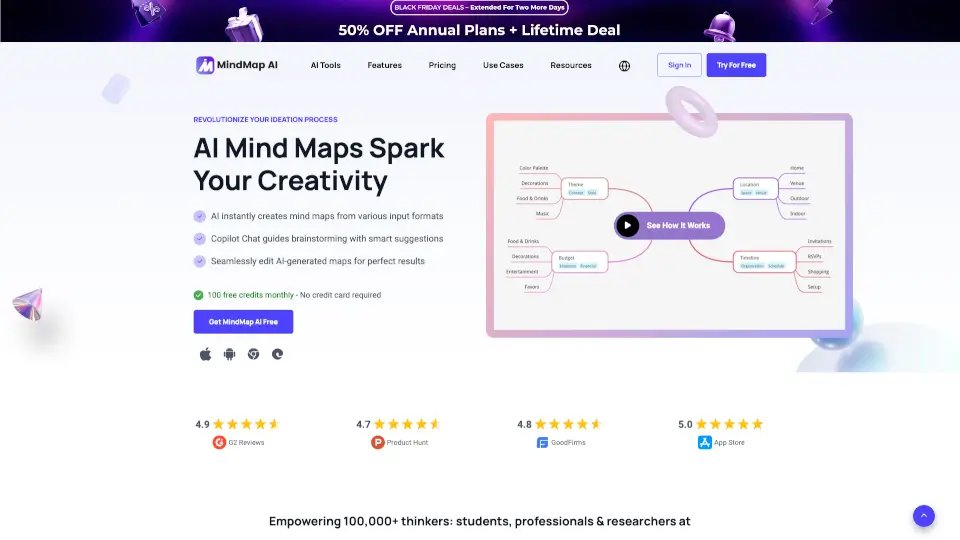
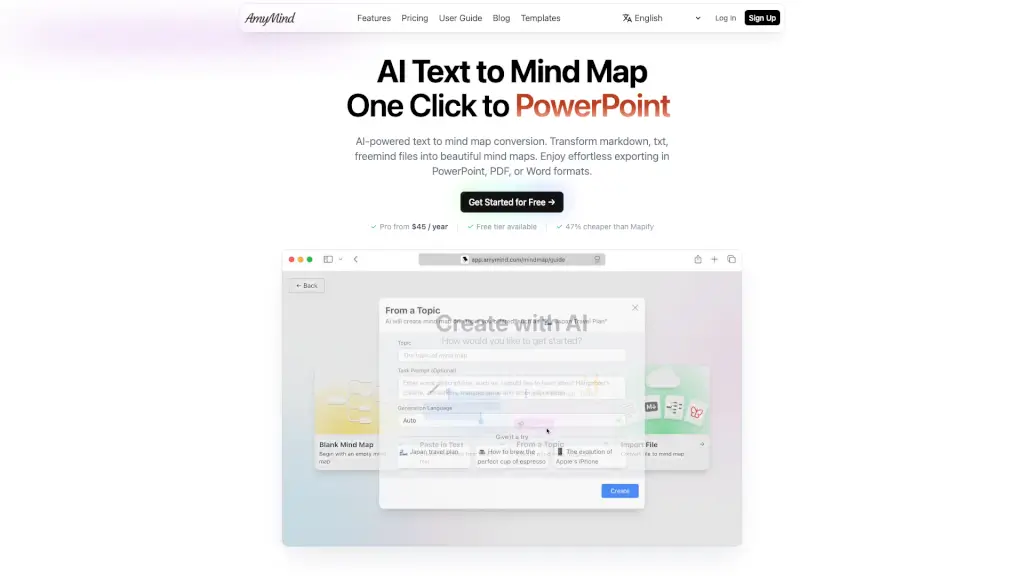
- Mind Maps & Outlines: Easily convert fragmented thoughts into clear structures with one-click mind map conversion and flexible outline creation.
- Device Independence: Write anywhere, anytime, on any device—phone, tablet, or computer. Your work is automatically synced across all devices.
- Immersive Creation: A serene, distraction-free writing atmosphere with user-friendly Markdown syntax and a minimalist interface.
- Easy Output: Export your work in various formats, including PDF, DOCX, and images, for seamless sharing and collaboration.
What are the use cases of Effie?
- Student Notes: Organize lecture notes and study materials with mind maps and outlines.
- Professional Writing: Draft reports, articles, and blog posts with the help of AI summarization and expansion.
- Project Planning: Create detailed project plans and timelines using outlines and mind maps.
- Creative Writing: Capture and structure your creative ideas in a distraction-free environment.
- Meeting Minutes: Take and organize meeting minutes efficiently with automatic syncing across devices.
How to use Effie?
- Sign Up and Log In: Start by creating an account and logging in to Effie.
- Create a New Document: Click on the "New" button to start a new note, list, or mind map.
- Use AI Assistance: Utilize the AI features to generate summaries, expand text, or change the tone of your writing.
- Organize with Mind Maps: Convert your outlines into mind maps with a single click for better visualization.
- Export and Share: When you’re done, export your work in your preferred format and share it with others.