
What is Clipto?
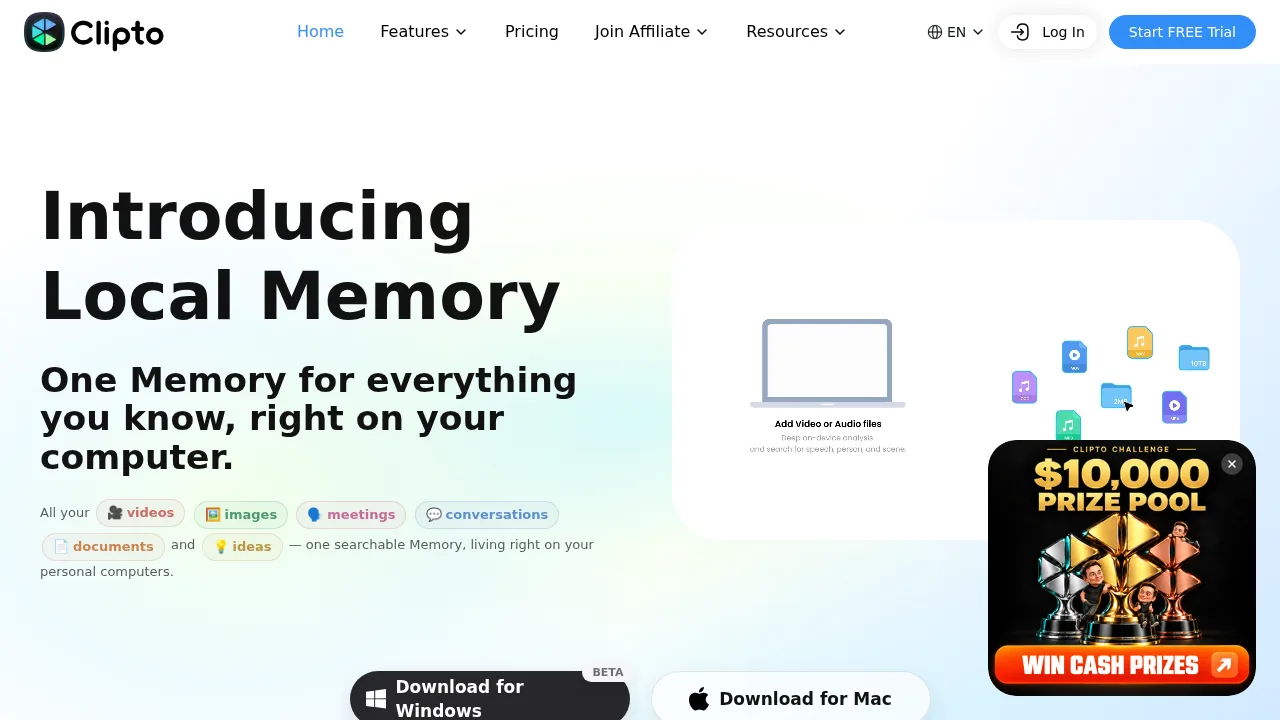
Clipto is a local-first AI memory platform that indexes videos, audio, images, documents, and meeting recordings into a single searchable library on your computer. It connects to external AI tools like Claude, ChatGPT, and Cursor through MCP. The Mac desktop app requires an Apple silicon Mac (M1+) running macOS 15+ with at least 8GB of memory.
What are the features of Clipto?
- Local media indexingImports videos, audio files, photos, PDFs, DOCX files, slides, and bookmarks into a searchable on-device library without requiring cloud uploads.
- AI transcriptionConverts video, audio, meetings, and YouTube content into text transcripts.
- Cross-tool memory accessConnects the indexed library to Claude, ChatGPT, Cursor, or other MCP-compatible tools so queries return answers linked to source timestamps.
- Semantic media searchFinds specific moments in video or audio by searching for on-screen content, spoken words, or scene descriptions rather than filenames.
- Video summarizationGenerates summaries from uploaded video files or YouTube links.
- Editing integrationsProvides plugins for Premiere Pro and DaVinci Resolve to locate source clips directly within editing software.
What are the use cases of Clipto?
- Video creators searching a local archive of raw footage by visual description or scene type to find specific shots and jump to the exact timecode.
- Analysts querying multiple earnings call recordings and financial reports to track how executive guidance changes over several quarters, with answers linked to source audio.
- Students asking questions across recorded lectures and slide decks to retrieve specific concepts along with auto-generated notes and source timestamps.
Clipto Pricing Information:
- Free Trial: available; specific duration and feature limits are not stated.
- Desktop (Mac and Windows beta): runs local-first processing.
- Mobile (iOS, Android) and Web: powered by cloud processing.