
What is Clipchamp?
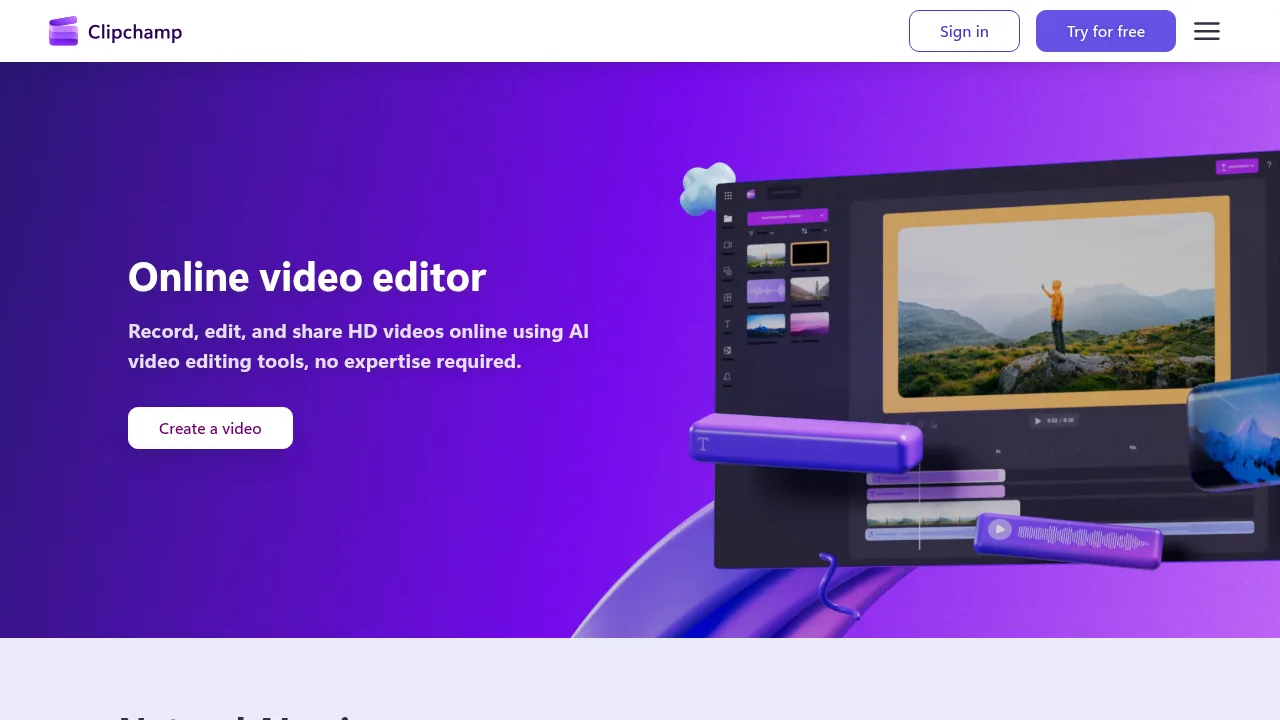
Clipchamp is an online video editor by Microsoft for recording, editing, and sharing HD videos using AI tools. It runs directly in a web browser or as a desktop application on Windows 10 and Windows 11. Premium video editing features require a Microsoft 365 subscription.
What are the features of Clipchamp?
- AI text-to-speech voiceoverConverts text into speech with selectable global languages, voices, pitch, and pace settings to generate narration.
- AI subtitle generatorTranscribes video audio into captions in over 80 languages, allowing edits to style, font, and colors.
- Screen, camera, and voice recorderCaptures webcam, screen, and audio on Windows and Mac devices with unlimited retakes and HD export.
- AI audio enhancementRemoves background noise, unwanted pauses, silences, and filler words from video and audio tracks.
- Royalty-free content libraryProvides stock videos, images, music, stickers, GIFs, and sound effects accessible from the toolbar.
- HD video exportOutputs an unlimited number of videos and audio files in HD quality without watermarks.
What are the use cases of Clipchamp?
- Social media content creationProduces formatted videos for YouTube Shorts, TikTok, Instagram Reels, and standard posts using platform-specific templates.
- Meeting and presentation cleanupEnhances recorded meetings, vlogs, and video presentations by removing filler words and background noise.
Clipchamp Pricing Information:
- Free accessIncludes unlimited HD exports without watermarks, AI subtitle generation, and other stated free features.
- Microsoft 365 subscriptionUnlocks premium video editing features; specific pricing is not stated in the source.