
What is Klipa AI?
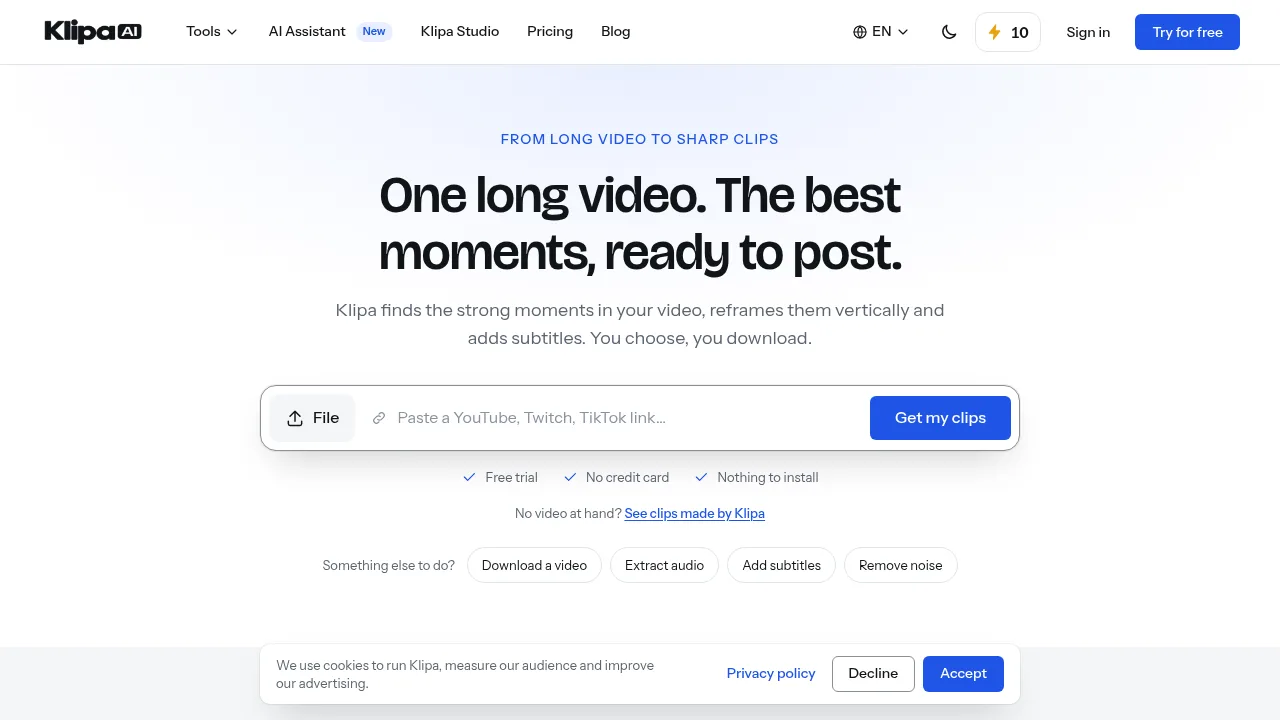
Klipa AI is a web-based video editing toolkit that extracts short clips from long videos, reframes them vertically, and adds subtitles. It also provides over 60 individual tools for tasks like noise removal, transcription, and format conversion. Access requires creating an account to receive credits, though many advanced features are restricted to paid tiers.
What are the features of Klipa AI?
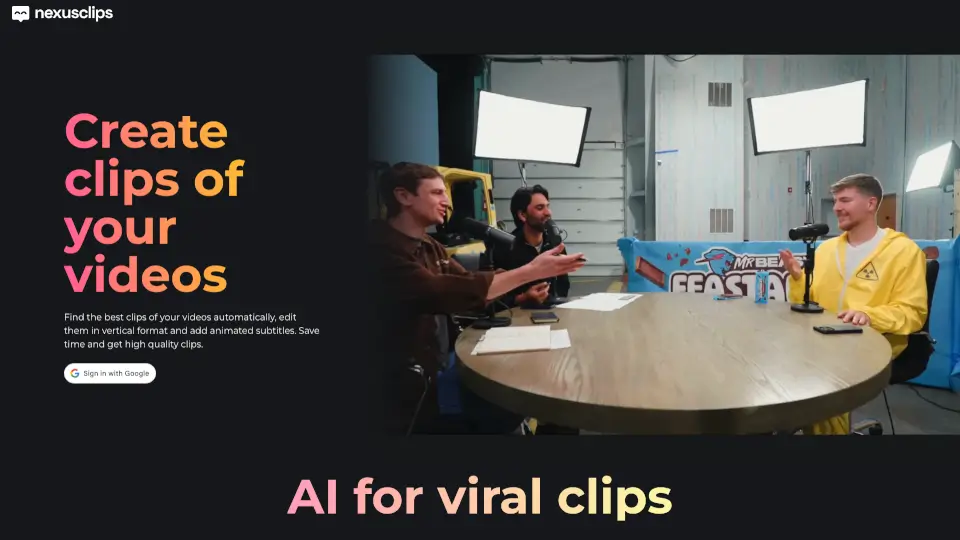
- Automated clip extractionAnalyzes a long video to identify segments, scores them by potential, and outputs vertical clips with burned-in subtitles.
- Vertical reframingConverts horizontal video into vertical formats such as 9:16, tracking the subject's face for platforms like TikTok or Shorts.
- Animated subtitlesGenerates captions and burns them word by word onto the video using one of 51 available styles.
- Audio cleanupRemoves background noise, silences, and filler words such as "ums" and "uhs" from video audio tracks.
- Video translationProvides dubbing or interpreter-style translation for video content across 32 languages.
- Format utilitiesSupports compression, aspect ratio resizing, speed adjustment, GIF creation, and conversions between MP4, MOV, MKV, and other formats.
What are the use cases of Klipa AI?
- Repurposing long-form contentTurning a full-length film or podcast recording into multiple scored, subtitled vertical clips ready for social media posting.
- Localizing video for international audiencesTranslating or dubbing a video into one of 32 supported languages while adding translated subtitle files in formats like SRT or VTT.
- Formatting for specific platformsResizing a single video to match exact aspect ratios required by destinations such as Pinterest (2:3), LinkedIn (1:1), or YouTube (16:9).
How to use Klipa AI?
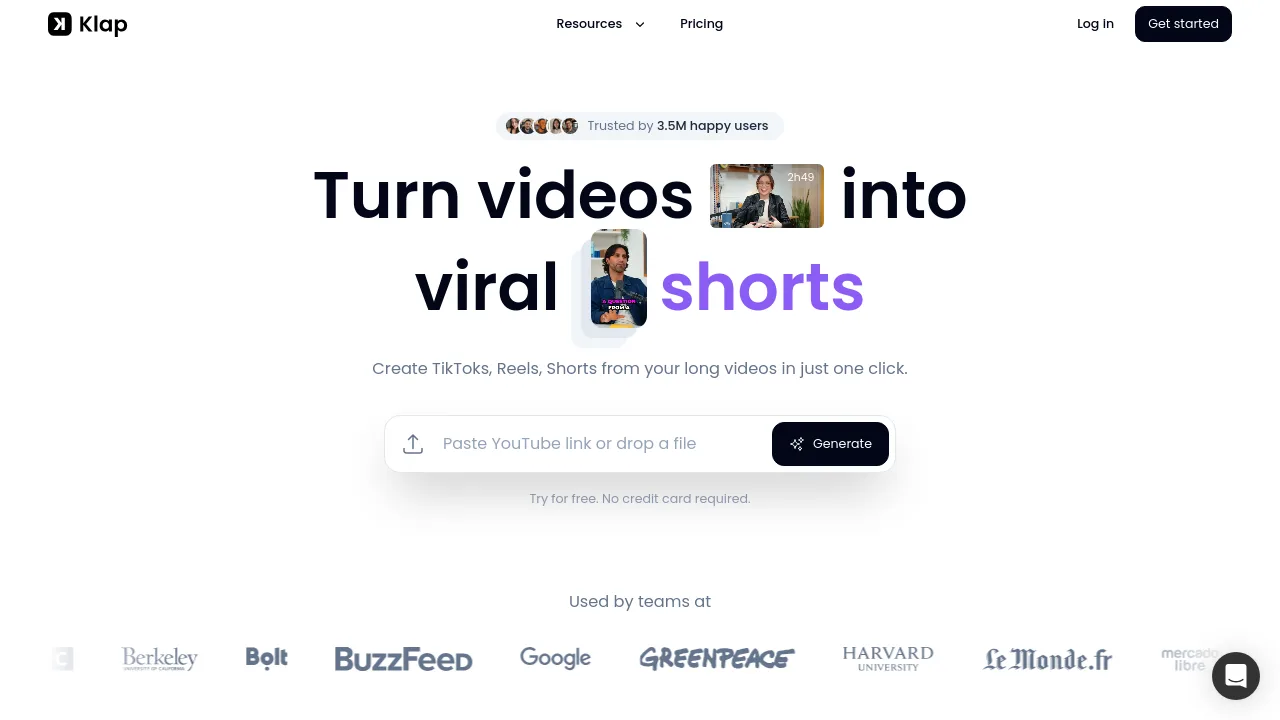
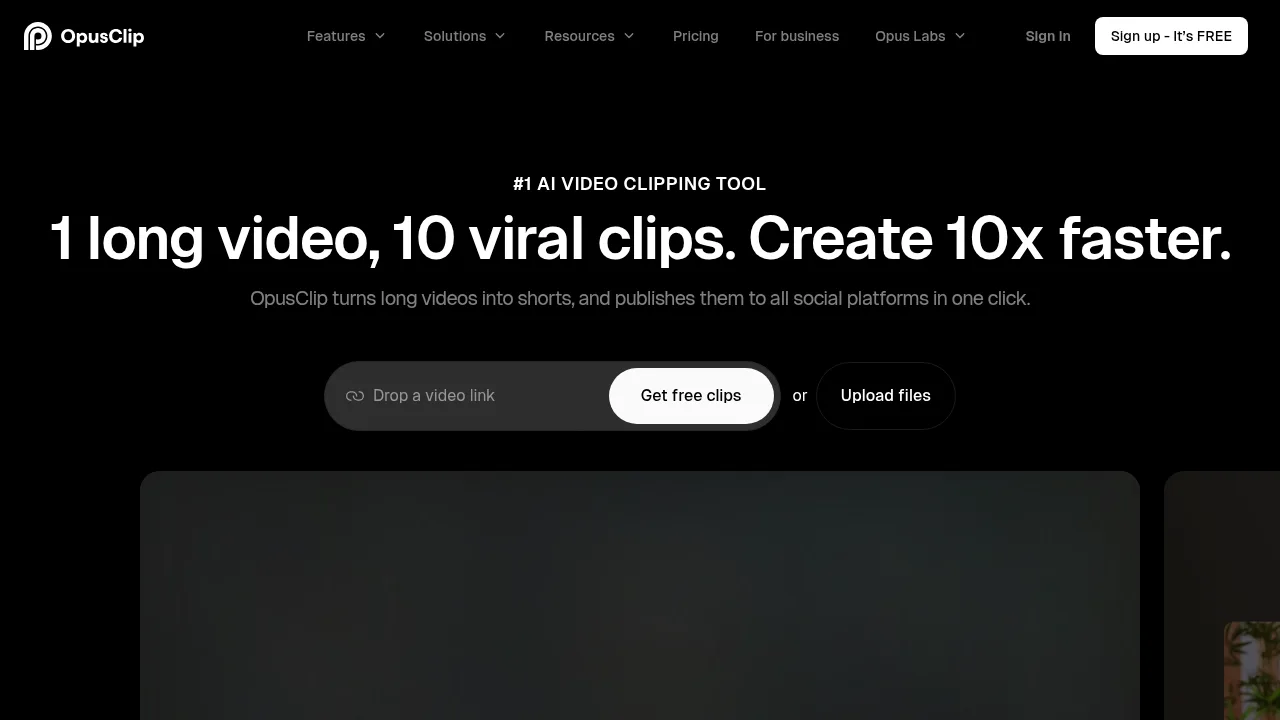
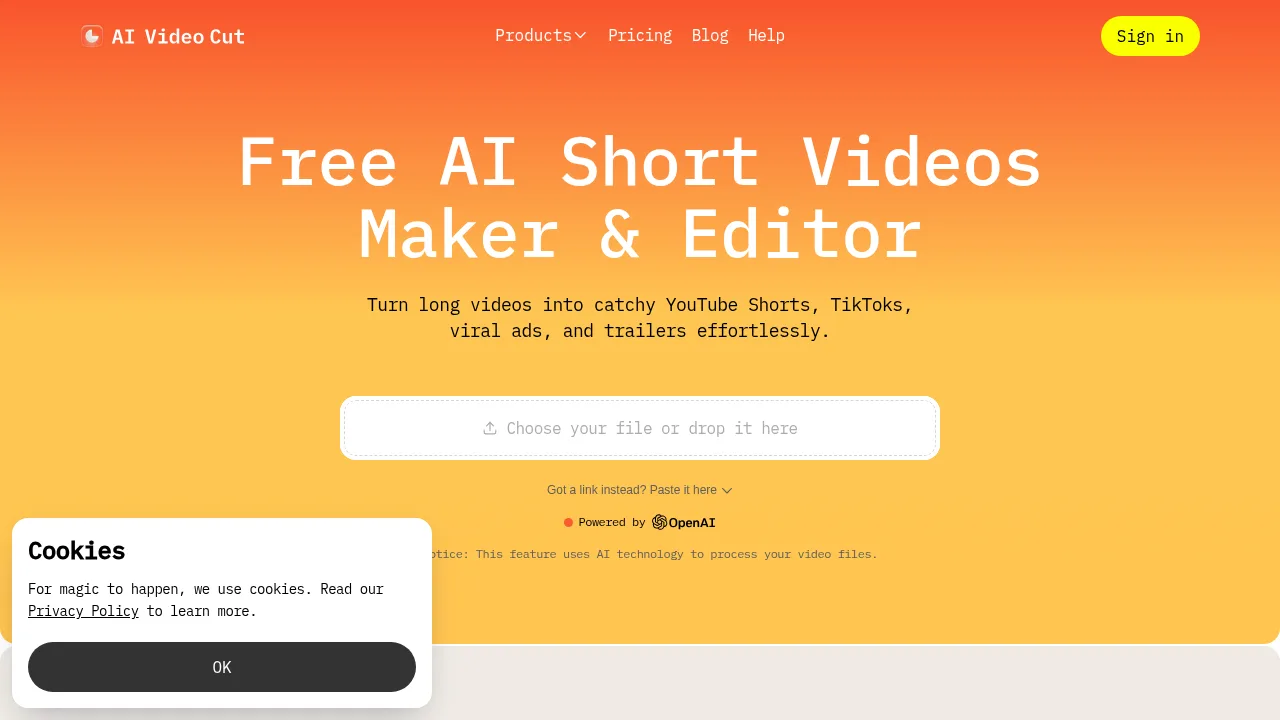
- Upload or link videoProvide a local file or a link to an online video via the web interface.
- Process the videoWait for Klipa AI to analyze the footage and generate proposed clips.
- Review resultsExamine the extracted moments, which are scored by their potential and displayed with timestamps.
- Select and downloadChoose the clips to keep and download them.
Klipa AI Pricing Information:
- Free trialAvailable without a credit card; requires creating an account to receive starting credits.
- Pro toolsMany core features, including automated clip extraction, vertical reframing, animated subtitles, and audio cleanup, are marked as Pro and require a paid plan or additional credits beyond the free trial.