
Klipa AI logo

Klipa AI

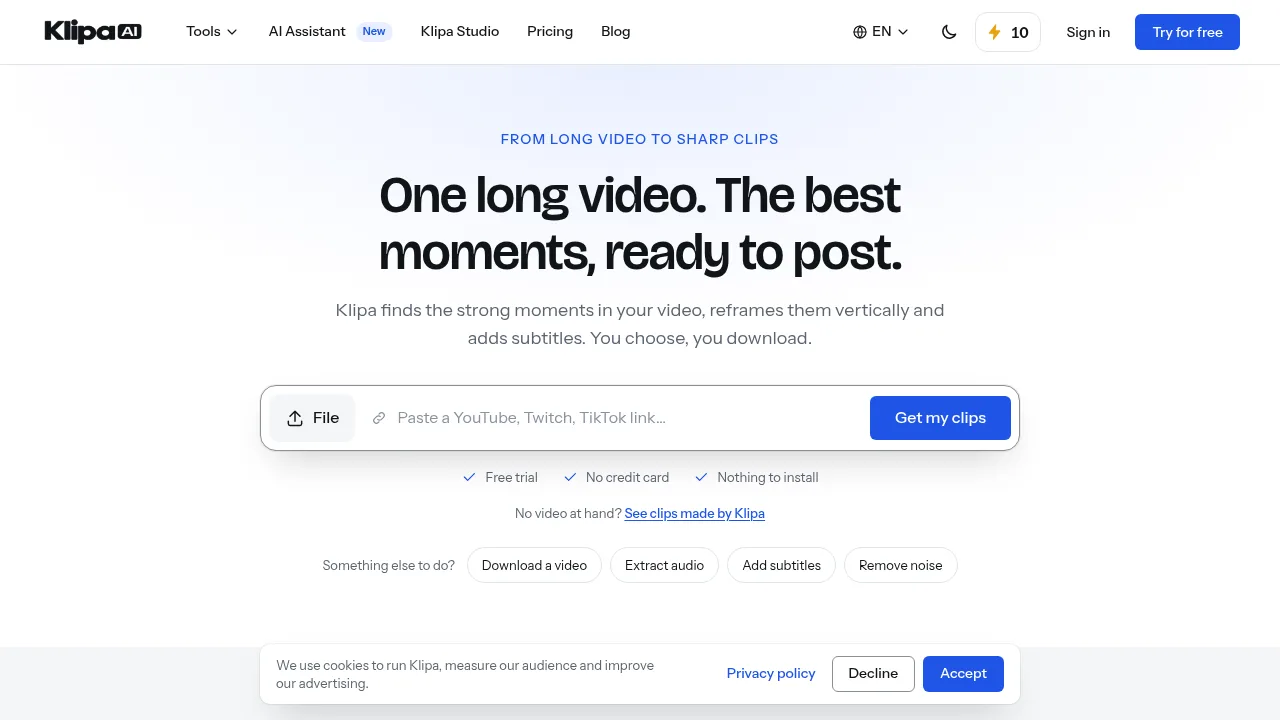
Klipa AI converts long videos into scored vertical clips with burned-in subtitles and offers over 60 formatting and audio tools.

Klipa AI

Klipa AI Product Information

What is Klipa AI?

Klipa AI is a web-based video editing toolkit that extracts short clips from long videos, reframes them vertically, and adds subtitles. It also provides over 60 individual tools for tasks like noise removal, transcription, and format conversion. Access requires creating an account to receive credits, though many advanced features are restricted to paid tiers.

What are the features of Klipa AI?

  • Automated clip extraction
    Analyzes a long video to identify segments, scores them by potential, and outputs vertical clips with burned-in subtitles.
  • Vertical reframing
    Converts horizontal video into vertical formats such as 9:16, tracking the subject's face for platforms like TikTok or Shorts.
  • Animated subtitles
    Generates captions and burns them word by word onto the video using one of 51 available styles.
  • Audio cleanup
    Removes background noise, silences, and filler words such as "ums" and "uhs" from video audio tracks.
  • Video translation
    Provides dubbing or interpreter-style translation for video content across 32 languages.
  • Format utilities
    Supports compression, aspect ratio resizing, speed adjustment, GIF creation, and conversions between MP4, MOV, MKV, and other formats.

What are the use cases of Klipa AI?

  • Repurposing long-form content
    Turning a full-length film or podcast recording into multiple scored, subtitled vertical clips ready for social media posting.
  • Localizing video for international audiences
    Translating or dubbing a video into one of 32 supported languages while adding translated subtitle files in formats like SRT or VTT.
  • Formatting for specific platforms
    Resizing a single video to match exact aspect ratios required by destinations such as Pinterest (2:3), LinkedIn (1:1), or YouTube (16:9).

How to use Klipa AI?

  1. Upload or link video
    Provide a local file or a link to an online video via the web interface.
  2. Process the video
    Wait for Klipa AI to analyze the footage and generate proposed clips.
  3. Review results
    Examine the extracted moments, which are scored by their potential and displayed with timestamps.
  4. Select and download
    Choose the clips to keep and download them.

Klipa AI Pricing Information:

  • Free trial
    Available without a credit card; requires creating an account to receive starting credits.
  • Pro tools
    Many core features, including automated clip extraction, vertical reframing, animated subtitles, and audio cleanup, are marked as Pro and require a paid plan or additional credits beyond the free trial.
Do you like this tool?

Upvote to help others discover it!

Klipa AI Alternatives

Klap

Klap

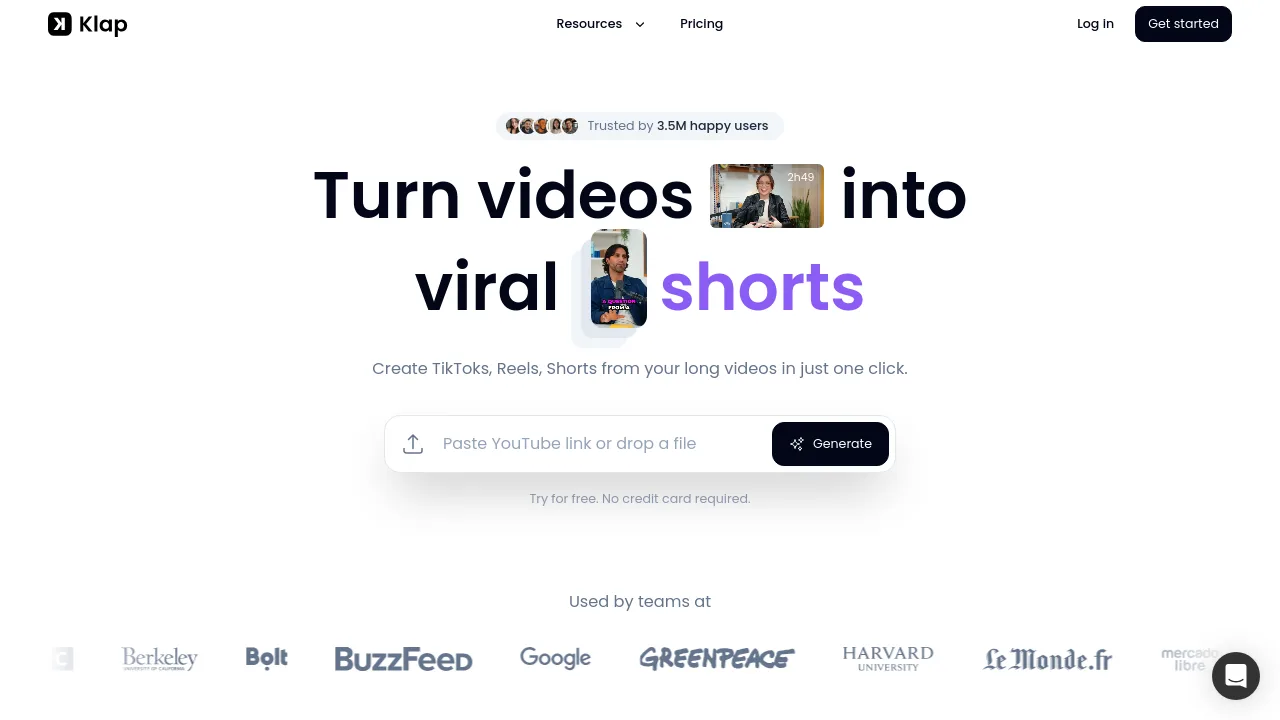
Klap is an AI-powered video clipping tool that helps creators and marketers turn long YouTube videos into viral-ready TikToks, Reels, and Shorts in one click.

US
13.09%
429.5K
0
Opus Clip

Opus Clip

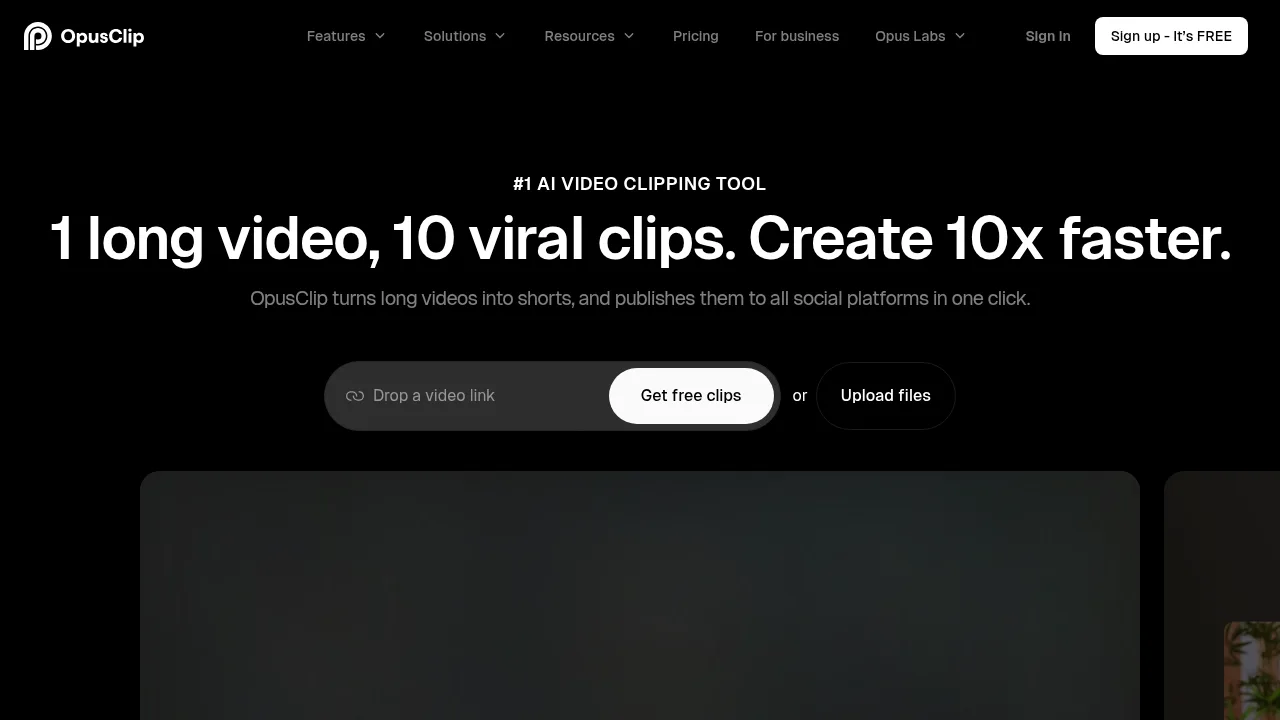
OpusClip extracts short-form social videos from long-form footage using automated clipping, captioning, and resizing tools.

US
31.34%
5.1M
0
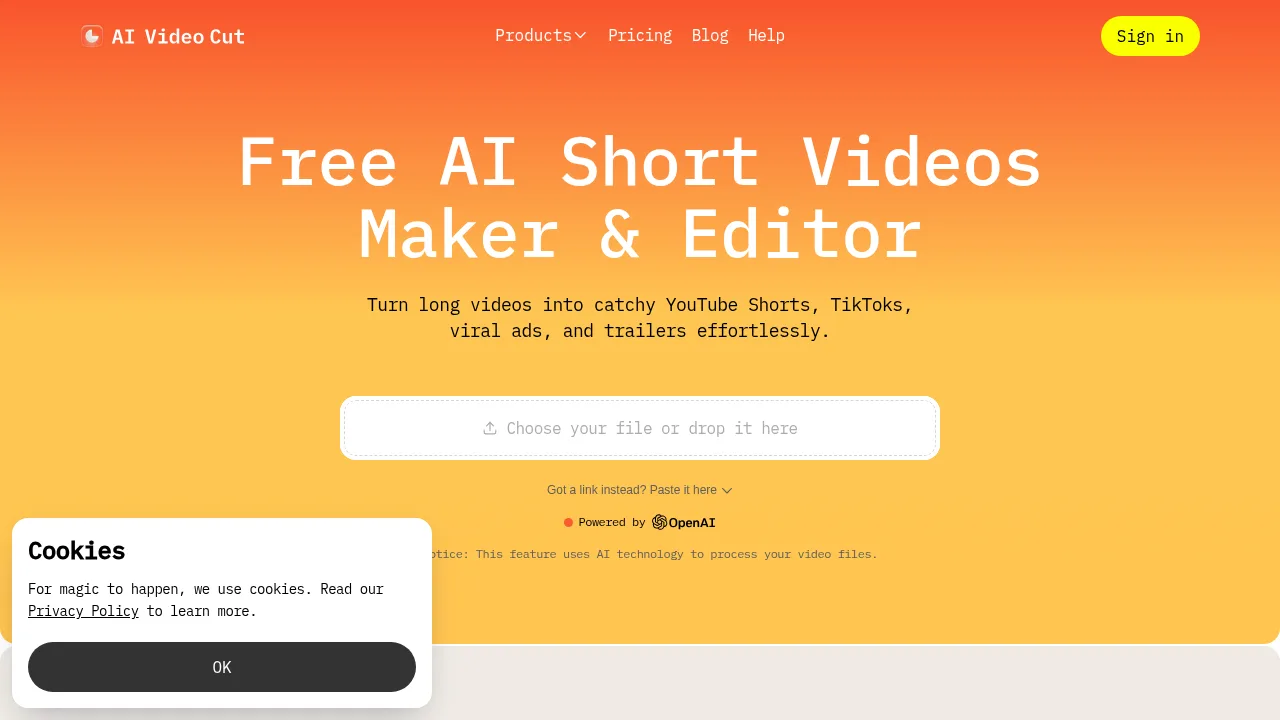
AI Video Cut

AI Video Cut

AI Video Cut converts long-form videos into short, captioned MP4 clips using customizable text prompts and face-tracking cropping.

BR
17.49%
142.0K
0
HiClip

HiClip

HiClip is an AI-powered video editing tool that turns long videos into viral short clips in seconds, perfect for social media creators and businesses.

IN
50.90%
4.2K
0
Nexus Clips

Nexus Clips

Nexus Clips makes viral content easy—AI edits, subtitles, and vertical formatting in one tool. Perfect for creators who want to grow fast!

US
40.18%
208.7K
0
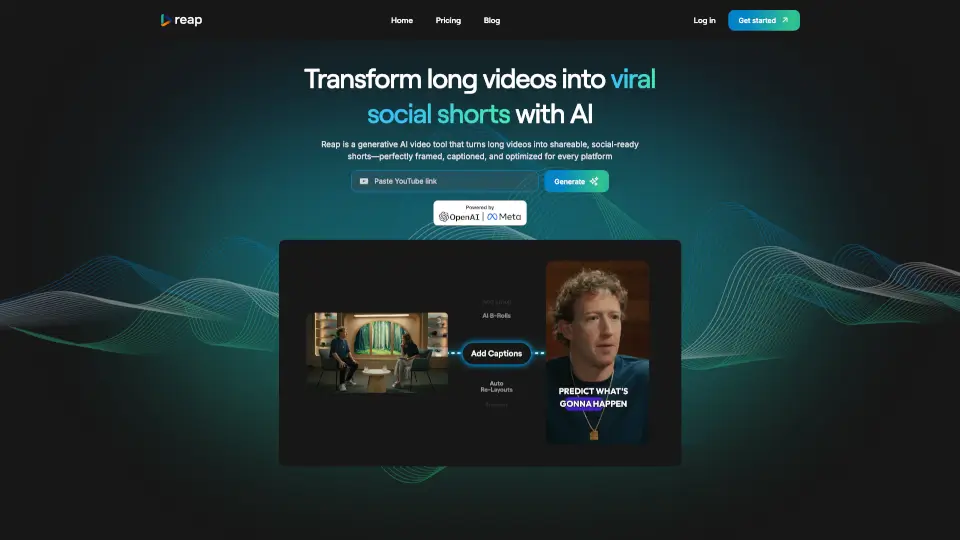
reap

reap

Reap is an AI-powered tool that turns long videos into viral-ready shorts for social media, making content creation faster and easier.

US
15.07%
80.8K
0
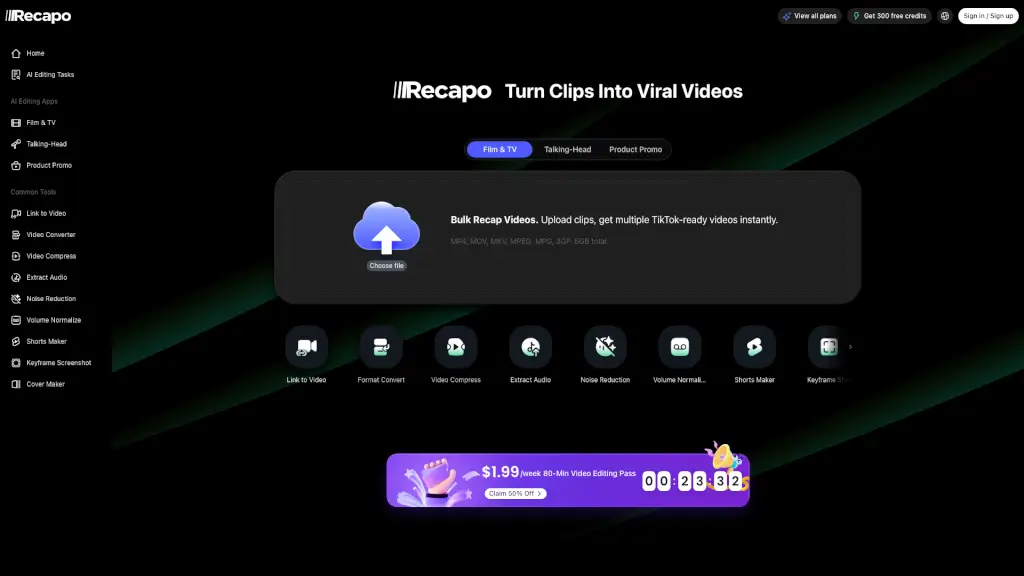
Recapo.ai

Recapo.ai

Recapo.ai is an all-in-one video recap creator studio that turns long footage into viral-ready short clips with AI scripts, voiceovers, and subtitles.

IN
6.95%
88.8K
5.0
0
ContentFries

ContentFries

ContentFries helps you repurpose videos 10x faster with AI clips, subtitles, and cross-platform resizing. Perfect for creators who hate editing.

US
32.42%
12.2K
0

Klipa AI Related Other Categories

Klipa AI Traffic Analysis

Website traffic estimates for klipa.ai. Visits are not unique users or product usage.

💡 Insights

⭐
Medium Scale
100K-1M monthly visits. Growing tool with active development.
🔥
Explosive Growth
Recent growth of 94%. Extremely hot in the market right now!
👍
Good Experience
Bounce rate of 37%. Users are willing to explore features.
  • Monthly Visits

    424.61K

  • Bounce Rate

    36.68%

  • Pages Per Visit

    2.31

  • Visit Duration

    00:00:55

  • Global Rank

    118185

  • Country Rank

    124695

Visits Over Time

Traffic Sources

Search Organic79.96%
Direct15.00%
Referrals2.82%
Social Organic1.87%
Display Ads0.13%
Gen Ai0.11%
Mail0.07%
Search Paid0.04%
Social Paid0.00%
Affiliate0.00%

Top Keywords

1
dailymotion downloader
CPC$0.22
8.14KTraffic
2
dailymotion video downloader
CPC$0.22
3.92KTraffic
3
download dailymotion video without watermark
2.29KTraffic
4
dailymotion download
CPC$0.23
2.21KTraffic
5
dailymotion
CPC$1.11
2.03KTraffic

Top Regions

RegionPercentage
United States
United States
24.09%
Brazil
Brazil
6.91%
India
India
6.29%
France
France
5.03%
Spain
Spain
4.09%
Low
High

Powered by SimilarWeb

Klipa AI FAQ

Do I need to install software to use Klipa AI?

No, the source states there is nothing to install, indicating it operates entirely through a web browser.

Can I process a video that is already hosted online?

Yes, the web interface accepts both direct file uploads and links to online videos.

Klipa AI Reviews

0
0 Reviews
Sign Into leave a review

Recent Reviews

No reviews yet

Klipa AI Embed

Use website badges to drive community support for SeekTool.ai. They are easy to embed in your homepage or footer.

Light
Dark
Klipa AI - Featured on SeekTool.aiKlipa AI - Featured on SeekTool.ai
How to install?