What is Clearly Reader?
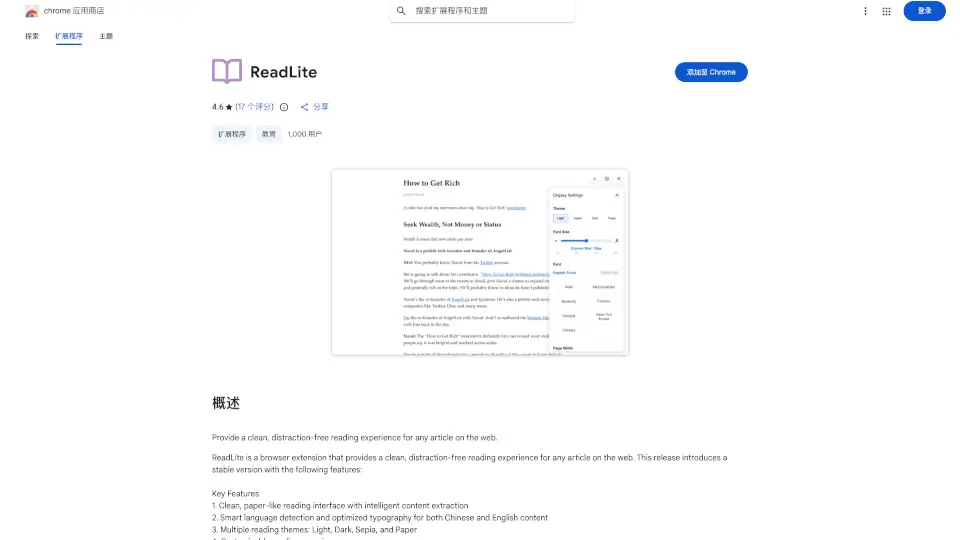
Clearly Reader is your ultimate companion for a distraction-free online reading experience. With just one click, it transforms any webpage into a clean, readable format, letting you focus on what matters most—the content. Whether you're reading articles, blogs, or research papers, Clearly Reader makes it effortless and enjoyable.
What are the features of Clearly Reader?
- Readability: Remove ads, pop-ups, and other distractions for a clean reading experience.
- Translation: Quickly translate text word by word or by paragraph.
- Multi-themes: Choose from various themes or customize your own.
- Custom Fonts: Pick your favorite font or use your system's default.
- Export/Copy: Save articles in PDF, Word, Markdown, and more.
- Article Extractor: Get outlines, links, word counts, and estimated reading times.
- AI Reader: Enhance your reading with summaries and keyword highlights.
- Third-Party Integration: Export to services like Craft, Obsidian, Pocket, and Instapaper.
What are the use cases of Clearly Reader?
- Students reading research papers without distractions.
- Professionals translating and summarizing articles quickly.
- Book lovers clipping and saving their favorite articles for later.
- Anyone who wants a customizable, comfortable reading experience.
How to use Clearly Reader?
- Install the Clearly Reader extension from the Chrome Web Store.
- Click the Clearly Reader icon on any webpage to activate reader mode.
- Customize themes, fonts, and other settings to your preference.
- Use features like translation, article extraction, and AI summaries as needed.