
What is ChatPlayground AI?
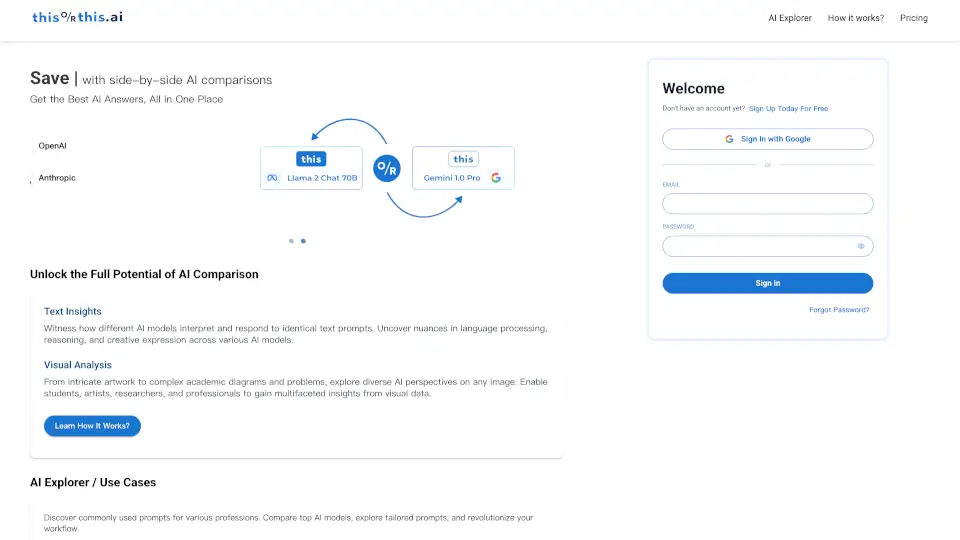
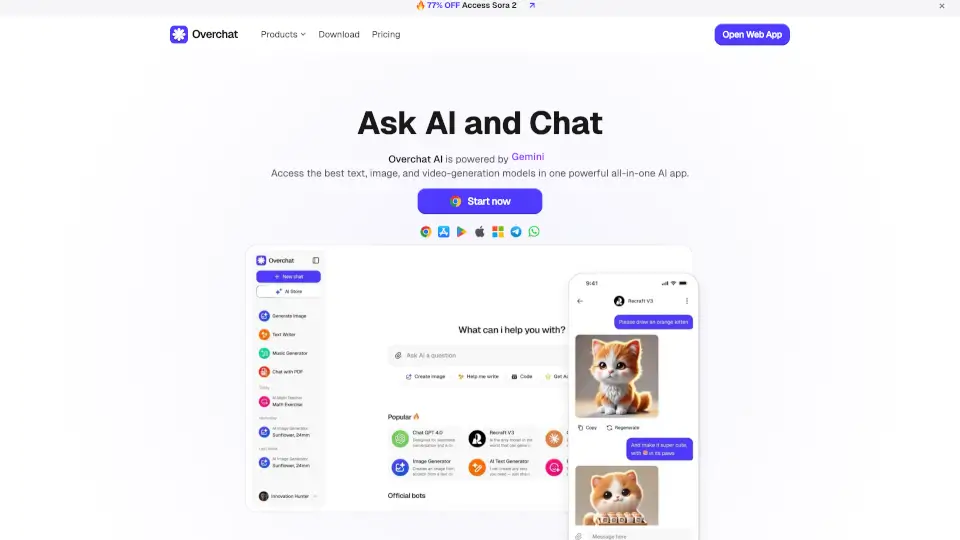
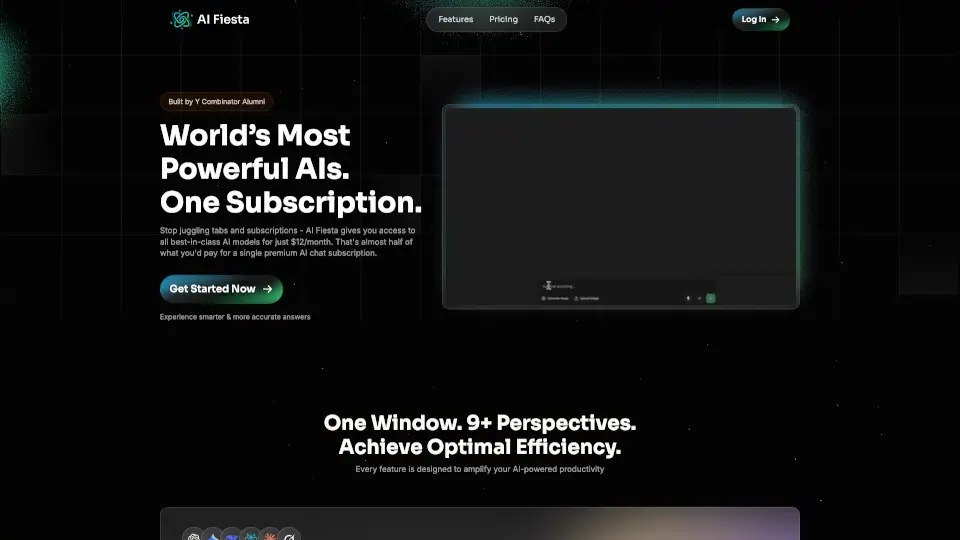
Tired of juggling between ChatGPT, Claude, Gemini, and other AI tools just to find the best answer? ChatPlayground.ai solves that headache by bringing 30+ top AI models into one easy-to-use platform. Instead of paying separate subscriptions or rewriting the same prompt over and over, you get side-by-side comparisons with a single click—saving time, money, and mental energy.
Whether you're drafting emails, analyzing reports, or brainstorming ideas, different AIs excel at different tasks. ChatPlayground lets you see how each model responds so you can pick the strongest output—or even combine their insights into one refined answer. It’s like having a team of AI experts working together, right in your browser.
What are the features of ChatPlayground AI?
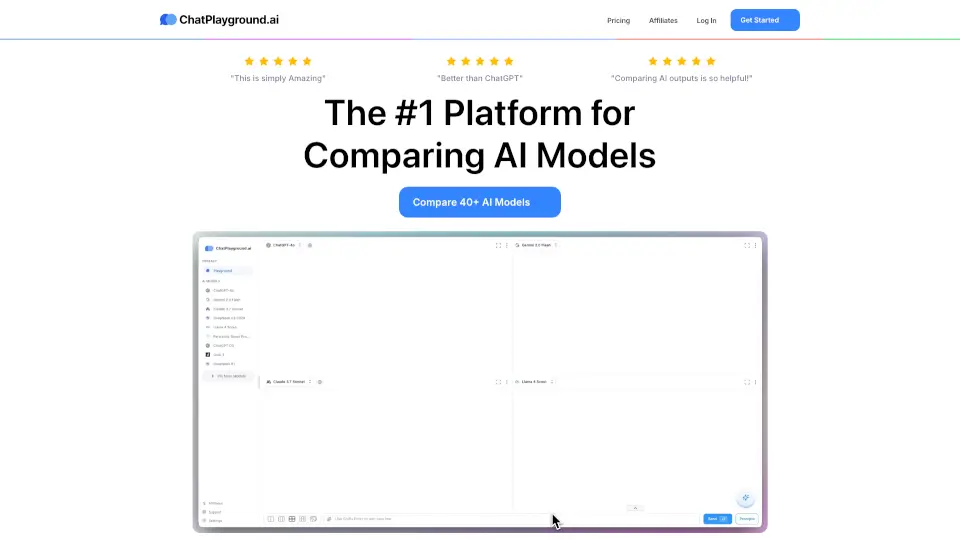
- Multi-Model Comparison: Send one prompt to up to 4 AI models (like ChatGPT, Claude, Gemini, Grok) and view responses side by side instantly.
- AI Collaboration Mode: Get a single, improved final answer after multiple AIs review, challenge, and refine each other’s responses.
- Document Uploads: Chat directly with your PDFs and images—perfect for summarizing contracts, research papers, or financial reports.
- Prompt Library: Access ready-made, expert-crafted prompts for resumes, blog posts, ad copy, and more.
- Privacy-First Design: Your conversations are never stored or used to train AI models—fully GDPR and CCPA compliant.
- Cross-Platform Access: Use it on desktop or mobile via web.chatplayground.ai with support for up to 2 models on phones.
What are the use cases of ChatPlayground AI?
- Compare AI rewrites of a marketing email to choose the clearest, most persuasive version.
- Summarize a 50-page legal document by uploading it and asking multiple AIs for key takeaways.
- Generate and refine a business case by combining structured logic from ChatGPT with Claude’s polished writing.
- Create compelling LinkedIn posts by testing tone and style across different models.
- Speed up coding tasks by getting parallel suggestions from specialized AI assistants.
- Verify critical answers—if models disagree, you’ll know to double-check before acting.
How to use ChatPlayground AI?
- Sign up for a ChatPlayground account—no separate logins for other AI services needed.
- Type your prompt once in the main input box and select which models you want to compare.
- Choose between Compare Mode (see individual responses) or Collaboration Mode (get one refined answer).
- Upload PDFs or images to chat with your own documents directly.
- Save useful prompts or responses to your history for future reference.
- Use the mobile site (web.chatplayground.ai) for on-the-go access with up to 2-model comparison.