
What is Claude AI?
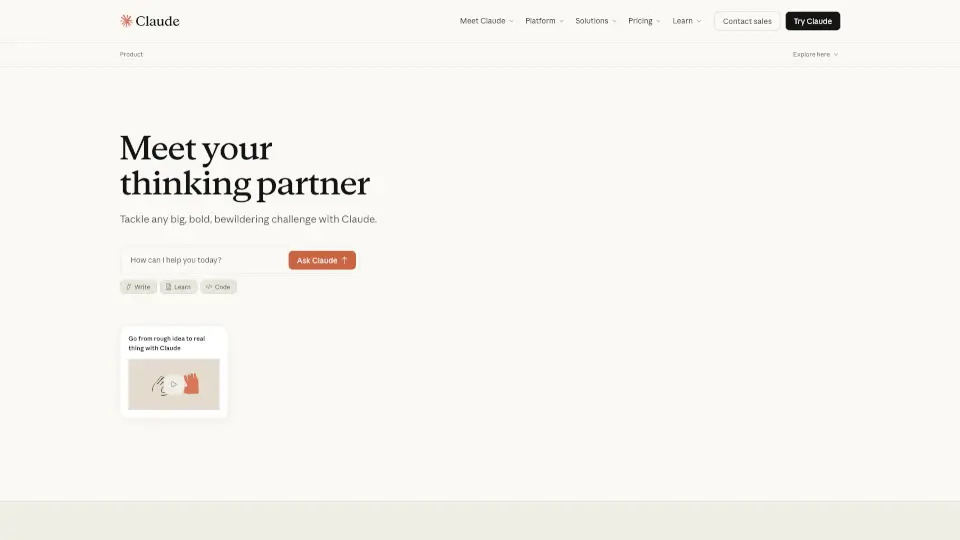
Meet Claude, your new AI assistant from Anthropic, designed to make your life easier and more productive. Whether you're drafting a document, coding a new app, or just need some help organizing your thoughts, Claude is here to assist. Trained to be safe, accurate, and secure, Claude helps you do your best work by providing creative, reliable, and efficient support.
What are the features of Claude AI?
- Draft and Iterate: Create and refine websites, graphics, documents, and code with the help of Artifacts.
- Share and Collaborate: Easily share your work and collaborate with your team, making teamwork seamless.
- Analyze Text and Images: Get insights from text analysis and upload images for detailed feedback.
- Generate Code and Visualize Data: Quickly generate code snippets and create visual data representations.
- Web Search Integration: Access web search results directly within your chat for quick and convenient information.
- Extended Thinking: Tackle complex problems with deep research tools and extended thinking capabilities.
- Google Workspace Integration: Connect your Google email, calendar, and documents for a streamlined workflow.
What are the use cases of Claude AI?
- Content Creation: Draft and edit blog posts, articles, and reports with ease.
- Coding Projects: Generate and debug code, making development faster and more efficient.
- Team Collaboration: Share and collaborate on projects, ensuring everyone is on the same page.
- Research and Analysis: Conduct in-depth research and analyze large amounts of text and data.
- Project Management: Organize and manage multiple projects with the help of unlimited project chats.
- Personal Assistant: Manage your calendar, emails, and tasks all in one place.
How to use Claude AI?
- Start a Chat: Open Claude on the web, iOS, or Android and start a new chat.
- Describe Your Task: Clearly explain what you need help with, whether it's writing, coding, or analyzing data.
- Use Artifacts: If you need to draft a document or create a graphic, use the Artifacts feature.
- Upload Files: Attach any necessary files, such as images or documents, for Claude to analyze.
- Leverage Integrations: Connect your Google Workspace to streamline your workflow.
- Explore Advanced Features: For more complex tasks, use the extended thinking and deep research tools.