
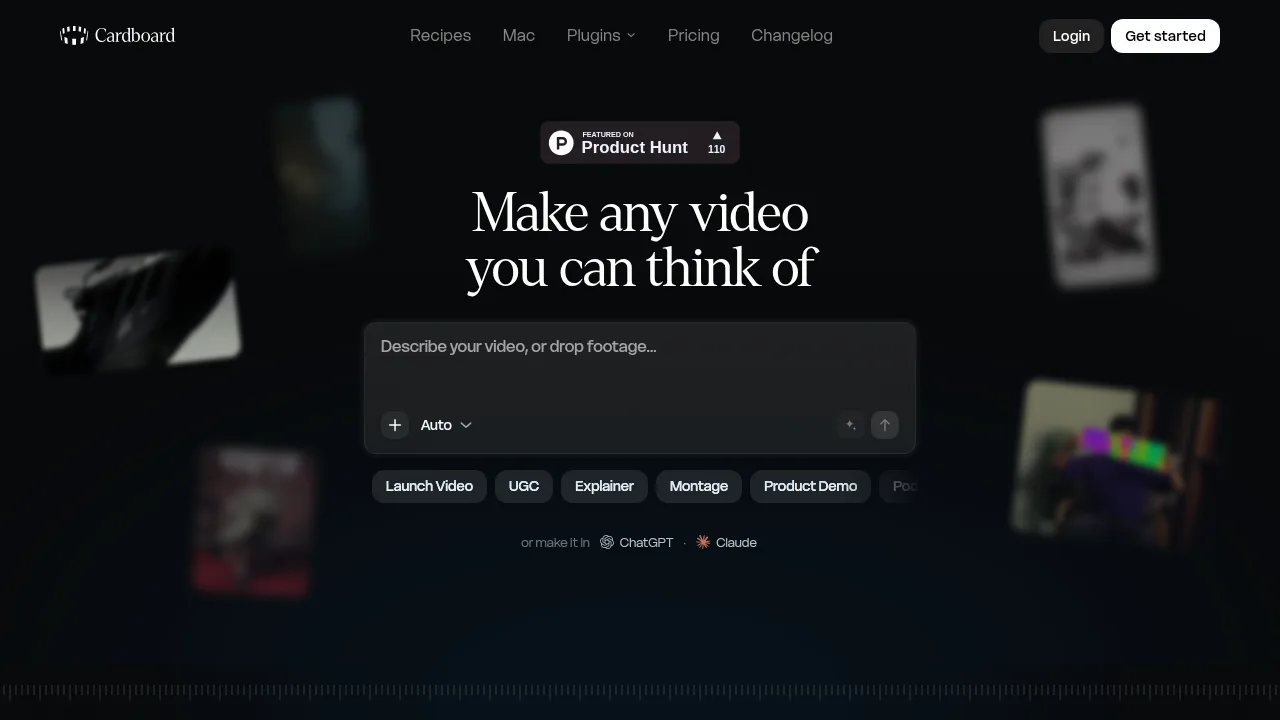
What is Cardboard?
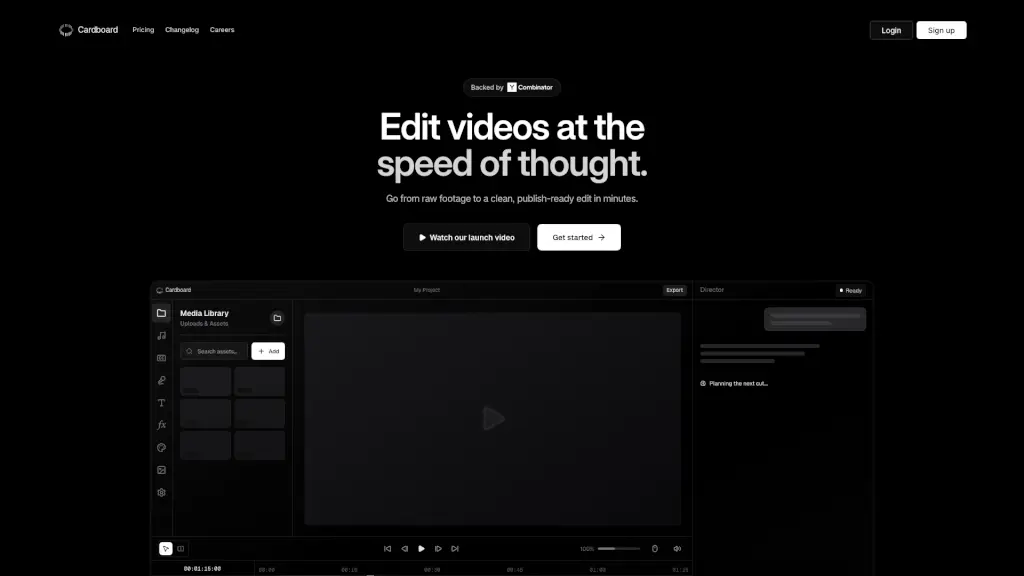
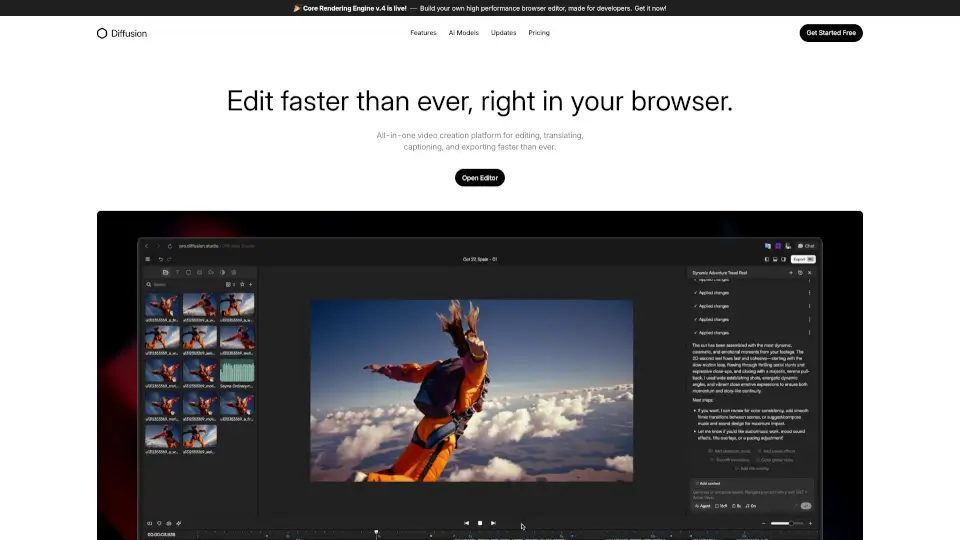
Cardboard is a video editor that combines generative AI tools with timeline editing, accessible through Chrome on any computer or via a Mac app for Apple Silicon. Users can build videos from text prompts, uploaded footage, or both, then refine edits through chat commands or direct timeline adjustments. Phones and tablets are not supported.
What are the features of Cardboard?
- AI media generationCreates video clips, images, music, sound effects, and motion graphics from text prompts using models such as Hailuo, Kling 2.5, Kling 3, Seed Dance 2.5, Omni, and Veo depending on the plan.
- Automated B-roll sourcingSearches the web or stock libraries for relevant footage to match transcript lines or prompts, including archival material.
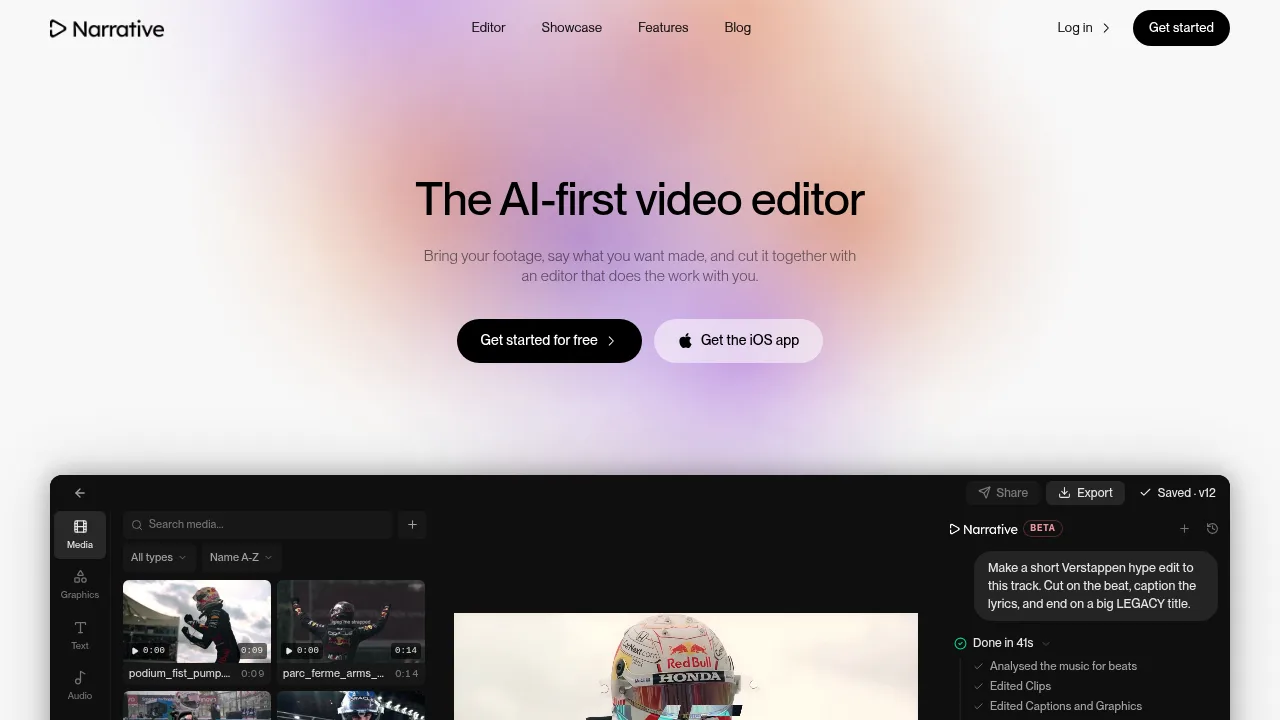
- Chat-directed editingAccepts natural language requests to trim dead air, remove filler words, add captions, reframe aspect ratios, or extract specific moments from long recordings.
- Voice cloningRecords a sample of the user's voice to generate narration in that cloned voice.
- Agent integrationConnects to Claude Code, Codex, or custom agents via CLI or MCP server through the Mac desktop app.
- Export and sharingOutputs MP4 or MOV files up to 4K resolution, sends timelines to Premiere Pro, Final Cut Pro, or DaVinci Resolve, or generates shareable links for team comments.
What are the use cases of Cardboard?
- Product launch videoTransforms an uploaded product demo file into a launch video by adding generated scenes, captions, and a soundtrack through chat instructions.
- Long-form podcast extractionAnalyzes a multi-speaker recording to automatically locate and isolate specific quotes or topics by timestamp.
- Reference-matched documentaryUses a provided reference video link to dictate pacing and visual style while generating new footage and sourcing archival clips to match the edit structure.
How to use Cardboard?
- Provide inputEnter a text prompt, upload media files, or supply both to generate an editable first cut on the timeline.
- Direct revisionsIssue chat requests or adjust the timeline directly to refine the edit, such as trimming intros or adding captions.
- Share or exportSend a link for team feedback or export the finished video as an MP4 file.
Cardboard Pricing Information:
- Lite$5 for the first month, then $8 to $10 per month; includes standard usage, captions, reframing, video cleanup, motion graphics, and full editing tools, but excludes generative AI and watermark-free exports.
- Starter$9 for the first month, then $29 to $40 per month; provides 2.5x usage, 400 generative credits, base model access, unlimited watermark-free exports, NLE exports, AI-generated music, and stock footage.
- Creator$30 for the first month, then $59 to $100 per month; provides 10x usage, 1,500 generative credits, premium model access, voice cloning, web-sourced B-roll, 4K exports, direct clip imports from social platforms, and style matching from video links.
- Pro$89 for the first month, then $175 to $250 per month; provides 30x usage, 5,000 generative credits, access to all models, priority processing, early access to advanced AI features, and higher usage limits.