
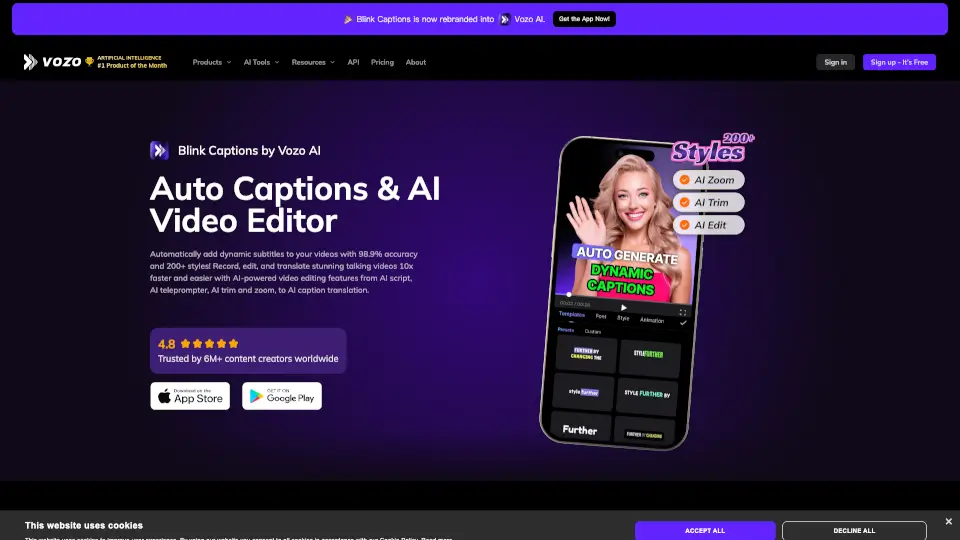
What is BlinkVideo?
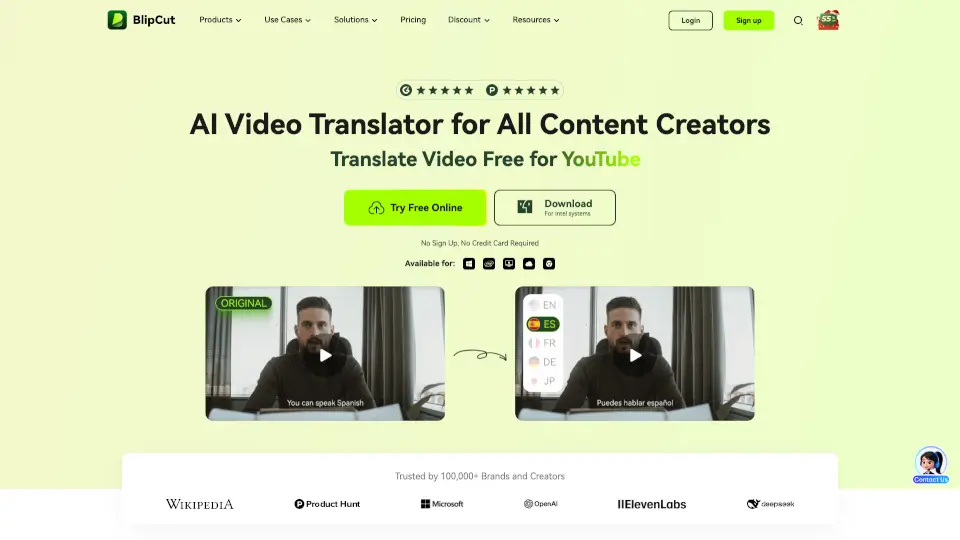
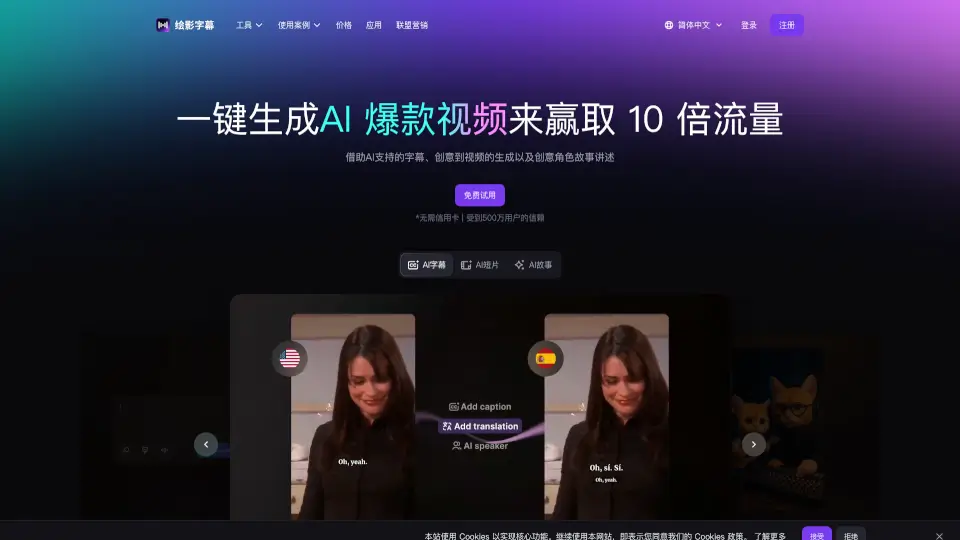
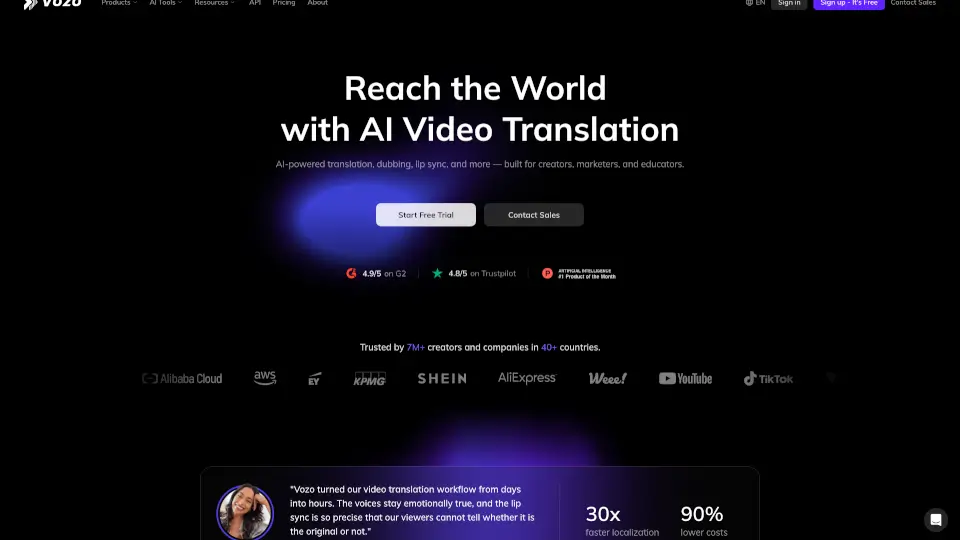
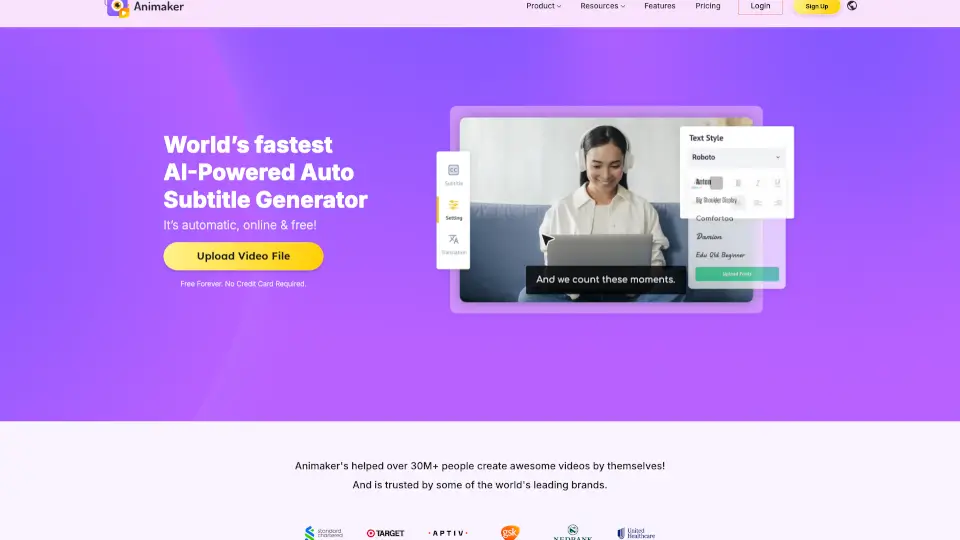
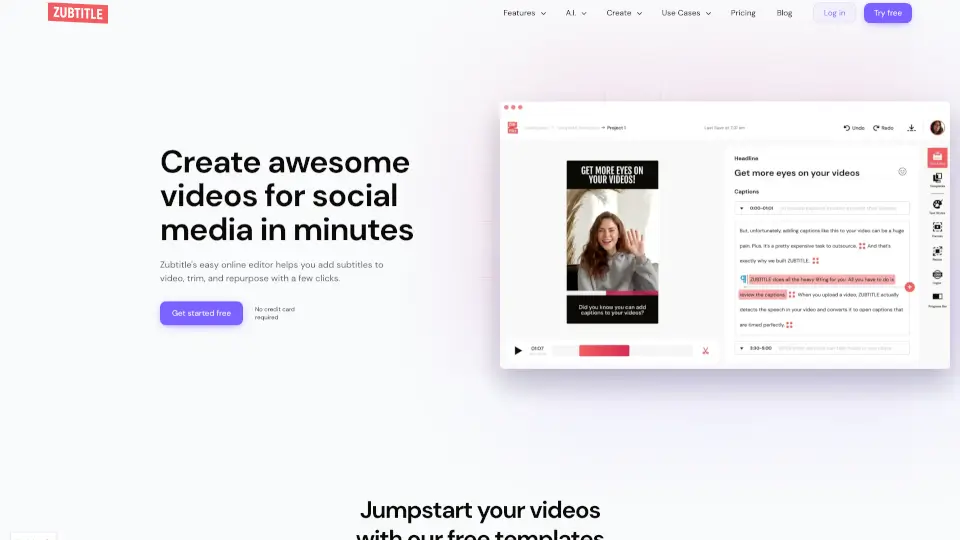
Blink Captions by Vozo is a game-changer for video creators. It’s an AI-powered tool that automatically adds dynamic subtitles to your videos with 99.97% accuracy. Whether you’re creating content for social media, YouTube, or professional projects, Blink Captions makes it easy to translate, edit, and enhance your videos in just a few taps.
What are the features of BlinkVideo?
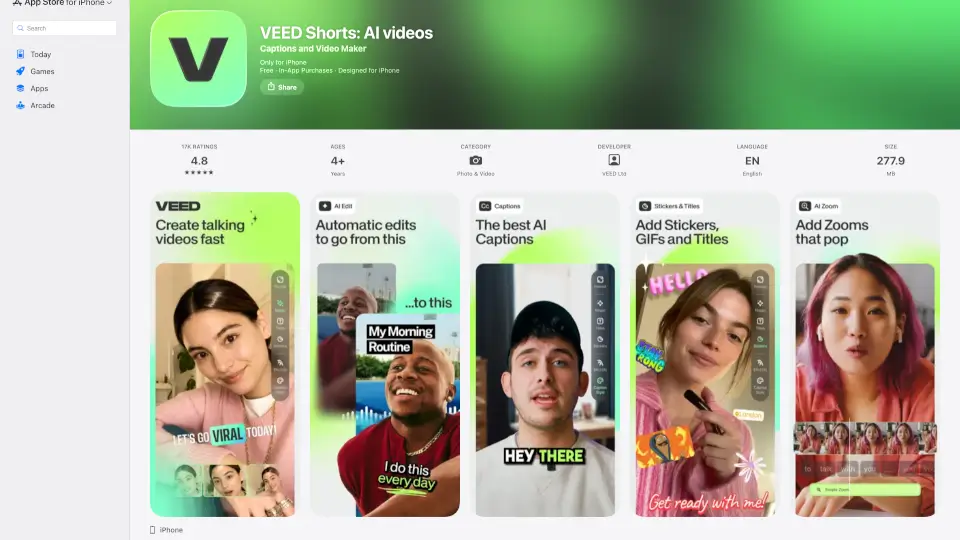
- Auto Dynamic Captions: Effortlessly generate perfectly synchronized subtitles with over 99.97% accuracy.
- 100% Customizable Styles: Choose from 200+ trendy subtitle styles, templates, GIFs, and images.
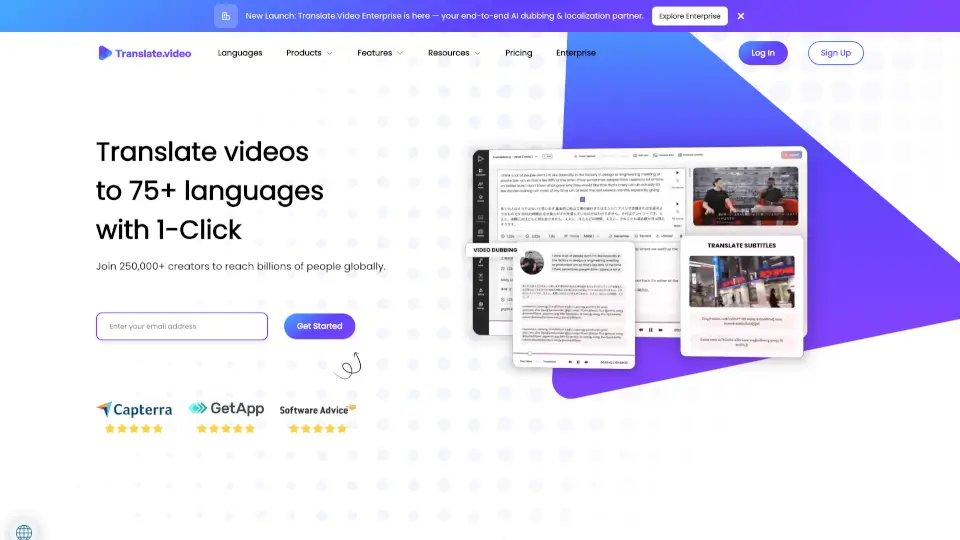
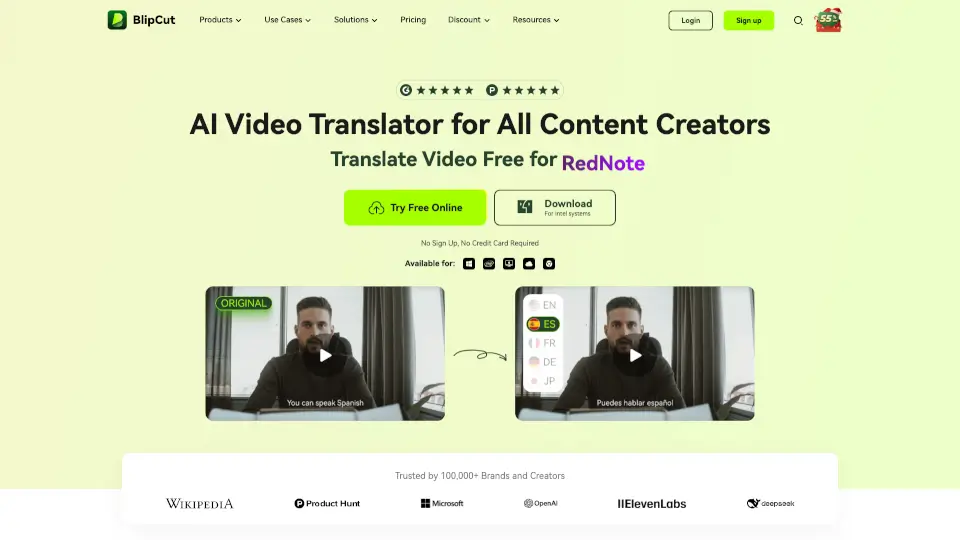
- One-Click Translation: Translate subtitles into 118 languages instantly.
- AI Teleprompter: Record videos while reading scripts that scroll in sync with your voice.
- Auto Zoom & Trim: Remove filler words, silent parts, and highlight specific words in your subtitles.
- Beauty Filters & Background Swap: Enhance your look and change backgrounds in real-time.
What are the use cases of BlinkVideo?
- Social Media Creators: Make eye-catching reels and TikTok videos with dynamic captions.
- YouTubers: Save time editing long-form videos with auto-generated subtitles.
- Language Translators: Easily translate videos for global audiences.
- Music Video Makers: Add stunning captions to your music videos with lyrics mode.
- Professionals: Create polished, engaging videos for presentations or marketing.
How to use BlinkVideo?
- Download the Blink Captions app on iOS or Google Play.
- Upload your video or record directly in the app.
- Select Auto Captions to generate subtitles.
- Customize the style, font, and color of your captions.
- Use the AI Teleprompter to record videos while reading scripts.
- Export your video in HD and share it on your preferred platform.