
What is Bigjpg?
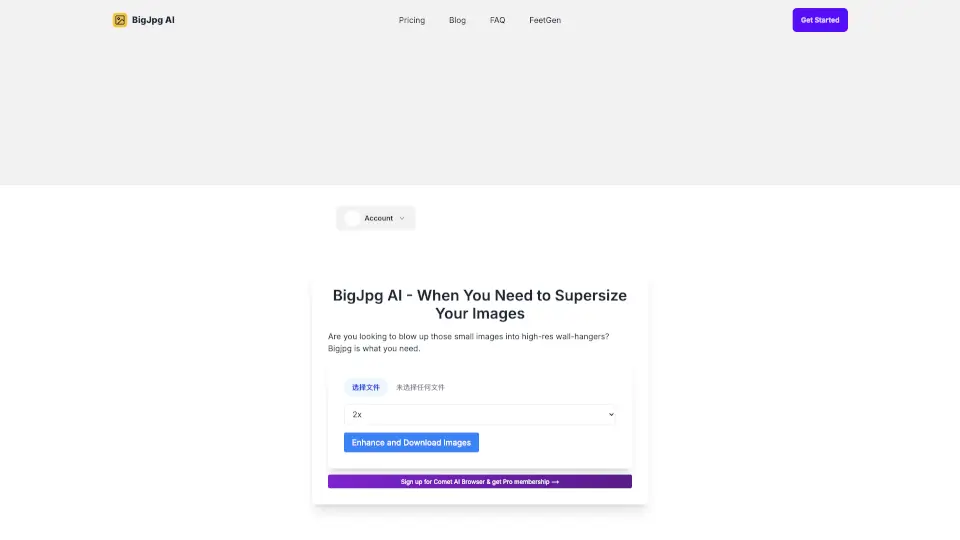
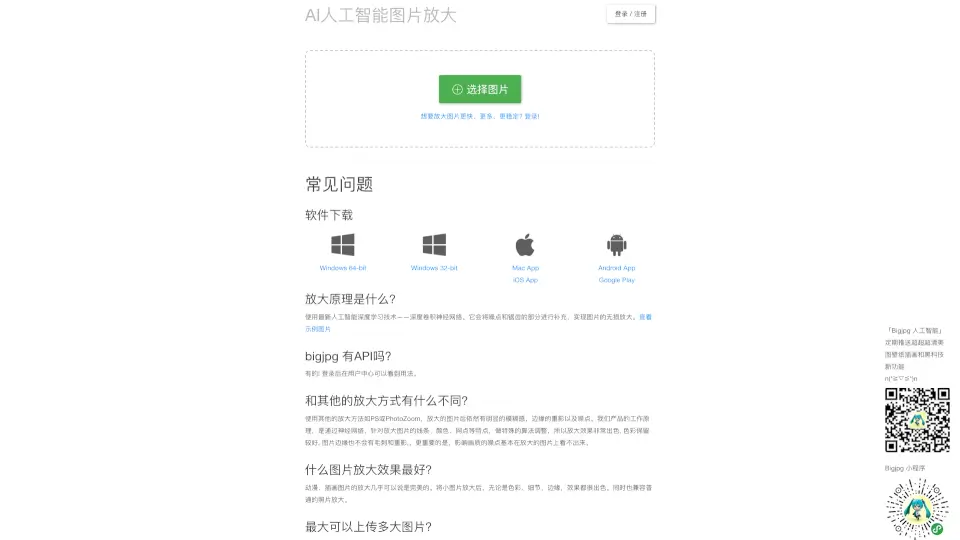
Bigjpg is a smart AI-powered image upscaling tool that uses deep convolutional neural networks (CNN) to enlarge images without losing quality. Unlike traditional methods like Photoshop or PhotoZoom—which often leave blurry edges, halos, or noise—Bigjpg intelligently reconstructs details so your enlarged photos and artwork stay sharp, clean, and natural-looking.
Whether you're restoring old digital art, blowing up a small anime screenshot to wallpaper size, or enhancing a low-res photo for printing, Bigjpg delivers impressive results. It’s especially powerful for illustrations and anime-style images, where it preserves crisp lines and vibrant colors even at high magnifications.
What are the features of Bigjpg?
- AI-Powered Upscaling: Uses advanced deep learning (CNN) to intelligently fill in missing details instead of just stretching pixels.
- Up to 16x Magnification: Free users get up to 4x; paid plans unlock 8x and 16x enlargement for ultra-high-res output.
- Specialized for Art & Photos: Choose between “art” (for anime, illustrations) and “photo” modes for optimal results.
- Noise Reduction Control: Five levels of denoising—from none to maximum—to clean up grainy or compressed source images.
- Offline Task Support: Logged-in users can close their browser and return later to download finished enlargements.
- Batch Processing & API Access: Paid users can upscale multiple images at once and automate workflows via a developer-friendly API.
- Privacy-Focused: All uploaded images are automatically deleted after 3 days, and links are encrypted by default.
What are the use cases of Bigjpg?
- Enlarging pixelated anime screenshots or fan art for desktop or phone wallpapers
- Restoring and scaling old digital drawings or scanned sketches for print or portfolios
- Boosting resolution of social media graphics that were saved at low quality
- Preparing small product photos for e-commerce listings without blur
- Enhancing archival or personal photos before framing or sharing
- Upscaling game assets or pixel art for modern displays
- Automating image enhancement in creative workflows using the Bigjpg API
How to use Bigjpg?
- Go to bigjpg.com and upload your image (max 5MB for free users, 50MB for paid).
- Select image type: “Cartoon/Art” for illustrations or “Photo” for real-life images.
- Choose your magnification level (2x–4x free; up to 16x with paid plans).
- Adjust noise reduction based on your source image quality—higher for grainy inputs.
- Click “Start” and wait—processing time varies by size and server load.
- Log in to enable offline processing and access your history later.