

What is Beatwave?
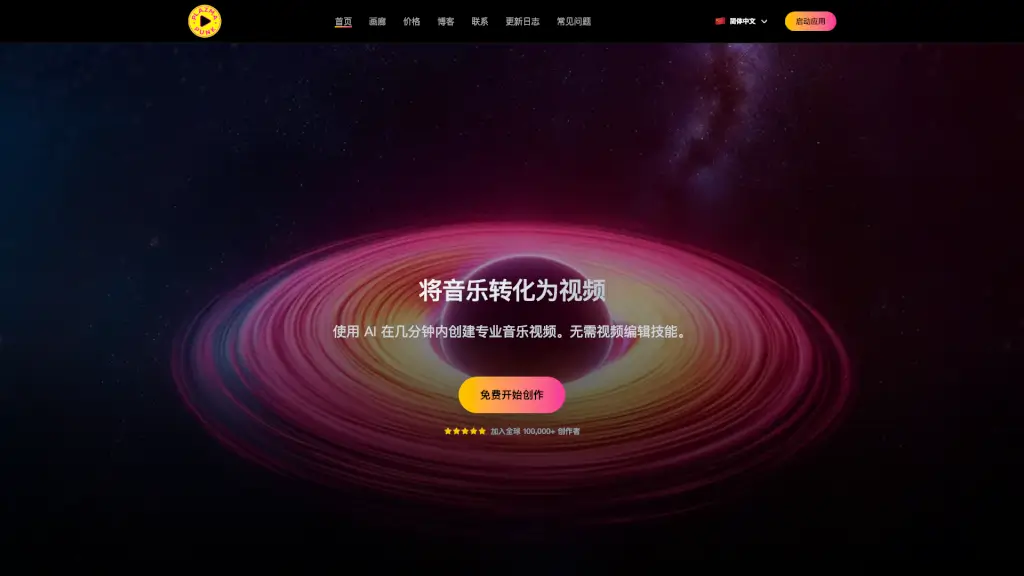
Beatwave is a web-based music visualizer tool that lets musicians, beatmakers, and podcasters turn audio into eye-catching videos in under a minute—no editing skills or expensive software needed. In today’s crowded digital world, where attention spans are short and video dominates social media, Beatwave helps you stand out by automatically syncing your tracks with dynamic, customizable visuals.
Whether you’re dropping a new beat, promoting a song, or sharing a podcast clip, Beatwave transforms sound into scroll-stopping content perfect for Instagram, TikTok, YouTube Shorts, and more—all from your phone or computer.
What are the features of Beatwave?
- One-Click Visualizer Creation: Upload your audio, pick a template, and generate a professional music video in seconds.
- 50+ Done-For-You Templates: Choose from a growing library of professionally designed visualizer styles made specifically for music and audio.
- Full Customization: Personalize colors, text, artwork, equalizer styles, and video orientation (vertical, square, or landscape).
- No Watermarks or Limits: Create unlimited videos with no branding—ideal for building your artist identity.
- Mobile & Web-Based: Works directly in your browser; no downloads, installs, or technical setup required.
- Direct Social Sharing: Publish finished videos straight to your favorite platforms without leaving the app.
- Artist Community Access: Share your creations and get inspired by other musicians in the Beatwave community.
What are the use cases of Beatwave?
- A beatmaker quickly creates promo videos for every new instrumental to post daily on Instagram Reels.
- An independent singer turns unreleased song snippets into engaging teasers for TikTok to build hype before an album drop.
- A podcast host generates animated clips of key quotes to share across social media and drive listener engagement.
- A DJ visualizes live set recordings for YouTube to attract bookings and grow a following.
- A music teacher makes fun, visual examples of rhythm and tempo for students using their own voiceovers.
- An aspiring rapper builds a consistent content feed with zero filming or editing—just audio + Beatwave.
How to use Beatwave?
- Step 1: Go to Beatwave’s website and log in (no download needed).
- Step 2: Browse and select a visualizer template that matches your music’s vibe.
- Step 3: Upload your audio file—Beatwave auto-syncs the visuals to your track’s beats and frequencies.
- Step 4: Customize colors, add your logo or cover art, tweak text, and choose video format (vertical for TikTok, square for Instagram, etc.).
- Step 5: Preview your video and click “Create” to render it instantly.
- Step 6: Download or share directly to social media—all in under 60 seconds.