
What is Bazaart?
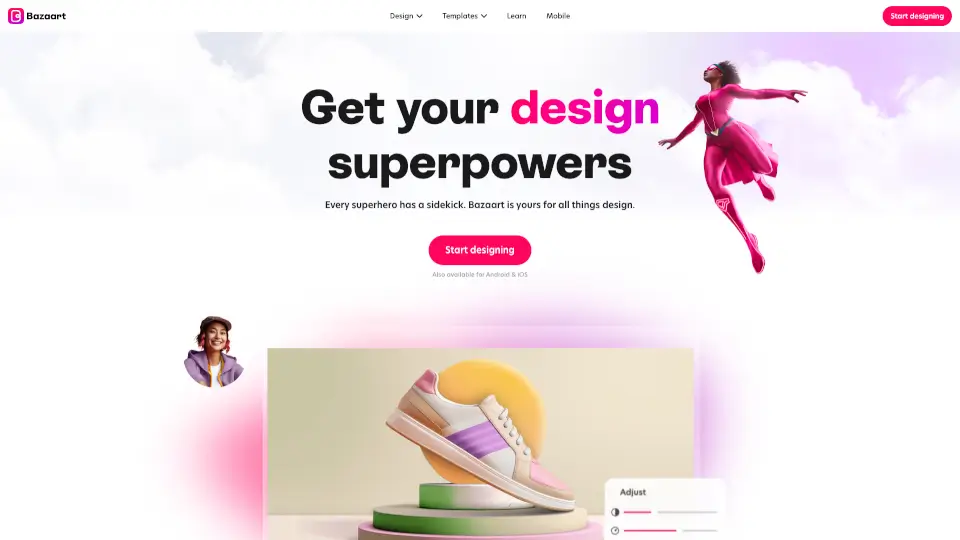
Bazaart is an AI design tool built for small business owners, entrepreneurs, and online sellers. It helps you create product photos, videos, ads, social media posts, and brand visuals without needing a professional designer or expensive photoshoot. The platform includes over 10 AI tools—such as AI photo editor, AI video, AI models, and AI studio—alongside thousands of ready-made templates and a library of 20 million+ photos, graphics, and fonts. It works on web, Android, and iOS, making it easy to design visuals that look polished and professional from anywhere.
What are the features of Bazaart?
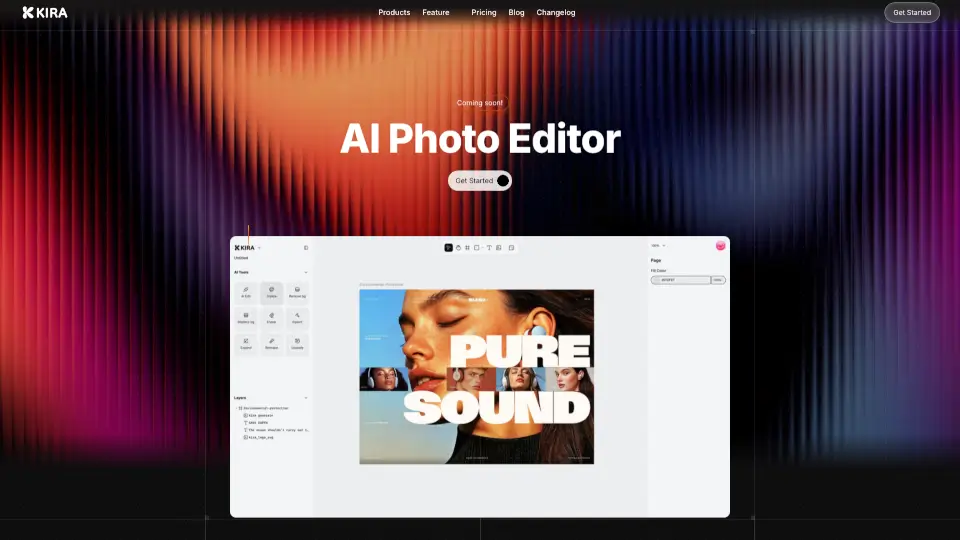
- AI Photo Editor: Edit product images with smart tools like background removal, object removal, colorization, and photo collage. Useful for cleaning up shots or creating composite visuals.
- AI Video Tools: Generate product videos from images or clips using AI. Helps sellers create short promotional videos for ads or social media without video editing experience.
- AI Models & AI Photoshoot: Place your product onto AI-generated models or virtual studio backgrounds. Ideal for fashion, jewelry, and accessories sellers who need on-model shots without a real photoshoot.
- AI Studio: A full workspace to design brand visuals—logos, flyers, mockups, sale ads, and social media posts—using AI-powered suggestions and drag-and-drop editing.
- 5,000+ Ready-to-Use Templates: Pre-designed templates for Instagram Stories, posts, profile pictures, WhatsApp stickers, sale ads, product photos, invitations, and more. Just swap in your own images and text.
- Massive Media Library: Access 20 million+ stock photos, graphics, and fonts to mix into your designs. Helps maintain brand consistency without hunting for external assets.
What are the use cases of Bazaart?
- Online sellers create product photos and on-model shots for e-commerce listings without hiring a photographer or renting a studio.
- Social media managers design Instagram Stories, posts, and profile pictures quickly using templates, then export directly for posting.
- Small business owners produce sale ads, flyers, and mockups for promotions, keeping visual branding consistent across channels.
- Content creators make video collages, greeting cards, and celebration graphics for personal or brand content using AI video and photo tools.
- Art creators use the AI photo editor to colorize old photos, remove people, or build photo collages for creative projects.
How to use Bazaart?
- Download the free app from the website, App Store, or Google Play, or open the web version directly in your browser.
- Choose a template from the library (e.g., Product Photo, Instagram Story, Sale Ad) or start with a blank canvas.
- Upload your product images or select from the built-in media library, then use AI tools like Background Remover or AI Models to enhance the visual.
- Edit text, fonts, colors, and layout using the drag-and-drop editor, then preview your design on different devices.
- Export your final visual in the required format (image or video) and share it to your store, social media, or ad platform.