
Was ist Kira AI Art Generator?
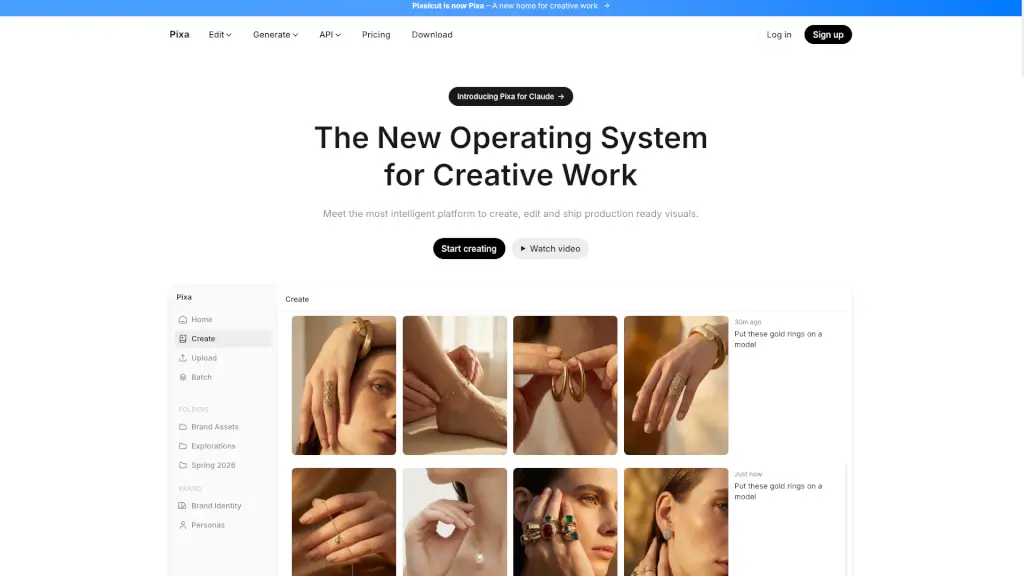
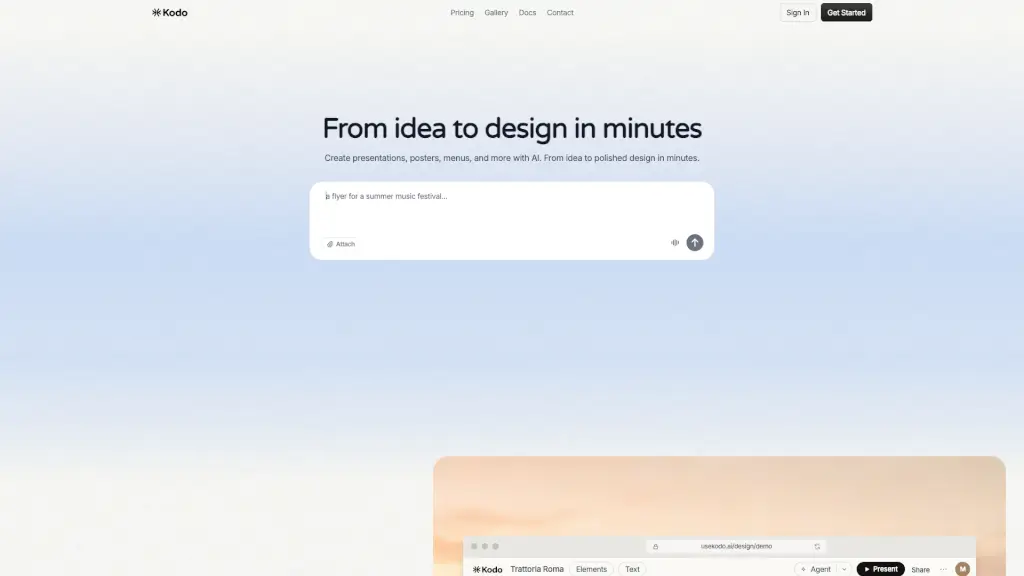
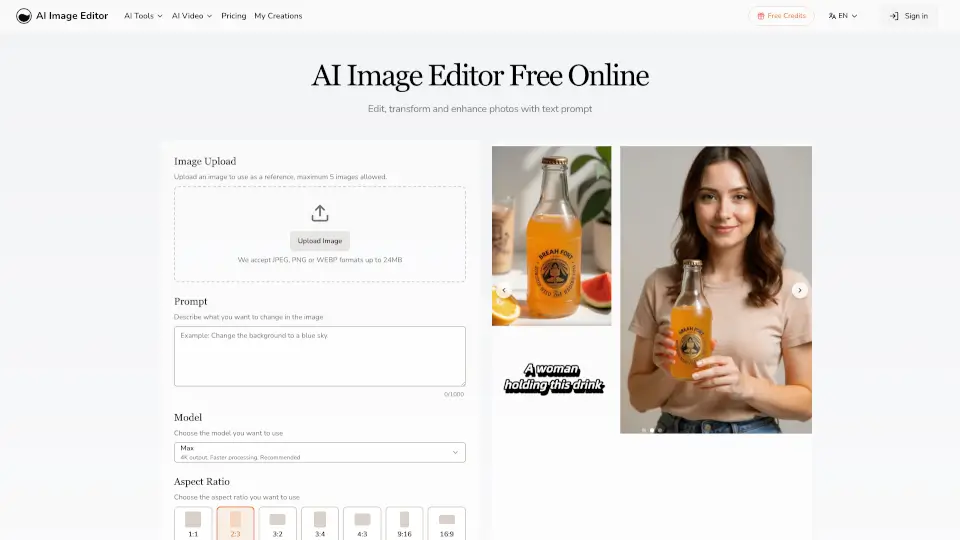
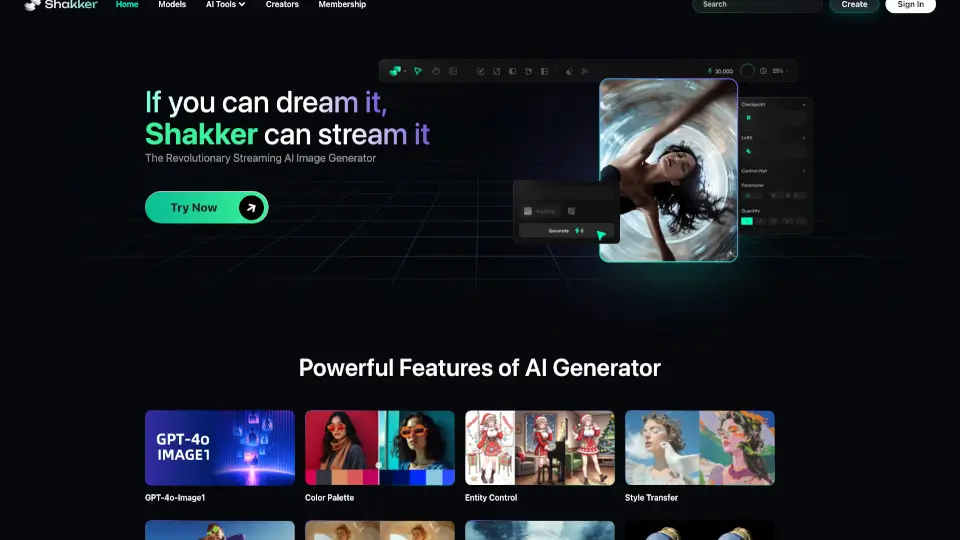
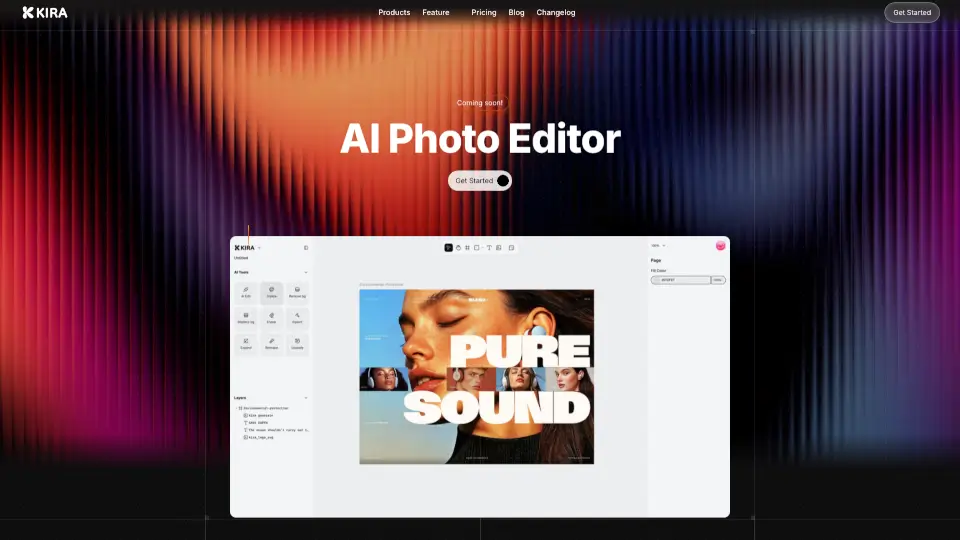
Kira - AI Photo Editor ist eine innovative Alternative zu Photoshop und Illustrator, die speziell für visuelle Designer entwickelt wurde. Mit Kira kannst du ohne Ablenkungen gestalten, da alle Werkzeuge, die du brauchst, in einer benutzerfreundlichen Web-Oberfläche zur Verfügung stehen. Ob du Raster- oder Vektorarbeiten erstellst, Kira bietet dir alles, was du benötigst, um deine kreativen Ideen zum Leben zu erwecken. Zudem unterstützt dich KI-Technologie bei der Erstellung, Bearbeitung und Verbesserung deiner Bilder, sodass du immer professionelle Ergebnisse erzielst.
Was sind die Merkmale von Kira AI Art Generator?
- Voll ausgestattete Raster-Arbeitsflächen: Farbanpassungen, Mischmodi, Masken und Lasso-Werkzeug sind integriert.
- Voll ausgestattete Vektor-Arbeitsflächen: Pen, Formen und alle anderen notwendigen Tools sind verfügbar.
- Web-basiert: Keine Installation erforderlich, nutzbar auf jedem Gerät und jeder Plattform.
- KI-gestützt: Integrierte fortschrittliche Modelle wie OpenAI, Ideogram, Nano Banana, Recraft und Flux.
- KI-Bildgenerierung: Generiere jedes Material, das du benötigst.
- KI-Erweiterung: Erweitere und typografiere Materialien nach Belieben.
- Upscaling: Vergrößere Bilder schnell und verlustfrei, um ihre Klarheit zu verbessern.
Was sind die Anwendungsfälle von Kira AI Art Generator?
- Erstelle und bearbeite professionelle Grafiken für Social-Media-Kampagnen.
- Entwirf einzigartige Logos und Markenidentitäten für Unternehmen.
- Erstelle detaillierte Illustrationen und Kunstwerke für digitale Projekte.
- Optimiere Fotos für Print- und Online-Veröffentlichungen.
- Generiere kreative Inhalte für Präsentationen und Berichte.
- Erstelle benutzerdefinierte Templates für verschiedene Designprojekte.
Wie benutzt man Kira AI Art Generator?
- Melde dich auf der Kira-Website an und starte ein neues Projekt.
- Wähle zwischen Raster- und Vektor-Arbeitsflächen, je nachdem, was du erstellen möchtest.
- Nutze die verschiedenen Werkzeuge und Funktionen, um dein Design zu erstellen und zu bearbeiten.
- Greife auf die KI-gestützten Funktionen zurück, um zusätzliche Elemente zu generieren oder bestehende zu verbessern.
- Speichere und teile deine Arbeiten direkt von der Web-Oberfläche aus.