
What is Autodraw?
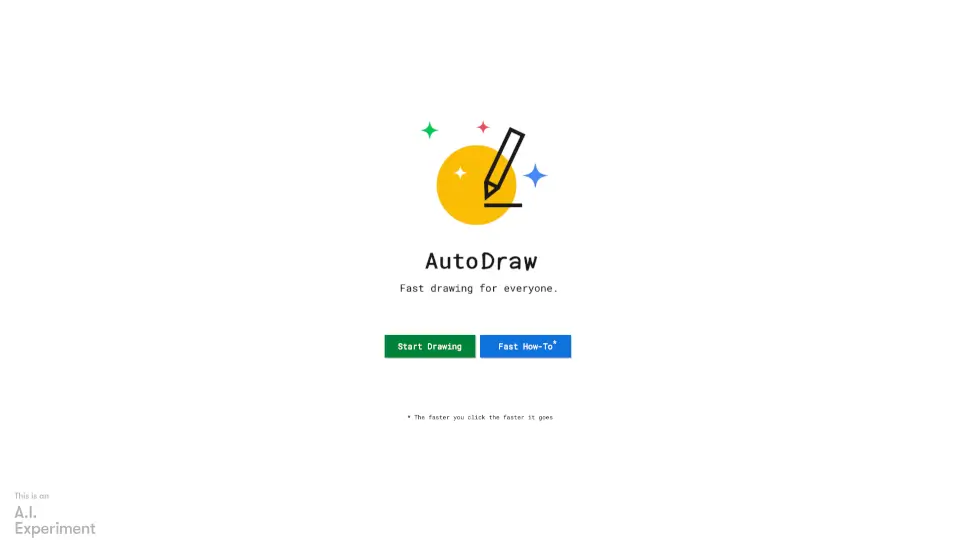
AutoDraw is a fun and innovative tool that combines machine learning with the creativity of talented artists. It helps you draw quickly and easily, making it perfect for anyone who wants to express their ideas visually without needing advanced drawing skills.
What are the features of Autodraw?
- Fast Drawing: AutoDraw allows you to create drawings in a flash, making it ideal for quick sketches.
- Machine Learning: The tool uses smart algorithms to recognize what you're trying to draw and suggests completed images.
- User-Friendly Interface: The simple layout makes it easy for anyone to start drawing right away.
- Share Your Work: You can easily share your creations on social media platforms like Facebook and Twitter.
What are the use cases of Autodraw?
- Students: Perfect for school projects or presentations where visuals are needed.
- Teachers: Great for creating engaging materials for lessons.
- Artists: A fun way to brainstorm ideas or create quick drafts.
- Anyone: Whether you're doodling for fun or need a quick illustration, AutoDraw has you covered.
How to use Autodraw?
- Visit the AutoDraw website at autodraw.com.
- Start drawing by clicking on the canvas.
- Use the suggestions provided to enhance your drawing.
- Save or share your artwork when you're done.