
What is Sketch To?
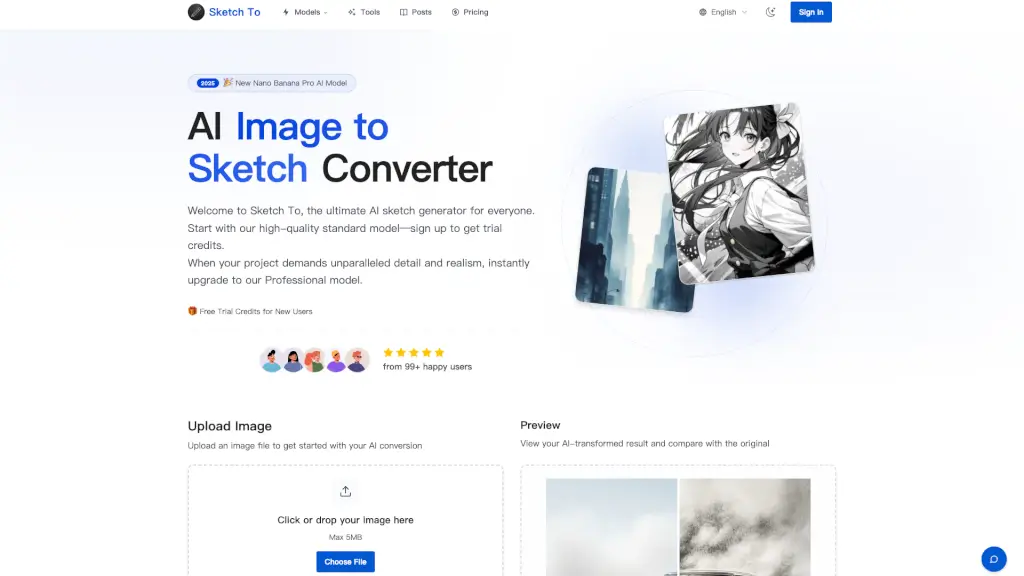
Welcome to Sketch To, the ultimate AI-powered tool for converting images to sketches and vice versa. Whether you're a hobbyist, student, or professional, Sketch To offers a user-friendly platform to transform your photos and sketches into stunning works of art. With both a free Standard model and a high-quality Professional model, you can choose the perfect fit for your creative needs. Start with trial credits and experience the magic of turning your images into beautiful sketches in just a few clicks.
What are the features of Sketch To?
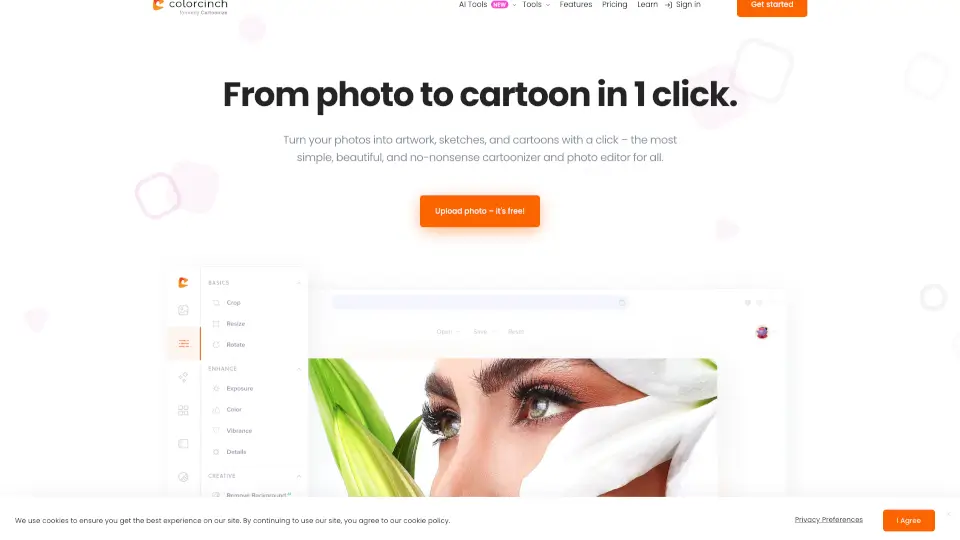
- Image to Sketch Conversion: Convert your photos into detailed pencil, charcoal, ink, colored pencil, comic, concept, figure, watercolor, and digital sketches.
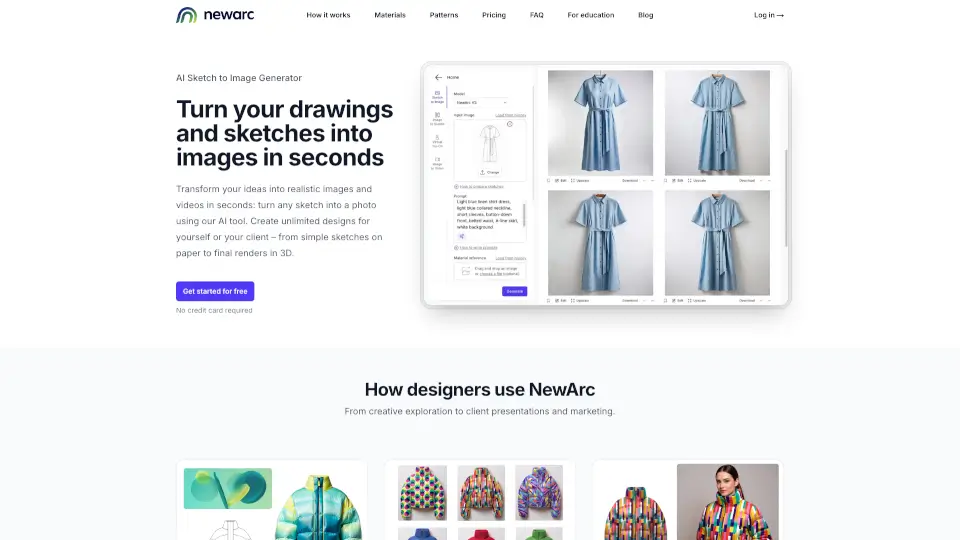
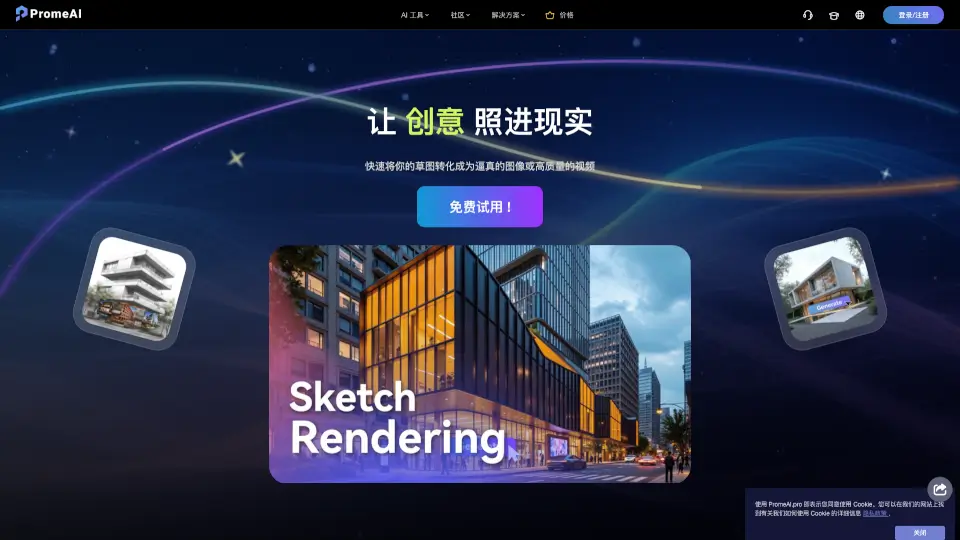
- Sketch to Image AI: Transform your sketches into realistic, high-resolution images with incredible detail and accuracy.
- Instant Processing: Get your results in seconds with our powerful cloud-based AI processing engine.
- High Resolution Output: Download your creations in high resolution, perfect for print and professional use.
- Trial Credits: New users receive trial credits to get started with the Standard model, making it easy to try out the features.
- Professional Model: Upgrade to the Pro model for unparalleled detail, texture, and realism, ideal for commercial projects and professional artists.
What are the use cases of Sketch To?
- Social Media Posts: Create eye-catching sketches from your photos to share on Instagram, Facebook, and more.
- Art Projects: Turn your sketches into realistic images for your art portfolio or school projects.
- Design Work: Use the Pro model to create high-quality, detailed designs for client presentations and marketing materials.
- Photography: Convert your favorite photos into artistic sketches for a unique and creative touch.
- Content Creation: Enhance your blog posts, videos, and other content with beautifully converted sketches and images.
- Educational Purposes: Use Sketch To for classroom projects, assignments, and creative learning activities.
How to use Sketch To?
- Upload Your File: Drag and drop your photo or sketch file onto the canvas. Supported formats include JPG, PNG, WEBP, and more.
- Choose Your Style & Model: Select the desired artistic style and model (Standard or Professional).
- Generate & Preview: Click 'Generate' to process your request. Preview the result and compare it with the original.
- Download Your Creation: Once satisfied, download your new creation in high resolution.
- Experiment with Styles: Try different styles like pencil, charcoal, and watercolor to find the perfect look for your project.
- Use Trial Credits: If you're a new user, take advantage of the trial credits to explore the features of the Standard model.