
Sketch To logo

Sketch To

4.0
(0 Reviews)
United States24.24%

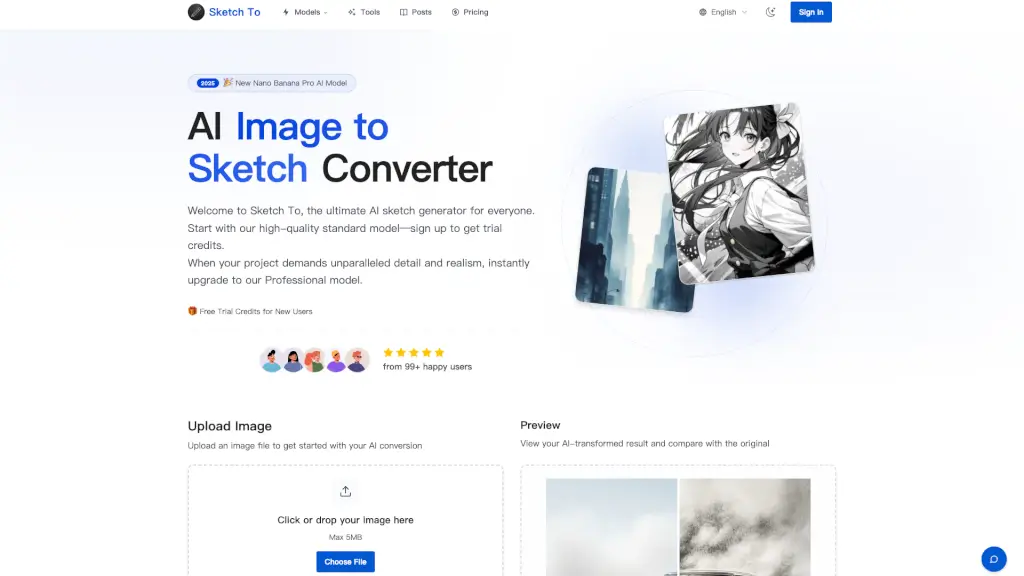
Sketch To is a powerful AI tool that converts images to sketches and sketches to images, offering both free and professional models for creators of all levels.

Verified by SeekTool
Social Media:
Sketch To

Sketch To Product Information

What is Sketch To?

Welcome to Sketch To, the ultimate AI-powered tool for converting images to sketches and vice versa. Whether you're a hobbyist, student, or professional, Sketch To offers a user-friendly platform to transform your photos and sketches into stunning works of art. With both a free Standard model and a high-quality Professional model, you can choose the perfect fit for your creative needs. Start with trial credits and experience the magic of turning your images into beautiful sketches in just a few clicks.

What are the features of Sketch To?

  • Image to Sketch Conversion: Convert your photos into detailed pencil, charcoal, ink, colored pencil, comic, concept, figure, watercolor, and digital sketches.
  • Sketch to Image AI: Transform your sketches into realistic, high-resolution images with incredible detail and accuracy.
  • Instant Processing: Get your results in seconds with our powerful cloud-based AI processing engine.
  • High Resolution Output: Download your creations in high resolution, perfect for print and professional use.
  • Trial Credits: New users receive trial credits to get started with the Standard model, making it easy to try out the features.
  • Professional Model: Upgrade to the Pro model for unparalleled detail, texture, and realism, ideal for commercial projects and professional artists.

What are the use cases of Sketch To?

  • Social Media Posts: Create eye-catching sketches from your photos to share on Instagram, Facebook, and more.
  • Art Projects: Turn your sketches into realistic images for your art portfolio or school projects.
  • Design Work: Use the Pro model to create high-quality, detailed designs for client presentations and marketing materials.
  • Photography: Convert your favorite photos into artistic sketches for a unique and creative touch.
  • Content Creation: Enhance your blog posts, videos, and other content with beautifully converted sketches and images.
  • Educational Purposes: Use Sketch To for classroom projects, assignments, and creative learning activities.

How to use Sketch To?

  • Upload Your File: Drag and drop your photo or sketch file onto the canvas. Supported formats include JPG, PNG, WEBP, and more.
  • Choose Your Style & Model: Select the desired artistic style and model (Standard or Professional).
  • Generate & Preview: Click 'Generate' to process your request. Preview the result and compare it with the original.
  • Download Your Creation: Once satisfied, download your new creation in high resolution.
  • Experiment with Styles: Try different styles like pencil, charcoal, and watercolor to find the perfect look for your project.
  • Use Trial Credits: If you're a new user, take advantage of the trial credits to explore the features of the Standard model.

Do you like this tool?

Upvote to help others discover it!

Sketch To Alternatives

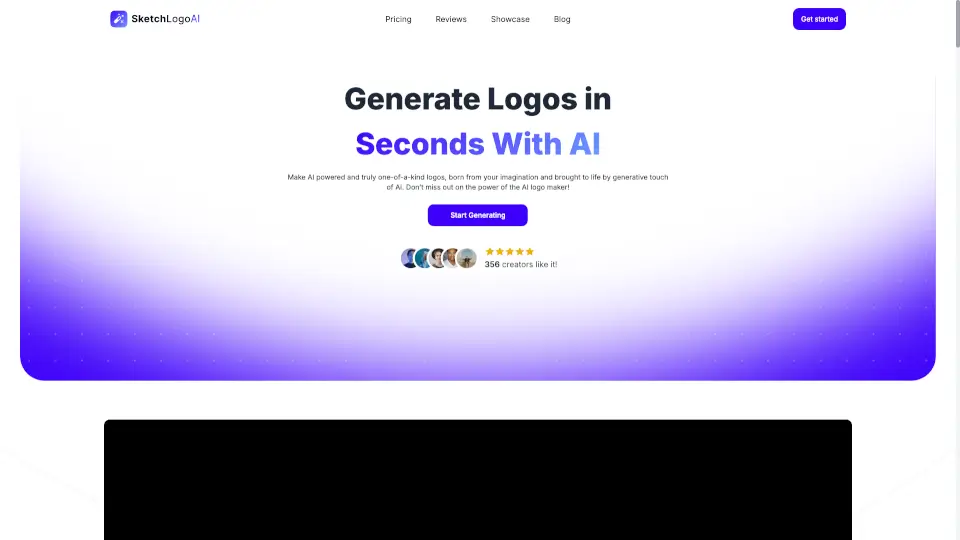
Sketch Logo AI

Sketch Logo AI

Sketch Logo AI makes logo design effortless with AI—sketch, prompt, and download pro designs in seconds. Perfect for brands, creators, and businesses!

US
18.87%
7.4K
3.0
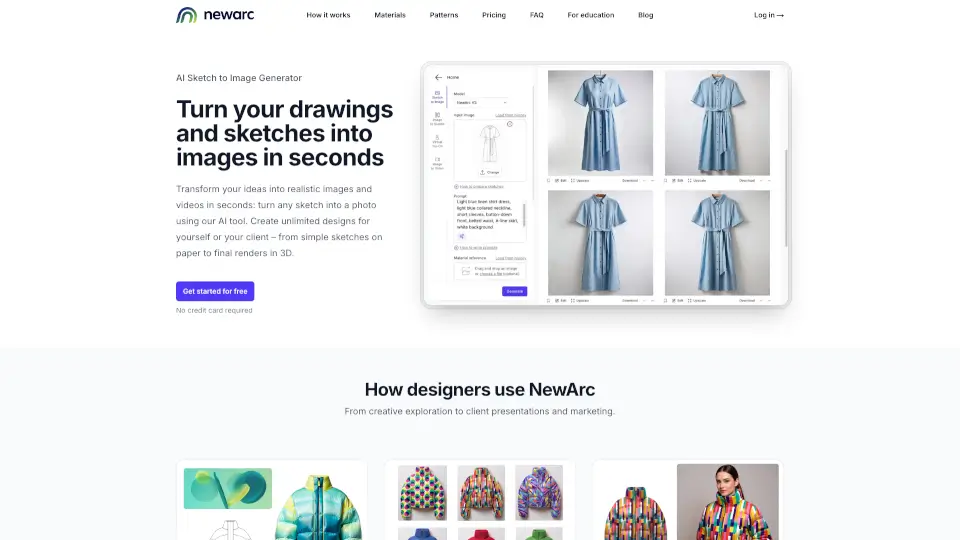
NewArc.ai

NewArc.ai

NewArc.ai turns sketches into pro-grade images instantly—perfect for designers who want speed, creativity, and control.

US
18.75%
54.8K
5.0
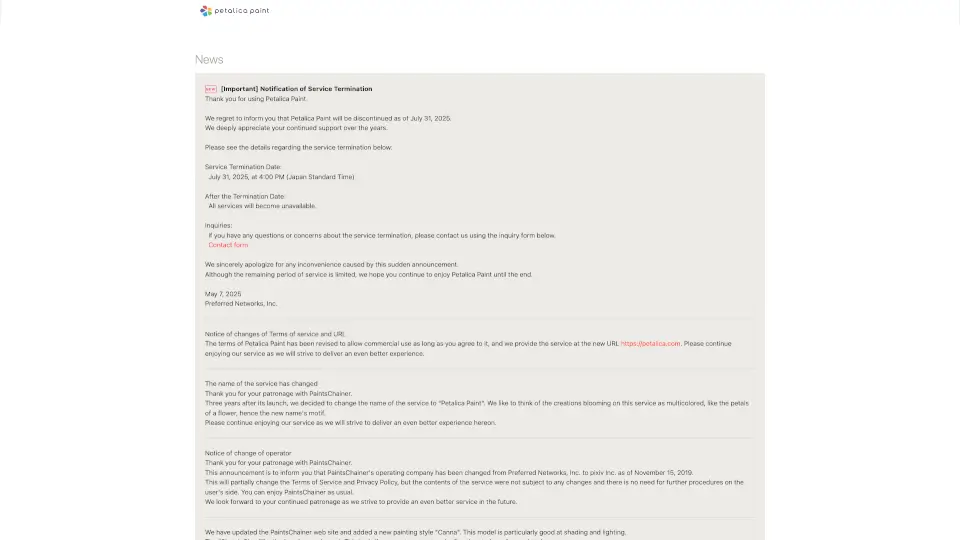
Petalica Paint

Petalica Paint

Petalica Paint is a user-friendly, AI-driven tool that makes coloring sketches effortless and fun. With features like automatic colorization and sketch simplification, it’s perfect for artists and hobbyists alike.

US
28.86%
16.0K
4.0
Scribble Diffusion

Scribble Diffusion

Transform your sketches into refined images with Scribble Diffusion.

VN
100.00%
3.5K
3.0
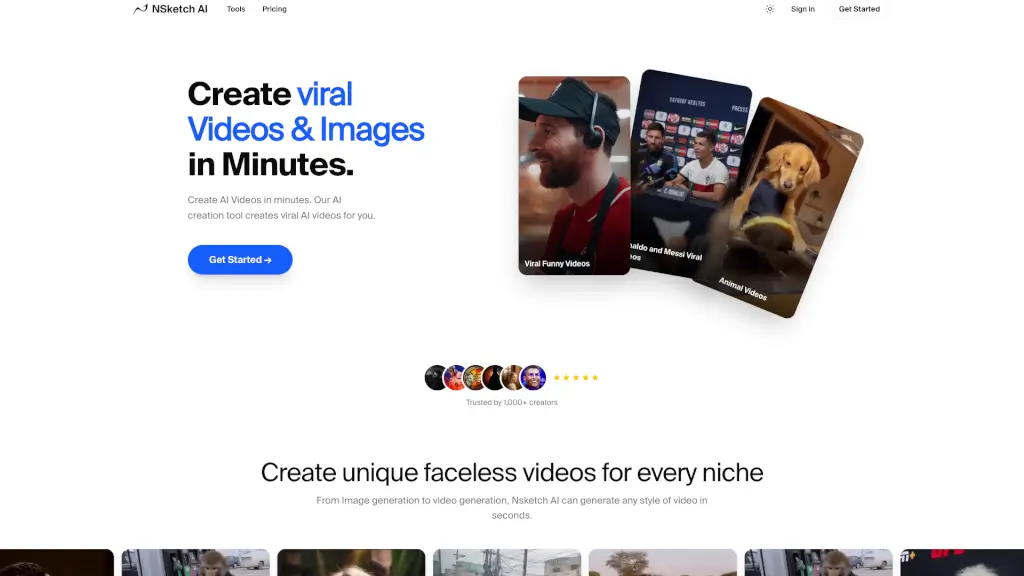
Nsketch AI

Nsketch AI

NSketch is your go-to AI video and image generator, transforming your ideas into professional, high-quality content in seconds, perfect for creators and brands.

BR
25.84%
4.6K
3.0
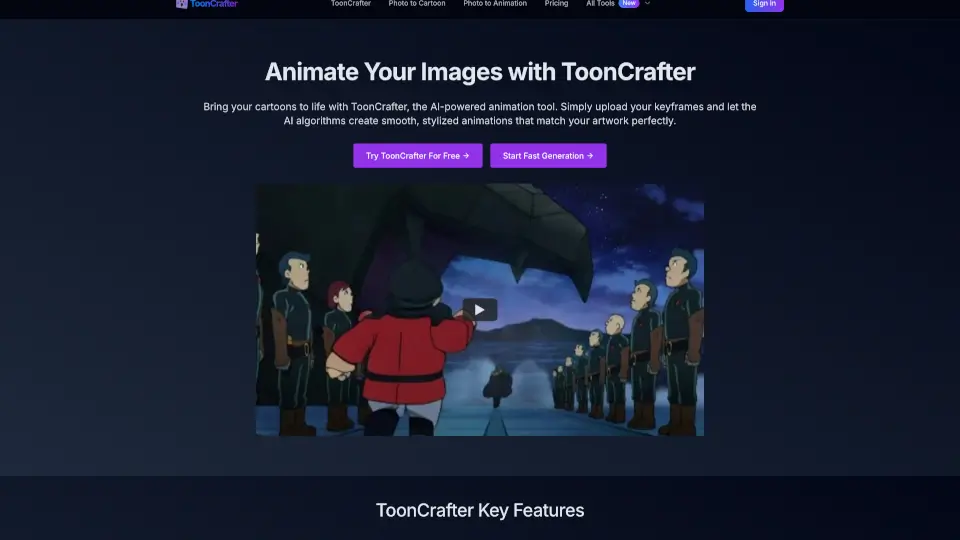
ToonCrafter

ToonCrafter

ToonCrafter makes cartoon animation easy—upload, click, and watch your art come alive. Perfect for creators of all levels!

US
19.31%
21.6K
4.0
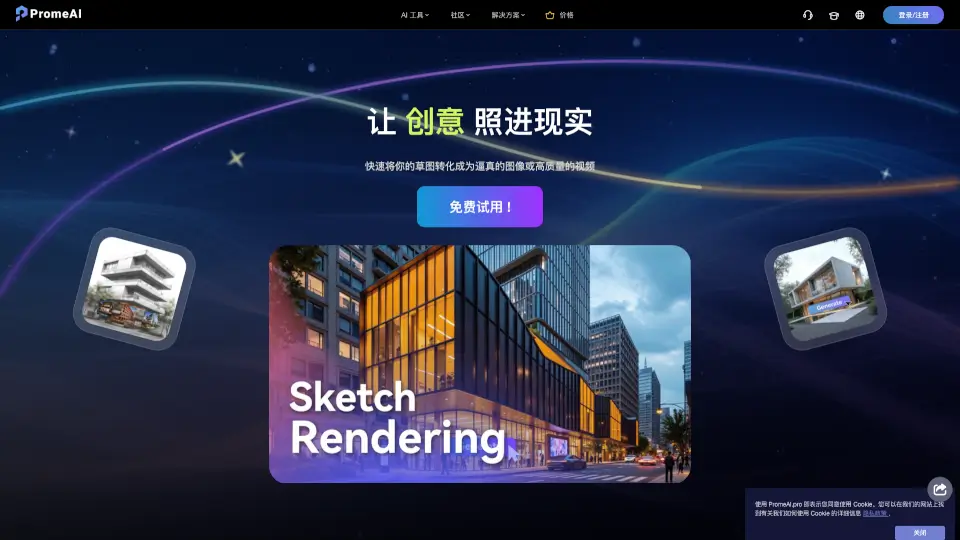
PromeAI

PromeAI

PromeAI is a free and powerful AI image generator and editor, offering a wide range of tools to create and edit high-quality images and videos, perfect for designers, architects, and artists.

US
10.38%
786.8K
5.0
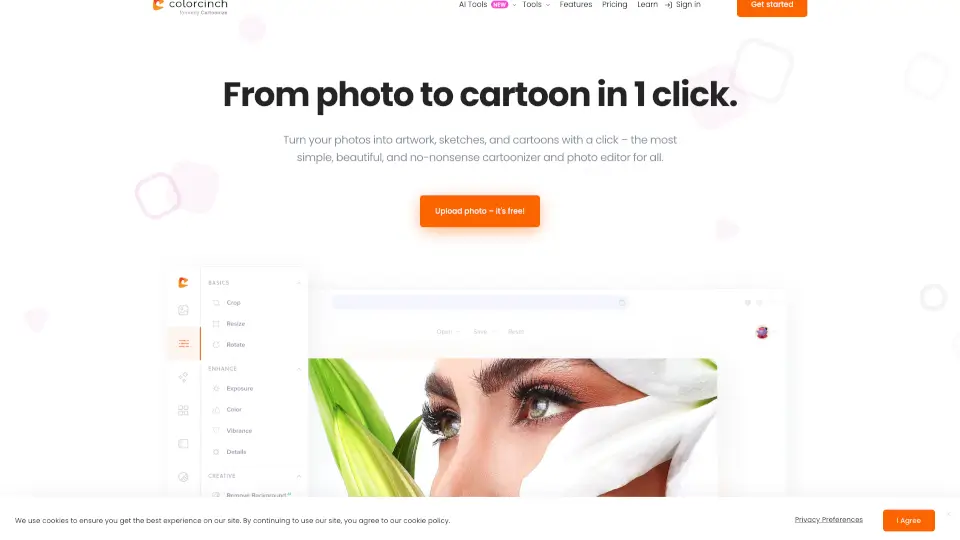
Cartoon Yourself

Cartoon Yourself

Photo to Cartoon is a simple, powerful tool that turns your photos into cartoons, sketches, and artwork with just one click. Perfect for creating avatars, memes, and creative projects.

US
17.17%
105.4K
5.0

Sketch To Related Other Categories

Sketch To Traffic Analysis

💡 Insights

🌱
Emerging Tool
10K-100K monthly visits. Niche or new tool with potential unique value.
⚠️
Slight Decline
Traffic has slightly decreased recently.
👍
Good Experience
Bounce rate of 40%. Users are willing to explore features.
  • Monthly Visits

    49.09K

  • Bounce Rate

    40.16%

  • Pages Per Visit

    2.22

  • Visit Duration

    00:00:44

  • Global Rank

    656930

  • Country Rank

    506461

Visits Over Time

Traffic Sources

Search Organic76.35%
Direct11.82%
Gen Ai6.18%
Social Organic4.52%
Referrals1.14%
Search Paid0.00%
Social Paid0.00%
Affiliate0.00%

Top Keywords

1
how does higgsfield compares to magnific
190Traffic
2
手绘图画转照片 ai
180Traffic
3
sketchhto
150Traffic
4
sketchhto funko pop
150Traffic
5
really good automatic mii maker
130Traffic

Top Regions

RegionPercentage
United States
United States
24.24%
India
India
10.76%
Brazil
Brazil
8.28%
Nigeria
Nigeria
7.38%
Vietnam
Vietnam
6.13%
Low
High

Powered by SimilarWeb

Sketch To FAQ

What's the difference between the Standard and Professional models?

The Standard model is great for general use, offering high-quality conversions for hobbies and drafts. New users get trial credits to start. The Professional model uses advanced AI for superior detail, texture, and realism, ideal for commercial projects and professional artists.

How much does Sketch To cost?

The Standard model uses 1 credit per conversion, and new users receive trial credits. For the Professional model, you can purchase credits as needed, with no subscription required.

What are the best practices for how to convert photo to sketch?

Use a clear, well-lit, high-resolution photo for the best results. Photos with strong contrast and clear subjects tend to create the most detailed sketches.

What file formats are supported?

Sketch To supports all major image formats including JPG, PNG, WEBP, and more. You can upload images up to 10MB in size.

Can I use Sketch To for commercial purposes?

Yes! The Professional model is specifically designed for commercial use, delivering industry-leading results for client work and business projects.

How long does it take to process an image?

Most conversions are completed within seconds. The exact time depends on the image size and complexity, but our cloud infrastructure ensures fast processing for all users.

Sketch To Reviews

0

0

0 Reviews
Sign Into leave a review

Recent Reviews

No reviews yet

Sketch To Embed

Use website badges to drive community support for SeekTool.ai. They are easy to embed in your homepage or footer.

Light
Dark
Sketch To - Featured on SeekTool.aiSketch To - Featured on SeekTool.ai
How to install?