What is Aperty?
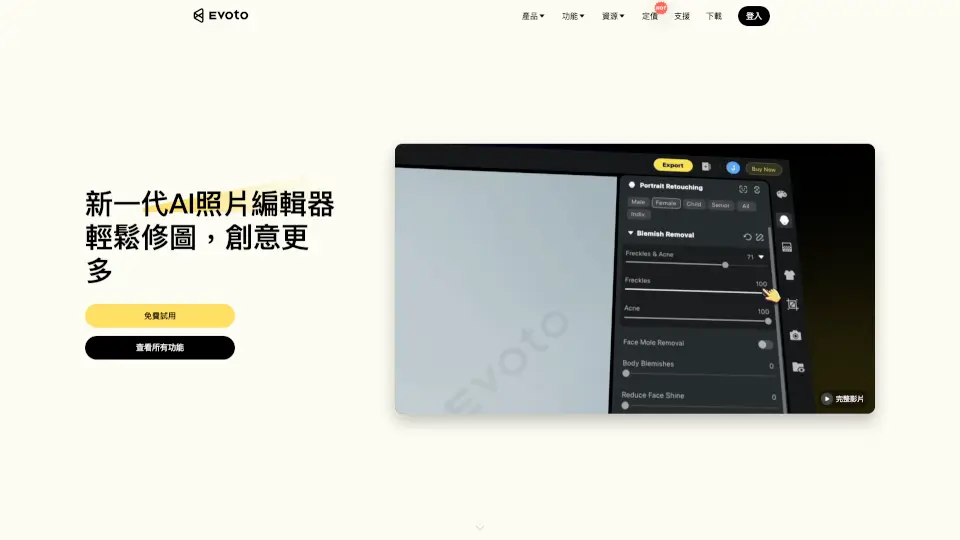
Aperty Portrait Photo Editor is your go-to tool for creating stunning portraits in a flash. Whether you're a pro photographer or just love editing photos, Aperty’s AI-powered features make retouching effortless. Smooth skin, enhance makeup, adjust lighting, and more—all while keeping edits natural and polished. Plus, it works as a standalone app or a plugin for Photoshop and Lightroom.
What are the features of Aperty?
- Portrait Retouching: Remove blemishes, smooth wrinkles, and perfect skin with a single click.
- Makeup Enhance: Add blush, contour, and lip color for a flawless finish.
- Light Control: Fix overexposed or dark photos by adjusting light sources.
- Reshape & Eye Editor: Refine facial features and brighten eyes for a captivating look.
- Batch Editing: Save time by retouching multiple photos at once.
- Presets: Over 50 built-in AI presets for quick, professional edits.
What are the use cases of Aperty?
- Wedding Photography: Perfect romantic moments with natural-looking edits.
- Fashion Photography: Enhance details for iconic, high-end portraits.
- Family Photos: Keep warmth and emotion while retouching imperfections.
- Studio & Corporate Shots: Achieve pro-quality results with minimal effort.
- Event & Outdoor Photos: Brighten travel memories and event snapshots effortlessly.
How to use Aperty?
- Download & Install: Get Aperty for MacOS, Windows, or as a plugin for Photoshop/Lightroom.
- Upload Your Photo: Open your portrait in Aperty.
- Choose Tools: Use retouching, makeup, or light adjustments to enhance your image.
- Apply Presets (Optional): Speed up edits with one-click AI presets.
- Export: Save your polished portrait in high quality—no limits!