
What is Copilot for Microsoft 365?
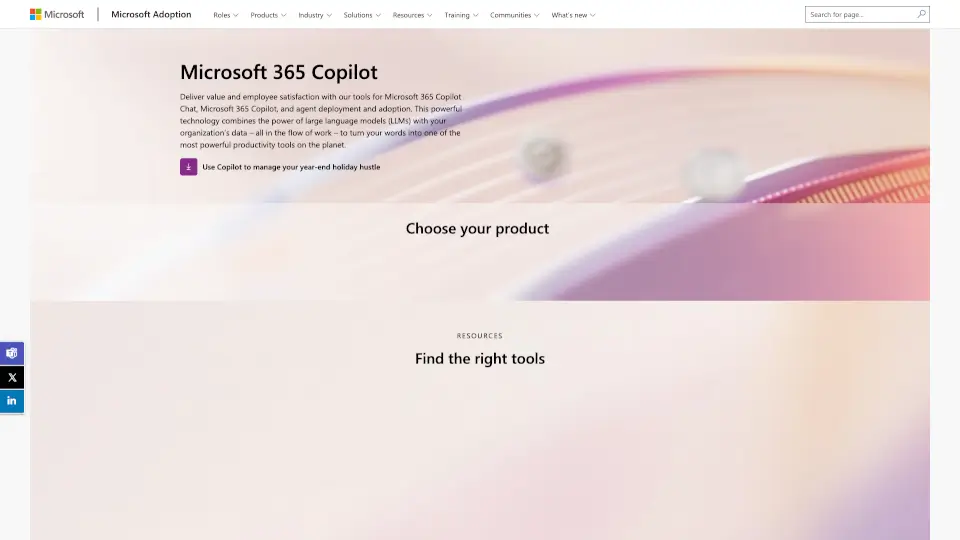
Microsoft 365 Copilot is an AI-powered assistant built right into the apps you use every day—like Word, Excel, Outlook, PowerPoint, and Teams. It helps you work smarter by turning your everyday tasks into quick wins, using your actual work data to give relevant, secure, and actionable suggestions. Think of it as your digital co-pilot that drafts emails, summarizes meetings, analyzes spreadsheets, and even helps build presentations—all while respecting your privacy and company policies.
Designed for real-world workflows, Copilot doesn’t just spit out generic answers. Thanks to Work IQ, it understands your context—your emails, files, chats, and calendar—to deliver responses that actually make sense for your job. Whether you're a sales rep preparing a client pitch or an HR manager onboarding new hires, Copilot adapts to your role and helps you get more done in less time.
What are the features of Copilot for Microsoft 365?
- Copilot Chat: A central AI workspace that pulls from your Microsoft 365 data to answer questions, draft content, and manage tasks across apps.
- Work IQ Integration: Uses your real work context—emails, meetings, files, and org structure—to ground responses in what’s actually happening in your business.
- App-Specific AI in Microsoft 365: Get tailored help in Word (drafting/editing), Excel (data analysis), PowerPoint (slide creation), Outlook (email summarization), and Teams (meeting notes).
- AI Agents: Specialized assistants like the Researcher and Analyst agents that automate multi-step tasks—from deep research to data insights.
- Copilot Cowork: Connects Copilot with third-party tools via plugins, turning workflows into automated actions across your tech stack.
- Prompt Gallery: Ready-to-use prompts to jumpstart common tasks like rewriting text, summarizing emails, or exploring new topics.
- Enterprise-Grade Security: Built on Microsoft’s trusted security, compliance, and identity infrastructure so your data stays protected.
What are the use cases of Copilot for Microsoft 365?
- A project manager uses Copilot in Teams to auto-generate meeting summaries and track action items during weekly syncs.
- An analyst imports sales data into Excel and asks Copilot to spot trends, explain formulas, and create shareable charts—without writing a single formula.
- An HR professional drafts personalized onboarding emails in Outlook using Copilot, pulling details from internal documents and employee records.
- A marketing lead uses the Researcher agent to compile competitor insights from internal reports and public sources in minutes.
- A small business owner leverages Copilot for SMB to streamline customer follow-ups, schedule appointments, and create proposals—all from one place.
- A team runs a “Prompt-a-thon” to crowdsource the best Copilot prompts and build a culture of AI-powered collaboration.
How to use Copilot for Microsoft 365?
- Start in Copilot Chat (web or desktop app) to ask broad questions or manage cross-app tasks.
- Use the Prompt Gallery to find proven prompts—just click “Try in Copilot” to test them instantly.
- In any Microsoft 365 app (Word, Excel, etc.), look for the Copilot icon in the ribbon to activate AI help specific to that tool.
- Enable Agents like Researcher or Analyst from the AI Agents Hub to automate complex, repetitive workflows.
- Join or create a Teams channel for Copilot to share tips, wins, and best practices with your colleagues.
- Download the Copilot app for Windows, Mac, iOS, or Android to keep all your AI interactions in one place.