What is Woizer?
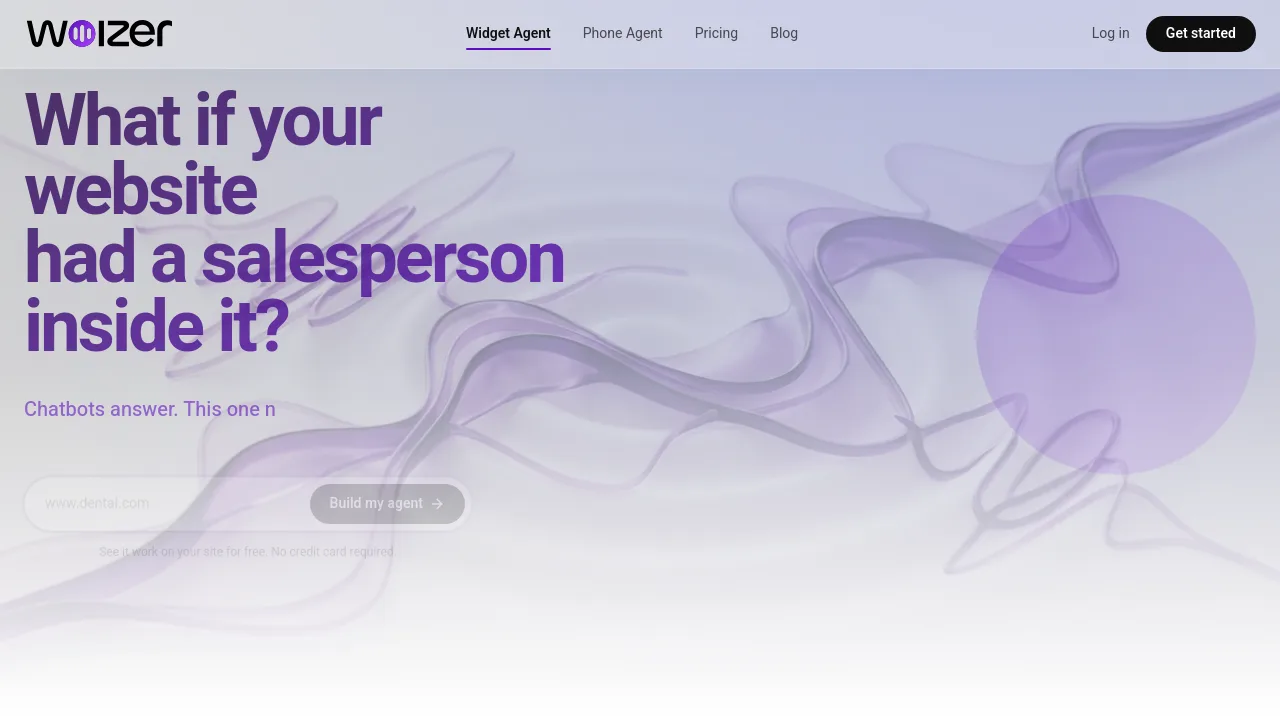
Woizer is an AI voice and text agent for websites that acts as a salesperson for visitors. It scans your site’s products, services, and policies, then builds a ready-to-use agent that answers questions and captures leads. Ideal for e-commerce, service businesses, and SaaS teams who want 24/7 customer interaction without coding. Works in 30+ languages and integrates via a widget or phone number.
What are the features of Woizer?
- Auto Site Scan: AI crawls your website to extract products, services, contact info, and policies, then builds a voice agent automatically without manual setup.
- Review & Preview: Test the agent live on your site before publishing. Tweak responses or approve as-is — no technical skills required.
- Call Recording & Transcription: Every voice call is recorded and automatically transcribed. Search conversations and review sentiment analysis to understand customer needs.
- Dashboard & Analytics: See total chats, average duration, open rate, and session volume over time. Track chat outcomes (completed, action required, bounced) and recent calls with sentiment.
- Smart Learning: The agent analyzes conversations, suggests knowledge improvements, and lets you approve updates with one click, so it gets smarter over time.
What are the use cases of Woizer?
- E-commerce stores use Woizer to answer product questions, highlight features, and guide visitors to checkout without human support.
- Home service businesses deploy the agent to handle booking inquiries, explain services, and collect contact details from website visitors.
- SaaS companies embed the widget to answer common support questions, demo features, and qualify leads before a sales call.
- Dental and vet clinics set up a phone agent to handle appointment requests, share office hours, and answer policy questions automatically.
- Restaurants use the agent to answer menu questions, take reservations, and provide directions or delivery info via text or voice.
How to use Woizer?
- Paste your website URL into Woizer’s setup to let the AI crawl and automatically build your agent from existing content.
- Preview the agent in a live test widget on your site. Adjust responses, add knowledge, or approve as-is.
- Publish the agent to your website via a widget or connect a phone number to enable voice calls.
- Monitor performance in the dashboard: check chat volume, duration, outcomes, and recent call transcripts.
- Review AI-generated suggestions for knowledge improvements and approve them to keep your agent up to date.