
What is Toqan?
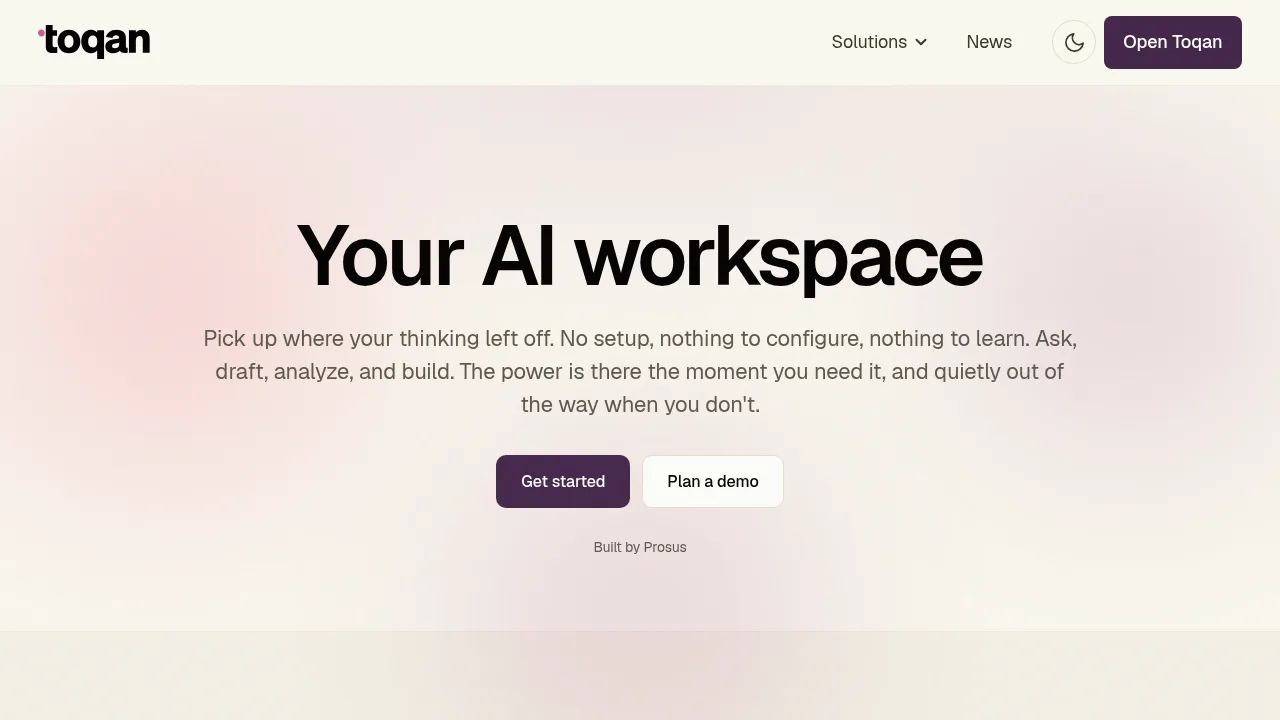
Toqan is an AI workspace built by Prosus for asking questions, drafting content, analyzing data, and building internal applications. It connects to tools such as Slack, Google Drive, Gmail, Calendar, Linear, and Notion through MCP and OAuth. The vendor states the platform requires no setup or configuration before use.
What are the features of Toqan?
- Application generationCreates dashboards, tools, and internal apps from a single text prompt describing the requirement, then allows sharing the finished app with a team.
- Persistent contextRetains conversation history so work resumes without recapping previous interactions.
- Scheduled executionRuns one-off or recurring tasks on a user-defined schedule without manual intervention.
- Tool integrationsConnects to Slack, Google Drive, Gmail, Calendar, Linear, and Notion via MCP and OAuth through a Connections section.
- Document searchQueries PDFs, Google Drive files, and Sheets using plain language prompts.
- Web searchSearches the web directly within the workspace.
What are the use cases of Toqan?
- Automated reportingGenerates KPI digests and pulls reports on a recurring schedule, such as weekly summaries.
- Restaurant operationsAutomates staff scheduling, stock ordering, financial administration, and marketing through a dedicated Toqan for Restaurants product at restaurants.toqan.ai.
- HR and support automationHandles CV review, support analytics, and customer-facing assistant tasks.
How to use Toqan?
- Open the workspaceAccess the web interface to begin interacting without prior setup or configuration.
- Describe the taskAsk questions, request drafts, analyze data, or prompt the system to build an application.
- Connect toolsLink external services like Slack or Google Drive through the Connections section when required.
- Share outputsDistribute completed apps or reports to team members directly from the workspace.