
What is Survicate?
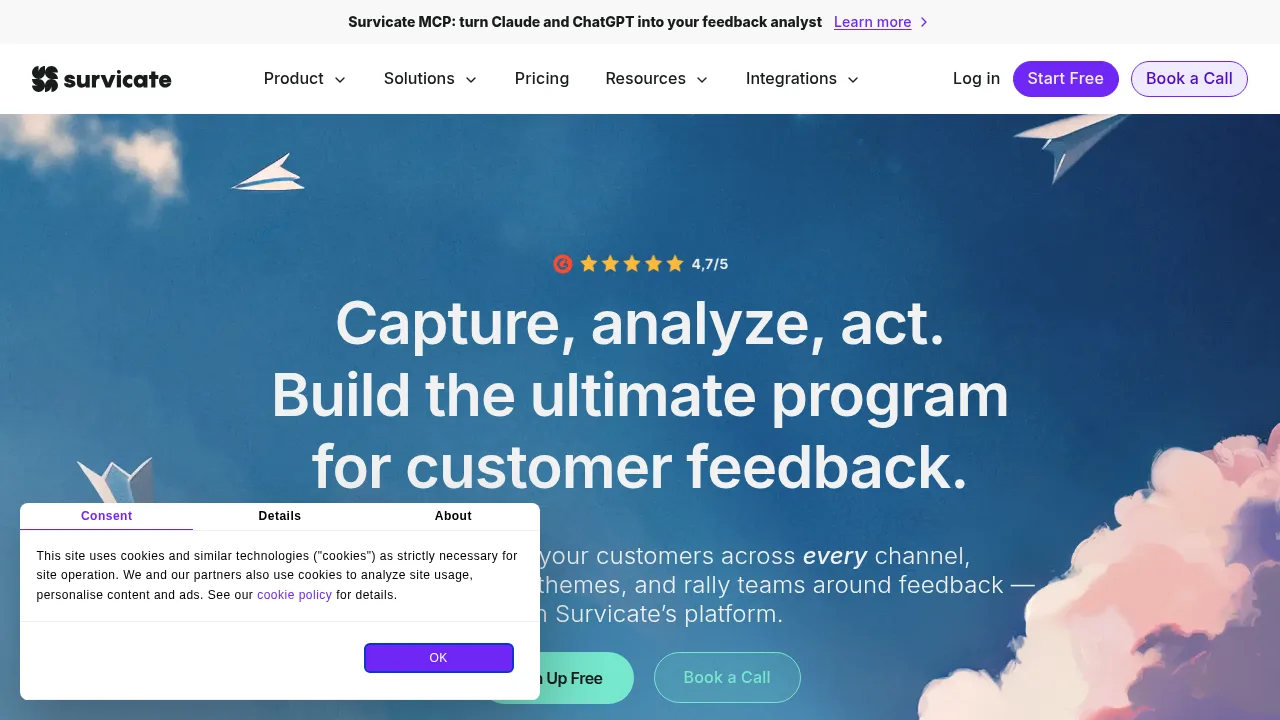
Survicate is a customer feedback platform that collects, analyzes, and routes survey responses across websites, mobile apps, emails, and chat. It centralizes feedback from surveys, support tickets, reviews, and call recordings into one workspace. A free sign-up option is available.
What are the features of Survicate?
- Multi-channel survey deploymentDistributes surveys via website pop-ups, embedded forms, feedback buttons, iOS and Android mobile apps, email campaigns, shareable links, and chat integrations like Intercom or Braze.
- Automated topic categorizationSorts incoming feedback into themes such as user experience or technical issues using natural language processing to detect sentiment as positive, neutral, or negative.
- AI-powered research chatbot (Research Hub)Accepts natural-language questions and returns summaries drawn from connected feedback sources, including surveys, support tickets, and reviews.
- Event-triggered distributionLaunches surveys automatically based on user actions such as completing a purchase, closing a support ticket, canceling a subscription, or reaching a journey milestone.
- CRM data enrichmentAppends existing CRM and product data to survey responses for segmentation without requiring respondents to repeat known information.
- Custom metric dashboardsDisplays real-time tracking of Net Promoter Score (NPS), Customer Satisfaction (CSAT), Customer Effort Score (CES), response rates, and sentiment trends with filters for demographic or behavioral segments.
What are the use cases of Survicate?
- Post-purchase evaluationTriggers a survey after a completed transaction to capture immediate satisfaction data before routing it to the product team.
- Support interaction follow-upSends a CSAT survey when a Zendesk or Intercom ticket closes, then updates the contact record in the connected help desk.
- Recurring loyalty measurementSchedules quarterly NPS evaluations to track customer sentiment shifts over time across defined user segments.
How to use Survicate?
- Select a template or start blankChoose from pre-built templates covering NPS, CSAT, CES, and product-market fit, or build a custom survey in the web builder.
- Configure questions and logicAdd questions, apply AI-assisted suggestions, set conditional branching paths, and customize branding elements.
- Choose distribution channelsAssign the survey to website widgets, email campaigns, mobile apps, or chat platforms.
- Preview the surveyUse the preview function to verify appearance and behavior before launch.
- Set automation triggersDefine user actions, lifecycle stages, or schedules that will deploy the survey automatically.
Survicate Pricing Information:
- Free sign-upAvailable at no stated cost; specific feature quotas or limits are not detailed in the source.