
What is Huddles?
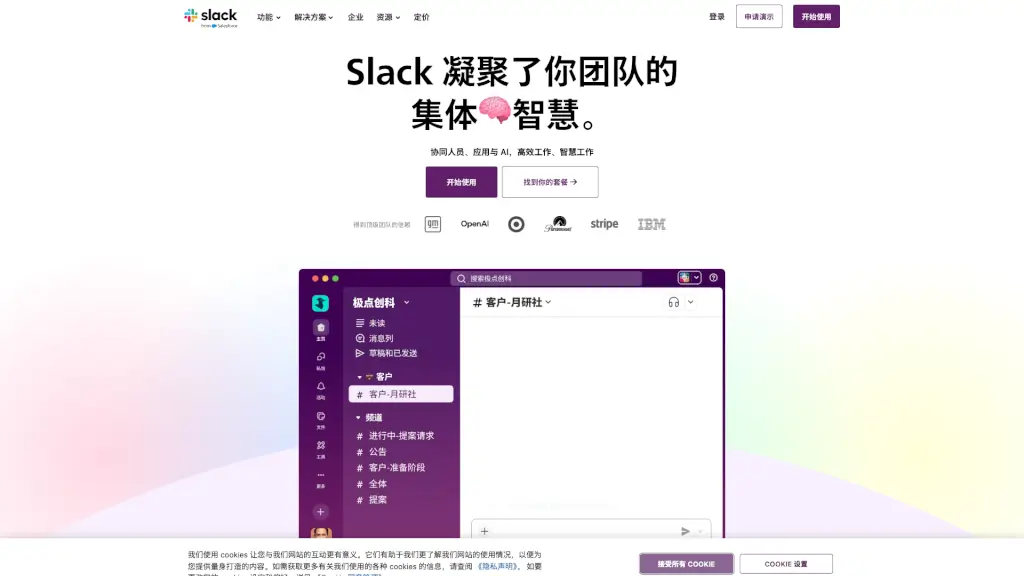
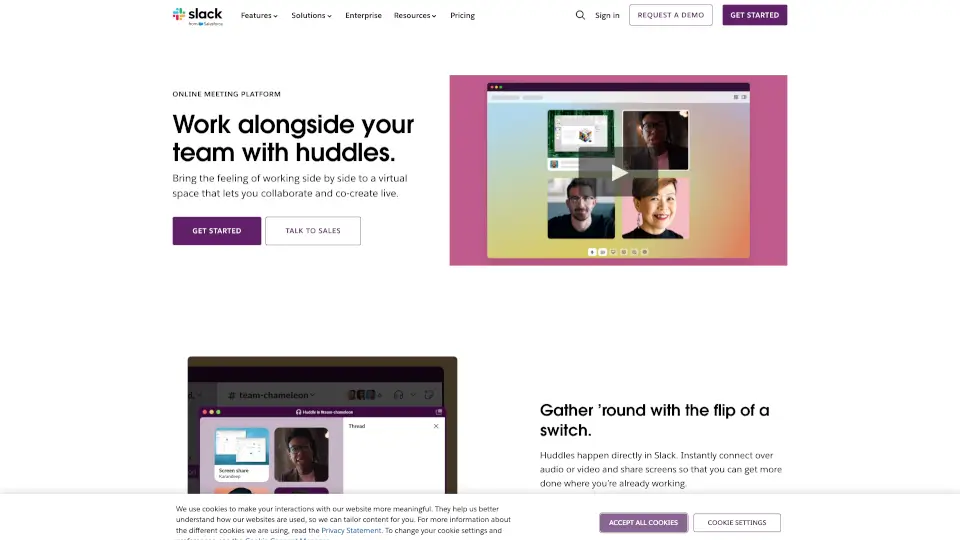
Slack Huddles is a lightweight, virtual meeting platform that lets teams connect instantly over audio or video. Whether it’s a quick chat or a brainstorming session, Huddles keeps your team in sync without leaving Slack.
What are the features of Huddles?
- Instant Connection: Start a huddle with just a click—right from your Slack channel or direct message.
- Audio & Video: Switch between audio-only or video calls for deeper collaboration.
- Screen Sharing: Share your screen to work on documents or presentations together.
- Fun Reactions: Use emojis and colorful backgrounds to liven up the conversation.
- Automatic Saving: Links, documents, and messages shared in huddles are saved for easy reference.
What are the use cases of Huddles?
- Quick Questions: Need an immediate answer? Start a huddle for a fast chat.
- Brainstorming Sessions: Collaborate live with your team to generate ideas.
- Problem Solving: Work through issues together in real-time.
- Document Collaboration: Share screens to co-create slides or documents.
How to use Huddles?
- Open Slack and navigate to the channel or direct message where you want to start a huddle.
- Click the headphones icon in the conversation header.
- Choose between audio or video and invite team members to join.
- Share your screen or use reactions to enhance the conversation.