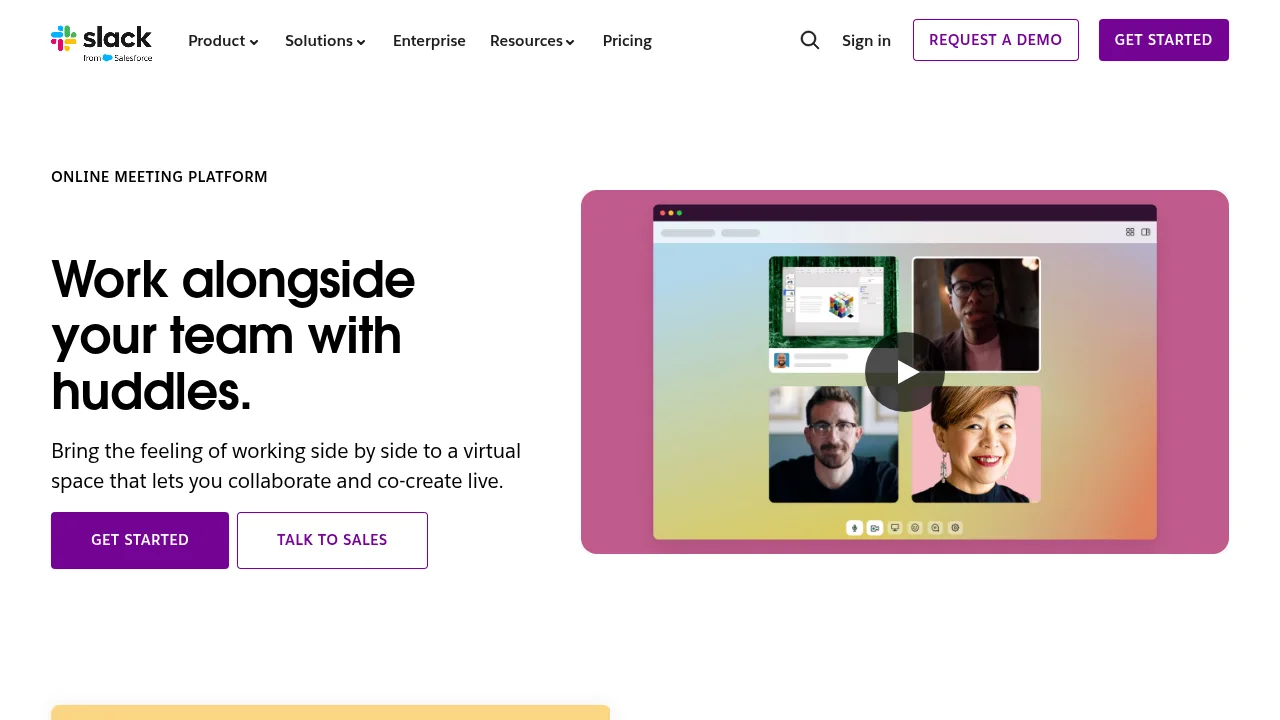
Huddles provides instant audio and video meetings inside Slack, with optional AI note-taking and automatic saving of shared links and documents.

Social Media:

Huddles Product Information

What is Huddles?

Huddles is an audio and video conferencing feature built directly into Slack for team collaboration. It allows users to start spontaneous meetings from channels or direct messages on desktop, mobile, and iPad. Free Slack accounts are limited to two participants and 30-minute sessions.

What are the features of Huddles?

  • Audio and video calls
    Conversations begin as audio-only and can be upgraded to include video and screen sharing during the session.
  • AI meeting notes
    Automatically organizes key points, action items, and speaker attribution into a canvas when the huddle ends, after a participant enables it.
  • Automatic content saving
    Links, documents, and messages shared during the session are retained in Slack once the huddle concludes.
  • In-call interactions
    Participants can use emoji reactions, virtual backgrounds, visual effects, and threaded text messages during the conversation.

What are the use cases of Huddles?

  • Spontaneous problem solving
    Starting an immediate session to ask a quick question or resolve an issue without scheduling a formal meeting.
  • Live document collaboration
    Working together on slides or documents while sharing screens within the same Slack channel.

How to use Huddles?

  1. Open a conversation
    Navigate to an existing Slack channel or direct message on desktop, mobile, or iPad.
  2. Start the huddle
    Click the headphones icon in the conversation header to begin an audio-only session.
  3. Add video or screen sharing
    Turn on video or share your screen if deeper visual collaboration is needed.
  4. Enable AI notes
    A participant can turn on AI note-taking, which triggers a visible notification to everyone in the session.

Huddles Pricing Information:

  • Free version of Slack
    Limited to two participants per huddle with a 30-minute maximum duration.
  • Paid versions of Slack
    Supports unlimited group huddles without the stated participant or time limits.
Do you like this tool?

Upvote to help others discover it!

Huddles Alternatives

HuddleMate

HuddleMate

HuddleMate captures live audio and screen content to display suggested responses during interviews, sales calls, and meetings.

US
93.94%
224.6K
0
Hedy AI

Hedy AI

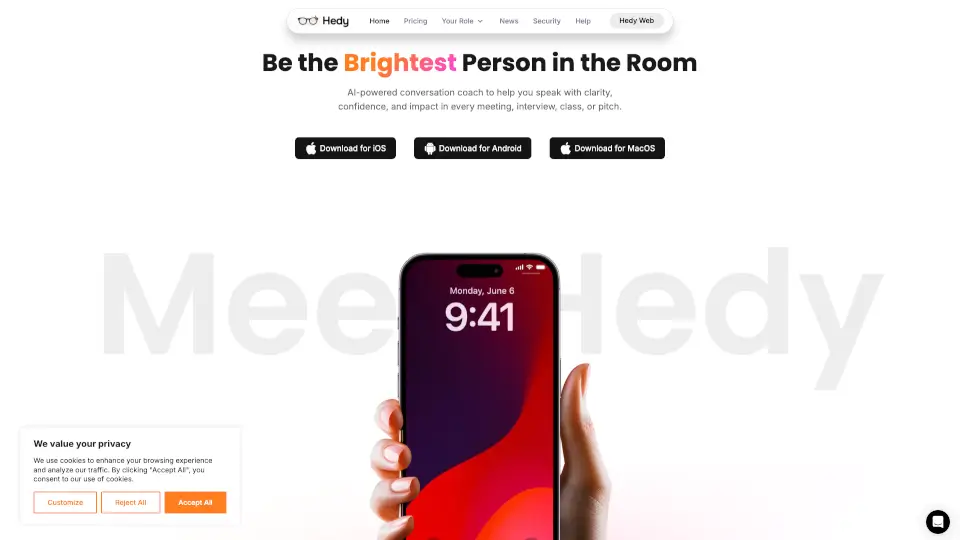
Hedy AI is the ultimate wingman for meetings and classes, offering real-time coaching, multilingual support, and AI summaries to help you communicate smarter.

US
28.28%
51.3K
0
Slack

Slack

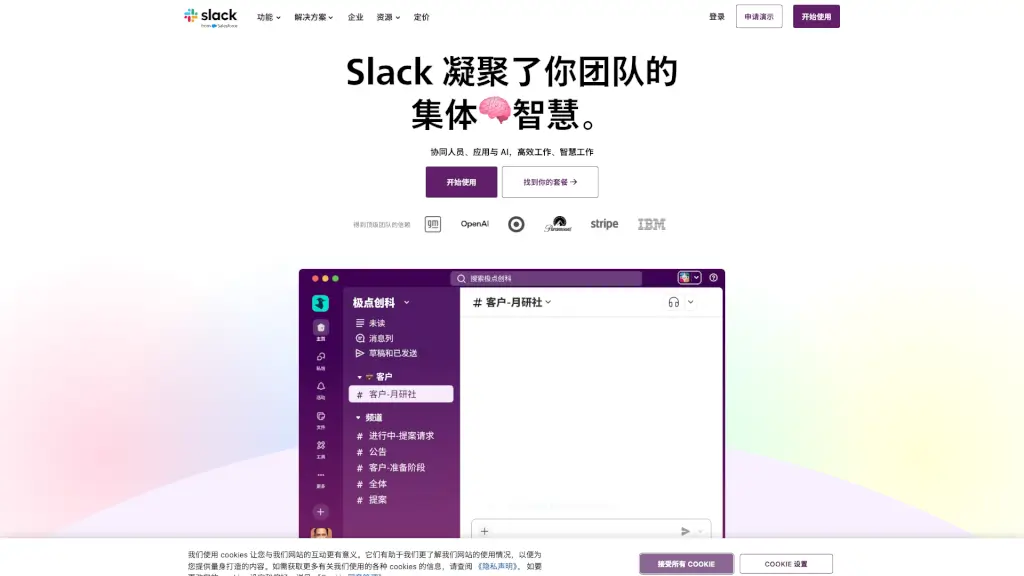
Slack is an AI-powered work platform that streamlines collaboration, automates workflows, and connects teams, making it easier to get things done.

US
35.48%
147.0M
0
Meeting.ai

Meeting.ai

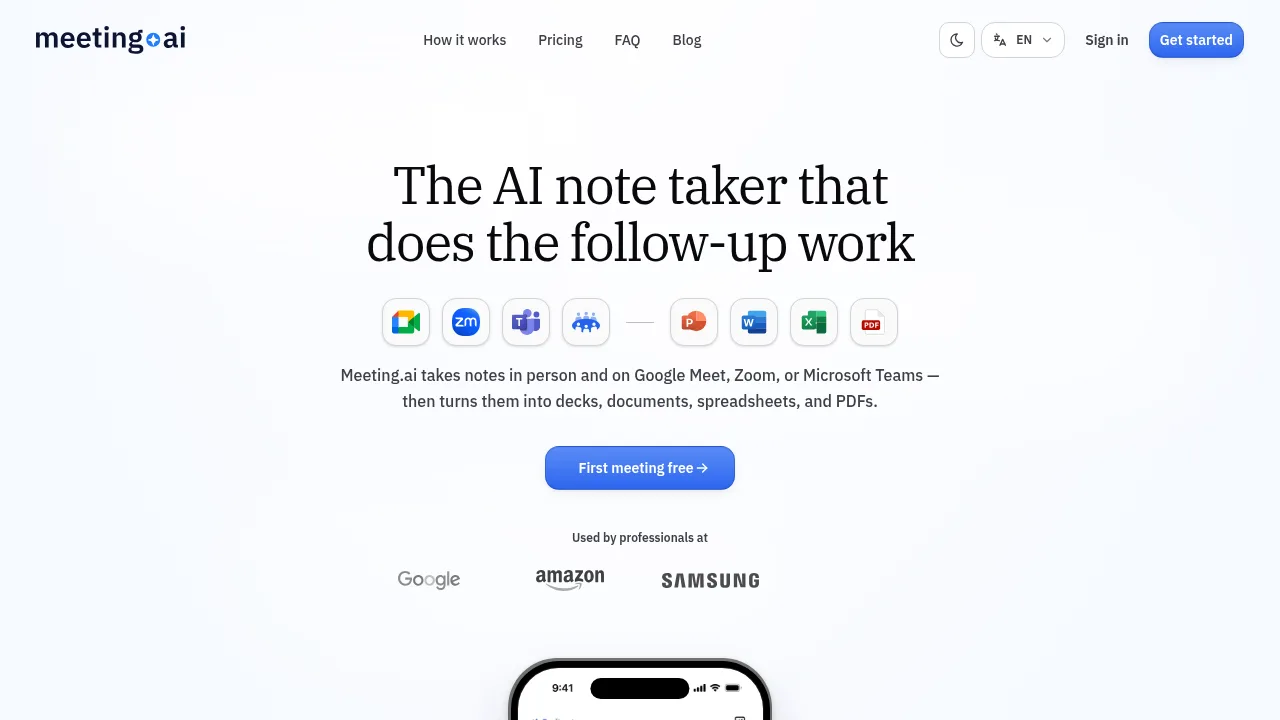
Meeting.ai transcribes meetings and converts them into editable presentations, documents, and spreadsheets based on the spoken content.

ID
39.39%
135.7K
0
HiNoter

HiNoter

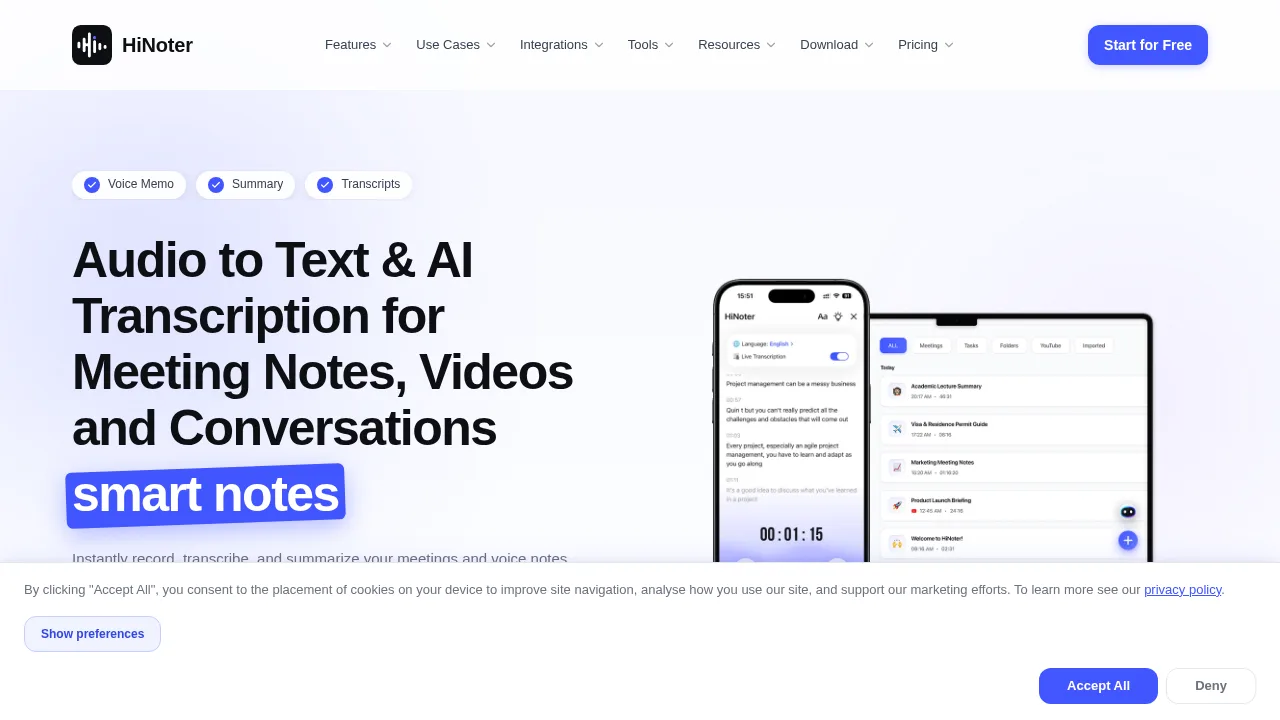
HiNoter converts live meetings, uploaded audio, and YouTube videos into structured transcripts with automated summaries and action items.

BR
12.60%
468.6K
0
Cody

Cody

MeetCody.ai is an AI meeting assistant that joins your calls, takes notes, and delivers smart summaries so you never miss a detail.

US
9.76%
87.1K
0
mymeet.ai

mymeet.ai

Boost your meeting productivity with mymeet.ai’s AI assistant that automatically summarizes, assigns tasks, and generates accurate transcripts in over 100 languages.

RU
61.19%
259.6K
0
Cockatoo

Cockatoo

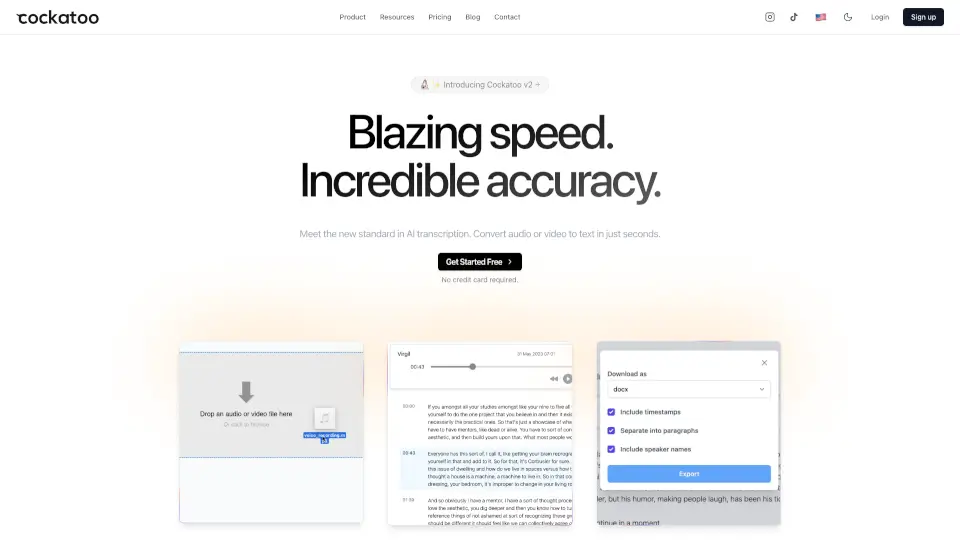
Cockatoo is an AI meeting assistant that turns live calls into clear summaries, action items, and searchable notes—so teams stay aligned without extra work.

US
49.47%
73.4K
0

Huddles Related Other Categories

Huddles Traffic Analysis

These figures cover the whole website slack.com. Multiple listings share this website; only one representative is included in traffic rankings.

Data month: 2026-10

  • Monthly Visits

    146.95M

  • Bounce Rate

    27.60%

  • Pages Per Visit

    8.47

  • Visit Duration

    00:16:04

  • Global Rank

    217

  • Country Rank

    208

Visits Over Time

Traffic Sources

Direct84.30%
Search Organic4.69%
Referrals3.31%
Social Organic3.30%
Mail3.22%
Gen Ai0.91%
Display Ads0.17%
Search Paid0.05%
Social Paid0.03%
Affiliate0.01%

Top Keywords

1
slack
CPC$2.58
2.20MTraffic
2
slack login
CPC$1.78
115.76KTraffic
3
スラック
CPC$2.32
103.31KTraffic
4
slack download
CPC$2.52
79.97KTraffic
5
슬랙
CPC$0.13
47.86KTraffic

Top Regions

RegionPercentage
United States
United States
35.48%
Japan
Japan
21.17%
India
India
5.27%
United Kingdom
United Kingdom
4.38%
Canada
Canada
2.89%
Low
High

Powered by SimilarWeb

Huddles FAQ

Who can view the AI-generated notes and transcripts after a huddle?

Anyone in the channel or direct message where the huddle took place can view the notes canvas. Transcripts are embedded in that canvas but do not appear in search results.

Does AI take notes automatically in every huddle?

No. AI notes only activate when a participant manually turns them on, and all attendees receive a persistent notification until the feature is stopped or the huddle ends.

Huddles Reviews

0
0 Reviews
Sign Into leave a review

Recent Reviews

No reviews yet

Huddles Embed

Use website badges to drive community support for SeekTool.ai. They are easy to embed in your homepage or footer.

Light
Dark
Huddles - Featured on SeekTool.aiHuddles - Featured on SeekTool.ai
How to install?

Category Rankings

Ranked by monthly traffic